How to Fix PUBG Stuck on “Initializing” on Steam

Fix PUBG stuck on Initializing on Steam with a focused checklist for PC service notices, launch options, game files, downloads, and connection issues.
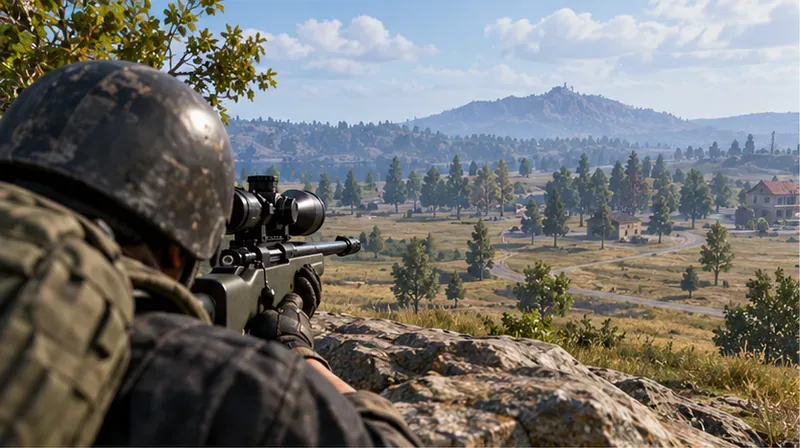
Quick answer: For a versatile bolt-action loadout, use the highest scope you can aim comfortably with, then choose a muzzle for your goal: the Sniper Rifle Barrel Extender for more bullet damage, a compensator or muzzle brake for steadier follow-up shots, or a suppressor when reducing shot sound matters. Add a cheek pad or reload attachment when the weapon supports it. These best sniper attachments in PUBG Mobile improve damage or handling, but no attachment guarantees an instant elimination; hit location, the opponent's helmet and health, range, and mode balance all matter.
For most mobile players, a 4x or 6x is easier to use across changing fights than maximum zoom. Pick an 8x when you have room to hold an angle and can control the view. Treat the loadouts below as priorities, then confirm compatibility in the in-game backpack: weapon slots and available attachments can vary by rifle, mode, and update.
| Weapon | Scope | Muzzle priority | Other useful attachment |
|---|---|---|---|
| AWM | 6x for flexible fights; 8x for a controlled long-range angle | Sniper Rifle Barrel Extender for damage; suppressor for quieter shots | Extended Quickdraw Mag or cheek pad, if the slot is available |
| M24 | 4x or 6x for movement and target tracking; 8x for distance | Barrel Extender for harder hits; compensator or muzzle brake for steadier aim | Extended Quickdraw Mag, then cheek pad when compatible |
| Kar98k / Mosin Nagant | 4x or 6x as an all-around choice; 8x when you can hold still | Barrel Extender for damage, or a recoil-control muzzle for follow-up shots | Choose a cheek pad or bullet loop based on the compatible slot and your reload needs |
| Win94 | Use its built-in 2.7x optic | Pick the compatible muzzle that fits your priority | Look for its compatible reload option instead of searching for a removable long-range scope |
| SLR and other DMRs | 4x or 6x for repeated shots and easier target tracking | Favor stability for follow-up taps; use a suppressor if sound reduction is more useful | An extended magazine helps when you need several shots before reloading |
The AWM is the natural choice when you want the highest first-shot impact among these familiar rifles, but the attachment that adds damage is not a substitute for a headshot. The M24 is a flexible bolt-action option; the Kar98k and Mosin are useful when you find one early. The SLR is a designated marksman rifle, so build it for repeatable follow-up shots rather than expecting it to behave like a bolt-action sniper.
The biggest update missing from many older PUBG Mobile sniper attachment guides is the dedicated Sniper Rifle Barrel Extender. PUBG MOBILE's version 3.9 notes say this attachment significantly increases sniper bullet damage while slightly increasing firing sway. Choose it when your priority is first-shot damage and you have time to settle your aim. If your aim feels less steady or you often need a quick second shot, a stability-focused muzzle can be the better trade.
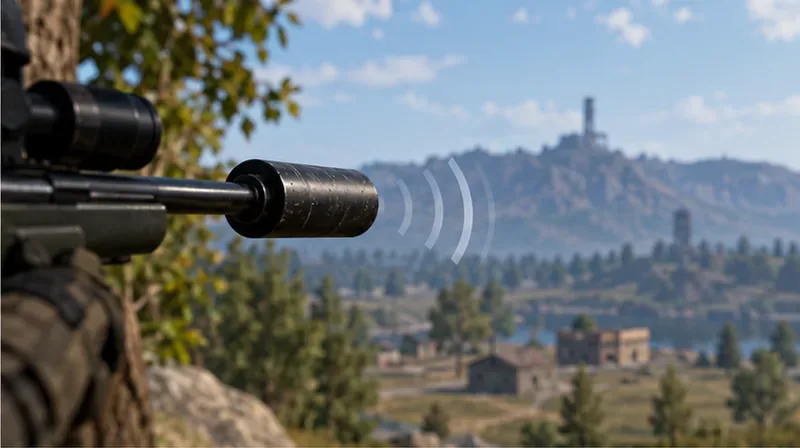
For a quick rule: take the Barrel Extender for damage, a compensator or muzzle brake for steadier follow-ups, and a suppressor when sound concealment matters more than the other trade-offs. Read the attachment description in your backpack if you are unsure which version or effect your current build uses.
More zoom helps you identify and track a distant target, but it also narrows your view and magnifies small movements. A 6x is a strong all-purpose option when it is available; use less magnification for closer fights or more when you can take a stable shot. Do not pass up a usable scope while waiting for an 8x. The Win94 is an exception: PUBG MOBILE's patch notes describe its own 2.7x scope, so plan around that optic rather than a normal swap-in scope.
The official attachment guide describes the sniper-rifle cheek pad as reducing vertical recoil. That makes it useful when you want to reacquire a target after firing. It is not an ADS-speed upgrade, and it cannot steady a shot for you. If the rifle offers a choice between cheek pad and bullet loop, decide whether recoil control or a faster reload will help more in your match.
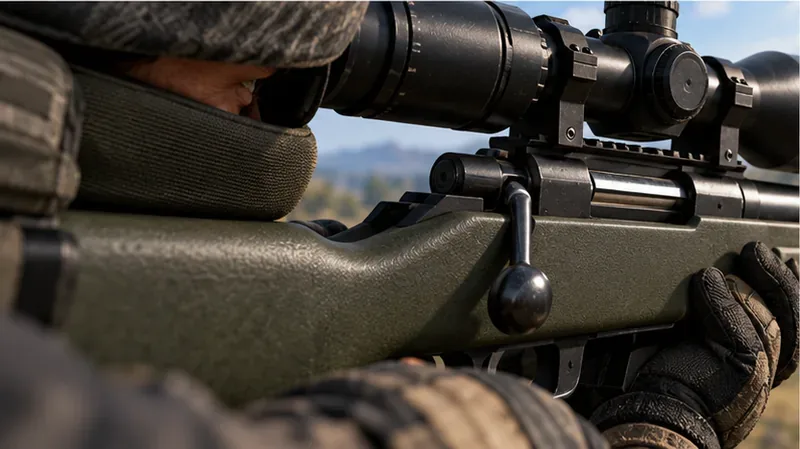
An extended magazine gives you more rounds before reloading; a quickdraw magazine shortens the reload; an extended quickdraw magazine combines both benefits where supported. A bullet loop is a separate reload aid for compatible sniper rifles and shotguns. These parts do not raise damage, so put them behind the muzzle or optic choice if you are still missing the attachment that matters most to your aim.
At the training ground, fire a few shots with the two muzzle options you are considering. Notice how quickly the sight returns to the target and whether the extra damage-focused sway affects your control. There is no universal sensitivity number that works for every screen size, frame rate, or gyro setup, so keep the setup you can repeat reliably.
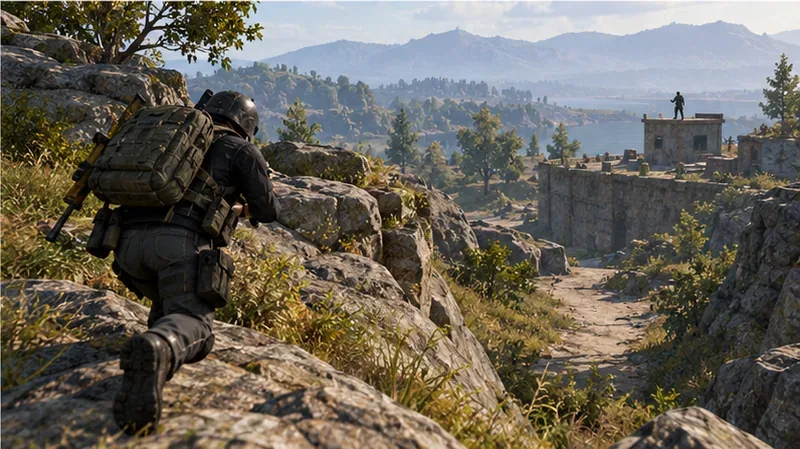
Take shots from cover, avoid standing in the same window after firing, and keep a route to rotate. Use a second weapon that can handle close fights, because a long-range scope and bolt-action reload are poor tools when an opponent pushes your position. Lead moving targets and allow for bullet travel rather than snapping at where they were. If an opponent survives a hit, reset your aim and take a deliberate follow-up instead of rushing a shot through recoil.
Bottom line: The best sniper attachments in PUBG Mobile depend on your rifle and the situation. Use a comfortable optic, pair the Sniper Rifle Barrel Extender with a steady first-shot setup when damage is the goal, and switch to stability or sound reduction when that helps you land the next shot or reposition safely. Attachments sharpen a good shot; they cannot promise a one-shot elimination.
Fix PUBG stuck on Initializing on Steam with a focused checklist for PC service notices, launch options, game files, downloads, and connection issues.
Fix Brawl Stars stuck at 92% loading with an ordered checklist for service notices, network tests, safe updates, Android cache, and account-safe reinstalling.
Best Dead by Daylight visual filter settings start with a small Gamma lift, neutral color and contrast, and a quick check for dark corners, fog, and bright lights.
Find the Steam and EA app fields for Apex Legends launch options, use EA’s documented FPS command, and see why +exec autoexec.cfg remains unverified.
Reduce input lag on a Nintendo Switch dock for Smash Ultimate with TV Game Mode, a direct HDMI test, controller checks, and online-latency troubleshooting.
Find the best EA SPORTS FC audio settings for a clearer referee whistle: tune Stadium Ambience and Commentary, then troubleshoot output or timing issues.
Compare the best Attack Move Click keybinds in League of Legends—A, Shift + right-click, mouse side buttons, and left-click—with setup and kiting tips.
Find the best tablet aspect ratio setup for Clash Royale, compare Android display-fit choices, and check iPad full-screen framing without cropping the arena.
Fix Warzone Dev Error 6068 on startup with safe PC checks for updates, overlays, graphics drivers, game-file repair, and clean boot troubleshooting.
Check your Overwatch 2 overall match win rate with Career Stats, matching game totals, and the right filters—without mistaking hero percentages for match results.