Home
» 🎮 Esports
»
Best Bluetooth Dongles for Xbox Controller Stability: Top Picks for PC Gaming
Best Bluetooth Dongles for Xbox Controller Stability: Top Picks for PC Gaming
Best Bluetooth Dongles for Xbox Controller Stability
If an Xbox controller keeps disconnecting from your Windows PC, a dependable Bluetooth adapter can help when the computer’s built-in radio or driver is the weak link. For a simple, low-cost PC upgrade, start with the TP-Link UB500, checking its hardware revision before you buy. The ASUS USB-BT500 is another compact option when its listed driver support matches your PC. If you want Xbox’s own wireless connection on Windows, consider the Xbox Wireless Adapter for Windows instead; it is a proprietary Xbox receiver, not a Bluetooth dongle.
No adapter can promise lag-free play. A newer Bluetooth number does not by itself guarantee lower controller latency, more range in your room, or fewer dropouts. The right choice depends on your controller model, Windows version, placement, and nearby wireless interference.
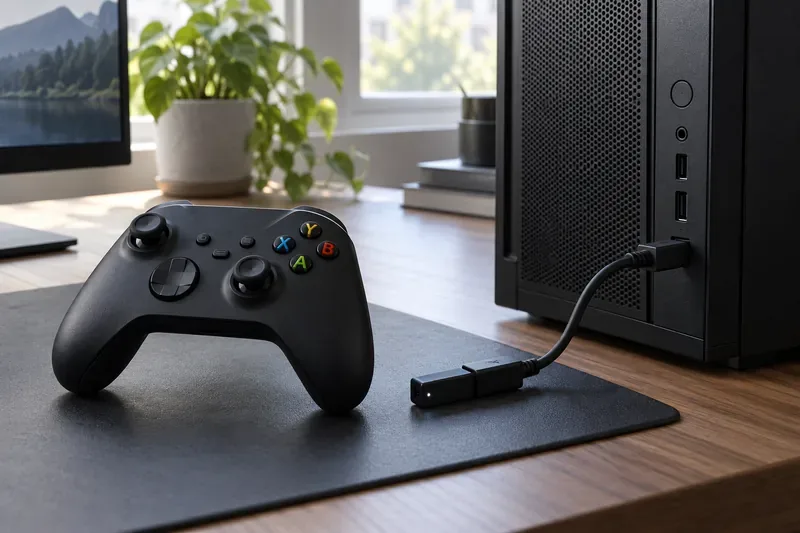
A controller and USB receiver positioned beside a desktop PC illustrate a typical Bluetooth setup for Windows.
Bluetooth dongles for Xbox controllers: the quick comparison
Option
Connection type
Best fit
What to check
TP-Link UB500
Bluetooth USB adapter
Compact, affordable Bluetooth for a Windows PC
Hardware revision and regional driver page; UB500 revisions do not all share the same Bluetooth version.
ASUS USB-BT500
Bluetooth USB adapter
A small Bluetooth upgrade for a compatible PC
ASUS lists Bluetooth 5.0; check the current support page for your Windows version before ordering.
Xbox Wireless Adapter for Windows
Xbox Wireless, not Bluetooth
Players who want the Xbox-specific PC connection
Confirm current availability and follow Microsoft’s pairing instructions.
USB cable
Wired
Testing whether wireless is causing the delay or dropouts
Use a data-capable cable that fits your controller.
Microsoft lists USB cable, Bluetooth, and the Xbox Wireless Adapter for Windows as ways to connect a controller to a Windows device. A generic Bluetooth dongle is for a PC or laptop; it does not turn an Xbox console’s USB port into a Bluetooth receiver for the controller. Xbox consoles pair controllers directly through Xbox Wireless. See Microsoft’s Xbox controller connection guide for PC and console pairing instructions.
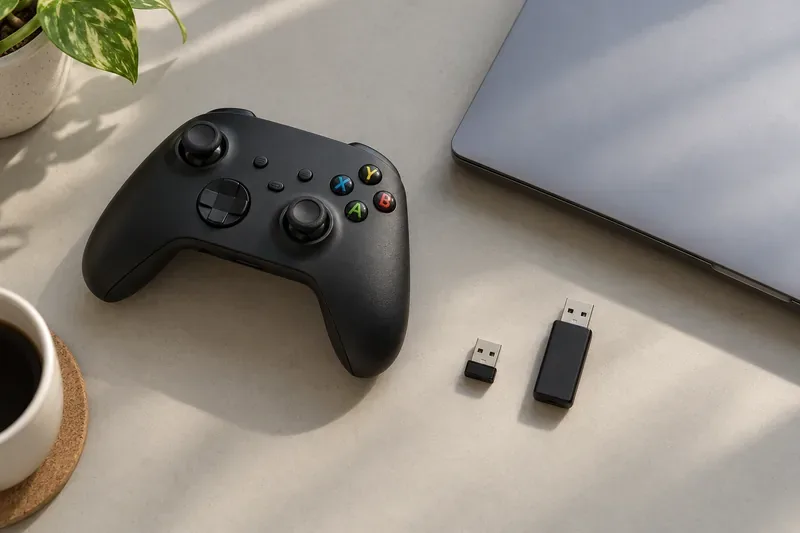
USB receivers can use different wireless standards. Check whether a listing says Bluetooth or Xbox Wireless before choosing one.
Our picks: which adapter should you buy?
TP-Link UB500: best compact Bluetooth pick
The UB500 is the straightforward choice if you need to add Bluetooth to a Windows PC and want a tiny USB-A adapter. TP-Link’s current pages show multiple hardware revisions: the older UB500 V1 is listed as Bluetooth 5.0, while newer regional revisions may list Bluetooth 5.3 or 5.4. The model name alone is not enough to identify the version, so check the hardware revision printed on the packaging or product listing and use the matching TP-Link UB500 product page and driver downloads.
TP-Link lists Windows 11 and Windows 10 among supported systems, with driver requirements varying by revision and operating system. The small form factor is convenient, but it has no large external antenna to reposition. If your PC tower sits under a desk or inside a cabinet, use a short USB extension to move the adapter into a clearer spot.
ASUS USB-BT500: a second option for compatible PCs
The ASUS USB-BT500 is a compact USB-A Bluetooth 5.0 adapter, and ASUS describes it as connecting devices that include controllers. It is a reasonable alternative if its current regional listing supports your operating system and the price is right. ASUS’s technical specifications list Windows 8.1 and Windows 10, plus Linux, so Windows 11 owners should confirm current driver support before buying rather than assume compatibility from the Bluetooth version. Review the ASUS USB-BT500 product page and ASUS technical specifications.
Xbox Wireless Adapter for Windows: the Xbox-specific alternative
This is not one of the Bluetooth dongles in the comparison, but it is worth considering when the goal is a dedicated Xbox controller connection to a Windows PC. Microsoft documents how to plug in and pair the Xbox Wireless Adapter for Windows. Availability can vary, so verify that a seller is offering the genuine Windows adapter and not a generic Bluetooth receiver or an audio-only Bluetooth transmitter. For competitive play, a wired connection is also a useful baseline if you want to isolate wireless problems.
How to choose for a stable Xbox controller connection
Confirm Bluetooth support on the controller. Controller revisions differ. Check Microsoft’s connection guide for the model and platform you use; older controllers may need a cable or Xbox Wireless Adapter instead of Bluetooth.
Match the adapter to your operating system. Bluetooth 5.x on the package does not guarantee that the vendor supplies a suitable driver for your Windows version. Check the exact hardware revision and manufacturer support page.
Choose the receiver type deliberately. Bluetooth is useful if you also want to connect other Bluetooth peripherals to your PC. Xbox Wireless is an Xbox-specific PC option. Neither is a USB dongle for pairing an Xbox console controller.
Do not shop by advertised range or latency alone. Product range figures are often measured under particular conditions. Walls, the PC chassis, port location, nearby 2.4 GHz traffic, and the controller itself affect the result in a real room.
Set up the dongle and reduce common dropouts
Install the adapter in a USB port and follow its manufacturer’s driver instructions for the exact revision. Restart Windows if the driver installer requests it.
Open Settings > Bluetooth & devices in Windows 11, select Add device, then choose Bluetooth. On Windows 10, use Settings > Devices > Bluetooth & other devices.
Turn on the controller and hold its Pair button until the Xbox button flashes. Select the controller when it appears in Windows. If it is still paired to another PC or console, disconnect it there and try again.
Test in the same game and seating position where you noticed the problem. If the signal drops, move closer and try another USB port. A short extension cable can move a tiny receiver away from the computer case and cables.
Placement can matter as much as the adapter. Intel has documented radio-frequency interference to some 2.4 GHz wireless devices from certain USB 3.0 devices and cables. If Bluetooth becomes unreliable when a fast external drive is active, test a different port or move the receiver away from the drive and its cable. This is a troubleshooting experiment, not a guarantee that every USB 3.0 port causes interference. For Windows pairing or disconnect problems, use Microsoft’s Bluetooth troubleshooting steps.
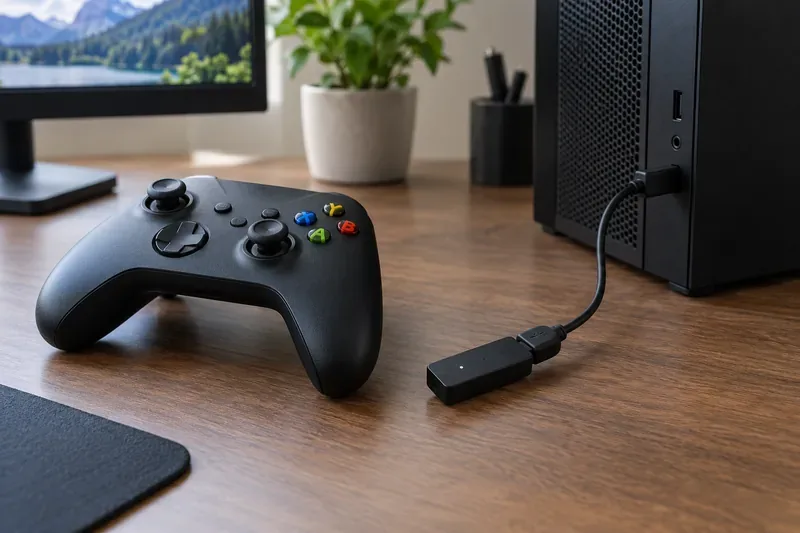
Moving a receiver onto the desk can give it a clearer path to the controller than leaving it behind a metal PC case.
Will a Bluetooth dongle eliminate controller lag?
It may help if the built-in Bluetooth adapter is faulty, poorly placed, or using an outdated driver, but it cannot correct every kind of lag. Online latency usually points to the network or game server; delayed input can also come from the game, display settings, low controller batteries, or wireless interference. To narrow it down, try the controller over USB. If the delay disappears, focus on the Bluetooth adapter, driver, and placement. If it remains, the dongle probably is not the cause.
For a practical recommendation, choose the TP-Link UB500 after confirming the revision and driver support, or the ASUS USB-BT500 if ASUS lists support for your PC. If you specifically want Xbox Wireless on Windows, look for Microsoft’s adapter; if you need the most predictable test, use a wired connection. A Bluetooth 5.4 label, long-range claim, or “gaming” wording is not proof of a measured low-latency result.