Home
» 🎮 Esports
»
Bedrock Door Code Minecraft Error: How to Fix Doors That Won’t Open
Bedrock Door Code Minecraft Error: How to Fix Doors That Won’t Open
Bedrock Door Code Minecraft Error: How to Fix Doors That Won’t Open
If a door in Minecraft Bedrock Edition will not open, first test a plain vanilla door in a new world. If that works, the problem is probably limited to the original world, its redstone circuit, or an active add-on. If the plain door also fails, update and restart the game, then test again before changing the world.
“Bedrock Door Code Minecraft Error: Edition Entries” is not a documented Minecraft error code in the official Help and Creator references linked below. The older claim that Bedrock manifests need a "minecraft:edition": "bedrock" entry is also unsupported: Microsoft’s documented pack manifest uses fields such as format_version, header, modules, and dependencies. Treat the phrase as a description of a door or add-on problem unless Minecraft displays a different exact error message.
Identify what is actually failing
“Door error” can describe several different issues. A door may be placed incorrectly, an iron door may have no redstone input, an add-on may change its behavior or texture, or the issue may affect one world only. The quickest fix depends on which symptom you see.
What you notice
First thing to check
A wooden door will not respond to a tap or use action
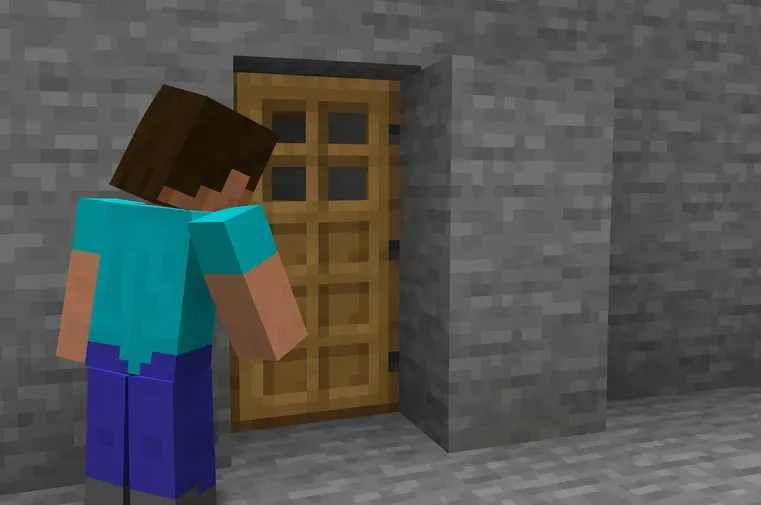
Try it in a new world and check that the doorway is clear and the door is placed as a complete two-block door.
An iron door stays shut
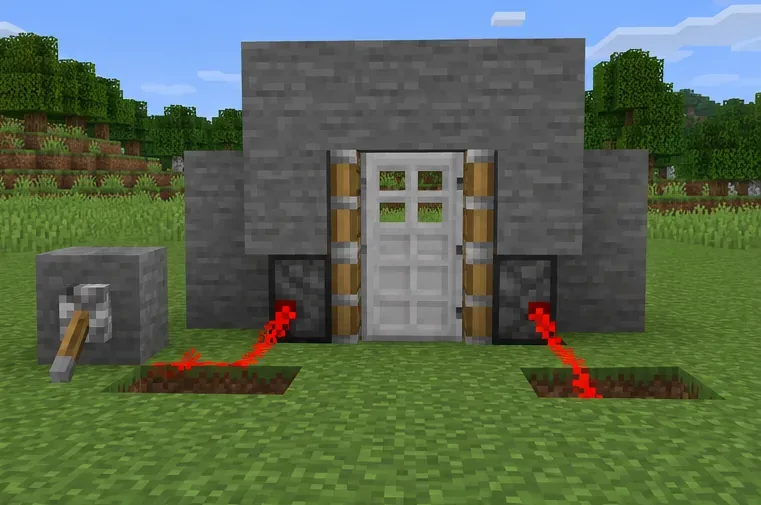
Check for a working redstone input, such as a button, lever, or pressure plate, and confirm the signal reaches the door.
Only a custom door looks wrong or stops working
Test the world with optional add-ons disabled, then re-enable packs one at a time.
Doors fail only in one build or one world
Back up or copy the world before replacing blocks or editing pack files.
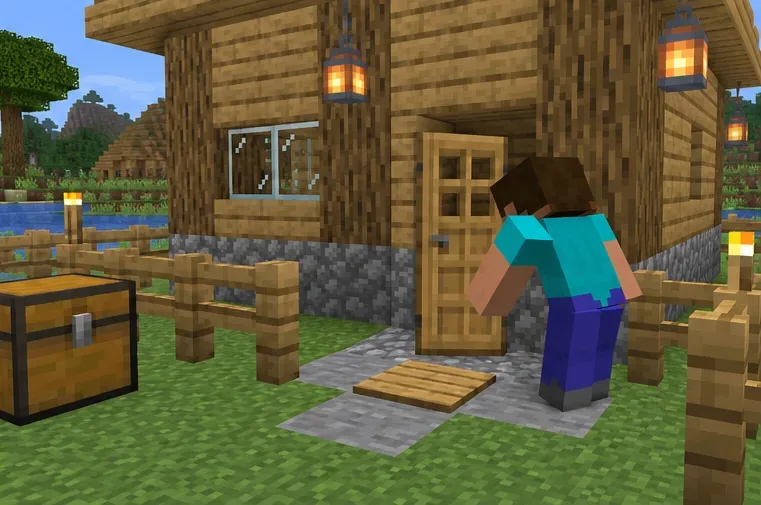
Start by inspecting the door, its frame, and the space around it.
Five safe checks for a Minecraft Bedrock door problem
Test the door and its control
In a separate test world, place a standard wooden door in a clear, two-block-high opening. Try interacting with it directly. Then test an iron door separately: iron doors require redstone power, so clicking them by hand is not a useful test. If your build uses a button, lever, pressure plate, or redstone circuit, test that input by itself before reconnecting the full mechanism.
Compare with a clean vanilla world
Create a temporary world with no optional packs and build one simple door. If it works there, the game can operate a basic door and the fault is more likely tied to the affected world, build, or pack. If it fails there too, fully close and reopen Minecraft, install any update offered by your device’s official store or launcher, and repeat the simple test. Avoid deleting saved data as an early troubleshooting step.
Test the redstone input separately before reconnecting a complex door circuit.
Isolate behavior packs and resource packs
If the vanilla test works, use Minecraft Help’s instructions to disable optional Bedrock add-ons for the affected world. Reopen the world and test the door. If the problem disappears, turn packs back on one at a time until it returns; that identifies the likely conflict. Resource packs can affect appearance, while behavior packs can affect gameplay. A world template may require its own pack, so keep required content enabled and make a copy before testing changes.
When a pack is responsible, check for an update from its creator or the Marketplace listing where you obtained it. Reorder packs only when you understand their dependencies. Do not install an unrelated “door fixer” pack as a blanket solution.
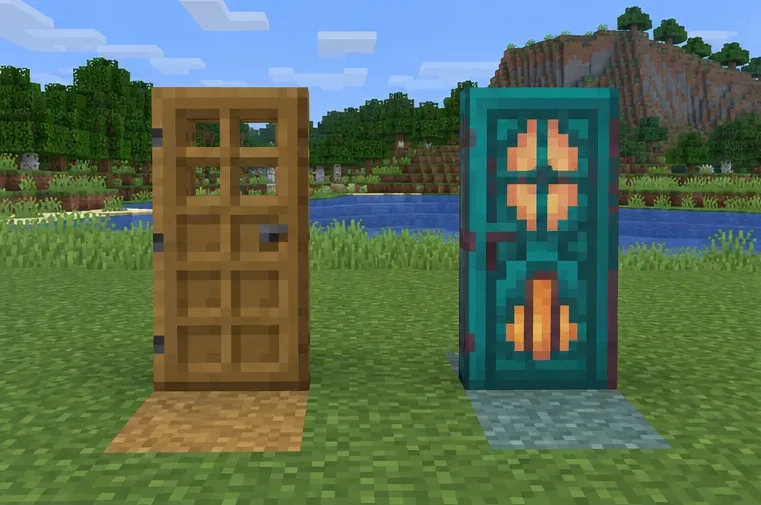
Compare a standard door with the custom door that is failing; the visual difference alone does not prove the cause.
Repair the affected doorway after making a copy
Before breaking blocks, export or copy the world using the options available on your device. In the copied world, remove and replace only the affected door, making sure its opening is clear and both door blocks are placed together. For a redstone door, rebuild a minimal version of the circuit first, verify the input, and add extra pistons or observers back one part at a time. This keeps the test focused and makes it easier to undo.
If the issue is texture-only, test with the resource pack disabled before rebuilding blocks. If the world is a Realm, use a downloaded or copied world for troubleshooting; Minecraft’s official Realm backup guide explains how a cloud save can be restored if an unwanted change or file problem needs to be rolled back.
Save a separate world copy before replacing the door or redstone around a valued build.
Check the pack manifest only if you create the add-on
If you maintain the behavior or resource pack, validate the JSON syntax and compare the manifest with Microsoft’s current Bedrock Creator documentation. Check that the header and module UUIDs are unique, the module type matches the pack, version values are valid, dependencies point to the intended pack or script module, and the minimum engine version matches the content. The current stable guidance distinguishes game, file-format, and Script API versions, so do not copy a version number from an unrelated sample.
Do not add "minecraft:edition": "bedrock" as a guessed fix. It is not a field in the documented manifest structure. If a custom block or script controls the door, inspect that content’s own schema and error log instead of changing the pack manifest at random.
When the problem is in multiplayer
Test the world owner’s copy first. If a friend’s world or Realm is affected, ask the host to compare the current world with a copy and check the active packs. A client-side restart cannot repair a broken custom block definition saved in the host’s world. Share the exact message, the device platform, the game version shown by the launcher or store, and whether the door works in a clean world. Those details are more useful than the unverified “edition entries” label.
In most cases, the reliable path is to test a vanilla door, isolate packs, and make world changes only in a copy. That narrows down a real Minecraft Bedrock door error without relying on a made-up code or risking the original build.