Home
» 🎮 Esports
»
World 422 Minecraft Error: Fix Missing or Glitched Terrain Safely
World 422 Minecraft Error: Fix Missing or Glitched Terrain Safely
World 422 Minecraft Error: Fix Missing or Glitched Terrain Safely
Quick answer: “World 422” is not a Minecraft terrain error code documented in the official support material reviewed for this guide. If you are seeing missing blocks, abrupt terrain edges, or chunks that look different after a reload, treat those as symptoms and diagnose the save before editing it. First make a backup. Then compare the affected world with a clean test, check mods or add-ons, and repair only a confirmed damaged area.
The label World 422 Minecraft error can describe several different problems. A visual or resource-pack issue, a mod conflict, a version mismatch, and actual world-save damage need different fixes. No specific coordinate, RAM setting, or guaranteed success rate applies to every case.
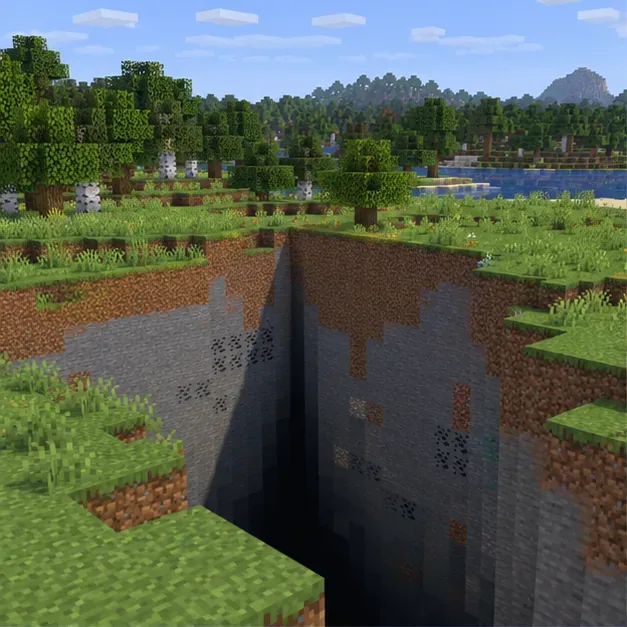
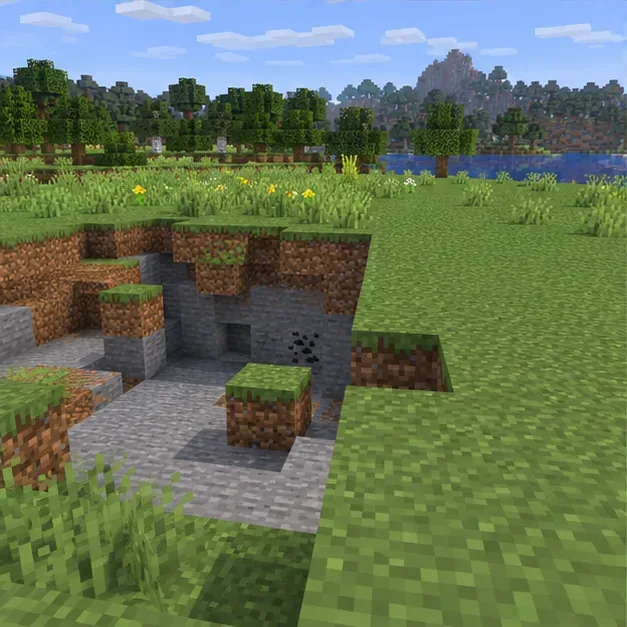
A missing terrain patch can look dramatic, but its appearance alone does not tell you whether the cause is rendering, an add-on, or world data.
What does “World 422” mean?
Mojang’s public support pages do not identify “World 422” or “Error 422: Chunk out of bounds” as a standard Minecraft terrain code. The phrase is best treated as a search label for glitched Minecraft terrain, not as proof that a particular chunk, world seed, or device setting is at fault. A number in a crash report may refer to a coordinate or another log detail; it is not enough to diagnose a world by itself.
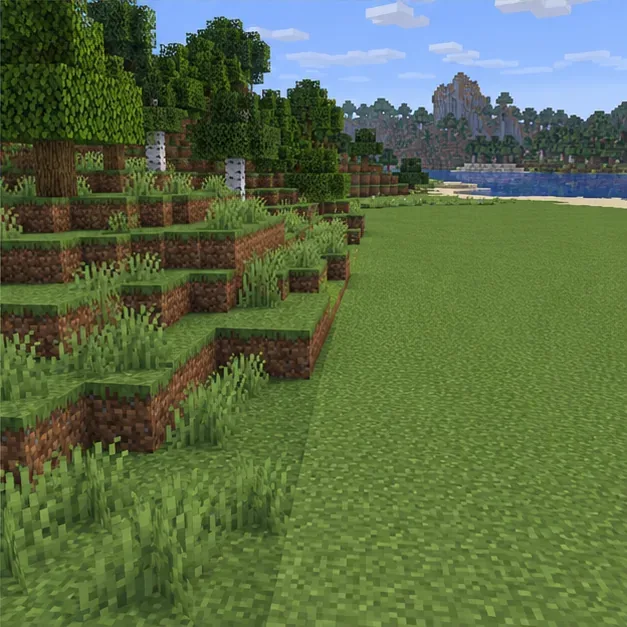
Look for what actually happens: terrain vanishes or fails to refresh, a sharp seam appears between areas, a saved region changes after reopening, or the game crashes at the same location. If only one device shows the issue, start with its display settings, resource packs, or installation. If the same area is broken on multiple clients, world data or a shared add-on becomes more likely.
Four safe steps to troubleshoot glitched terrain
1. Back up the world before testing
Close the world and make a separate copy before changing versions, packs, or files. In Minecraft Java Edition, the in-game world editor includes a Make Backup option; the backup is saved as a dated ZIP. On Windows, Java saves are commonly under %appdata%\.minecraft\saves; on macOS, they are commonly under ~/Library/Application Support/minecraft/saves. Custom launchers may use a different game directory.
For Bedrock Edition, backup and export steps depend on the device. Use Minecraft’s platform-specific instructions or a known-good Realm backup. Do not assume that copying a Java .mca file is a Bedrock repair method.
2. Find out whether the problem follows the save
Open only the duplicate. Restart Minecraft, revisit the area, and note the edition, game version, approximate coordinates, and whether the world uses mods, shaders, resource packs, or behavior packs. If practical, check the same copy on another device or test a new world on the original device.
If a new world also renders incorrectly on one device, investigate the game installation, graphics settings, or device storage.
If the copied save fails in the same place on more than one device, focus on that world or an add-on it needs.
If the problem began after enabling a pack or mod, test that change first on the duplicate.
Use the coordinates where you actually see the issue; do not assume that X or Z must equal 422. A coordinate is a location, not a confirmed error code.
Compare the affected save with a new test world or an untouched copy using the same edition and game version.
3. Isolate version, mod, and add-on problems
Install the latest stable game update available for your platform, but test it on the backup copy first. For Java, use a clean installation of the same game version and temporarily remove client-side shaders or resource packs. If the world depends on content mods, keep its required loader and mods for the first test; removing them can hide or change modded blocks. Disable one change at a time so you can identify what affects the terrain.
On Bedrock, make a backup and disable resource packs or behavior packs one at a time, following the official Bedrock add-on troubleshooting steps. Avoid opening a world in an older Java version than the one that last saved it; changing versions can put the world at risk.
4. Restore a backup or repair only the affected Java chunks
If a recent backup loads correctly, restore it to a separate world slot or folder and confirm that your important builds and items are present before replacing anything. A Realm restore rolls progress back to the selected save date, so changes made afterward may be lost. Bedrock worlds should be restored through the backup method for their platform.
For Java worlds with a confirmed damaged area and no usable backup, MCA Selector can select, export, or delete chunks from Java world saves. Work on a copy with Minecraft and any server stopped. Select only the affected chunks; when deleted chunks are loaded again, Minecraft can generate terrain there from the world seed. That regeneration can remove builds, containers, entities, or other changes in those chunks. A region file contains multiple chunks, so deleting an entire .mca file based on a guessed coordinate can erase much more than the damaged patch.
Inspect the smallest affected area on a duplicate before changing Java world-region data.Regenerated chunks use the world’s seed and can replace player-made changes inside the selected area.
Common mistakes that can make recovery harder
Deleting region files blindly: a file can contain many chunks, including a base or other builds.
Deleting player data: this does not repair terrain and can affect player inventory or position.
Changing RAM first: memory allocation can affect Java performance or crashes, but it is not a universal fix for missing terrain. Follow the official memory troubleshooting guidance if the log points to memory pressure.
Testing the only copy: keep the untouched original until the recovered world has been checked.
Using an outdated editor or random download: use the project’s official release source and verify that its current support includes your Minecraft version.
Prevention checklist
Create dated backups before game updates, mod changes, or major builds.
Keep a note of the edition, game version, mod loader, and enabled packs used by each world.
Change one mod or add-on at a time when troubleshooting.
Keep enough free storage for saves and backups, and avoid interrupting a save or shutdown.
Keep an untouched copy until you have loaded the repaired world and checked the affected area.
Frequently asked questions
Does World 422 mean I need to fix coordinates 422, 422?
No verified Minecraft documentation ties this phrase to those coordinates. Record the location where the symptom appears and use that evidence when checking a copy of the world.
Will deleting a chunk restore my build?
No. Deleting a Java chunk causes terrain to regenerate from the seed; it does not recover player-made changes that were stored in that chunk. Restore a backup if you need the original build.
Can I use MCA Selector for Bedrock?
No. MCA Selector describes itself as a tool for Java Edition world saves. For Bedrock, use a platform-specific backup, export, or Realm restore.