If Fortnite closes to the desktop, disappears during launch, or exits without showing a message, start with service status and the official PC troubleshooting sequence. Searching for Fortnite Error Code 0 does not point to one confirmed cause: Epic’s current PC crash guidance treats a crash with no displayed error as a symptom to diagnose, not a universal code with one guaranteed fix. Work through the steps below in order, testing the game after each change.
This guide starts with Windows PC because Epic publishes a detailed no-message crash sequence for that platform, then covers PlayStation, Xbox, and Nintendo Switch separately. The images are schematic illustrations of common interfaces, not live Epic Games Launcher screenshots; button names and layouts can change by version.
Start with these checks
1. Check Epic’s service status and known issues
The colored indicators are illustrative; check Epic’s live status page for current service health.
2. Restart once, install updates, and confirm your PC meets the requirements
Restart the computer and check for pending game or operating-system updates before changing advanced settings.
Exit Fortnite and Epic Games Launcher completely, restart Windows, then let the Launcher finish any Fortnite update. Check Windows updates too. If there is no error message, Epic recommends checking the current Fortnite PC system requirements. Requirements can change, so use Epic’s live table rather than relying on old specs copied into a forum post.
Fortnite Error Code 0 fixes for PC
3. Verify Fortnite’s installed files
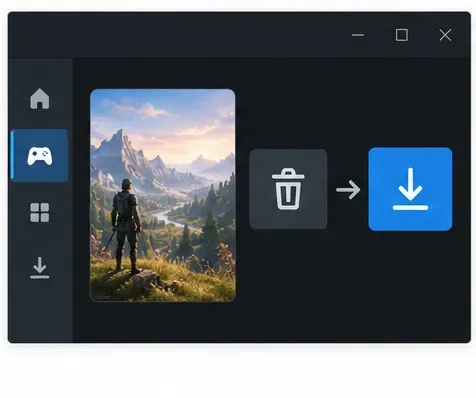
This is a schematic of the file-verification step, not a capture of the Epic Games Launcher.
In Epic Games Launcher, open Library, find Fortnite, click the three-dot menu, choose Manage, and select Verify. Let validation finish before launching again. Epic says verification checks for damaged or corrupted files and repairs differences without affecting saved data. See Epic’s file verification instructions.
4. Clear the Epic Games Launcher cache
Close the Launcher first, then remove only the webcache folders Epic lists in its cache guide.
Quit the Launcher from its system-tray icon so it is no longer running. Press Windows + R, enter %localappdata%, and open EpicGamesLauncher\Saved. Delete only the cache folders named webcache, webcache_4147, or webcache_4430 if they exist, then reopen the Launcher. Do not delete the separate FortniteGame folder in this step. Follow Epic’s cache instructions if your Launcher version looks different.
5. Update your graphics driver from its manufacturer
Download the driver from your graphics-card manufacturer’s official support page.
Install a current driver for your NVIDIA, AMD, or Intel graphics card from the manufacturer’s official support site, then restart Windows. If you are not sure which GPU is installed, Epic’s Fortnite video-driver guide explains how to identify it with DxDiag and links to the manufacturers. Avoid third-party driver updater downloads.
6. Test the Launcher with administrator permissions
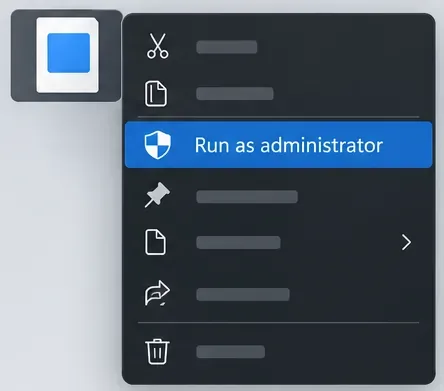
Use this option on the Epic Games Launcher shortcut when checking for a permissions issue.
Right-click the Epic Games Launcher shortcut and choose Run as administrator, then launch Fortnite. Epic says this can help with permission-related launch problems. If it makes no difference, close the Launcher and return to normal startup; do not change compatibility settings or disable Windows protections as a guess. See Epic’s administrator steps.
7. Repair Easy Anti-Cheat only when the symptom fits
If Fortnite stays marked as running without opening, follow Epic’s Easy Anti-Cheat repair instructions.
Use this branch if Epic Games Launcher says Fortnite is running but no game window appears, or the game immediately closes while starting. Epic’s specific article says to verify the files, repair Easy Anti-Cheat through its Windows Service instructions, and then consider a narrow Fortnite-folder exclusion if Windows Security is blocking the install. Do not turn off antivirus protection globally. Follow Epic’s “running but not opening” troubleshooting steps.
8. Check for a background-app conflict
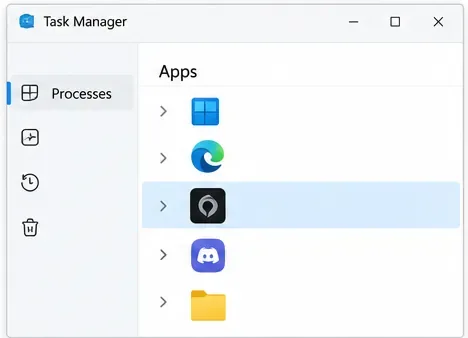
Close nonessential overlays or recording tools for a test; keep Windows security protection enabled.
Temporarily close nonessential overlays, capture/streaming tools, and other startup applications, then test Fortnite. If you need a stronger test, Epic recommends a Windows clean boot using Microsoft’s instructions. Re-enable items afterward so you can identify whether one app triggers the Fortnite silent crash. Keep security software on; do not treat disabling protection as a routine fix. Read Epic’s background-app guidance.
9. If the crash began after an update, reset Fortnite’s local settings
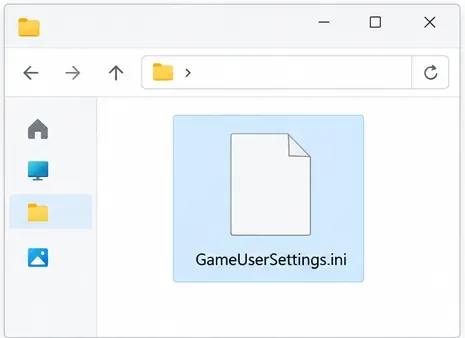
Epic’s post-update crash instructions reset this settings file; save a screenshot of your preferences first.
First take a screenshot of your graphics and gameplay preferences. Close Fortnite and the Launcher, press Windows + R, enter %localappdata%, then open FortniteGame\Saved\Config\WindowsClient. Epic’s post-update procedure says to delete GameUserSettings.ini and relaunch. Fortnite will recreate the file; some preferences may return to defaults. Use this only when the timing fits, and follow Epic’s post-update crash instructions.
10. Reinstall Fortnite as a last resort
Reinstall Fortnite only after the less disruptive checks fail.
In Epic Games Launcher, go to Library, open Fortnite’s three-dot menu, choose Uninstall, then install the game again. Epic says Fortnite progress and items are stored with your Epic account, but local preferences can still reset. Avoid manually deleting folders unless the official instructions call for it. If you also reinstall the Launcher, note that Epic’s process removes installed games, so plan for those downloads. See Fortnite reinstall steps and the Launcher reinstall guide.
Console fixes: PlayStation, Xbox, and Switch
11. Update the game and console, then clear cache using your platform’s steps
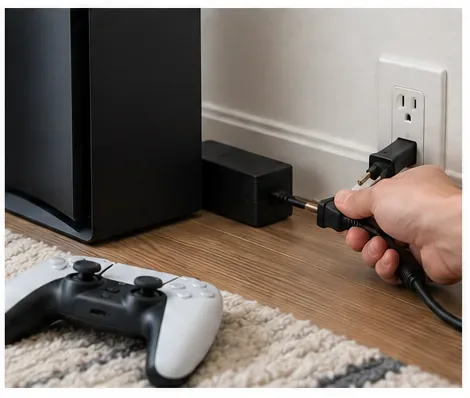
This represents Epic’s Xbox Series X|S cache procedure; PlayStation and Switch use different instructions.
Do not run Windows commands or delete PC folders on a console. Epic’s console crash troubleshooting guide recommends checking Fortnite updates and console system updates, clearing the platform cache, power-cycling, and reinstalling Fortnite if needed. For Xbox Series X|S, Epic’s cache procedure includes shutting down, unplugging the console and accessories, waiting two minutes, pressing the console power button while unplugged, then reconnecting and testing. PlayStation uses its Safe Mode cache options; Switch has a separate cache-reset guide. Use the instructions for your exact model rather than copying Xbox steps to another console.
Still crashing? Capture logs before contacting support
12. Save the crash details and send them to Epic
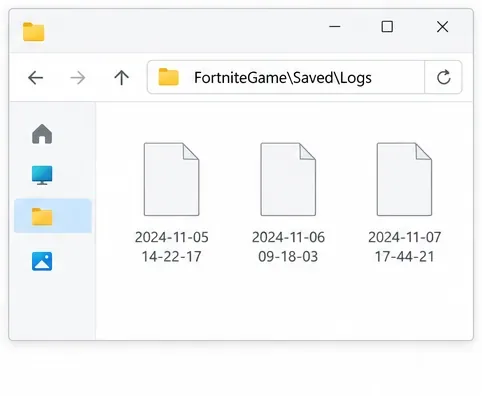
Log file names and dates vary. Attach the files through an official Epic Support ticket.
On Windows, gather the logs soon after the crash: press Windows + R, enter %localappdata%\FortniteGame\Saved\Logs, and locate the files Epic lists for support, such as FortniteGame and FortniteLauncher. Epic also recommends attaching a DxDiag report when requested. Do not rename or edit the logs, and do not post them publicly; attach them to an official support ticket. Its Fortnite log collection guide explains which files to send and says not to ZIP or RAR them.
When you contact support, include your platform, Windows or console version, GPU model if applicable, when the crash began, what you had already tried, and whether Fortnite closes at launch, during matchmaking, or in a match. That makes a Fortnite crash fix easier to narrow down than simply reporting “code 0.”
Frequently asked questions
Does verifying Fortnite delete my progress?
No. Epic says its verification process repairs damaged or changed local files and does not affect saved data.
Should I flush DNS to fix a silent crash?
Not as a first step. DNS troubleshooting is aimed at connection or name-resolution symptoms; a game that closes to desktop needs the crash checks above. If you see a separate login or network error, use Epic’s connection troubleshooting guidance for that message.
What if the problem started after a Fortnite update?
Check Epic’s live issues page first. If the service is healthy, verify files and use the targeted GameUserSettings.ini reset only if the crash began after the update. If it persists, collect fresh logs and contact Epic Support rather than repeatedly reinstalling.