Home
» 🎮 Esports
»
Minecraft White Texture Error (“Hue Hurdles”): Practical Fixes
Minecraft White Texture Error (“Hue Hurdles”): Practical Fixes
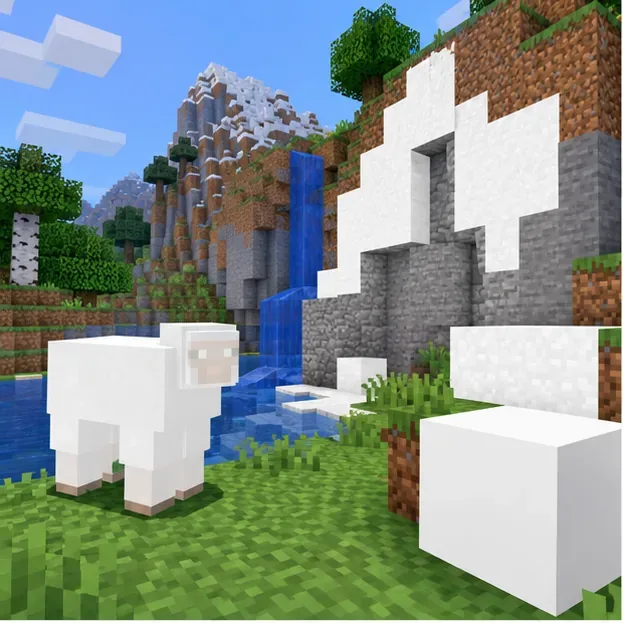
Minecraft White Textures: Fix the “Hue Hurdles” Glitch
If Minecraft blocks, mobs, or effects suddenly look solid white, start by disabling resource packs and visual add-ons, then test a clean game profile. That quickly separates a pack or mod problem from a broader graphics issue. “Hue Hurdles” and “Component A turning white” are not names I could verify as official Minecraft error codes or documented diagnoses, so treat them as descriptions of the symptom. A white screen alone cannot establish that a texture’s alpha channel is wrong.
This guide covers Minecraft white textures on Java and Bedrock, how to narrow down the cause, and what to protect before changing files. Mojang’s Java and Bedrock troubleshooting pages recommend different checks for each edition, so follow the section for the game you use.
A white-looking surface is a symptom, not proof of an alpha-channel failure; snow and wool can also be naturally white.
What can make Minecraft textures appear white?
A white block or mob can come from a resource pack that is missing, damaged, or incompatible with the running game version; a shader or mod that changes rendering; a Bedrock add-on conflict; or a graphics-driver or game-rendering problem. Those are possibilities to isolate, not a single known “Hue Hurdles” cause. Mojang’s Java graphics troubleshooting guide advises using a current game version and testing without mods. Its Bedrock graphics guide recommends updates, then checking add-ons and video settings.
In an RGBA image, “A” usually refers to transparency, but the visible white result does not reveal the source pixels or identify the rendering stage that produced it. The Java F3 overlay can show game diagnostics, but it does not report a texture’s alpha values. Avoid diagnosing this from a screenshot or a made-up log phrase such as “hue component mismatch.”
Quick diagnosis: narrow down where the white textures appear
What you see
First check
What it helps isolate
Only one world is affected
Test another world, and check that world’s active or server-provided packs
A world-specific or server resource pack
Only a modded Java profile is affected
Launch a clean, unmodded profile
A mod, shader, or loader interaction
Bedrock visuals change in one world
Back up the world, then test its active add-ons one at a time
A resource-pack or behavior-pack conflict
Every world and clean profile is affected
Update the game and graphics software, then repair or reinstall only if needed
A wider game or device graphics problem
Step-by-step fixes for Minecraft white textures
1. Test the same area with default content
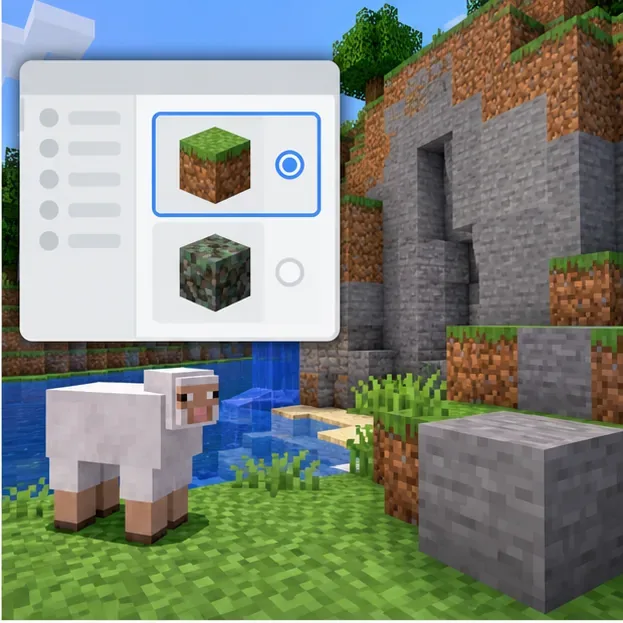
Fully close and reopen Minecraft. In Java Edition, launch a standard, unmodded installation and temporarily turn off every selected resource pack in Options → Resource Packs. Load a world and inspect the same blocks or mobs. If you can, use a small test world as well; a multiplayer server may apply its own resource pack, so a local world is a cleaner comparison.
In Bedrock Edition, create a temporary world with no optional add-ons and compare its appearance. If the new world renders normally while one existing world does not, focus on that world's packs or template before changing device settings. Do not delete your pack folder as a first step; disabling packs is reversible.
2. Re-enable resource packs one at a time
If the default setup looks correct, turn your packs back on individually and reload the scene after each change. When the white textures return, remove the last pack you enabled and check the pack author’s compatibility notes for your exact game version. If several Java packs replace the same block or entity, their order can matter; test with just one active before adjusting the order.
For Bedrock, first make a copy or backup of the affected world. Open the world’s edit screen, choose Resource packs or Behavior packs, and deactivate one active add-on at a time. Mojang warns that disabling an add-on can remove its mobs or replace its blocks, so do this on a backup when the world depends on custom content. See the official steps for disabling Bedrock add-ons if the menu differs on your platform.
Use a clean default-pack test to check whether a custom resource pack is involved. The panel is illustrative, not a screenshot of the game menu.
3. Isolate shaders and Java mods
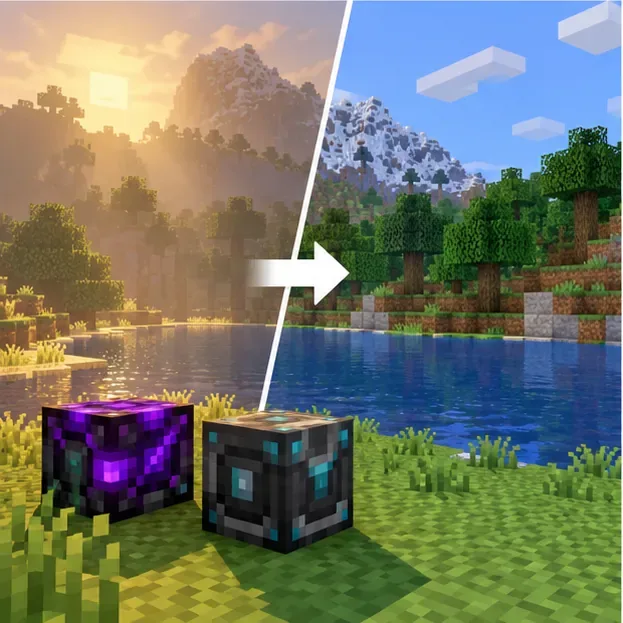
If you use Java shaders, turn the shader pack off through the shader tool that installed it, then restart the game. If the issue clears, check for an updated version of that shader and its required loader that matches your Minecraft release. If you use other mods, test a separate vanilla installation rather than deleting the existing profile or its files. Add mods back in small groups until you identify the combination that brings the problem back.
This is a controlled troubleshooting test, not proof that every shader or mod causes white textures. Mojang’s general guidance is to disable mods to see whether a problem changes. Keep modded and unmodded profiles separate while testing so you can return to your usual setup.
Temporarily remove shader and modded rendering layers, then compare the same scene. This illustration is not a test result.
4. Update the game and device graphics software
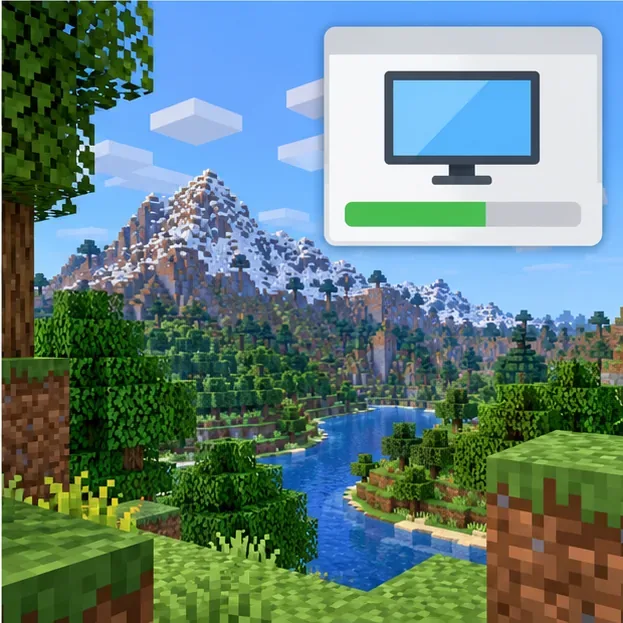
If the issue also appears without custom content, install the latest update offered for your game and platform, then restart the device. On Windows PC, use your graphics-card maker’s official driver page or your computer manufacturer’s support tool; avoid third-party driver-updater utilities. On laptops, check that Minecraft is using the intended graphics processor if the system has both integrated and dedicated graphics.
For Bedrock, you can also test with default video settings. Mojang’s graphics guide specifically recommends checking game, operating-system, and graphics-driver updates before turning off add-ons or adjusting video settings. Follow those options in the order that matches your device; menu names vary across Windows, mobile, and console.
Check official game, operating-system, and graphics-driver updates if the issue remains in a clean setup; this is an illustration, not a real settings screen.
5. Repair or reinstall only after protecting your worlds
If a clean profile still renders incorrectly after updates, create a fresh test installation or use the platform’s repair option before removing game data. Back up your worlds, screenshots, and settings first. Mojang’s Java world-backup instructions explain the built-in backup option. Its manual Java uninstall guide warns that deleted files cannot be recovered by Minecraft Support.
Do not delete the entire .minecraft folder or reinstall Bedrock as a quick first fix. Those actions can remove local worlds and configuration, and a reinstall is not guaranteed to fix a graphics issue caused by a driver or add-on. Make the clean test profile first, and preserve a separate backup outside the game folder.
When to report the issue
If white textures persist in an updated, unmodded Java installation or a Bedrock world with optional add-ons disabled, record the edition, game version, device model, graphics hardware, and the exact steps that reproduce it. Save a screenshot and relevant game log, but remove account details or other private information before sharing. Submit a report through Minecraft’s official support or bug-report channels and describe the visible behavior; do not label it “Component A” unless a tool actually identifies that field.
For most players, the safest order is simple: test defaults, isolate packs, remove rendering add-ons, update the game and graphics software, and protect saves before any repair. That method addresses the real Minecraft texture glitch without assuming that “Hue Hurdles” is an official error code.