“System Sands” Minecraft Error on macOS: Fix Badlands Texture Glitches
If the Eroded Badlands in Minecraft Java Edition suddenly show purple-and-black squares, flat colors, or other broken textures on your Mac, start by checking resource packs and mods, then compare the affected world with a clean vanilla profile. The phrase “System Sands” is not a documented Minecraft error code in the official support pages reviewed for this guide; it is best treated as a search label for a visual symptom. The steps below protect your saves and narrow down the cause without deleting your Minecraft folder or forcing a Java version.
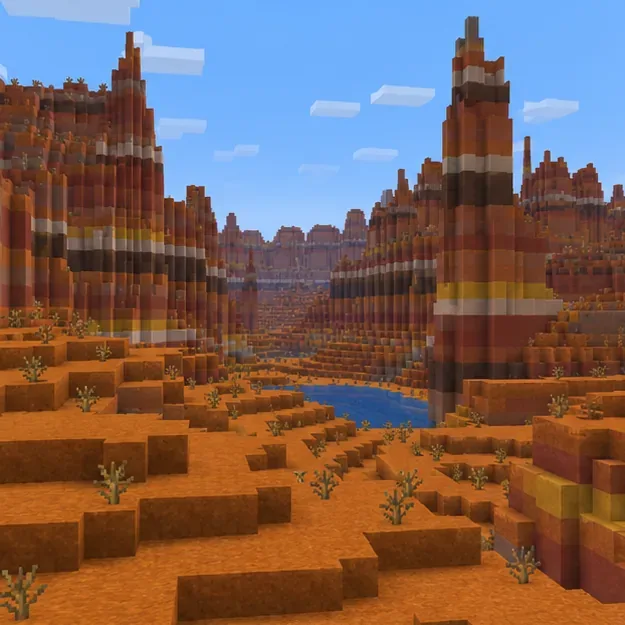
An Eroded Badlands landscape provides a baseline for comparing color and terrain rendering. These are illustrative gameplay-style scenes, not screenshots from a confirmed incident.
The MacOS Eroded Badlands Minecraft error described in the original headline is therefore not a verified macOS-specific code. Minecraft’s Eroded Badlands is a normal biome; its name does not prove that world generation is broken. On a Mac, the same visual symptom can come from a resource pack, shader, mod, a version-specific game issue, or a broader graphics problem. These checks identify which area to investigate; they do not promise a one-click fix for every installation.
How to recognize a Badlands texture glitch
Look at what is actually wrong before changing settings. Purple-and-black checker blocks are a common missing-texture indicator. If blocks render but their colors or patterns look different, a selected resource pack or shader may be overriding the default appearance. If whole chunks disappear, pop in slowly, or render incorrectly in several biomes, the problem may involve chunk loading or general performance rather than the Badlands texture alone.
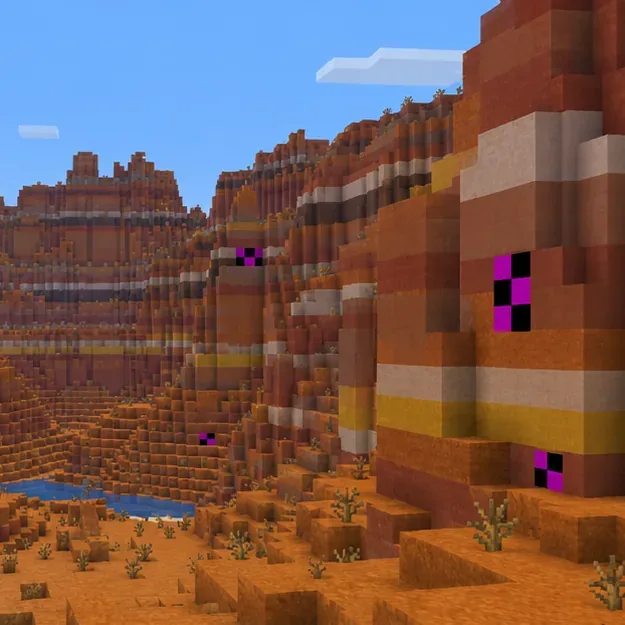
A few missing-texture blocks amid normally rendered terrain point to an asset or rendering symptom, not a biome error code. These are illustrative gameplay-style scenes, not screenshots from a confirmed incident.
What you see
First useful test
Only a few purple-and-black blocks
Disable custom resource packs; then test without mods.
Every Badlands area has unusual colors
Check resource packs and shader settings.
Only one saved world or server is affected
Compare a copied world or a new world; ask the server owner about its resource pack.
Several biomes render badly or chunks stall
Test a clean installation and check Minecraft’s current graphics requirements.
Four safe troubleshooting steps for Minecraft on macOS
1. Back up the world and check where the issue appears
Quit Minecraft before handling save files. In Finder, choose Go > Go to Folder and enter ~/Library/Application Support/minecraft/saves. Copy the affected world folder somewhere separate, such as your Documents folder or an external drive. Mojang lists this macOS saves location in its Java world transfer instructions. Do not use the original world as a test if you plan to open it in a different game version; use the copy.
Relaunch and note whether the issue appears in another world, another biome, and single-player versus a server. If it is limited to one server, a server-provided resource pack may be involved, so ask its owner before changing local files. If it follows one world, preserve the backup and continue testing on the copy.
2. Turn off custom packs and shader effects
From the Java Edition title screen, open Options > Resource Packs and disable any non-default packs for the test. Restart the game and revisit the same area. If you use a shader through a mod such as Iris or OptiFine, turn it off using that mod’s own settings. Change one thing at a time so you can tell which change matters, and restore your preferred settings after the test.
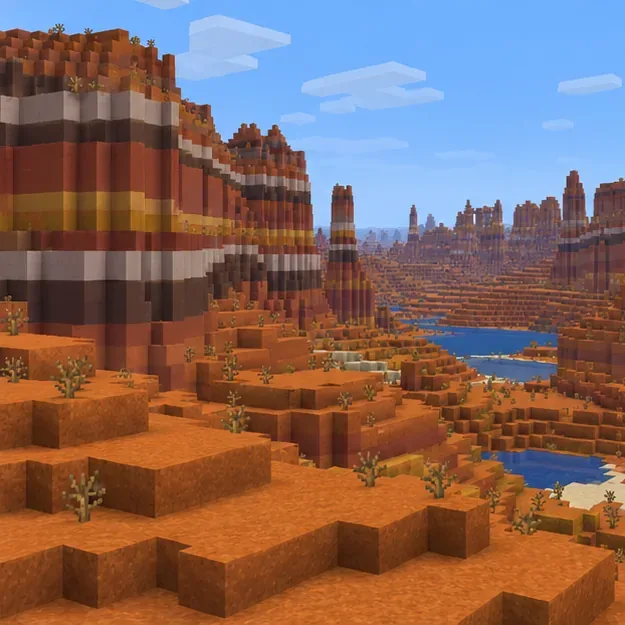
Compare the same area after disabling custom resource packs and shader effects. These are illustrative gameplay-style scenes, not screenshots from a confirmed incident.
If the textures return to normal, re-enable packs individually and check that each pack supports your exact Minecraft version. If the problem remains, do not install another graphics mod as a “fix”; move to a clean vanilla test so you can distinguish a mod conflict from a game or system issue. Mojang’s Java video and graphics troubleshooting page also recommends checking game settings and isolating graphics problems.
3. Test a clean Java installation without changing your main profile
Open the official Minecraft Launcher, select Minecraft: Java Edition > Installations > New installation, and choose the same release as the copied world. Give the test installation a separate, empty game directory if that option is available; do not copy your mods or resource packs into it. Keep the Java executable at the launcher default. This creates a useful comparison without deleting your existing profile. Mojang’s new-installation troubleshooting guide describes this clean-profile test and recommends using the same game version as the affected world.
Launch a new test world first, then open only the backup copy if needed. If the new world looks correct but the copied world does not, focus on that world or its server settings. If the clean profile also shows the glitch in a new world, the problem is more likely shared by the game version, graphics path, or macOS setup.
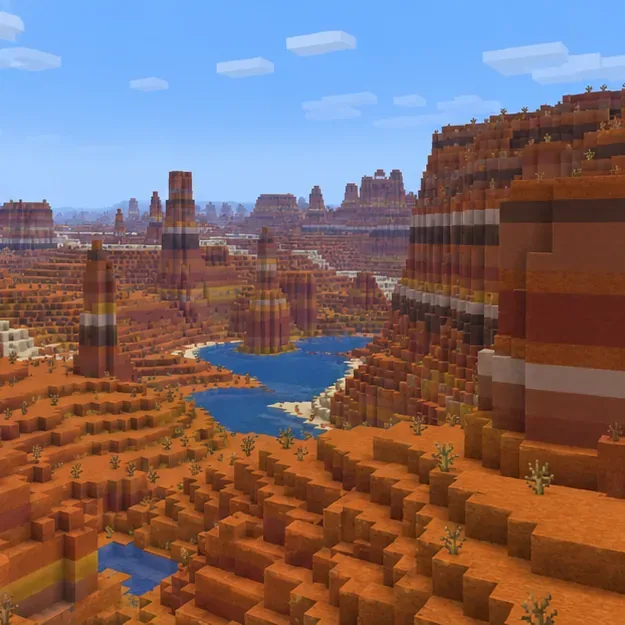
A new vanilla world helps determine whether the issue follows one saved world or the whole installation. These are illustrative gameplay-style scenes, not screenshots from a confirmed incident.
4. Update carefully and report a reproducible vanilla issue
Use the latest stable release offered by the official launcher, and check Mojang’s current Java Edition system requirements for the supported operating system and graphics guidance. Requirements and graphics technology change over time, so advice tied to an old release—such as “install Java 21,” “use Rosetta,” or “this is an M-series bug”—should not be applied automatically. The 2026 requirements update discusses a transition away from OpenGL toward Vulkan; it does not establish that every Mac has the same rendering issue.
Lowering render distance or switching to the Fast graphics preset can help diagnose broad lag or slow chunk loading, but it is not a reliable repair for a missing texture. If the issue persists in a new world with a clean profile, record your exact Minecraft release, macOS version, Mac model or chip, and whether packs, shaders, or mods were active. Capture the visual symptom and submit a reproducible vanilla report through the official Minecraft issue tracker. Avoid deleting ~/Library/Application Support/minecraft: it contains your saves and other local game data.
Quick answers
Is “System Sands” an official Minecraft error code?
The official support pages checked for this rewrite do not identify it as a named code. Describe the visible symptom—such as missing textures or chunk rendering—instead when asking for help.
Is this definitely caused by an M1, M2, or M3 Mac?
No. The original claim that it specifically affects Apple Silicon was not supported by an official notice for this named issue. Test the same game release with a clean profile and report the Mac model and chip rather than assuming the cause.
Should I reinstall Java or delete the Minecraft folder?
Not as a first step. Use the official launcher’s default Java executable and create a clean test installation. Back up the world before any reinstall, and never delete the game’s Application Support folder unless you have copied the saves you want to keep.
In short: treat “System Sands” as an informal name for a possible Minecraft Badlands texture glitch on macOS. Back up the world, disable custom visuals, compare a clean vanilla installation, and only escalate with exact version and system details if the issue reproduces.