Home
» 🎮 Esports
»
Minecraft Bedrock Drowning Error: Real Fixes and the “Drowned” Code
Minecraft Bedrock Drowning Error: Real Fixes and the “Drowned” Code
Fix the Minecraft Bedrock Drowning Error: Start with the Right Diagnosis
If your health drops only while your character is underwater, that is ordinary drowning damage: reach the surface and get onto dry ground. If the damage continues after you are clearly out of the water, do not assume there is a confirmed “Edition Echos” status effect. Mojang’s official help materials do not identify “Drowning Bedrock Minecraft Error: Edition Echos” as a named Bedrock error. It is best treated as a search phrase for a symptom until you can reproduce and isolate the cause.
There is a separate, real Bedrock message called Drowned. Minecraft Help describes that as a problem signing in to a Microsoft account, not as a drowning or oxygen bug. If you see “Drowned” during sign-in or while joining online services, use the official Drowned error troubleshooting guide; changing a world, clearing potion effects, or editing save files will not address that sign-in issue.
The steps below are for Bedrock players whose character appears to keep taking drowning damage in a world. They avoid unverified fixes and protect the original save before testing. Gameplay images are illustrative; HUD and menu layouts can differ by device.
First, identify which problem you have
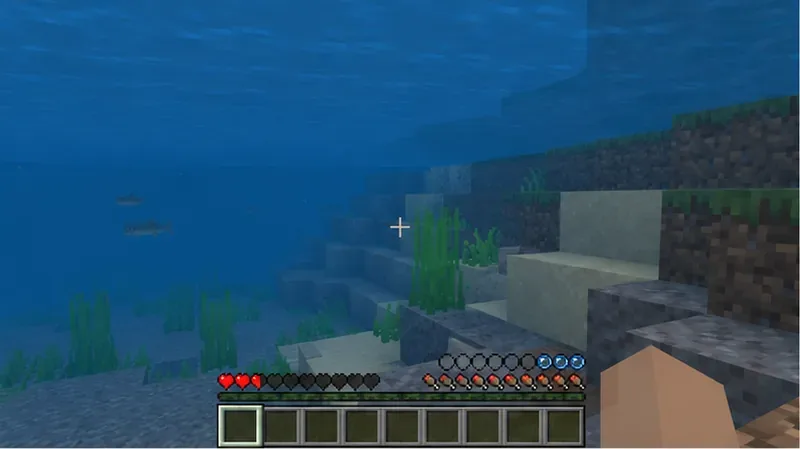
Underwater Bedrock gameplay with the oxygen bubbles nearly depleted, showing the normal situation in which drowning damage can occur.
What you see
What it points to
Next step
Air bubbles run out and health drops while submerged
Normal underwater drowning, unless it persists after surfacing
Swim up, leave the water, and compare on dry ground
The word “Drowned” appears during account sign-in
Microsoft account sign-in trouble
Follow Minecraft Help’s Drowned-code steps
Health keeps dropping on dry land in one world
A world-specific issue is possible, but not confirmed by the wording alone
Back up the save, then compare it with a fresh world
The same symptom appears in multiple worlds
Check the game installation, version, device, and active packs
Restart and update before changing saves
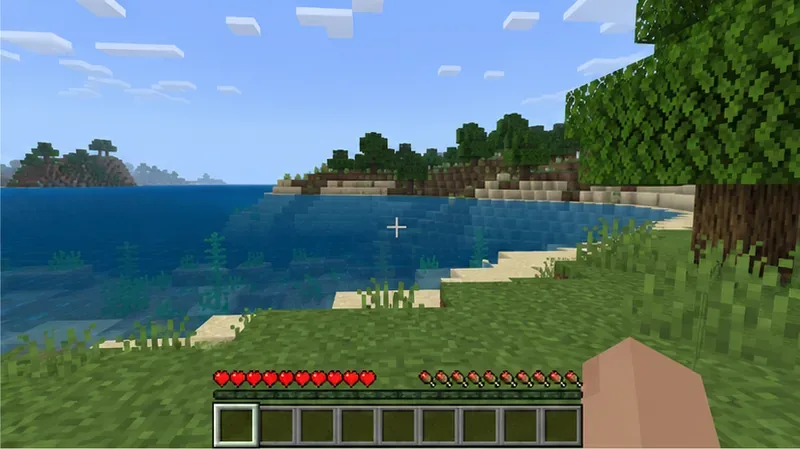
A Bedrock player standing on a dry grassy shore beside the water, a useful comparison when checking whether damage continues after surfacing.
Five safe troubleshooting steps
Surface, leave the water, and reproduce the symptom. Get fully onto dry ground and watch whether hearts continue to disappear. Check that your character is not still inside a waterlogged space, underwater cave, or other submerged block area. Note whether the oxygen bubbles, damage, or a message appears, and whether it happens again after you re-enter the world. A single damage tick during the transition is not enough to establish a persistent bug.
Restart Minecraft and install the stable update offered for your platform. Save and leave the world, close the game completely, then relaunch it. Check the platform’s official store or launcher for an update and make sure the client and Realm/server are not on incompatible releases. Do not switch to a Preview build as a repair step. Mojang’s Bedrock 26.50 changelog, dated September 15, 2026, lists a fix for disconnects when loading worlds with certain add-on content; it does not document the “Edition Echos” label or promise a fix for continued drowning damage. Read the Bedrock 26.50 changelog and use the stable version actually available on your device.
Compare against a new world, and protect the old one first. If the problem is tied to a valuable save, make a copy or a platform-supported backup before changing its settings. Open a temporary new world with default settings and no add-ons, then check whether the same out-of-water damage occurs. If it happens only in the original, the save or its configuration is a useful place to investigate. If it occurs in the test world too, focus on the client, platform update, or multiplayer setup. These comparisons narrow the search; they do not by themselves prove corruption. Minecraft Help’s backup and restore guide for Bedrock worlds explains platform-specific options. For a Realm, review the official Realm backup instructions with the owner before restoring anything.
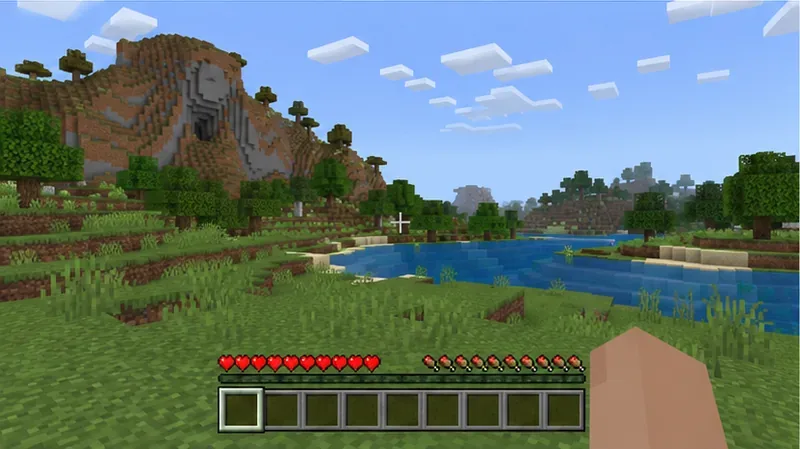
A fresh Bedrock world with a default survival HUD and no visible add-on effects, suitable for comparing against a problem save.
Test add-ons only on the copy. If the issue is limited to one world, disable its behavior packs or resource packs on the copied test save, then reopen and repeat the same check. If the symptom stops, re-enable packs one at a time on that copy to identify a possible conflict. Do not delete packs or experiment on the only copy of a Realm or long-running world. An add-on conflict is one possibility to isolate, not a confirmed cause of this named “error.”
Use commands only as a temporary aid, not as a claimed repair. If cheats are already enabled and your goal is simply to stay underwater long enough to reach safety, Bedrock supports /effect @s water_breathing 60. This grants Water Breathing for 60 seconds; it does not repair a world or fix damage that continues on land. The official Bedrock effect command reference lists supported syntax and effects. /effect @s clear is also a valid command, but it removes status effects; drowning damage is not listed as a potion effect, so clearing effects is not a proven fix for it. Commands require cheats, and enabling cheats disables achievements for that world. Do not turn cheats on in an achievement world just to try a command.
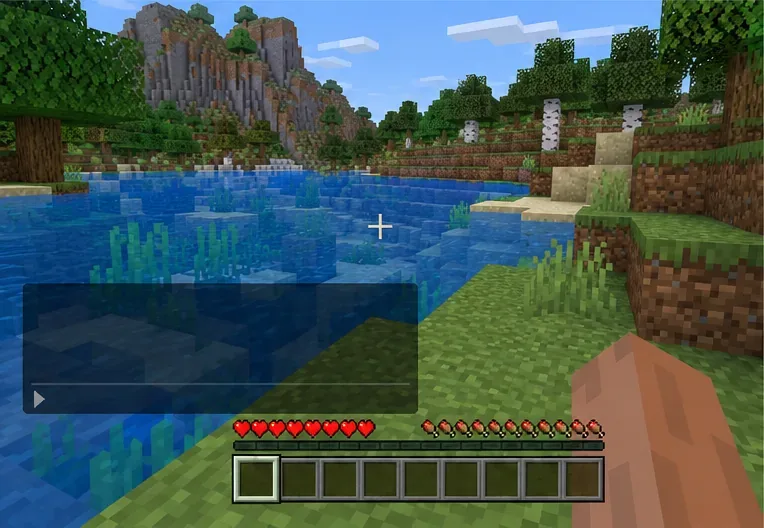
Bedrock gameplay at a riverbank with the chat panel open; command availability and chat controls vary by platform.
When to restore a backup or contact support
If a verified backup from before the symptom exists and testing points to one save, restore only after confirming which copy will be replaced. A seed can recreate terrain, but it does not bring back buildings or progress. For a shared Realm, coordinate with its owner and players before any restore. If the symptom remains in a new world after a full restart and stable update, contact Minecraft Support with your device, Bedrock version, whether the world is local or a Realm, the packs enabled, and the exact steps that reproduce it. Avoid deleting the app’s data or editing player NBT as a first response; those actions can put local worlds at risk and are not part of Mojang’s documented fix for this symptom.
Quick checklist
Confirm whether the message is the account sign-in code “Drowned” or actual underwater damage.
Check whether health loss stops when you are fully out of water.
Restart and install the stable update available for your platform.
Back up the save before testing a new world or changing add-ons.
Use commands only when you understand the cheats and achievement trade-off.
Restore from a verified backup or report reproducible results to Minecraft Support.
Checked against official Minecraft Help and Bedrock command/release documentation on October 17, 2026.