Home
» 🎮 Esports
»
Fix Minecraft Bedrock Edition Errors: Common Problems and Safe Solutions
Fix Minecraft Bedrock Edition Errors: Common Problems and Safe Solutions
Fix Minecraft Bedrock Edition Errors: Common Problems and Safe Solutions
If Minecraft Bedrock Edition crashes, freezes while loading a world, or refuses a multiplayer connection, start by updating the game and fully restarting your device. If the problem follows only one world, protect that save and test a copy before changing add-ons. These checks help narrow down a Minecraft Bedrock Edition error without risking a build.
One clarification: Minecraft Support does not identify “Core Concerns” as a named Bedrock error code in its current troubleshooting guidance. Treat it as a general label unless the game displays a specific message or code. The old claim that “core_vulkan” or “rule_core” is a standard diagnosis is not supported by the official guides. Use the exact on-screen wording when searching or reporting the problem.
What happens
First useful check
The game crashes on launch or in every world
Restart, update Minecraft and your device, then test again.
Only one saved world will not load
Keep the world, make a copy if possible, and test a new world.
The issue began after adding packs
Back up the world, then disable add-ons one at a time.
Only a Realm, server, or friend’s world fails
Check versions, account permissions, service status, and network.
How to troubleshoot a Minecraft Bedrock Edition error
Work through these steps in order. After each change, repeat the same action that caused the problem; that makes it easier to identify what actually helped.
1. Record the exact symptom and error message
Note whether Minecraft closes, becomes unresponsive, stays on the loading screen, or returns a connection message. Record the device, game version, and whether the problem affects every world or just one. If a code appears, take a screenshot or write it down exactly. “World loading failure” and a Microsoft account sign-in error point to different fixes.
Illustrative diagram; menus and labels vary by platform.
2. Close Minecraft completely, restart, and update
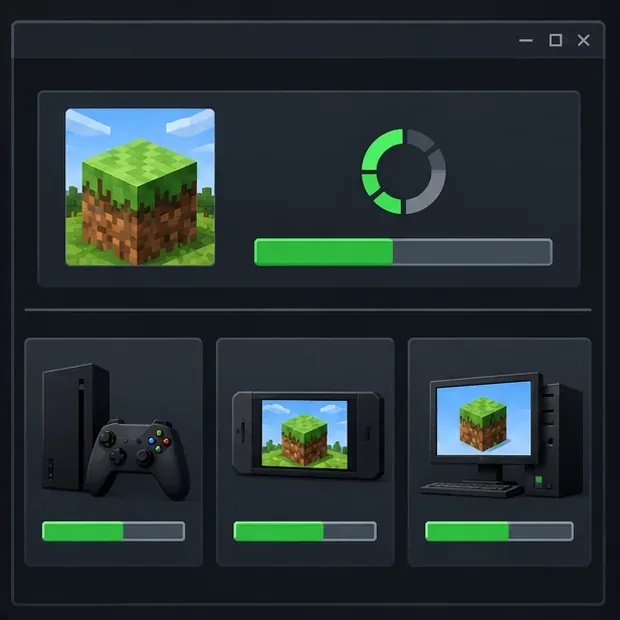
Exit the game rather than leaving it suspended, restart the device, and install the newest stable Minecraft update offered by your platform’s store or launcher. Check for operating-system updates too, then restart once more. Avoid Preview or beta builds while diagnosing a problem unless you intentionally joined that test program; a preview build can introduce issues that do not occur in the stable release.
Version numbers change. The official release list currently shows Bedrock 26.52, a hotfix posted September 25, 2026, and notes that platform availability can roll out as approvals complete. Do not try to force that number if your store has not offered it; use the latest stable version available to your device. See the official Minecraft release changelogs and Minecraft’s crash and lag guidance.
Illustrative diagram; menus and labels vary by platform.
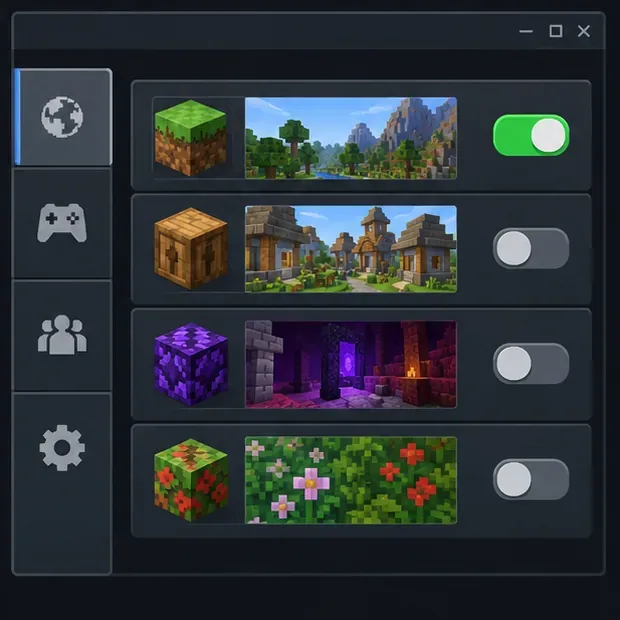
3. Back up the world before changing files or packs
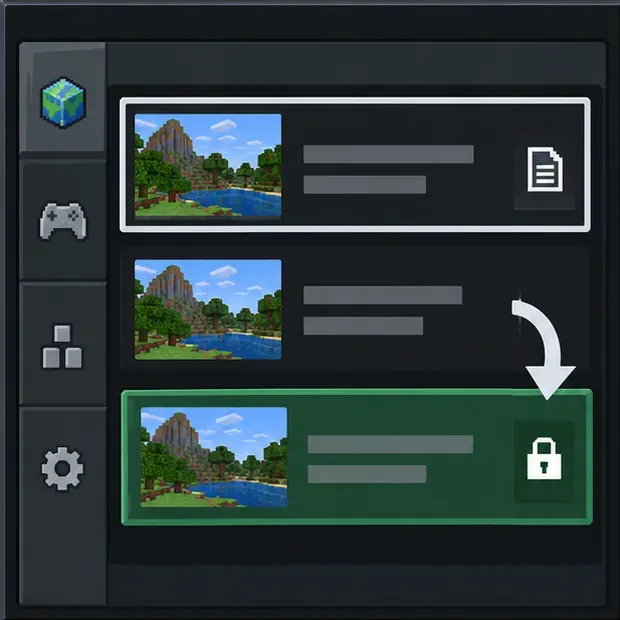
Do not choose “clear data,” delete Minecraft’s saved files, or uninstall the game as an early fix. Storage behavior varies by platform, and local worlds may not be recoverable if they were not backed up.
Illustrative diagram; menus and labels vary by platform.
4. Check whether the issue belongs to one world
Create a temporary new world and see whether it opens and runs. Leave the affected save untouched. If the new world works, the problem is more likely tied to that save, its add-ons, or content in a particular area. If every world fails—including a fresh one—focus on the game installation, device software, storage, or a current release issue instead. Do not delete a world just because it will not load.
Illustrative diagram; menus and labels vary by platform.
5. Test add-ons on a copy, one at a time
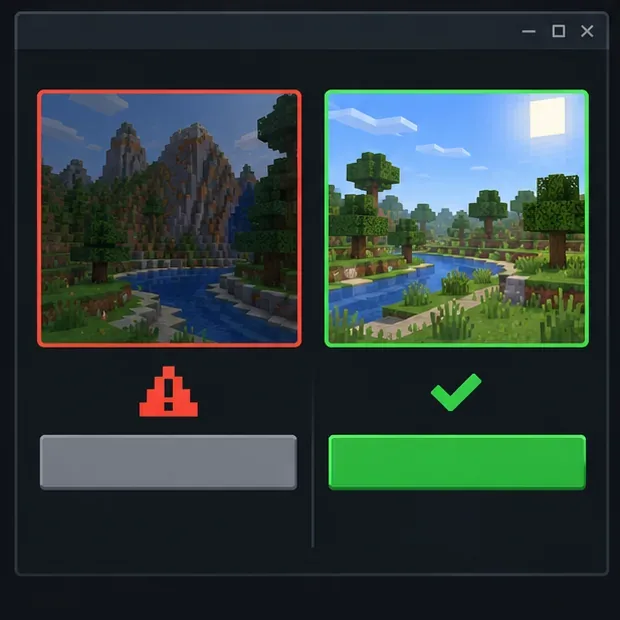
A resource pack or behavior pack can conflict with another pack or with a game update. First duplicate the affected world if your platform allows it. On that copy, turn off the active resource and behavior packs, then test. If the copy opens, re-enable packs one at a time and retest after each change. This isolates a possible Bedrock add-on conflict without experimenting on the original save. Minecraft Support also recommends backing up first and disabling packs individually when investigating add-on problems: official Bedrock add-on troubleshooting.
Illustrative diagram; menus and labels vary by platform.
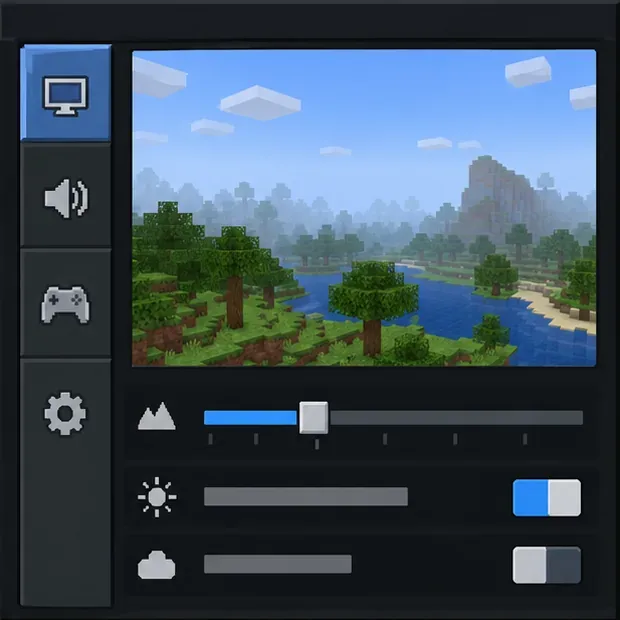
6. Reduce graphics load and check device storage
If the game freezes during play or while loading a demanding area, close other apps and make sure the device has free storage. Update the device’s operating system and, on a PC, install graphics-driver updates from the computer or GPU manufacturer. Temporarily lower render distance or other visual settings that are available on your platform, then test again. Settings differ across phones, consoles, and PCs, so there is no single render-distance value that fixes every crash.
For graphics glitches, Minecraft’s Bedrock graphics troubleshooting page recommends checking software updates and, if needed, turning off add-ons or changing video settings.
Illustrative diagram; menus and labels vary by platform.
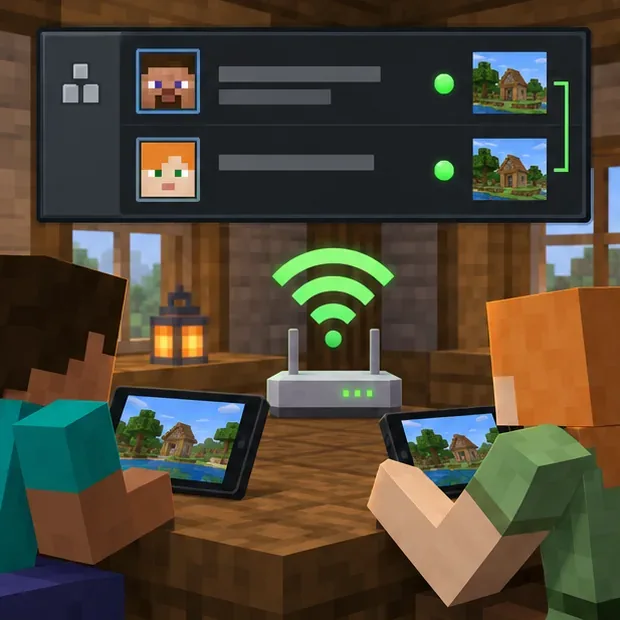
7. Fix multiplayer and Realm connection failures
If single-player works but a friend’s world, server, or Realm does not, check the network path rather than changing local worlds. Confirm that everyone is on a compatible, current Bedrock release; verify that the host is online; and check Microsoft account multiplayer permissions. Console online play may also require the platform’s multiplayer subscription. For LAN play, make sure devices are on the same network. Restart the router and device, and temporarily disconnect a VPN if one is active.
Check whether the problem affects only one Realm or server, then ask its owner or administrator about availability. Minecraft Support’s guides cover unable-to-join multiplayer errors, network connection errors, and Realm connection problems. Port forwarding is not a first-line fix; do not change router security settings unless official guidance for your setup calls for it.
Illustrative diagram; menus and labels vary by platform.
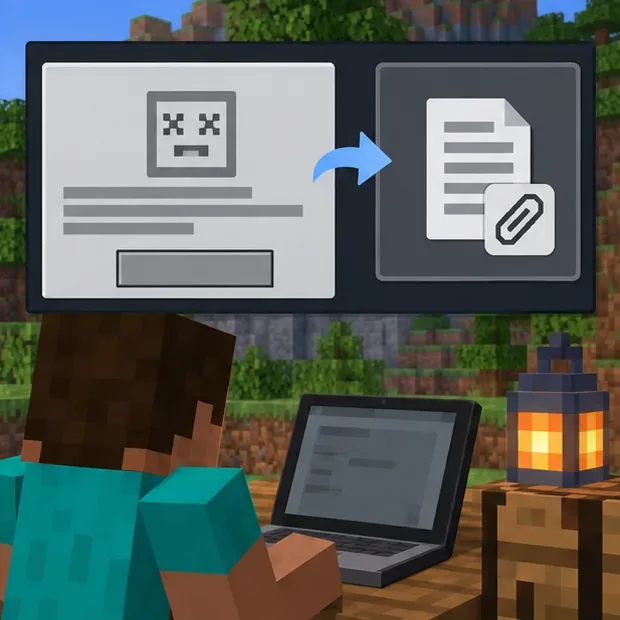
8. Send a useful report if the error continues
When the steps above do not help, contact Minecraft Support or use the official feedback and bug-report channel. Include the exact error text or code, platform and operating-system version, Minecraft version, whether a new world works, whether add-ons are enabled, and what you already tried. Attach a screenshot or diagnostic file only if the support form requests it, and do not post a private world save publicly.
Illustrative diagram; menus and labels vary by platform.
Frequently asked questions
Is “Core Concerns” an official Minecraft Bedrock error?
I could not verify “Core Concerns” as an official named error in Minecraft’s current Bedrock error-code or support guides. If the game displays a specific code, use that exact code; otherwise describe the symptom, such as a crash on launch or a world that will not load.
Should I reinstall Minecraft or clear saved data?
Only consider reinstalling after you have confirmed that your worlds are backed up and platform-specific support instructions recommend it. “Clear data” can remove local files; it is different from restarting the game. Use your device’s official Minecraft backup instructions before taking a step that could affect saves.