Home
» 🎮 Esports
»
Minecraft PE Error 0010D: Safe Troubleshooting and World Recovery
Minecraft PE Error 0010D: Safe Troubleshooting and World Recovery
Minecraft PE Error 0010D: Safe Troubleshooting and World Recovery
If Minecraft on a phone shows “0010 D,” “0x0010D,” or a similar message and then freezes or closes, start with reversible checks. Do not clear app data, uninstall the game, or delete world files until you have a backup. Minecraft Pocket Edition is now part of Minecraft Bedrock Edition on mobile.
The public Minecraft support pages describe several named Bedrock error codes and general troubleshooting steps, but I could not verify an official explanation for the exact code Minecraft PE Error 0010D. That means the code alone does not prove that a world is corrupted, a server is down, or a particular “End Pocket” bug is responsible. Use when the failure happens to narrow it down.
Write down the complete message and when it appears; this illustration is not a screenshot of a specific error.
Quick diagnosis: when does the error appear?
What happens
First check
Only one saved world fails to open
Test a new world, then check that world’s active add-ons after backing it up.
Every world fails, including a new one
Restart the phone, update Minecraft from its official store, and check available device storage.
Single-player works but joining a friend or Realm fails
Check the network, service status, and whether both players are using compatible game versions.
This is a troubleshooting map, not a guaranteed diagnosis. If the actual screen names a different error, follow that code’s official instructions instead of assuming it means 0010D.
Step 1: Record the message, restart, and update
Take a screenshot of the full error and note what you were doing: opening the app, loading one world, signing in, or joining multiplayer. Also record your device model, operating-system version, Minecraft version, and whether you use resource packs or behavior packs. The version number appears on Minecraft’s launch screen; compare it with the version offered by the Google Play Store or Apple App Store. Minecraft’s official mobile update guide explains how to check for an update.
Fully close Minecraft, restart the device, and open the game again. If the device is nearly out of storage, free space using the phone’s normal storage settings. Do not use “Clear Data” as a first step: app data can include worlds, and the exact storage behavior depends on the platform and the game’s file-storage setting.
Keep a separate copy of the world files before attempting recovery or reinstalling.
Step 2: Check whether the problem affects one world
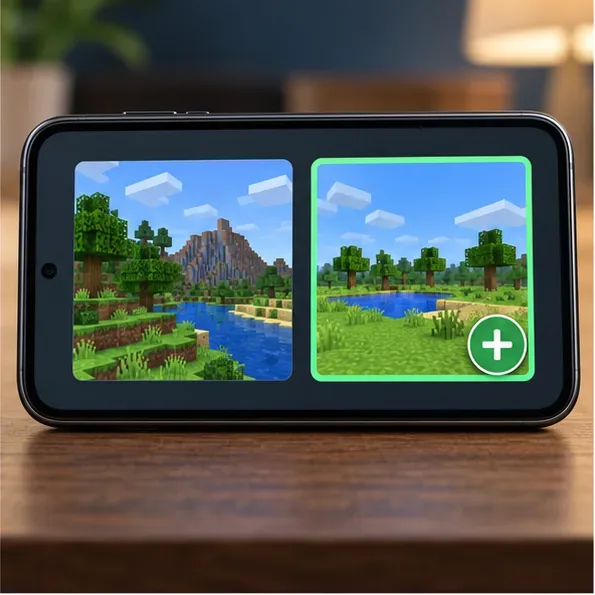
Leave the problem world untouched and create a temporary new world with default settings. If the new world opens, the core app can load a world; the issue may be specific to the saved world or something enabled for it. That does not prove the save is corrupt. If the new world also fails, focus first on the app, device, or installation rather than editing the original save.
Do not overwrite, delete, or repeatedly attempt risky repairs on the only copy of a world you care about. If you can open it at all, use Minecraft’s available world copy/export option where your platform provides one, then keep the backup somewhere outside the game’s storage.
Step 3: Test add-ons one at a time
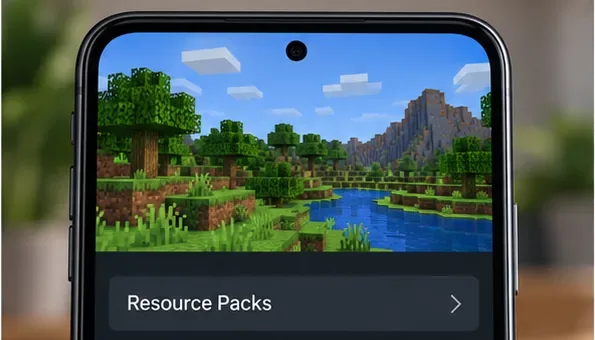
If the failing world uses custom content, make a backup before changing anything. From Play, open the pencil/edit control for that world, then inspect its Resource Packs and Behavior Packs sections. In the Active list, remove or deactivate one optional pack at a time, then try the world again. The exact controls can vary across devices and game versions. Minecraft’s add-on troubleshooting instructions recommend backing up and testing packs individually because add-ons can conflict.
Open the affected world’s pack settings and review active packs; the exact menu appearance can vary by version.
Do not disable a pack that a world template or adventure requires unless you are prepared for changes. Minecraft warns that disabling an add-on can remove its mobs or replace its blocks. If one pack is the trigger, leave it off for that world and contact its creator or wait for a compatible update.
Step 4: Separate local-world trouble from an online issue
Try a local single-player world before troubleshooting a Realm or server. If local play works but joining online fails, confirm that the device has a stable connection, restart the router if practical, and check the service status for the platform you use. Ask the host to confirm that their world is available and that everyone has installed a compatible Minecraft version. Use Minecraft’s multiplayer connectivity guide for account permissions and connection checks. A network-only failure should not be “fixed” by deleting a local world.
Step 5: Back up before reinstalling or seeking recovery
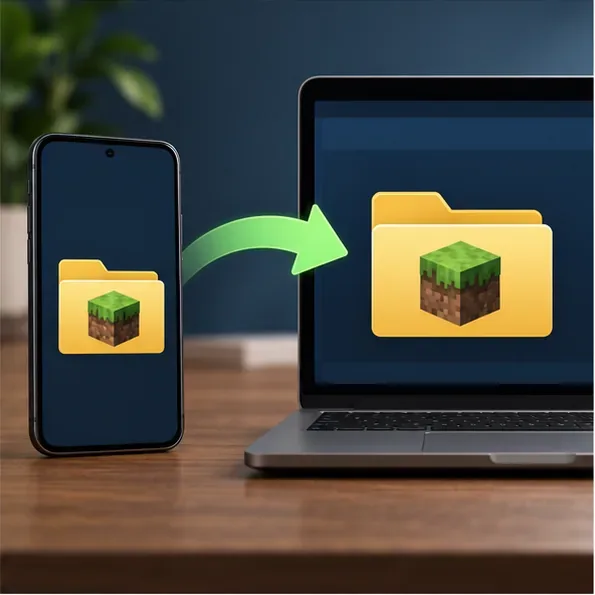
Reinstalling can remove locally stored worlds. First follow the instructions for your device and verify that the copied files are present on the computer or in the backup location.
Android: Minecraft’s Android world-backup guide says direct copying applies to worlds whose file-storage location was set to External. It describes connecting the phone by USB and copying the minecraftWorlds folder from Android/data/com.mojang.minecraftpe/files/games/com.mojang/minecraftWorlds. Worlds stored in Application storage need a different transfer route; the guide points to Realms for that case. Do not assume that moving or changing a folder setting will recover an inaccessible save.
iPhone or iPad: Minecraft’s iOS backup guide explains how to connect the device to a Mac, open its Files view in Finder, expand the Minecraft folder, and copy the games folder. It also notes that iCloud can be used to back up that folder.
Only consider reinstalling after you have a verified backup and ordinary restart/update checks have failed. Never delete level.dat or database files as a generic fix; no official 0010D instructions support that advice, and removing save data can make recovery harder.
A separate test world helps show whether the failure is limited to one save.
When to contact Minecraft Support
If the same error persists after these checks, send Minecraft Support the screenshot, exact wording, device and operating-system details, game version, and the step that triggers it. Say whether a new local world works and whether the issue occurs offline. Those details are more useful than calling the code a confirmed corruption error. Start with Minecraft’s official Help Center and use its contact options.
For most Minecraft PE error reports, the safest sequence is simple: preserve the world, test a clean world, isolate add-ons, and troubleshoot online play only when local play works. That protects your saves while you find out whether “0010D” is tied to one world, one device, or the exact message shown on screen.