Home
» 🎮 Esports
»
0.0.0 Minecraft Error: What It Means and How to Fix Crashes
0.0.0 Minecraft Error: What It Means and How to Fix Crashes
0.0.0 Minecraft Error: What It Means and How to Fix Crashes
If you are searching for the 0.0.0 Minecraft error, start by checking where you saw those numbers. Minecraft Support does not document one universal Java or Bedrock crash code called “0.0.0.” The numbers may be coordinates, a fragment of another message, or a label from a mod, launcher, or device. Coordinates at 0, 0, 0 describe a location in the world; they do not, on their own, prove that the origin caused a crash.
Use the steps below to identify the actual failure before changing files. They cover both Minecraft: Java Edition and Bedrock Edition, and put world backups ahead of any repair that could affect saved progress. Do not delete region/r.0.0.mca, level.dat, or a world folder as a first fix. A world file is not a disposable cache, and removing it can erase terrain or progress.
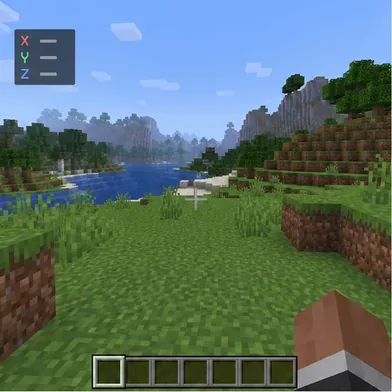
A coordinate display identifies a location in the world; it is not a crash diagnosis by itself.
What the “0.0.0” Minecraft error label tells you
Official troubleshooting is organized by edition and by named error or symptom. The Minecraft Support error-code index does not identify “0.0.0” as a shared Java and Bedrock crash code. That means the phrase alone is not enough to choose a repair. A Java crash report, a Bedrock on-screen code, a launcher message, and an in-game coordinate readout point to different problems.
Before troubleshooting, note the edition, device and operating system, game version, whether the crash affects every world or just one, and the exact wording on screen. If the game closes too quickly, save a screenshot or copy the relevant crash report. Avoid applying fixes meant for another edition: Java installation profiles and mods do not work like Bedrock add-ons or console saves.
Safe fixes for a “0.0.0 Minecraft error” search
1. Record the exact symptom and edition
Write down whether Minecraft freezes at “Building terrain,” returns to the launcher, shows a numbered code, or crashes only after loading a particular world. Check whether “0.0.0” appears in an error message or only in a coordinate display. Include the full game version and whether you use mods, shaders, resource packs, or Bedrock add-ons. This simple check prevents a coordinate from being mistaken for an error code.
Verify which edition and installation you are launching before changing a saved world.
2. Restart and verify the selected game version
Close Minecraft and the launcher, restart the device, and launch the same edition and version that last opened the affected world. If you plan to update or change versions, back up the world first; a newer release or preview build may change saved data. Do not switch a modded world to a different game version as a quick test. Confirm that the launcher has finished installing its selected game files before trying again.
3. Compare the affected world with a new test world
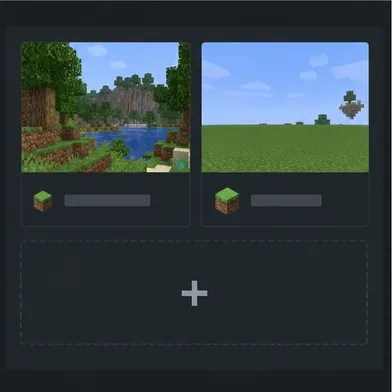
Create a temporary world with default settings and test whether it loads. If the test world also fails, focus first on the installation, device, graphics software, or enabled content. If it loads while one saved world does not, the problem may be specific to that save, its data, or packs attached to it. This comparison narrows the search; it does not prove that a world is corrupted.
A fresh test world helps distinguish a broad launch problem from a problem limited to one save.
4. Test a clean Java installation profile
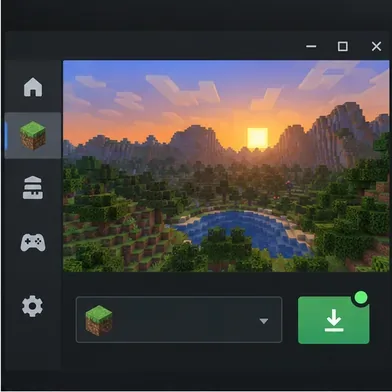
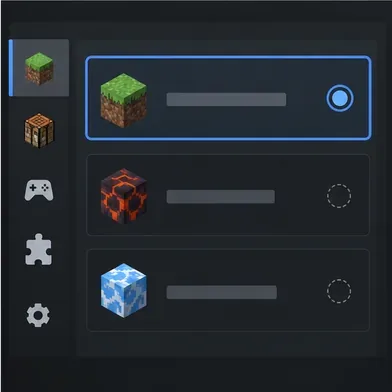
This step applies to Java Edition. In the Minecraft Launcher, create a new installation for the same game version and use its default settings. Mojang’s new-installation troubleshooting guide recommends this approach to check whether the existing installation’s settings or files are involved. If the clean profile works, compare its settings with the old profile instead of deleting your saves or reinstalling everything.
Use a clean profile for diagnosis, then compare settings with the profile that fails.
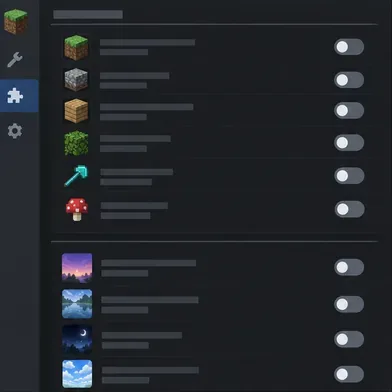
5. Temporarily disable mods, shaders, or Bedrock add-ons
For Java Edition, test without third-party mods, shaders, and resource packs, then restore them in small groups to find a conflict. Keep a copy of the original setup so you can put it back. For Bedrock Edition, disable active add-ons for a test world or a copy of the affected world. Minecraft Support notes that add-ons can conflict and recommends disabling them or testing them in a new world; see its add-on troubleshooting steps. Do not remove purchased content or saved worlds just to test a toggle.
Turn off optional content temporarily, then re-enable items gradually if the game starts.
6. Check system updates, graphics drivers, and memory only when relevant
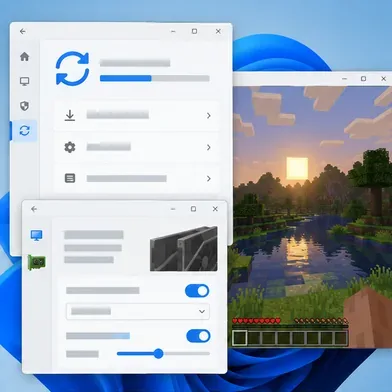
On PC, install operating-system and graphics-driver updates, restart, and test again. Minecraft’s Java graphics troubleshooting guide also suggests checking system requirements and testing without unnecessary external input devices. If a Java crash report specifically points to memory allocation or an out-of-memory failure, use the official memory-allocation instructions. There is no universal “give Minecraft 4–8 GB” fix: the right value depends on installed RAM and the game version, and allocating too much can make stability worse.
Check system and graphics updates when the crash affects more than one world.
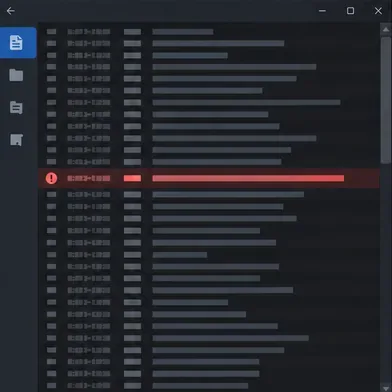
7. Read the Java crash report instead of guessing
For Java Edition, check the game’s crash-reports folder and logs/latest.log inside the active game directory. A custom installation can use a different game directory, so check the profile’s settings in the launcher. Look for the first meaningful exception and the lines immediately before it; an out-of-memory message, graphics error, or mod name suggests different next steps. Keep the full report for support, but remove account tokens or other private information before sharing it publicly. Bedrock players should record the exact on-screen error and the device or platform where it occurs.
The highlighted exception is a clue to investigate, not proof that the world origin is at fault.
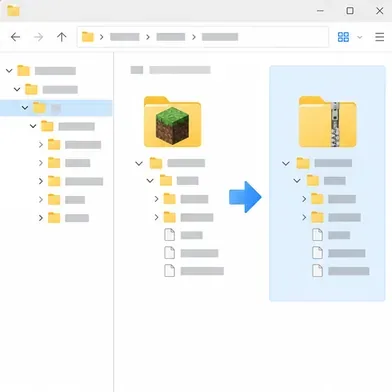
8. Back up the world before restoring or repairing it
In Java Edition, select the world in Singleplayer, choose Edit, then Make Backup. Minecraft Support explains that this creates a dated backup archive. For Bedrock, use the backup or copy method for your device; its world restore guide links to platform-specific backup steps and explains that a restore returns the save to an earlier point. Restoring a Realm backup also rolls back progress made after that backup. Keep the original untouched, test repairs on a copy, and restore only a backup you trust.
Keep a separate copy of the affected save before attempting recovery.
When to contact Minecraft Support
If the exact error persists in a clean installation and a new test world, use Minecraft’s support flow with the edition, full error text, operating system, game version, and relevant crash report. If only one world fails and there is no backup, stop experimenting on the original save and ask for help before deleting or editing files. A seed or a location at 0, 0, 0 alone is not evidence that the seed is defective.
The safest way to resolve a 0.0.0 Minecraft error search is to identify the real symptom, isolate the edition and installation, and protect the world before recovery. The origin coordinates are useful context, but the crash report or exact platform error is what determines the next fix.