Home
» 🎮 Esports
»
Ultimate Fix for GTA Online Lag and Low FPS in Full Lobbies
Ultimate Fix for GTA Online Lag and Low FPS in Full Lobbies
Ultimate Fix for GTA Online Lag and Low FPS in Full Lobbies
If GTA Online lag gets worse in a crowded lobby, first work out whether the problem is low frame rate or a bad connection. A falling FPS counter and choppy camera point to PC or console performance; players snapping across the screen, delayed actions, and session timeouts point to network trouble. Fix the matching cause instead of changing router settings at random.
There is no universal setting that guarantees a fixed frame rate in every lobby. The checks below start with reversible changes and use Rockstar’s support guidance for patches, drivers, file verification, and connectivity.
The interface images are representative illustrations. Menus can differ by launcher, game edition, and console.
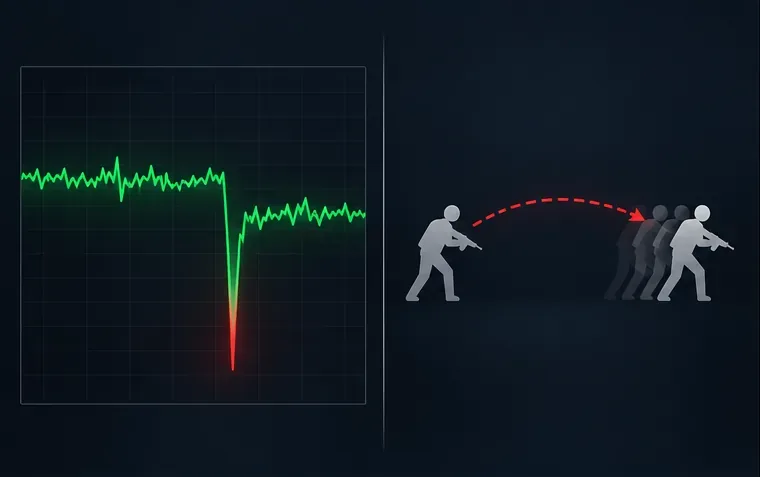
A frame-time hitch and rubber-banding are different symptoms; check which one appears in your session.
1. Separate low FPS from connection lag
Use this quick symptom check before changing settings:
What you see
More likely cause
First check
The camera stutters, animation skips, or FPS drops
Local CPU, GPU, memory, heat, or graphics settings
Watch frame rate and hardware use in the same area
Other players teleport or actions arrive late while your camera stays smooth
Wi-Fi, packet loss, NAT, or a session/service issue
Check Rockstar service status and test wired Ethernet
Both happen together
More than one bottleneck
Test one change at a time and compare the same activity
A full lobby alone does not prove that Rockstar’s servers are overloaded. A crowded scene can increase the work your system has to render, while rubber-banding and disconnects usually call for connection checks. If possible, compare the same location and graphics settings in an Invite Only session and a public session. Treat that as a diagnostic comparison, not a guaranteed FPS fix.
Fix GTA Online low FPS on PC
2. Check CPU, GPU, memory, and temperatures
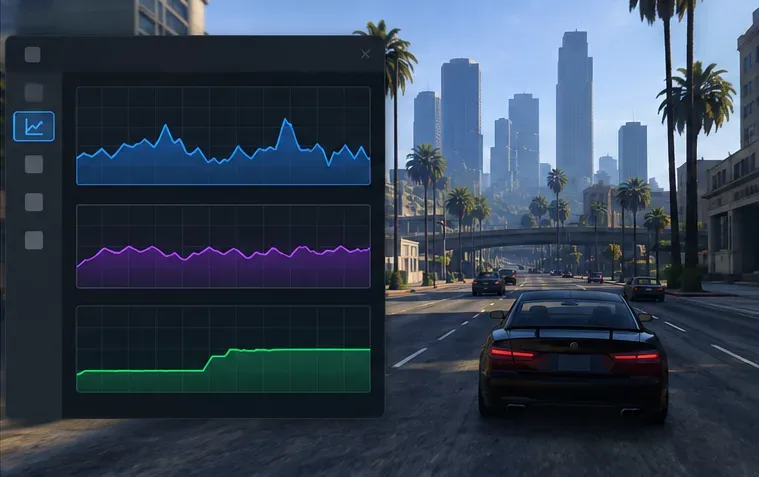
While the slowdown is happening, open Task Manager with Ctrl + Shift + Esc, or use your graphics card’s official performance overlay. Look for sustained CPU or GPU use near its limit, memory pressure, and unusually high temperatures or clock drops. Also confirm that the game is using the dedicated GPU on a laptop. If the game is smooth in quiet areas but drops frames in busy scenes, test CPU-heavy settings such as Population Density and Population Variety first. If the GPU is the limit, reduce resolution or expensive visual effects instead.
Use resource graphs during the actual slowdown; an idle desktop reading will not identify the bottleneck.
3. Lower the settings that cost the most
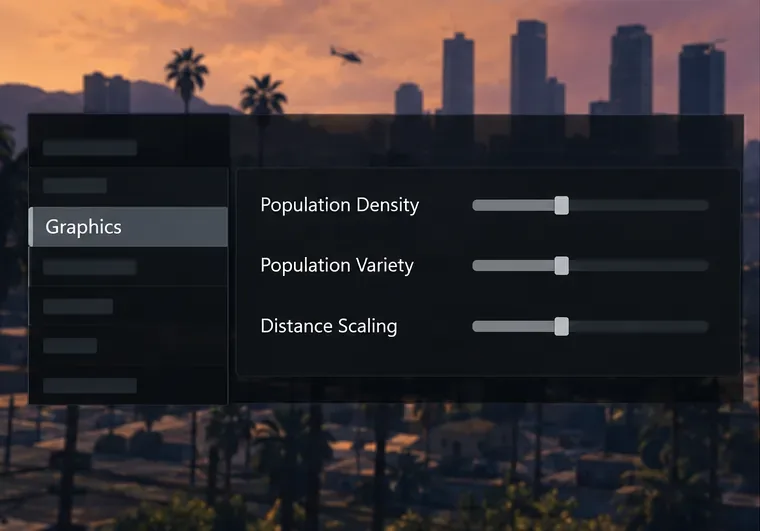
Open the game’s Pause Menu, choose Settings, then Graphics. Change one or two settings, retest, and keep only changes that help. Start with:
Reduce Population Density and Population Variety if crowded streets trigger drops.
Lower Distance Scaling and heavy options such as MSAA, reflections, grass, or extended graphics settings if the GPU is struggling.
If available in your edition, use DLSS or FSR upscaling. GTAV Enhanced PC added support for DLSS and FSR frame-generation technologies in Title Update 1.71; availability depends on the edition and supported hardware.
Keep textures within your GPU’s video-memory capacity. Lowering every setting can make the picture worse without fixing a CPU bottleneck.
The graphics menu can be adjusted from the Pause Menu in Story Mode or Online, according to Rockstar’s settings instructions. Option names and availability can vary between GTAV Legacy and Enhanced.
Lower population and distance sliders in small increments, then repeat the same in-game test.
4. Reduce background load and check Windows power mode
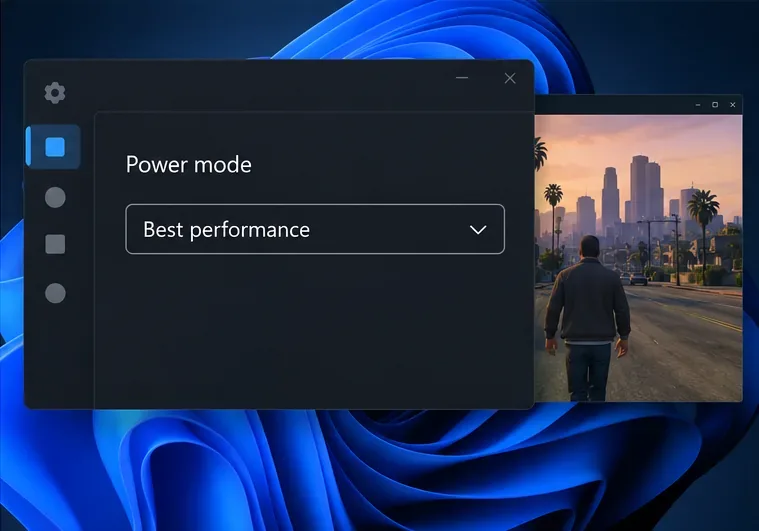
Close downloads, video streams, browser tabs, capture software, and overlays you do not need for the test. Avoid ending unfamiliar Windows processes or disabling security software as a routine FPS tweak. On a laptop, connect the charger and check Settings → System → Power & battery → Power mode. Microsoft says Best performance maximizes performance and may use more power. It can help a power-limited device, but it does not guarantee extra FPS.
Best performance may suit a plugged-in PC; expect higher power use and possibly more heat.
5. Update the game and verify its files
Let your launcher install the current GTAV update, then update your graphics driver from NVIDIA, AMD, or Intel using the vendor’s official support channel. Rockstar’s PC troubleshooting guide recommends getting the latest patch, updating drivers, and verifying game files when troubleshooting poor performance and other PC issues.
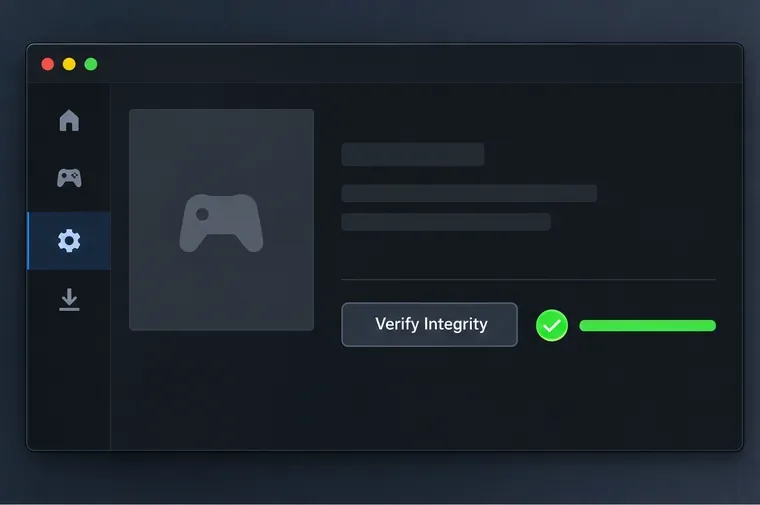
Use the file-check feature in the launcher where you own the game. In Rockstar Games Launcher, sign in, open Settings, select GTAV under My installed games, then choose Verify Integrity. Steam and Epic use their own library menus; follow the store’s current verify-files control. This checks for damaged or missing files, but it will not repair a weak CPU, unstable Wi-Fi, or an overloaded GPU.
The Rockstar Games Launcher calls its file check Verify Integrity; other launchers use different labels.
Fix rubber-banding and GTA Online network lag
6. Check service status, then test Ethernet
Before changing the router, check the Rockstar Games Service Status page for GTA Online outages or maintenance. Rockstar’s PC connection guide recommends checking service availability and trying a wired connection when wireless play is still having problems.
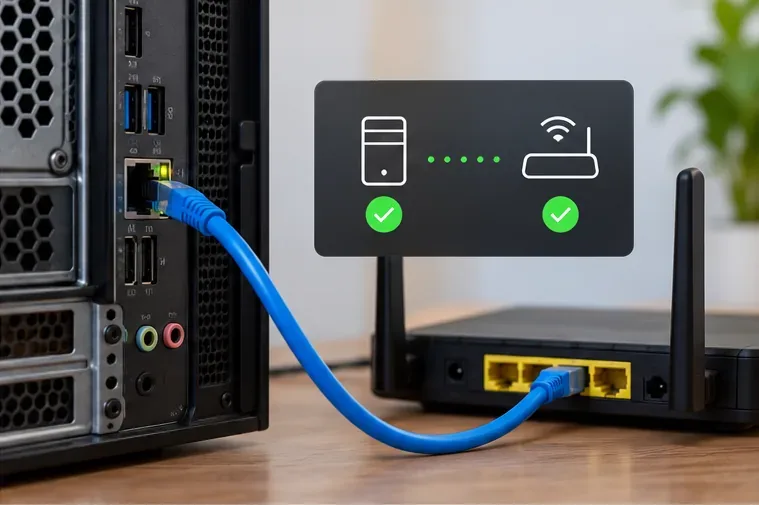
Connect the PC or console directly to the router with Ethernet, pause large downloads on your home network, and restart the game. A speed test can show whether the connection is broadly slow, but bandwidth alone does not reveal packet loss or unstable latency. If Ethernet is not practical, move closer to the router and use a less congested Wi-Fi band when available.
A wired test helps isolate Wi-Fi interference from other causes of online lag.
7. Compare sessions before changing router settings
Try a different session after checking service status and your local connection. If one public lobby is unstable but another is not, the issue may be session-specific. If every online session has trouble but Story Mode runs smoothly, focus on the network path. Rockstar lists UDP ports 6672 and 61455–61458 in its PC connection article. Use those details only if you have a persistent connectivity or NAT problem and know how to configure your router or firewall; port forwarding is not an FPS boost. Do not set MTU to an arbitrary value such as 800, and do not expect a VPN or a new DNS address to raise frame rate.
Do not use “under 100 ms” as a universal pass/fail rule. A stable connection can feel better than a faster but inconsistent one, and your route to a session can vary.
Console checks for GTA Online lag and frame drops
8. Use the right graphics mode and clear cache only for connection issues
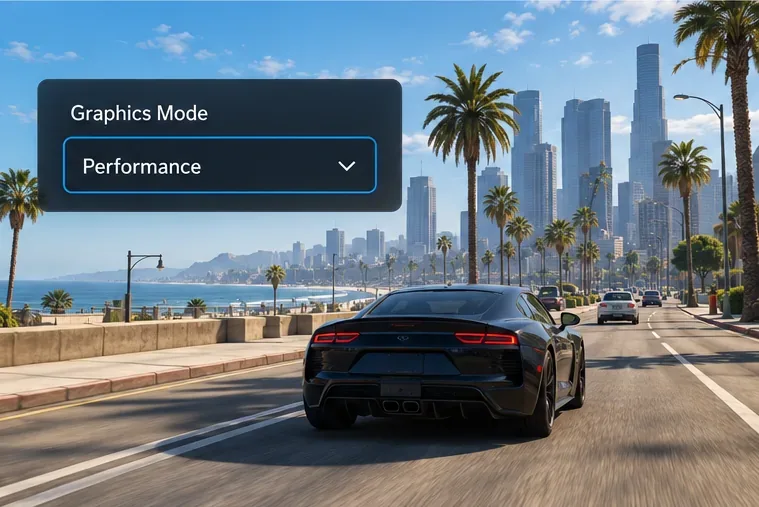
On supported PS5 and Xbox Series X|S editions, open GTAV’s display or graphics options and select Performance when you prefer a higher frame-rate target over maximum visual detail. Rockstar describes graphics modes on new-generation consoles as offering up to 60 frames per second; that is a target, not a promise that every scene or lobby will hold a fixed rate. Older PS4 and Xbox One versions do not have the same graphics-mode options.
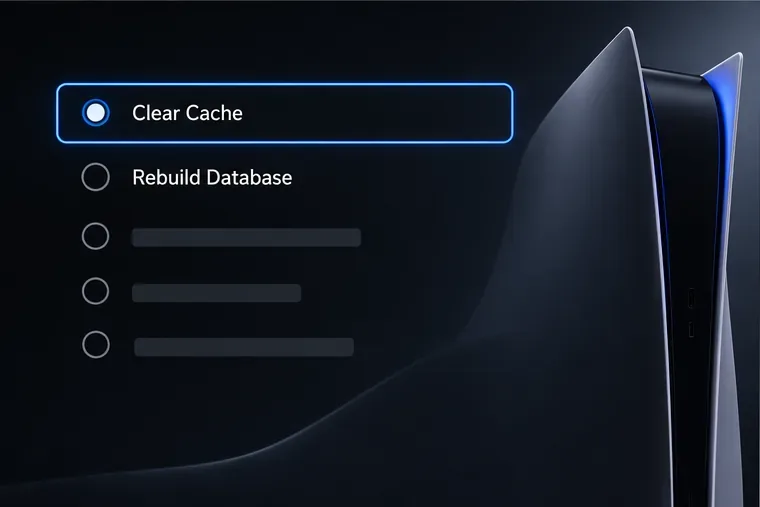
If a PS5 has trouble connecting, Rockstar’s current console guide gives this cache-clear route: fully turn off the console, hold its power button until the second beep, connect the controller by USB, then choose Clear Cache and Rebuild Database → Clear Cache. For Xbox Series X|S, Rockstar’s guide says to turn the console off, unplug it for two minutes, reconnect power, and restart. Cache clearing is connection troubleshooting; it is not a general low-FPS fix.
On PS5, select Clear Cache from the Safe Mode menu; follow Rockstar’s steps for your console edition.Choose Performance only if that graphics mode is available in your GTAV console edition.
Retest after each change in the same location, with the same resolution and similar lobby activity. If the FPS counter remains low in both public and invite-only sessions, record your GTAV edition, CPU, GPU, memory use, temperatures, resolution, and the settings changed. If frame rate stays steady but players still rubber-band, note whether it happens on Ethernet, whether it affects every session, and what Rockstar Service Status showed. Those details make it easier to identify whether the remaining issue is local performance, the home network, or the online service.