Home
» 🎮 Esports
»
🚀 Top 5 Best Roblox Games for Racing Lovers: Find Your Perfect Ride
🚀 Top 5 Best Roblox Games for Racing Lovers: Find Your Perfect Ride
Top 5 Best Roblox Games for Racing Lovers: Find Your Perfect Ride
Want a Roblox racing game for your next session? Start with Vehicle Legends for a garage-building loop, Driving Empire for open-world car simulation, Ultimate Driving for driving jobs and exploration, Jailbreak for police-and-criminal pursuits, or Car Crushers 2 for demolition derby chaos. This list compares five distinct experiences so you can choose by play style instead of relying on inflated car counts or unverified “pro tips.” The selections are based on each experience’s current official description, checked October 16, 2026; features and events can change.
How to choose among the best Roblox racing games
“Best” depends on what you want to do behind the wheel. Some Roblox racing games emphasize collecting, tuning, and head-to-head races; others make driving part of a larger open-world or action game. The ranking below is an editorial guide to those differences, not a live popularity or performance ranking.
Vehicle Legends is a strong first stop if you want racing plus a longer-term garage goal. Its official listing describes a driving and racing simulation with cars, motorcycles, planes, helicopters, and boats. Driving, racing, and exploring earn in-game money that you can put toward other vehicles. The experience also lists car shows and options to upgrade or personalize vehicles.
That range makes it a good fit for players who like switching activities rather than repeating one track. Choose it if collecting is part of the fun; if you want a tightly focused circuit simulator, compare it with Driving Empire before settling in.
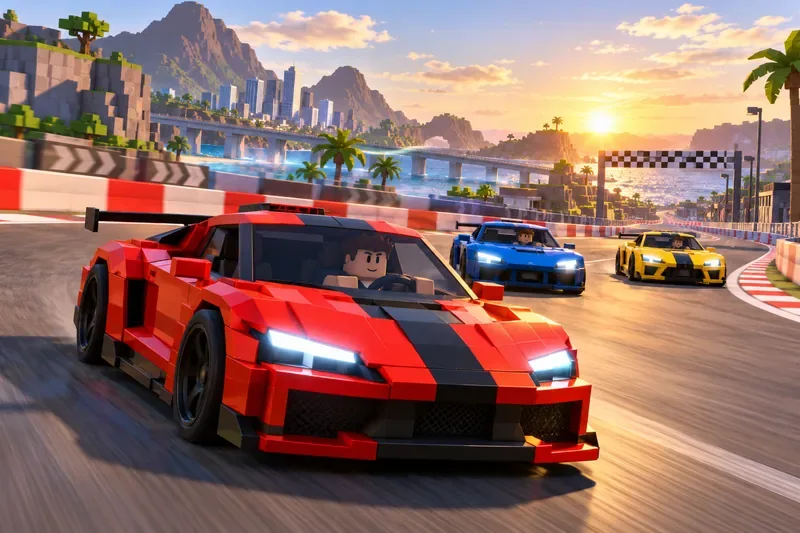
A circuit race captures the head-to-head side of Roblox driving games; track and vehicle designs vary by experience.
Driving Empire combines open-world driving, racing simulation, and role-play. Its current Roblox description lists more than 300 cars and boats, licensed vehicle brands, customization and tuning, races with friends, and community car meets. That makes it a natural pick if you want to cruise, personalize a vehicle, and then join a race or gathering without leaving the same experience.
The official listing describes the driving as realistic, but realism is subjective and Roblox experiences do not share a common simulation scale. Treat that label as the developer’s positioning, not a guarantee that it will handle like a dedicated console or PC racing sim.
3. Ultimate Driving — Best for exploring and taking on driving jobs
Ultimate Driving is the broadest pick for players who want more than races. The official page lists over 400 cars, vehicle customization and performance tuning, head-to-head races for credits, truck and bus jobs, emergency-responder role-play, and a large world with different roads to explore.
Pick this one if you enjoy making your own route through a driving sandbox: race when you want competition, then switch to a job or role-play when you want a change of pace. Because the experience includes several activities, it may suit casual cruising better than a player looking only for short, structured laps.
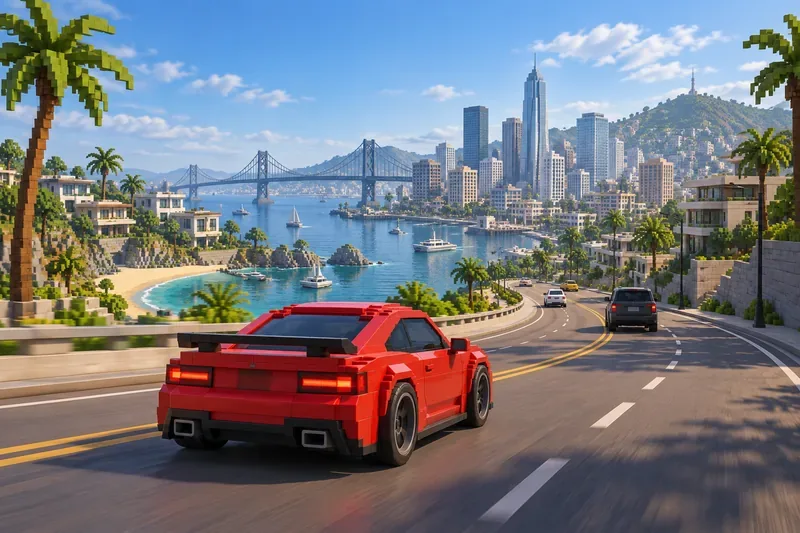
An open-world road offers a different kind of speed thrill from a closed circuit.
Jailbreak is not a conventional racing simulator. Its core hook is the police-versus-criminal setup: organize a robbery or catch criminals, play solo or with others, and look for fast cars to help control the server. Driving matters most when it turns into an escape, pursuit, or route-planning decision.
Choose Jailbreak if you want the tension of being chased or doing the chasing more than clean lap times. One current note: the official description says the team is focused on anti-cheat before any remaining updates. Check the live listing if an update schedule matters to you, and go in for the established chase loop rather than assuming frequent new content.
5. Car Crushers 2 — Best for demolition derby and destruction
Car Crushers 2 is the pick for players who would rather smash, crash, and experiment with vehicle physics than protect a perfect racing line. Its official description includes multiple crushers, Demolition Derby, races with friends, and a large vehicle roster. Racing is part of the experience, but destruction is the feature that sets it apart from the other games here.
Choose it for noisy arena rounds and variety between races. If your goal is strictly to practice cornering or compare lap times, one of the more race-centered options above will be a closer match.
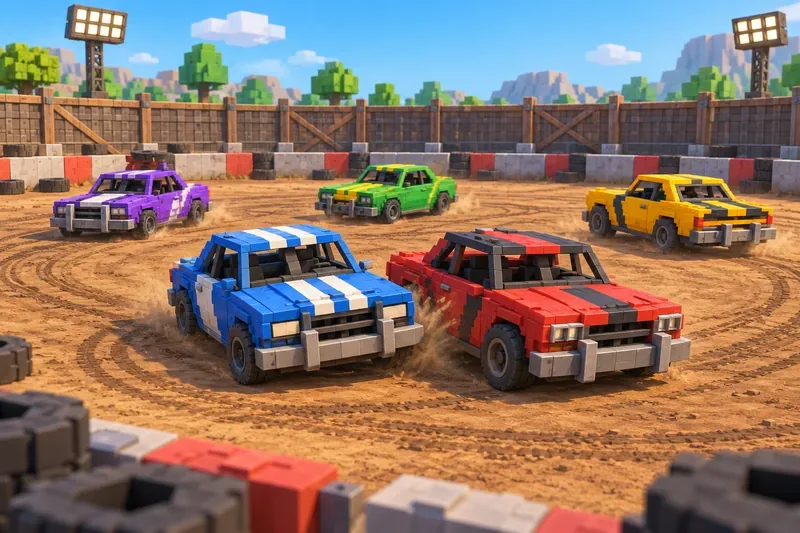
A demolition derby mixes driving with controlled vehicle collisions inside an arena.
Quick comparison
Game
Main play style
Best fit
Vehicle Legends
Drive, race, collect, customize
Players who enjoy a broad garage and multiple vehicle types
Driving Empire
Open-world driving, racing, role-play
Players who want car customization and social car meets
Ultimate Driving
Racing, exploration, driving jobs
Players who like a flexible driving sandbox
Jailbreak
Police pursuits and robberies
Players who want action built around car chases
Car Crushers 2
Demolition, crushers, and races
Players who prefer derby chaos and vehicle destruction
Which Roblox racing game should you try first?
For a garage-centered start, try Vehicle Legends. If customization and open-world driving are your priorities, compare Driving Empire and Ultimate Driving: the former leans into car simulation and meets, while the latter adds jobs and role-play. Choose Jailbreak for pursuit-driven action or Car Crushers 2 for derby and destruction.
Before you join, open the official experience page to confirm its current description, availability, and any event or roster details. Vehicle counts, updates, and activities can change, so the in-game listing is the best place to check what is currently offered.