PUBG Mobile Keyboard & Mouse Not Working on GameLoop? Start Here
If your PUBG Mobile keyboard and mouse are not working on GameLoop, first find out whether Windows can still read the devices. If they work elsewhere, bring GameLoop into focus, check mouse capture, and refresh the game’s key mapping. Those checks fix the most common configuration problems without jumping straight to reinstalling the emulator.
Work through the checks below in order and retest after each change. GameLoop’s interface can vary by client and game build, so use the keyboard or key-mapping control visible in your version instead of relying on a hotkey from an old guide. The figures on this page are schematic examples, not screenshots of a particular GameLoop release.
Quick diagnosis: Windows, GameLoop, or PUBG Mobile?
- The keyboard or mouse fails in other Windows apps too: start with the device, USB/Bluetooth connection, battery, or Windows driver.
- Windows input works, but PUBG Mobile ignores keys: check the emulator’s focus and the key-mapping layout.
- The pointer moves, but the camera will not turn: GameLoop may not have captured the mouse, or the game window may have lost focus.
- Controls broke after an update or screen-size change: refresh the mapping and test it again in the training area.
This split is a troubleshooting shortcut, not a diagnosis from a specific error code. It helps narrow down which layer to check first.
Eight checks for GameLoop keyboard and mouse problems
1. Test the devices in Windows
Before changing emulator settings, type in a text field and move the pointer around the Windows desktop. For USB devices, unplug and reconnect them, try another USB port, and bypass an unpowered hub. For wireless devices, check the battery and reconnect the receiver or Bluetooth pairing. If you can, test the keyboard and mouse on another computer. Microsoft’s mouse and keyboard troubleshooting guide recommends these basic hardware checks.
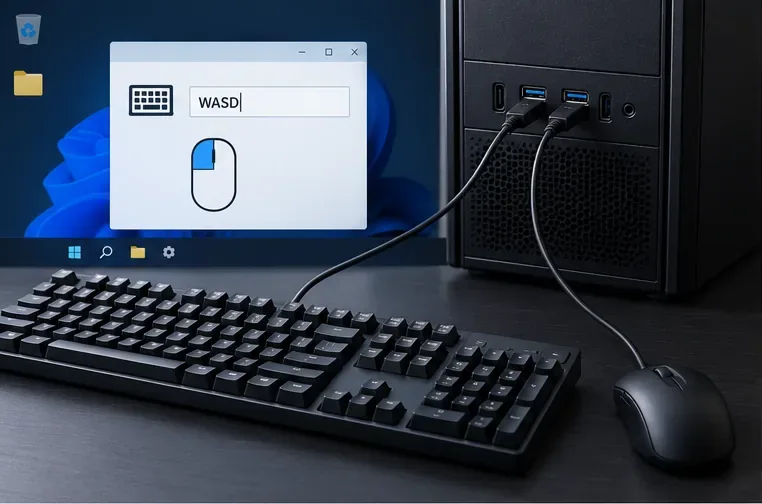
2. Restore GameLoop focus and mouse capture
Click once inside the PUBG Mobile game area, then test movement and camera control. If the cursor remains free to move across the desktop, look for the mouse-lock or cursor-capture hint shown by the emulator. GameLoop's 2022 key-mapping troubleshooting article mentions Ctrl for mouse locking, but it predates current client versions. Use it only if your current on-screen hint confirms it; otherwise follow the shortcut displayed in your build. Also check that a notification, pop-up, or another window has not taken focus.
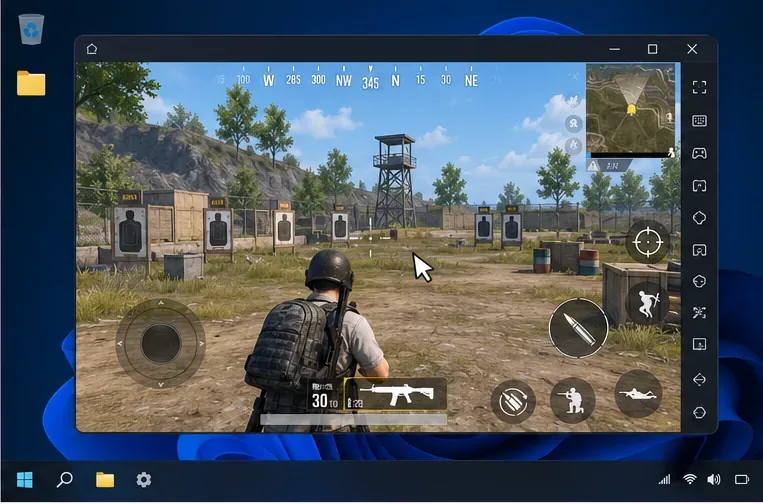
3. Check that the key-mapping overlay matches the game controls
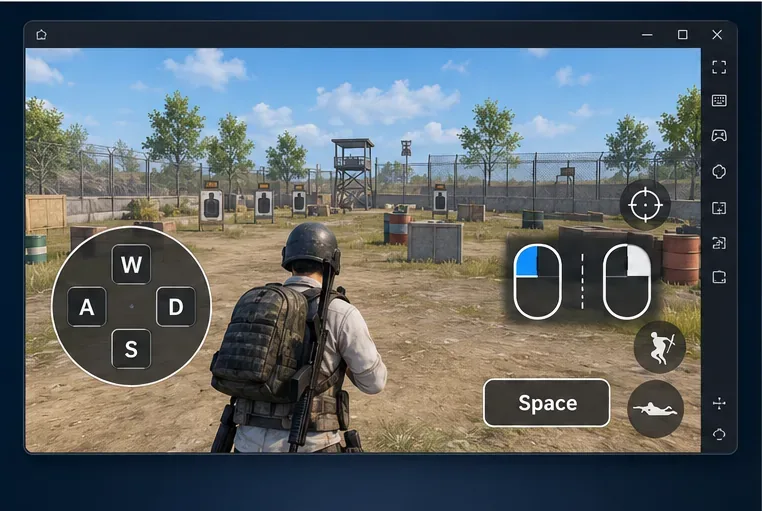
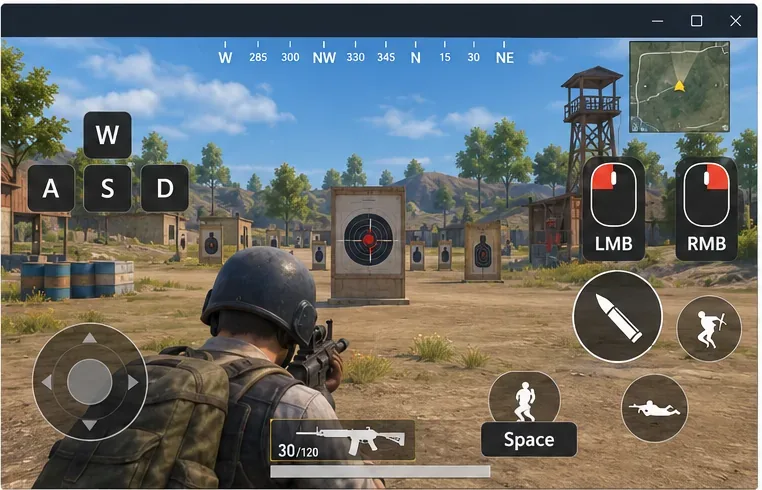
Open the emulator’s keyboard or key-mapping overlay while PUBG Mobile is running. Confirm that movement keys sit over the movement control and that action keys correspond to the right on-screen controls. A map that is visible but placed over the wrong part of the game can look like a keyboard failure. If you use a custom HUD in PUBG Mobile, the touch-control positions may no longer match the emulator’s saved mapping.
Do not rely on a copied key table as universal: defaults and labels may change by game version, region, or custom layout. The key hints displayed by your own client are the better reference.
4. Close and update GameLoop, then relaunch PUBG Mobile
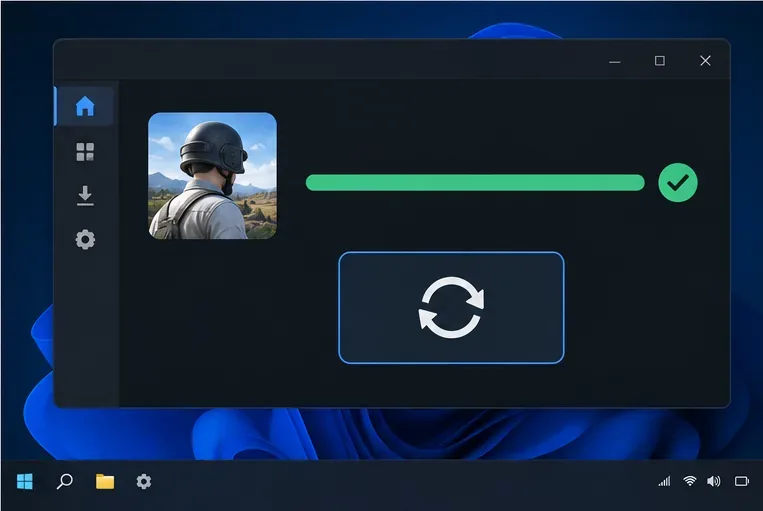
Exit the game and close GameLoop completely, including any background window that remains open. If you use a keyboard macro, mouse-remapping utility, or on-screen overlay, close it temporarily and test again; reopen tools one at a time if you need to identify a conflict. Then install available GameLoop and PUBG Mobile updates through the official client. Restart GameLoop after updates so the emulator and game load the same current resources.
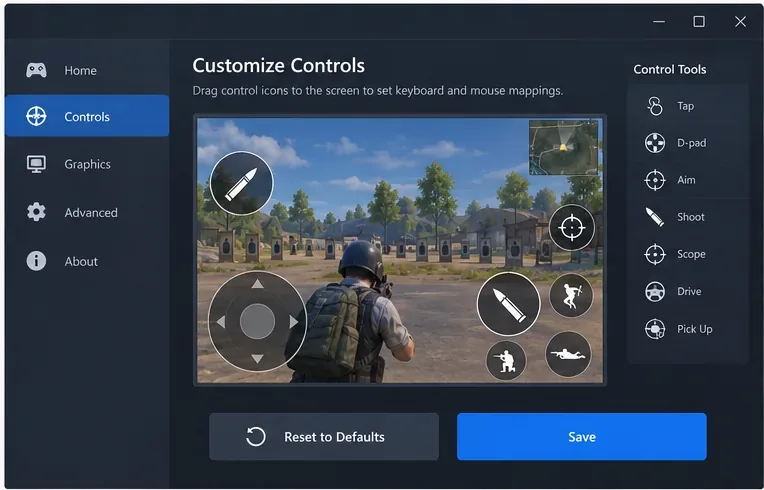
Download the client only from the official GameLoop website. GameLoop’s published PUBG Mobile key-mapping guide describes opening Controls, choosing Customize, and editing Key Mapping; it also recommends updating GameLoop and resetting the mapping when mapping problems persist. That guide dates to 2021, so menu names and placement may differ in today’s client.
5. Reset and save the PUBG Mobile mapping
In PUBG Mobile, open Settings > Controls and choose Customize for the control layout you use, if those labels appear in your build. Open GameLoop’s key-mapping panel, restore the default layout, and save or apply it. Restart the game if the client asks you to. If defaults work, add custom bindings gradually and test after each change; this makes a conflicting or misplaced binding easier to spot.
When you edit manually, position each key marker over the matching in-game touch control. Avoid putting two unrelated actions on the same key unless that is intentional. The exact reset button and save control can vary, so use the options shown in your version rather than a fixed F9 instruction.
6. Test movement, aiming, and firing in a training area
Use PUBG Mobile’s training area or another low-pressure mode before starting a Classic match. Test one input at a time: movement, jump, aim, fire, scope, and reload. If movement works but aiming does not, concentrate on mouse capture and the aim mapping. If the reticle moves but a click does not fire, inspect the fire binding and the on-screen action control. Save changes before leaving the layout editor.
7. Check the game window and display shape
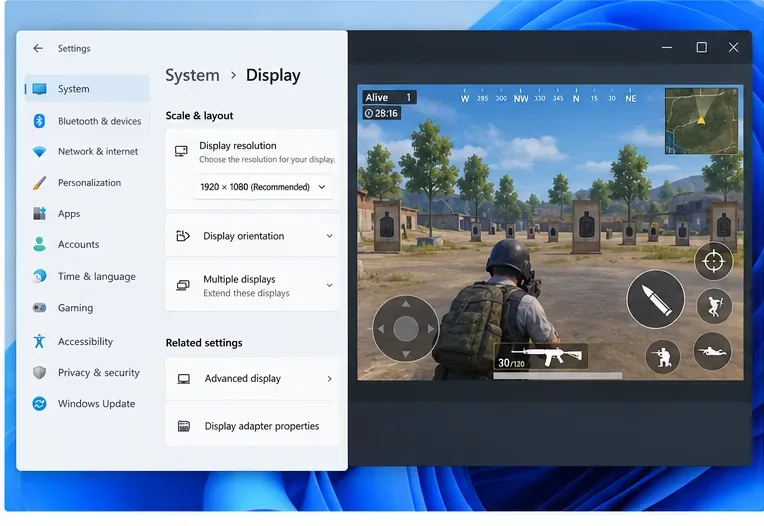
If the problem began after switching between windowed and full-screen play, changing resolution, or altering PUBG Mobile’s custom HUD, return to one display setup and test again. Make sure the entire game view is visible and the touch controls are not clipped. GameLoop’s 2022 key-mapping troubleshooting article listed 16:9 and 16:10 as supported PUBG Mobile ratios; treat that as historical guidance and choose only a ratio offered in your installed build. Avoid changing graphics options at random when only keyboard input is affected. Change one display setting at a time and rebuild the mapping only if the control overlay no longer lines up.
8. Update Windows input drivers; reinstall only as a last resort
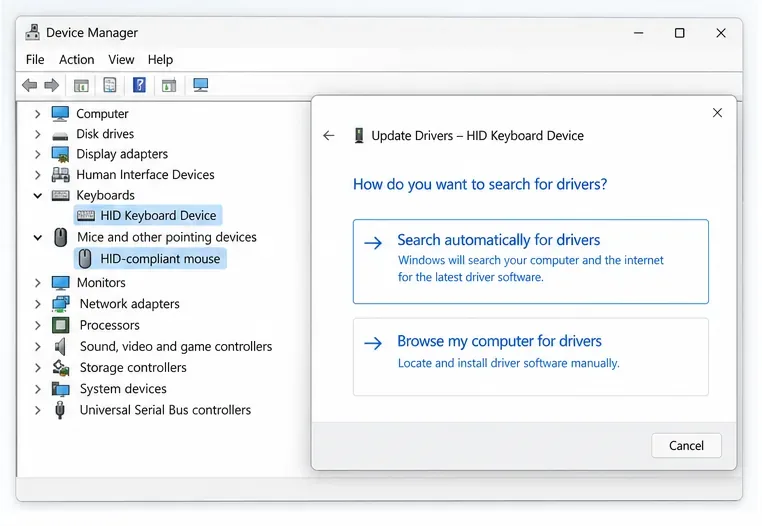
If the keyboard or mouse also misbehaves outside the emulator, check Windows Update for driver updates or use the device maker’s support page for its model. Microsoft explains how to update drivers through Windows and notes that an update may not be available. Avoid third-party driver-updater downloads.
If Windows input works and the mapping still fails after an update and reset, reinstall GameLoop from its official site as a final repair. Use Windows’ normal uninstall flow; do not manually erase unfamiliar folders in AppData or the installation directory. Before removing the game, confirm that you know how to sign back into the PUBG Mobile account you use.
Symptom-to-fix checklist
| What you see | What to check first |
|---|---|
| Keyboard and mouse fail in every app | Connection, battery, USB port, receiver, or Windows driver |
| Keys work in Windows but not in the game | GameLoop focus, key-mapping overlay, reset and save |
| Pointer moves but cannot turn the camera | Mouse capture and the shortcut hint shown by GameLoop |
| Only one action fails | That action’s key marker and its matching touch control |
| Mapping shifted after a layout or resolution change | Restore one display setup, then realign and retest the mapping |
When to contact support
If none of these checks changes the behavior, note your GameLoop version, PUBG Mobile region or edition, Windows version, keyboard and mouse connection type, and which individual inputs fail. Include a short screen recording if you can reproduce the issue safely. You can start with the GameLoop Support Center. A clear symptom report is more useful than saying only that the controls are broken.









