Home
» 🎮 Esports
»
GTA Online Controller Not Working on Steam? 8 Fixes to Try
GTA Online Controller Not Working on Steam? 8 Fixes to Try
GTA Online Controller Not Working on Steam? 8 Fixes to Try
If your controller is not responding in GTA Online on Steam, first check whether Steam and Windows can see it. Then test Steam Input for Grand Theft Auto V one setting at a time. This narrows down whether the problem comes from the connection, a controller layout, another input tool, or the game installation.
This guide is for the PC version launched through Steam. Close GTA V before changing controller settings, and relaunch it after each change. The interface illustrations below are generic; menu wording can vary by Steam client, Windows version, and controller.
Start with these eight checks
1. Confirm the controller is detected before opening GTA V
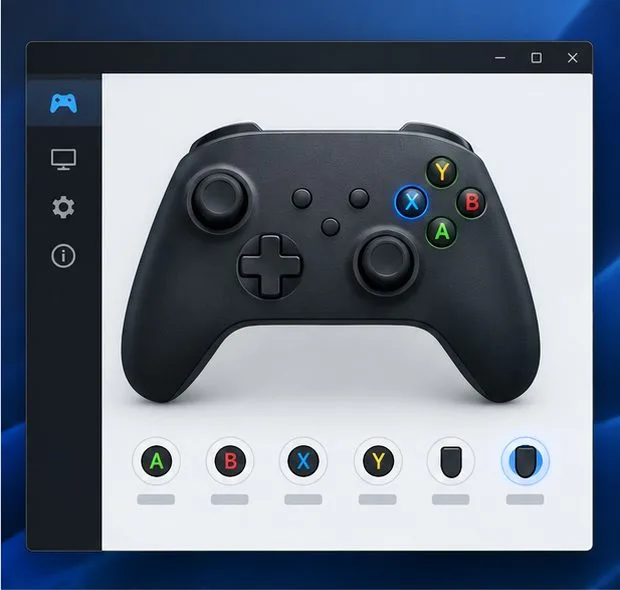
Confirm that button presses register in Steam before opening GTA V.
Exit GTA V and connect only one gamepad for the first test. In Steam, open Settings > Controller and check whether your device appears. If the client offers an input test, press each face button, trigger, and stick to confirm that presses register.
If Steam does not detect the controller, the game is not the first thing to troubleshoot. Try another USB port or a known data-capable cable, disconnect extra gamepads and flight sticks, or check the controller in your operating system’s device settings. If it works in another app but not Steam, continue to Step 2.
2. Test the Steam Input override for GTA V
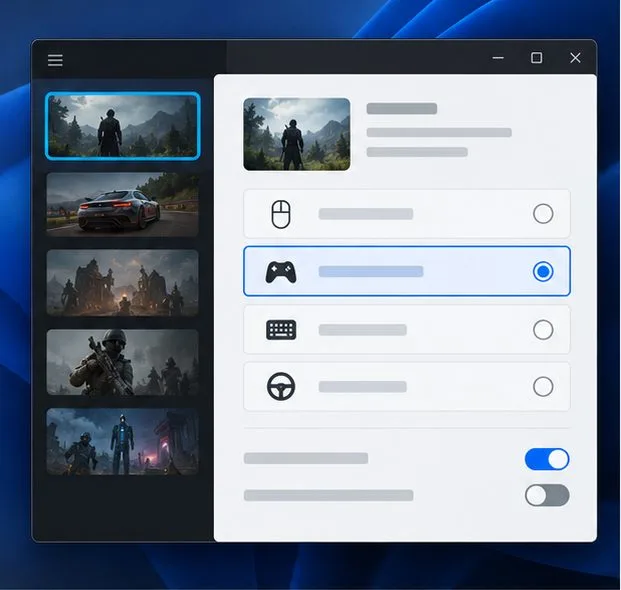
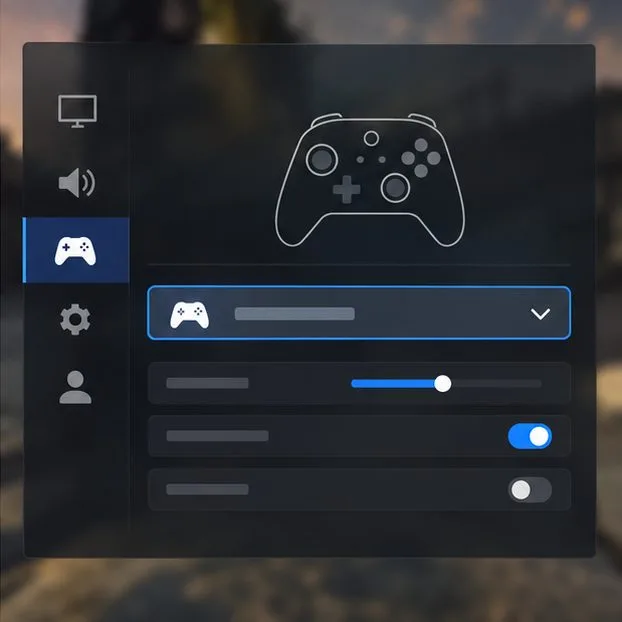
Test the Steam Input override for GTA V one mode at a time.
Open Steam Library > Grand Theft Auto V > Properties > Controller. Check the per-game setting or override. Start with Steam’s default setting. If that fails, try enabling Steam Input; relaunch GTA V and test. If it still fails, return to the same menu, disable Steam Input for this game, relaunch, and test again.
Change only this one setting between tests. Steam Input can translate a controller into an input format a game understands, but the best setting depends on the controller and the game’s own support. Keep whichever mode works. For additional background, see Steam Support’s controller configuration troubleshooting.
3. Restore a simple controller layout
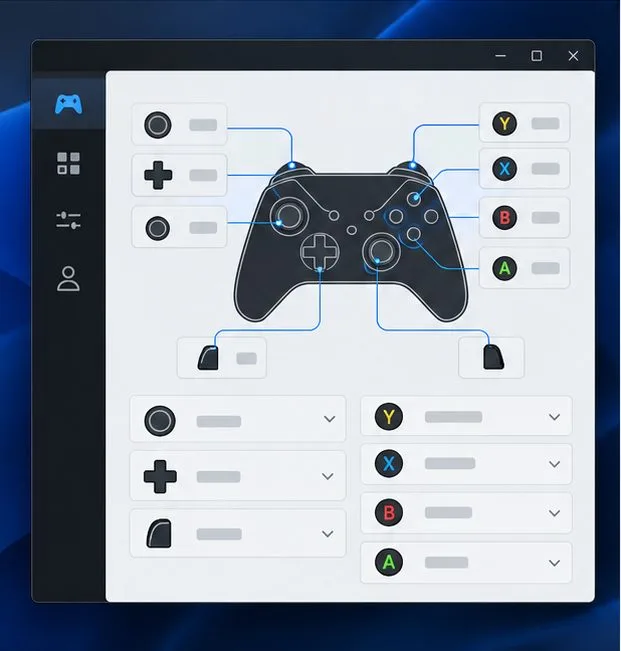
Restore a default layout before testing custom bindings.
If Steam detects button presses but GTA V reacts incorrectly, open the game’s controller layout from its Steam page and choose the default or official layout. Remove custom community mappings for this test. A layout that sends keyboard and mouse commands can behave differently from one that sends gamepad inputs.
Test movement, camera control, and a face button in-game. If the default layout works, add custom bindings back individually so you can identify which change caused the problem. A mismatch between button prompts and your controller’s printed labels does not by itself mean the controller is disconnected.
4. Close other remappers and overlays for one test
Temporarily close other input tools; keep Steam Overlay enabled when testing Steam Input.
Input tools can compete when more than one program tries to translate the same physical controller. Fully exit other remapping utilities, virtual-controller tools, and non-Steam overlays temporarily, then restart Steam and launch GTA V from the Steam Library. Examples include DS4Windows, reWASD, x360ce, and capture or chat overlays; the exact conflict depends on the setup.
If you are relying on Steam Input, leave the Steam Overlay enabled while testing it. Steam notes that its overlay is important to Steam Controller configurations and that conflicting third-party programs can interfere. Disable other overlays one at a time, rather than changing every overlay and input setting together. See Steam’s instructions for the Steam Community Overlay.
5. Compare a wired connection with Bluetooth
Compare a direct wired connection with Bluetooth.
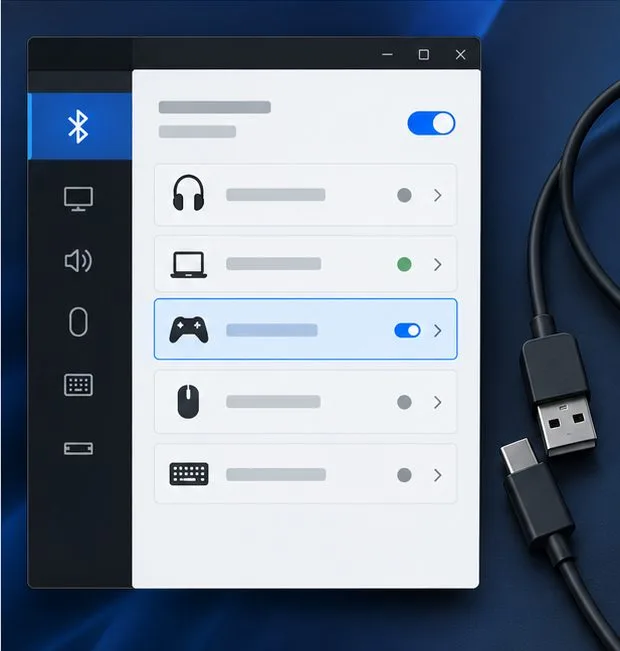
Connect the controller directly to the PC with a USB data cable, bypassing a hub if possible. If the controller works over USB but drops or disappears over Bluetooth, remove its saved pairing from the PC and pair it again using the controller maker’s instructions. Keep the game closed while reconnecting.
This comparison separates a wireless connection problem from a Steam or GTA V setting. For Xbox controller pairing steps, use Xbox Support’s PC connection guide. For a DualSense controller, PlayStation explains supported PC Bluetooth and USB connections in its controller support information.
6. Update firmware with the controller maker’s utility
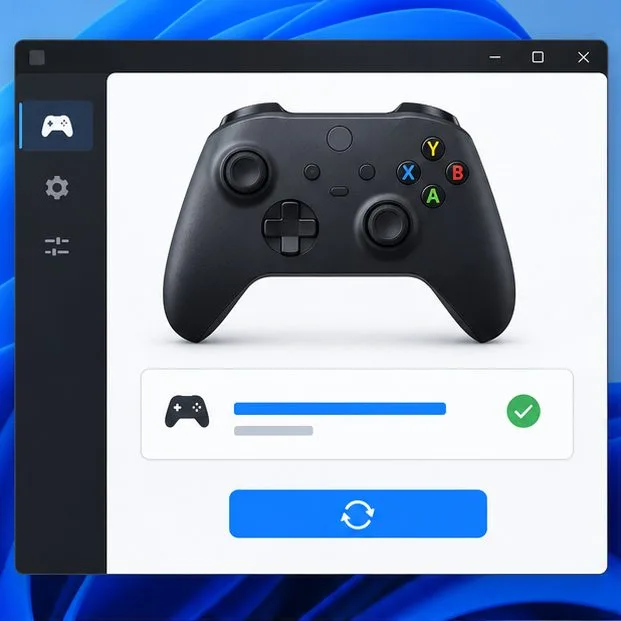
Check firmware with the controller maker’s official utility.
Check for a controller firmware update using the manufacturer’s own app or instructions. Xbox controllers can be updated with the Xbox Accessories app; follow Xbox’s controller update steps. PlayStation provides the PlayStation Accessories app for DualSense firmware updates on PC; see its official controller support page. For a third-party pad, use the controller maker’s official support site.
If Windows itself cannot detect the device, install pending Windows updates and consult the PC or Bluetooth adapter manufacturer for its driver. Avoid driver-download sites that are not the device maker. Restart the PC and Steam after an update, then retest before changing more settings.
7. Verify GTA V’s installed files in Steam
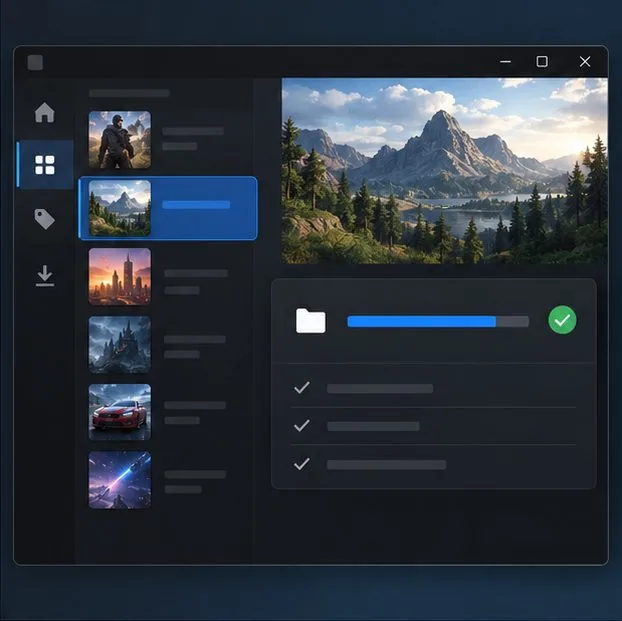
Verify GTA V’s installed files in Steam if the game still ignores input.
If the controller works elsewhere but the game still ignores it, verify the installation: open Steam Library > Grand Theft Auto V > Properties > Installed Files > Verify integrity of game files. Let Steam finish before launching the game again. The exact label can change slightly with Steam updates; Steam’s verification guide documents the process.
After verification, exit and reopen Steam, then launch GTA V from your Library so Steam applies the selected controller setting. Rockstar’s basic PC troubleshooting guide also directs Steam players to verify game files for certain game problems.
8. Check in-game controls and avoid unrelated launch flags
Check game controls after Steam and Windows recognize the controller.
Once you reach GTA V, open the game’s controls settings and check the controller-related options or restore the game’s control defaults if you changed them previously. Test in Story Mode first, then try GTA Online. If Story Mode responds but GTA Online does not, record that difference along with your controller model, wired or Bluetooth connection, Steam Input mode, and any other controller software you use before contacting Rockstar Support.
Do not add -nobattleye as a controller fix. Rockstar documents that option as a way to disable BattlEye for Story Mode; it does not restore controller input in GTA Online. The GTAV PC update notes explain that BattlEye is integrated for GTA Online and that Steam Deck does not support BattlEye for GTA Online. Random launch flags such as -disableHyperthreading are not a supported controller troubleshooting step.
Match the symptom to the next test
What you see
Start here
What it helps isolate
Controller is missing from Steam
Try USB, check Bluetooth pairing, and test one controller at a time
Connection, Windows detection, or device driver
Steam input test works, but GTA V does not
Try the per-game Steam Input default, enabled, and disabled modes
Steam-to-game input handling
Buttons act twice or menus scroll too far
Close other remappers and restore the default Steam layout
Duplicate input translation or a custom mapping
Controller works by cable but not wirelessly
Re-pair Bluetooth and check official firmware or adapter updates
Wireless pairing or Bluetooth driver
Story Mode works, but GTA Online does not
Keep BattlEye enabled; document the difference and contact Rockstar Support
An online-session or software-specific issue
When to contact support
There is no single Steam Input setting that fixes every controller and PC combination. If Steam’s input test does not register your buttons, focus on the cable, Bluetooth pairing, firmware, or the PC driver. If Steam sees the controller but GTA V does not, include your per-game Steam Input mode and layout in a support request. Verify the game files before considering a full reinstall; a reinstall will not fix a pairing or firmware problem.
Use official firmware utilities and keep a note of which change fixes the issue. If none of the checks helps, send Steam or Rockstar Support the controller model, game edition, Windows version, connection type, Steam Input mode, and the result of Steam’s input test. That gives support useful details without relying on unsupported launch switches or reinstalling everything blindly.