Home
» 🎮 Esports
»
Minecraft Terracotta Error on Xbox: Safe Fixes for Crashes and Freezes
Minecraft Terracotta Error on Xbox: Safe Fixes for Crashes and Freezes
Minecraft Terracotta Error on Xbox: Safe Fixes for Crashes and Freezes
If Minecraft freezes, closes, or shows broken textures when a world loads or you handle terracotta on Xbox, start by checking whether the problem follows one world or appears in a clean test world. Then restart the console, test without optional add-ons, and check for game and system updates. This is a safe way to troubleshoot a Minecraft terracotta error on Xbox without assuming a made-up code or risking your only world save.
The phrases “Xboxing Terracotta Minecraft Error” and “Clay Codes” appear in the older article title, but the official Minecraft Help pages and public Bedrock notes reviewed here do not define a named “Clay Codes” error or list the strings CLAY_RENDER_0x404 and TERRACOTTA_XBOX_SYNC_FAIL. Treat the issue as a crash, freeze, or graphics problem unless the game displays a documented code. No official source confirms that terracotta itself causes a specific Xbox bug.
Before troubleshooting, protect your world
Make sure important worlds have synced before changing packs or reinstalling anything. In Minecraft, open Settings > Storage > Manage Worlds and check the status shown for each world. Xbox cloud saves depend on being online and signed in to the Microsoft account that owns the save. Upload a local-only world if that option is available, then wait for the sync to finish. Do not select “Delete from console” or “Remove from cloud” as a test; those actions remove a copy of your save.
If a world uses marketplace content or add-on blocks, test first in a separate new world. Disabling an add-on can replace its blocks with default blocks or remove its mobs, so do not change the only copy of a world you care about.
Four checks for a Minecraft terracotta crash on Xbox
1. Find out whether the issue is tied to one world
Note exactly what happens: does Minecraft close while loading, freeze when you place or mine a terracotta block, or show a texture problem without crashing? Check whether the same thing happens in another existing world. For a cleaner comparison, create a separate test world with no optional packs enabled and try a small amount of ordinary terracotta there.
If the test world works while one older world does not, that points toward something specific to the original world, its active add-ons, or its saved data; it does not prove terracotta is the cause. If multiple clean worlds fail in the same way, focus next on the game installation, console state, and updates. Write down the exact on-screen message rather than substituting a guessed “Clay Code.”
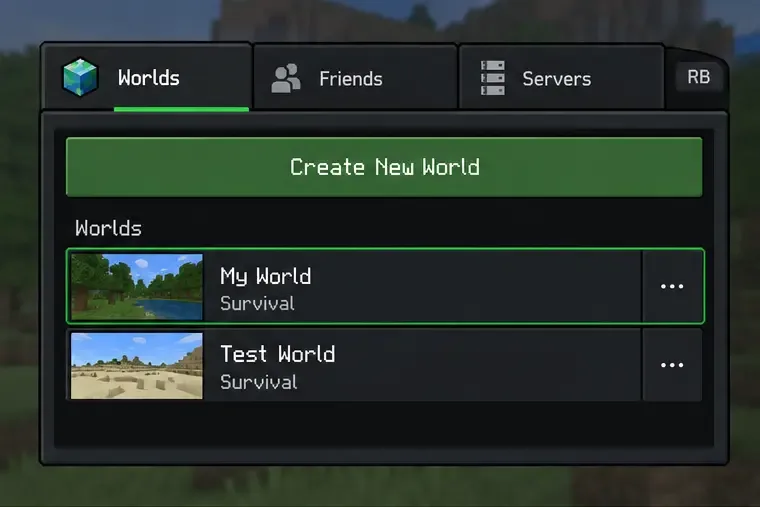
An illustrative Worlds list shows a regular save beside a separate test world for comparing symptoms.
2. Fully quit Minecraft, then restart the Xbox
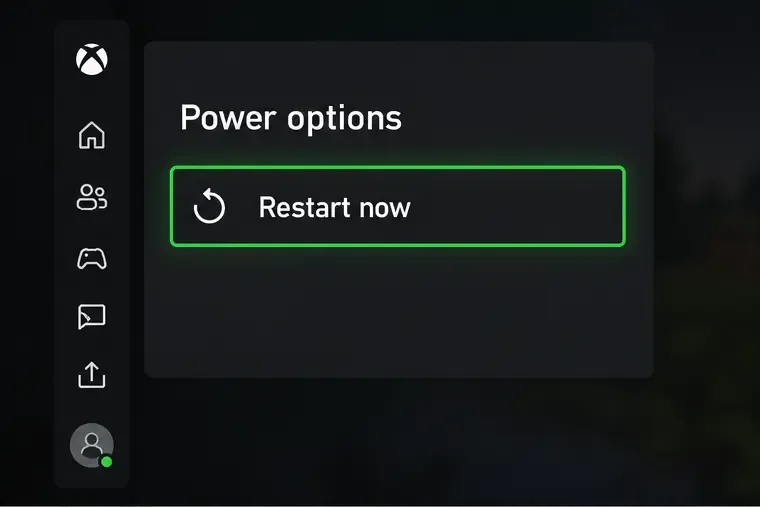
Press the Xbox button, highlight Minecraft, open the Menu, and choose Quit if the game is still running in the background. Reopen the game and check whether the same action causes the freeze. If it does, restart the console from Profile & system > Settings > General > Power options > Restart now. This is the normal restart path in Xbox Support. If the console itself is unresponsive, follow Xbox’s separate restart or power-cycle instructions.
A restart can clear a temporary game or console state, but it is not a guaranteed fix for a world-specific problem. Avoid deleting saved data or resetting the console during this check.
The Xbox Power options screen highlights “Restart now,” the standard console restart action.
3. Test optional resource and behavior packs one at a time
Mojang says Bedrock add-ons can conflict and cause crashes, visual issues, or error messages. Back up the world first. Then go to Play, select the pencil icon next to the affected world, open Resource packs or Behavior packs, and view Active. Disable one optional pack at a time, then reopen the world and repeat the same test. This helps identify whether a pack is involved without removing every pack at once.
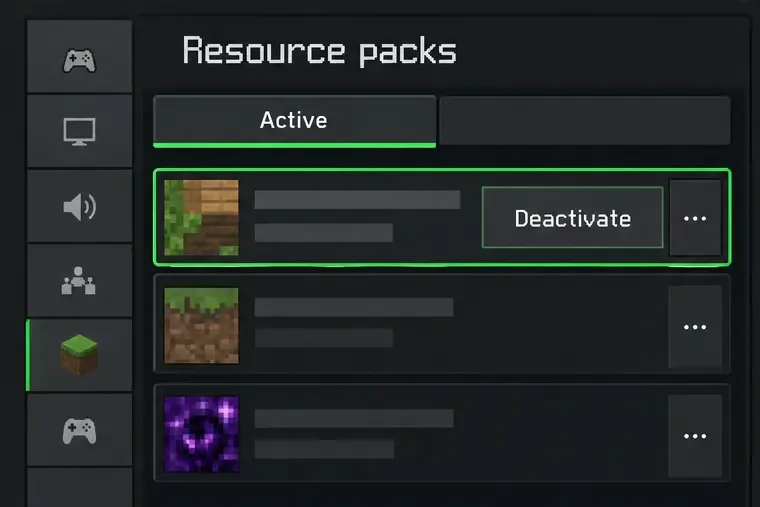
For a single-player world, the official instructions use Remove for an active pack. The Realms flow uses Deactivate, and only the Realm owner can change its packs. The illustration shows the active-pack panel; follow the wording shown for your world type. Disabled packs remain available in storage, but content supplied by an add-on may change or disappear in that world. Some templates and maps require their own packs, so leave required content enabled.
An illustrative Active pack list shows how to isolate an optional pack; single-player and Realm controls can use different wording.
4. Update Minecraft, then record what still happens
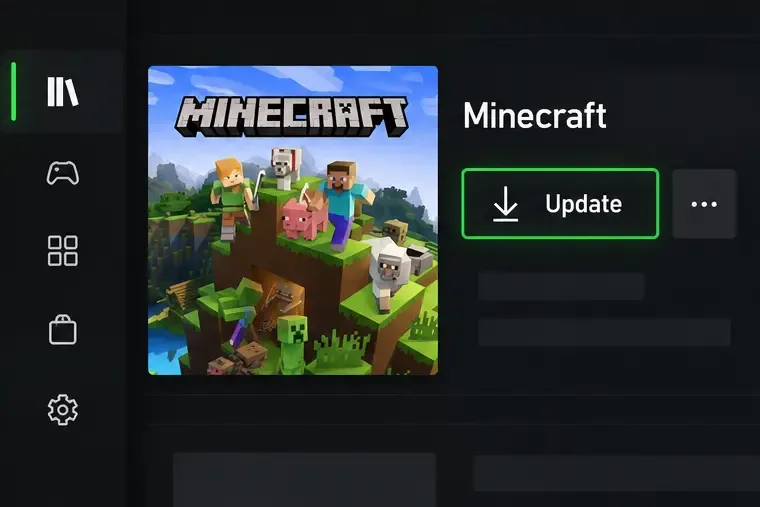
Check Xbox’s game update list for Minecraft and install any available update. Also check for a console system update, then restart and repeat the clean-world test. The public Bedrock 26.52 hotfix notes posted September 25, 2026 describe several fixes, but do not mention a terracotta-specific Xbox issue. Use the update available to your console rather than relying on the old article’s 1.21.2 or 1.21.30 claims; Minecraft’s 2026 release notes use 26.x version numbers.
An illustrative Xbox library view shows where an available Minecraft update may appear; the console layout can vary.
If the crash remains, submit a ticket through Minecraft Help or report the reproducible behavior through the official bug tracker. Include your Xbox model, Minecraft version, the exact error text, whether it happens in a new world, and whether it changes with optional packs disabled. A short capture of the issue can help support understand the sequence. If it happens only in a Realm or server, include that detail and ask the owner to check the server-side world and packs.
What to avoid
Do not treat “Clay Codes” or the two code strings above as confirmed Minecraft diagnostics; they are not listed in the official material reviewed for this guide.
Do not delete packs or world data as a first step. Disable optional packs one at a time after checking your backup.
Do not assume a Java Edition fix, a server change, or a specific older patch will resolve a Bedrock issue on Xbox.
Do not claim the world is repaired just because Minecraft launches again; reopen the affected save and verify your builds and pack content.