Home
» 🎮 Esports
»
How to Fix PUBG Mobile Insufficient Storage During Updates
How to Fix PUBG Mobile Insufficient Storage During Updates
How to Fix PUBG Mobile Insufficient Storage During Updates
If a PUBG MOBILE update stops with an “Insufficient Storage” message, first check the free space on your phone, remove files or apps you can safely replace, then retry the update from the official app store. On Android, clearing the game’s cache may help; on iPhone or iPad, use iOS storage recommendations and remove local downloads. PUBG MOBILE says low storage and an unstable connection can both block updates, but there is no single free-space target that fits every patch and device. Read PUBG MOBILE’s update troubleshooting guidance.
Why PUBG Mobile says there isn’t enough storage
The error refers to storage available on the device, not space in Google Drive, iCloud, or another cloud account. An update needs room to download and apply its files, and the amount can vary by release and phone. A store’s displayed download size is not a dependable universal requirement for the whole update process, so check the storage meter on the device and leave some extra room when possible.
Also separate a storage problem from a network problem. If your phone has room but the download stalls or fails without a storage warning, try a stable Wi-Fi or mobile-data connection. PUBG MOBILE lists both insufficient space and an unstable connection as possible causes.
Fix PUBG Mobile insufficient storage step by step
1. Check device storage before deleting anything
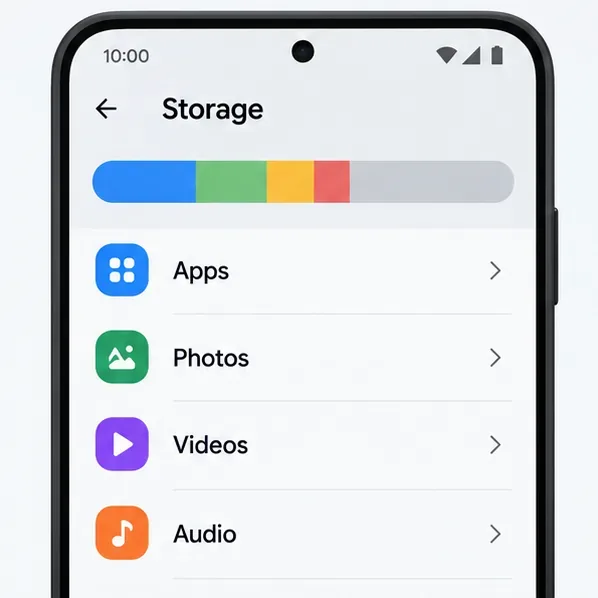
On Android, open Settings > Storage. Menu names can differ by manufacturer. On iPhone or iPad, go to Settings > General > iPhone Storage or iPad Storage. Let the screen finish calculating, then review which categories and apps use the most space. Check the phone’s available storage rather than cloud capacity or an SD card’s free space.
Illustrative Android Storage screen; categories and layout vary by device.
2. Remove files and apps you can replace
Start with large offline downloads, duplicate videos, old installers, or apps you no longer use. Use your phone’s built-in storage screen or file manager so you can see what you are deleting. If you remove photos or videos, first confirm that the copies you want to keep are backed up and accessible; cloud storage does not free local space until the local copy is safely removed. Avoid deleting unfamiliar folders or game files by hand.
After cleanup, reopen the storage screen and confirm that available device space increased. If the number has not changed, check the Recently Deleted or Trash folder in the app you used, since deleted files may remain there until you remove them permanently.
3. On Android, clear PUBG MOBILE’s cache only
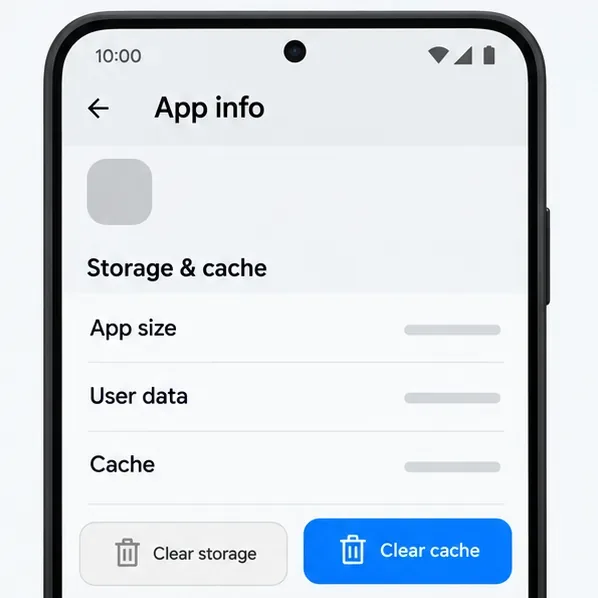
Open Settings > Apps > PUBG MOBILE > Storage & cache > Clear cache. The exact labels vary across Android phones. Google explains that clearing cache removes temporary data, while Clear storage permanently removes app data. Choose the cache option only for this step; do not tap Clear storage or Clear data as a routine update fix. The game may need to rebuild or download temporary files the next time it opens.
Choose Clear cache only; the adjacent Clear storage action has a different, more destructive effect.
Google’s Android storage guide explains how to review storage, remove downloads, uninstall unused apps, and distinguish clearing cache from clearing app storage.
4. On iPhone or iPad, use storage recommendations
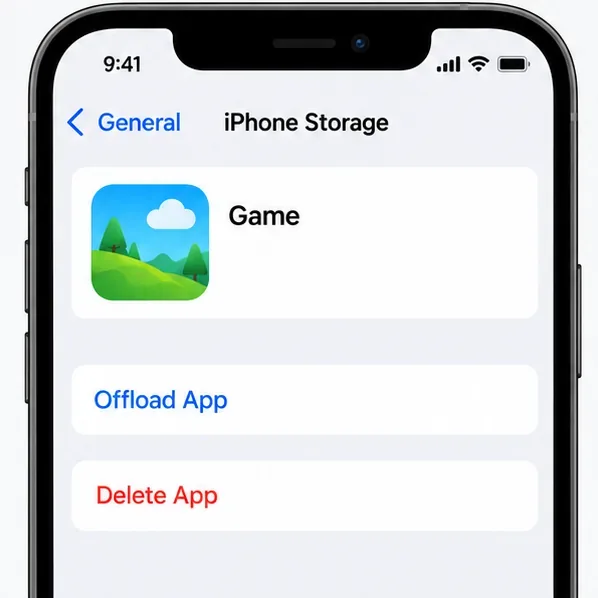
Open Settings > General > iPhone Storage or iPad Storage, then review Apple’s recommendations and the list of apps by size. You can offload an app you do not use: offloading frees the app itself while keeping its documents and data. Deleting an app removes the app and its related data, so do not delete PUBG MOBILE just to make room unless you have checked your account and local data first. iOS manages cached and temporary files automatically; there is no universal iPhone “clear PUBG cache” button.
Offload and Delete are different choices; review the app and its data before selecting either.
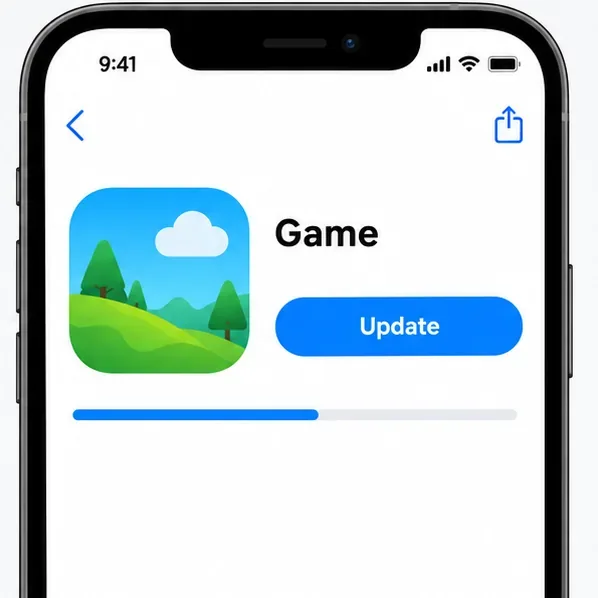
Restart the phone after freeing space. Connect to a reliable network, open the same official store you normally use, and try the PUBG MOBILE update again. If the game has a Wi-Fi-only download setting enabled, use Wi-Fi or change that setting before retrying. PUBG MOBILE’s install guidance also recommends checking both the network and available device space, then installing the latest version through Google Play or the App Store.
Illustrative marketplace page showing where to retry and monitor an update.
Protect your PUBG MOBILE account before reinstalling
Reinstalling can recover a damaged installation, but it should be a last resort for a storage error. Before deleting PUBG MOBILE, confirm that you can sign in through the account linked to your game. PUBG MOBILE warns that guest-account records may be lost when the game is deleted or reinstalled and may not be recoverable. If you are still playing as a guest, do not uninstall the game to free space; remove other content first and link the account from inside the game if you can.
Do not factory-reset the phone, rely on moving PUBG MOBILE to an SD card, or manually erase folders such as Android/data as a first fix. Those steps are not universal storage solutions and can remove data or break the installation. Use the device’s storage controls and the game’s official store listing instead.
If the storage error remains
Recheck the available internal storage, close and reopen the store, and retry on a stable connection. If the phone now has free space but PUBG MOBILE still reports an error, contact the game’s official support from its help center. Include your device model, operating system, network type, when the problem began, your region, and mobile carrier or internet provider—the details PUBG MOBILE requests for update problems. You can also include the exact error text and the amount of free storage shown by the device.