PUBG Mobile Area Restricted Error: Safe VPN and Region Fixes
If PUBG Mobile shows an “Area Restricted” error, first check which regional edition you installed and whether your current connection is using a VPN or proxy. A VPN is not a dependable fix for a genuine service-region restriction. PUBG MOBILE’s current End User License Agreement also restricts disguising your residence with IP proxying to get around geographic limits. The steps below help you rule out a misleading network route and identify when the restriction is set by the game’s regional service.
Reviewed October 16, 2026. Menu names vary by phone and operating-system version.
What the PUBG Mobile “Area Restricted” error means
The message can appear when the game edition is not offered for the territory you are currently in, or when the game cannot match your connection to the expected region. PUBG MOBILE publishes different regional services. Its official help page says the South Korean and Japanese official apps are serviced only in those countries and notes that the same limitation applies to other regional services. In those cases, changing an IP address does not change the edition’s service territory or make the app officially supported where it is unavailable.
A VPN or proxy can also make your connection appear to come from somewhere different from your actual location. If you switched it on for privacy, work, or another app, disconnecting it is a useful diagnostic step. The error alone does not prove that your account is banned.
Can a VPN fix PUBG Mobile’s Area Restricted error?
Usually, a VPN is the wrong first fix. It changes the route and public IP used by your phone; it does not change the game edition, account eligibility, or the publisher’s service rules. It can add latency, and an IP that points to a different country can make a location mismatch harder to diagnose.
The current PUBG MOBILE End User License Agreement says players must not use IP proxying or other methods to disguise their place of residence to circumvent geographic restrictions. For that reason, this guide does not recommend connecting through another country to bypass an area lock. If a VPN is already active, turn it off temporarily and test the game on your ordinary connection.
How to troubleshoot the error safely
1. Confirm your game edition and service territory
Check the app’s name, publisher, and update source in the store where you installed it. Then review the official support information for that edition. A regional edition may stop working when you travel outside its service territory; that is different from a temporary Wi-Fi fault. Use only an edition officially offered for your current country, and avoid unofficial APK download sites or account-region tricks.
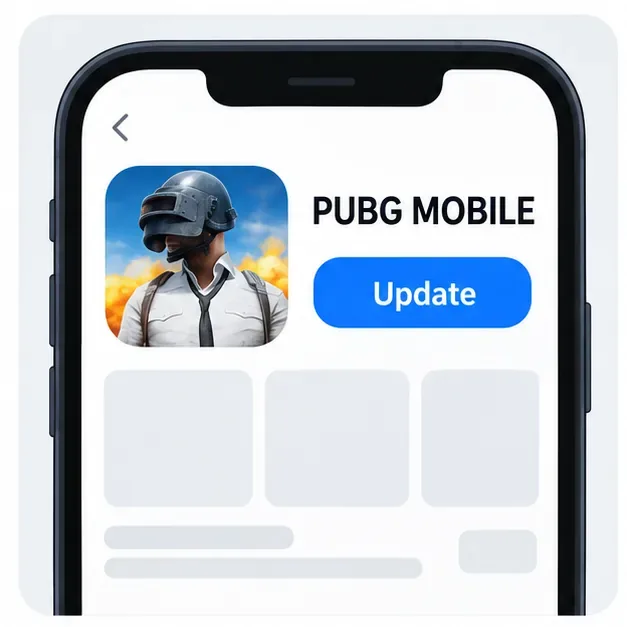
Illustrative store-listing view. The actual app listing and controls depend on your device and country.
2. Disconnect VPN or proxy routing and retry
Close PUBG Mobile, disconnect any VPN in your phone’s VPN settings or VPN app, and check whether a proxy is configured for the Wi-Fi network. If you use a managed work or school connection, follow its administrator’s instructions before changing network settings. Reopen the game on your normal connection and see whether the message changes. Do not select a different country as a way to evade a genuine regional restriction.
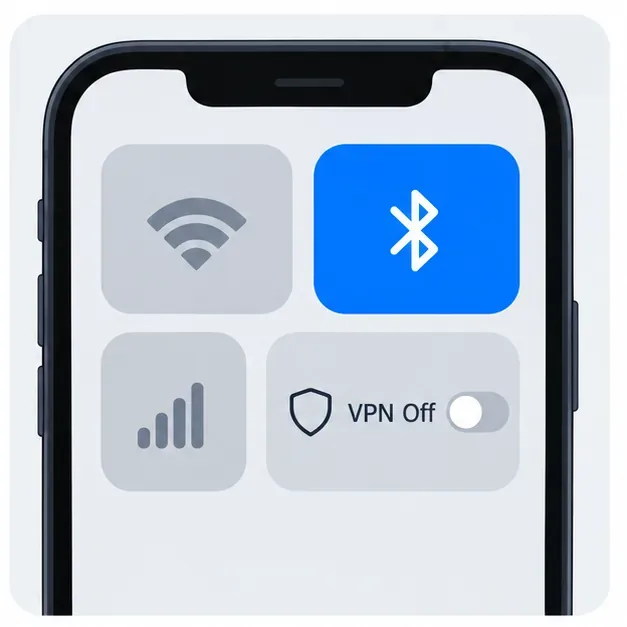
Use the phone’s network controls to confirm whether a VPN is connected; the screen layout varies by operating system.
3. Compare Wi-Fi with mobile data
With the VPN disconnected, try one trusted connection at a time: first Wi-Fi, then mobile data if your plan allows it. Restart the router and phone if both connections are failing. If the error appears only on one network, note that pattern. It may point to a routing or IP-location issue with that connection, but it is not proof; your internet provider can check whether the connection is being routed or geolocated incorrectly.
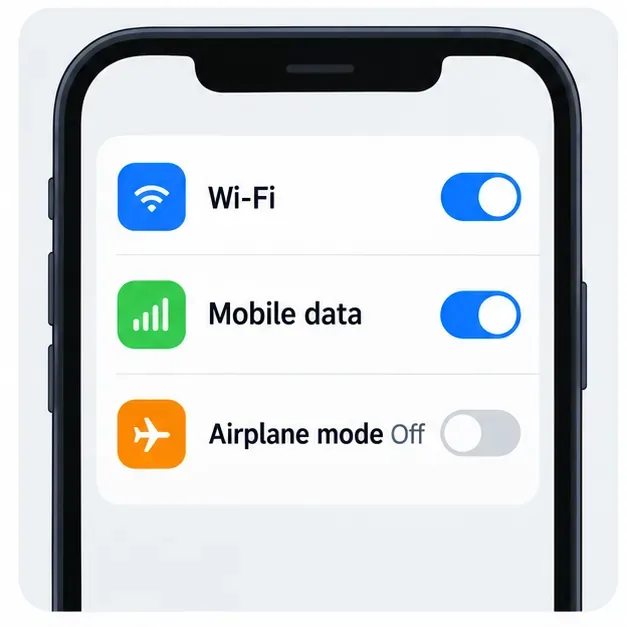
Compare Wi-Fi and cellular access separately so you can tell whether the error follows one connection.
4. Update and refresh the app without risking guest progress
Install available PUBG Mobile updates from the same official store or publisher source you used originally. Restart the app and phone after updating. On Android, you can try clearing the app cache from Settings; labels and paths differ across Android versions. Clear cache only at first. Do not clear app data or reinstall until you have confirmed that your account is linked and that you can sign in again—guest progress may not be recoverable after local data is removed.
If the problem started immediately after an update, check the game’s official announcements and support page for a known service issue before repeatedly reinstalling. Reinstalling cannot make an unsupported regional edition available in another territory.
5. Send support the details needed to investigate
If the restriction remains on an officially supported edition and a normal connection, contact PUBG MOBILE Player Support or consult the official regional-service FAQ. Include a screenshot of the exact message, your country or region, app version, device model, operating-system version, network type, and whether a VPN was disconnected during the test. Never send your password, one-time login code, or payment details in a support request.
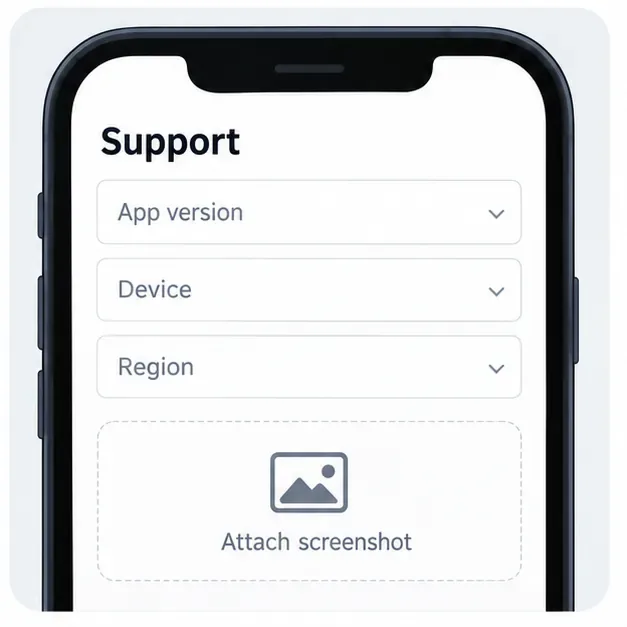
Include the error screen and basic device details so support can identify the affected edition and connection.
Quick checks by symptom
| What you notice | Next check |
|---|
| The error appears only while a VPN is connected | Disconnect the VPN and retry on your usual connection. |
| It happens on Wi-Fi but not mobile data | Restart the router and ask your internet provider about IP routing or location data. |
| You are outside the country where this edition is serviced | Read the edition’s official regional policy; a VPN is not a supported region-unlock method. |
| The error began after an update | Check official announcements, install updates from the same official source, and contact support if it continues. |
Frequently asked questions
Does the error mean my account is banned?
Not by itself. “Area Restricted” points to a location or service-area problem, but only PUBG MOBILE support can confirm an account-specific restriction. Check for a separate suspension notice and send support the exact error if you are unsure.
Can I use a VPN while traveling?
Do not use IP proxying to disguise where you live to bypass geographic limits. PUBG MOBILE’s official regional help page explains that some regional apps are playable only inside their service territories. Check the rules for your installed edition and ask support what options are available while traveling.
Should I clear data or reinstall the game?
Try an update, restart, and cache clear first. Before clearing app data or reinstalling, confirm that your account is linked and that you know the sign-in method. Reinstallation does not remove a regional service restriction.
Official references









