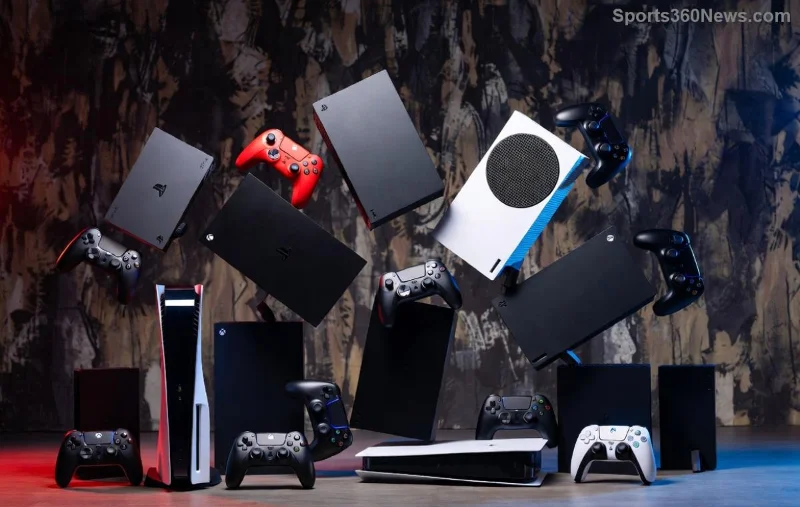
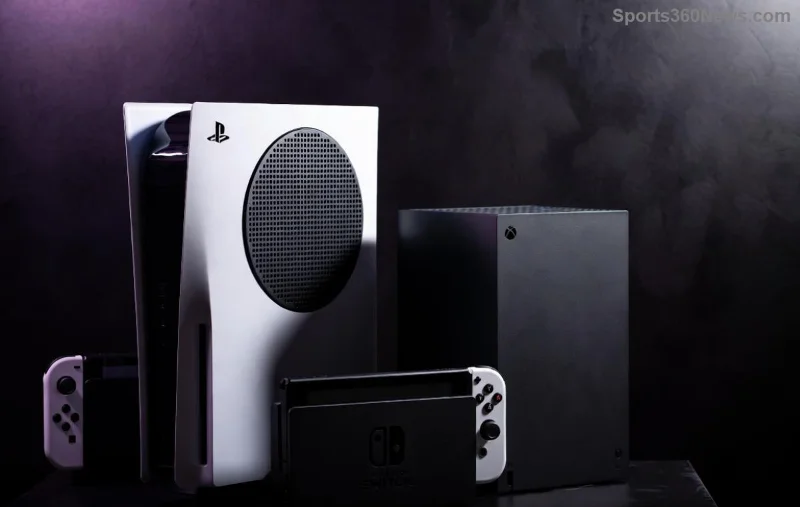
Imagine playing your favorite AAA titles on any device—phone, PC, or TV—without buying expensive hardware. That's the promise of Xbox's strategy beyond the console, a game-changer that's thrilling gamers worldwide. No longer chained to a box under your TV, Xbox is building an unstoppable ecosystem. Ready to uncover how? Let's break it down. 🚀
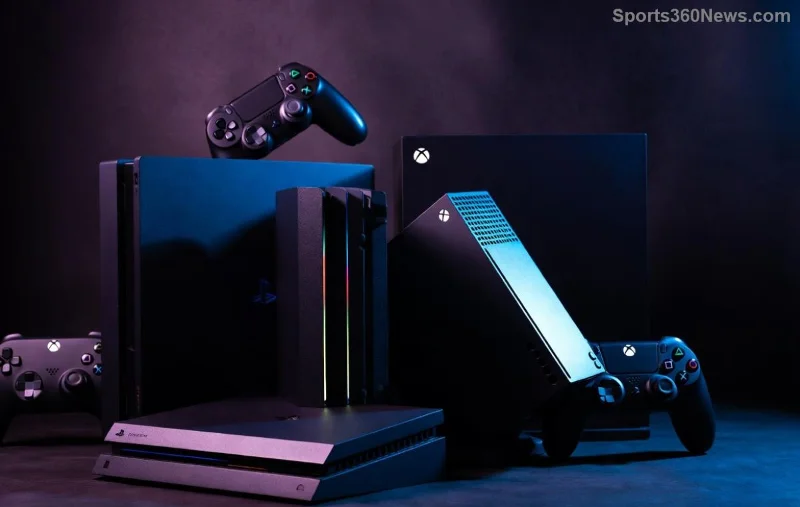
The Game Pass Revolution: Subscription Powerhouse
At the heart of Understanding Xbox's Strategy Beyond the Console is Xbox Game Pass, the Netflix of gaming. This service packs hundreds of games, day-one releases from studios like Bethesda and Activision, into one affordable sub. In the latest updates, it's exploded to over 30 million subscribers, proving hardware isn't king anymore.
Why does it excite gamers? ⭐ Instant access to blockbusters like the newest Call of Duty or Starfield expansions— no waiting, no extra costs. It's democratizing high-end gaming, letting casual players dive in seamlessly.
- ✅ Day-one launches: Major titles hit your library immediately.
- ✅ Cross-save & progress: Switch devices without losing your spot.
- ✅ Cloud saves: Play anywhere, anytime.
Cloud Gaming: Xbox Anywhere, Anytime
Cloud gaming is Xbox's secret weapon, turning the internet into your console. Through Xbox Cloud Gaming (powered by xCloud), stream 4K games to phones, tablets, or low-spec PCs. Recent enhancements mean buttery-smooth 120 FPS on supported titles, even on budget devices.
Gamers, this means freedom! Forgot your controller at home? Grab your phone and jump into a raid. Microsoft's investments in global data centers ensure low latency, making it feel native.
| Feature |
Xbox Cloud Gaming |
Traditional Console |
| Device Needed |
Any internet-connected screen |
$500+ Xbox Series X |
| Library Access |
400+ Game Pass titles |
Physical/digital purchases |
| Portability |
Play on phone/TV/PC |
Home-only |
| Latest Example |
Stream Forza Horizon 5 at 1080p/60fps |
Hardware-locked |
This table highlights why Xbox's strategy beyond the console wins for mobility-loving players. 😎
![Xbox Cloud Gaming on smartphone and PC]()
Multi-Platform Mastery: No More Exclusives Lock-In
Xbox is ditching console wars for ubiquity. Recent moves put Halo Infinite, Sea of Thieves, and even Call of Duty on PlayStation, Nintendo Switch, and Steam. It's bold—focusing on player reach over hardware sales.
1️⃣ PC Integration: Xbox Play Anywhere lets you buy once, play on Windows with synced progress.
2️⃣ Mobile Push: Partnerships with cloud providers bring Game Pass to Android/iOS.
3️⃣ Smart TV Apps: Direct streaming without extra gear.
This openness builds loyalty. Why buy an Xbox when its universe follows you? It's a win for gamers tired of fragmented libraries.
Strategic Acquisitions: Building an Empire
To fuel this vision, Xbox scooped up giants like Activision Blizzard, Bethesda, and more. These aren't just buys—they're ecosystem boosters. World of Warcraft teases Game Pass integration, while Overwatch hits cloud first.
Key wins:
- Activision: Mobile revenue from Candy Crush + FPS dominance.
- Bethesda: RPG depth with Elder Scrolls and Fallout.
- Future: Rumored mobile studios for always-on play.
These moves ensure endless content, keeping Xbox Game Pass fresh and irresistible. For more on the Activision deal's impact, check Microsoft's official Xbox Wire.
![Xbox ecosystem spanning PC, cloud, and mobile]()
The Future: A Console-Free Gaming Paradise?
Looking ahead, Understanding Xbox's Strategy Beyond the Console points to AI-enhanced personalization, VR/AR hybrids via cloud, and deeper mobile esports. Xbox isn't abandoning hardware—Series X remains a beast—but it's optional in this expansive world.
Gamers, this is your golden era. More games, less barriers, pure joy. Will you subscribe to the revolution? Share your thoughts below—what's your must-play on Game Pass? 👇
Stick around as Xbox keeps innovating. Your next adventure awaits, no console required. 🎮✨