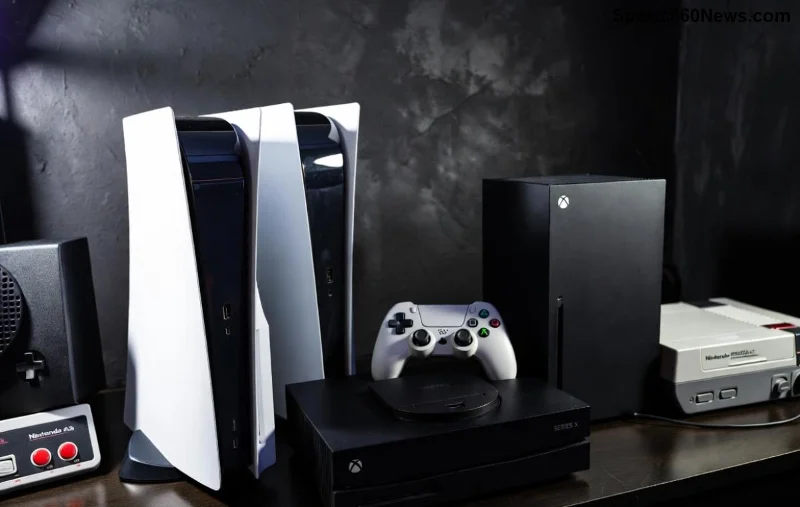
Imagine unlocking hundreds of dollars worth of games without spending a dime extra. That's the magic of gamesharing on Xbox! Whether you're teaming up with a buddy or family, sharing your digital library across consoles saves money and amps up the fun. But does Xbox One gamesharing hold up against the powerhouse Xbox Series X gamesharing? In this showdown, we'll break it down step-by-step, highlighting what works, what doesn't, and pro tips to get you sharing like a boss. Ready to level up? Let's dive in! ⭐
What is Xbox Gamesharing? The Basics Every Gamer Needs 🎯
Gamesharing on Xbox lets you access another person's digital games, DLC, and subscriptions like Xbox Game Pass on your console. It's Microsoft's clever way to let accounts "home" on different machines. Set one console as "Home Xbox" for your account, and anyone on it can play your stuff – even offline for most titles.
Key rule: Each account gets one Home Xbox at a time. Switch it? You'll sign out everywhere else temporarily. Perfect for households or long-distance gaming pals. But here's the hook – performance varies wildly between Xbox One and Xbox Series X. Why? Hardware, features, and latest firmware updates make all the difference. Stick around to see which console reigns supreme! 😎
Gamesharing on Xbox One: Solid Foundations, But Showing Age
Xbox One gamesharing pioneered this feature back in the day and still works like a charm for budget gamers. Here's how it shines:
- 1️⃣ Easy Setup: Go to Settings > Personalization > My home Xbox. Boom – shared!
- 2️⃣ Backward Compatibility: Play Xbox 360 and original Xbox gems alongside modern titles.
- 3️⃣ Offline Play: Download games once, play forever without internet (for owned titles).
But let's be real – Xbox One feels dated. Load times drag, no Quick Resume, and ray tracing? Dream on. If you're sharing massive libraries like Forza Horizon or Halo Infinite, expect hiccups on base models. Still, for casual co-op sessions, it's a wallet-friendly win. 🚀
Xbox Series X Gamesharing: Next-Gen Powerhouse Unleashed
Enter Xbox Series X gamesharing – the evolution gamers crave! With SSD speeds, 4K/120FPS glory, and smart features, sharing here feels futuristic.
- ⭐ Quick Resume Magic: Suspend up to 5 games across accounts – switch mid-session without losing progress.
- ⭐ Auto HDR & FPS Boost: Enhances older shared games automatically for buttery visuals.
- ⭐ Cloud Saves Sync: Seamless progress across consoles, even mid-gameshare swap.
The latest updates have supercharged it: Better cross-gen support means your Xbox One library plays optimized on Series X. Imagine sharing Starfield or the newest Call of Duty at true potential. Game-changer? Absolutely! 🔥
![Xbox Series X gamesharing setup]()
Xbox One vs. Series X Gamesharing: Head-to-Head Comparison
Time for the ultimate gamesharing Xbox One vs. Series X breakdown. We've crunched the facts into this handy table for instant clarity:
| Feature |
Xbox One |
Xbox Series X |
| Load Times |
Slow (HDD-based) |
Lightning-fast (1TB SSD) |
| Quick Resume |
No |
Yes (5 games) |
| Performance Boosts |
Limited |
FPS Boost, Auto HDR |
| Storage |
500GB-2TB (expandable) |
1TB NVMe (Seagate expandable) |
| Multi-Account Sharing |
Basic |
Enhanced (Smart Delivery) |
Series X dominates for shared libraries – think smoother multiplayer lobbies and zero lag in shared Game Pass Ultimate. Xbox One? Great starter, but upgrade if you're serious. 👏
Pros & Cons: Is Gamesharing Worth It on Each Console?
Xbox One Pros:
- Cheaper entry point for gamesharing.
- Reliable for 1080p gaming.
- Perfect for kids' rooms or secondary setups.
Xbox One Cons:
- No modern perks like VRR or Dolby Vision.
- Storage fills fast with big downloads. 😩
Series X Pros:
- Future-proof for years of shares.
- Shares feel premium – 8K ready!
- Best for competitive play. 🏆
Series X Cons:
- Higher upfront cost.
- Overkill for simple indie shares.
Bottom line: If sharing AAA blockbusters, Series X wins. Budget duo? Xbox One delivers. Which fits your squad? Keep reading for setup mastery! 💥
How to Gameshare on Xbox One & Series X: Step-by-Step Guide
Setting up Xbox gamesharing is identical on both – super simple! Follow these steps:
- Sign In: On the "sharing" console, add the friend/family account.
- Set Home Xbox: Target console > Settings > Personalization > My home Xbox > Make this my home Xbox.
- Download Games: Go to My games & apps > Full library. Install away!
- Game Pass Bonus: Share Ultimate for cloud gaming perks.
Pro Tip: Remove old Home Xbox first via account.microsoft.com/devices. Latest firmware ensures no bans – Microsoft supports this officially. For details, check Xbox Support.
Troubleshoot fast: Clear cache if games vanish, or reset via Settings > System > Console info. You're golden! 🌟
Advanced Tips & Tricks for Epic Gamesharing Sessions
Want to max your Xbox Series X gamesharing?
- Storage Hacks: Use Seagate 2TB cards – store 100+ shared titles.
- Party Chat Shares: Voice while playing shared co-op like Sea of Thieves.
- Cross-Play Magic: Share with PC via Xbox app for hybrid setups.
- Avoid Pitfalls: Don't abuse switches (once/month limit) or risk temp locks. ⚠️
For Xbox One, prioritize external HDDs and stick to essentials. Feeling pumped? These tricks turn sharing into a superpower! 🎉
Final Verdict: Which Xbox Wins the Gamesharing Crown?
Xbox Series X gamesharing crushes it with speed, features, and longevity – ideal for serious gamers chasing next-level shares. Xbox One remains a trusty sidekick for light-duty fun. Mix 'em: Series X primary, One secondary!
Gamesharing isn't just saving cash; it's building memories with friends. Grab your controller, set it up today, and thank us later. What's your first shared game? Drop in the comments – happy gaming, legends! 🥳