How to Check Real-Time Server Latency in the PUBG HUD

Enable PUBG’s network statistics HUD to monitor ping and packet loss in a match. See where to find it, what the numbers mean, and what they cannot diagnose.
If your Xbox controller is flashing, do not assume it is broken. On a standard Xbox Wireless Controller, a blinking Xbox button commonly means the controller is trying to connect or pair. The light by itself does not identify stick drift, overheating, or a damaged circuit board. Replace the controller when the flashing comes with repeatable failures that remain after basic power, pairing, firmware, and device checks.
One important correction to older troubleshooting advice: Xbox does not publish a universal set of red, orange, or blink-count fault codes for current standard controllers. A flashing Xbox button is a clue to investigate, not a diagnosis. Third-party controllers can use their own light patterns, so check the guide for the exact model.
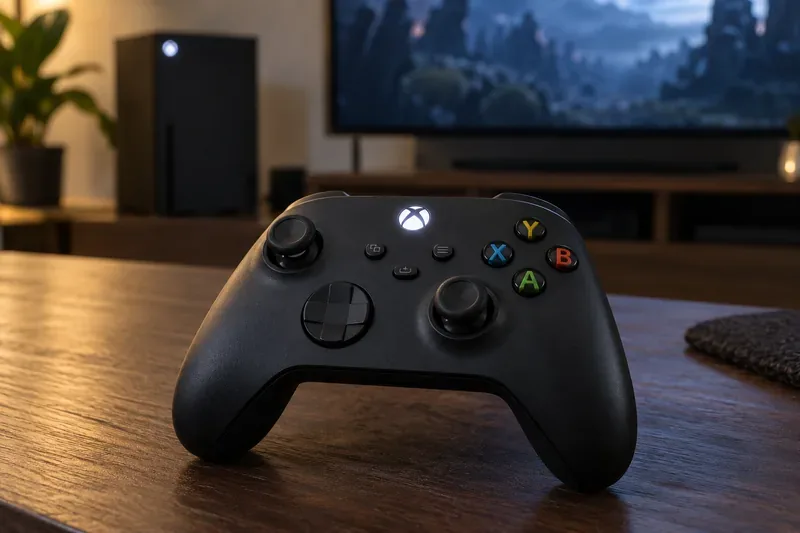
When you press the Pair button, the controller searches for a compatible console, PC, or other supported device. The Xbox button should stop blinking once the connection is established. If it keeps flashing, the cause may still be simple: depleted batteries, an interrupted pairing process, outdated firmware, or a problem with the console or PC rather than the controller.
| What you see | What it suggests | What to check |
|---|---|---|
| Xbox button blinks while pairing | The controller is searching for a host | Finish pairing and confirm the selected device is compatible |
| Button keeps blinking and never connects | Pairing, power, firmware, or wireless trouble | Try fresh batteries, pair again, update, and test another device |
| Controller connects but later drops out | Interference, power, host, or controller fault | Compare behavior on another device and with a known-good power source |
For Elite Series 2 controllers, charging-light behavior can differ from the standard wireless model. Use the instructions for your specific controller instead of applying a color chart from another model.
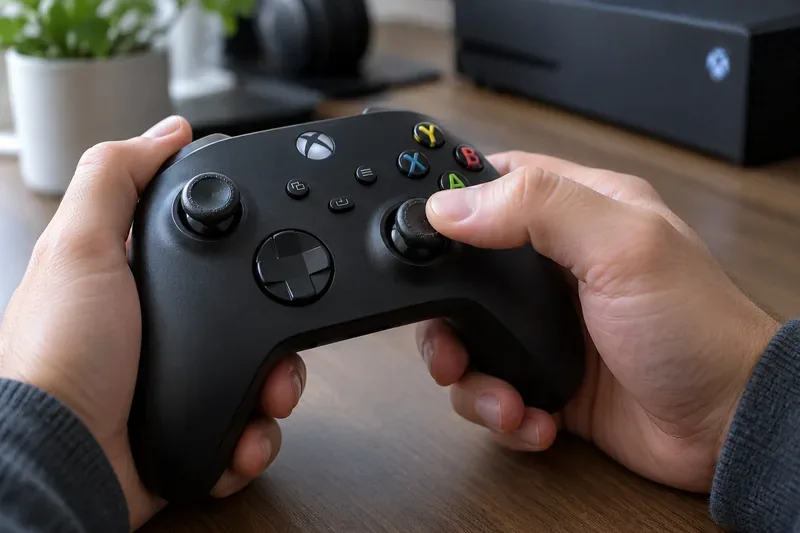
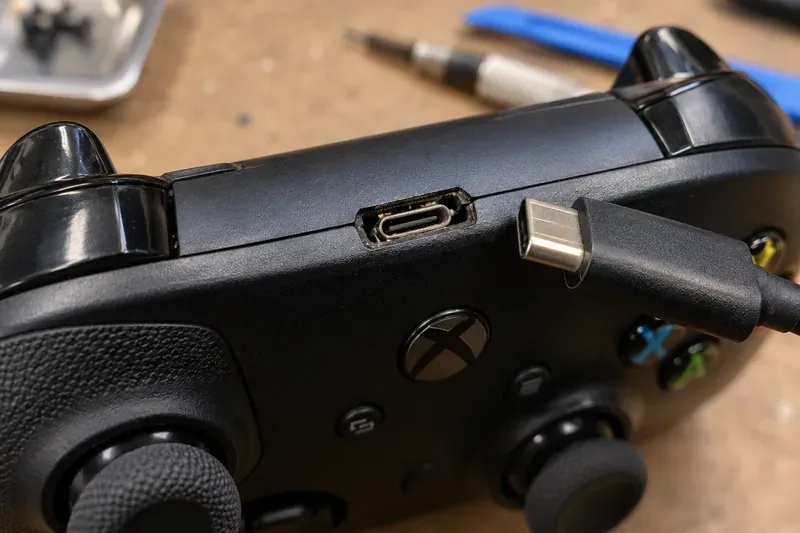
No: game saves are not stored inside the controller. Xbox says saved games are automatically stored in the cloud while you are connected to the Xbox network, and compatible consoles sync them with your Xbox profile. Before replacing hardware, sign in to the same profile and allow any game-save sync to finish. Do not reset the console or clear local saved games as a generic fix for a controller light. See the official Xbox cloud game saves FAQ.
If the controller is still covered, a service request may be a better choice than buying another one. Register the device and check its coverage at Microsoft Devices. Microsoft’s service options and eligible Xbox accessories vary by model and region; review the current Xbox accessory service instructions. Warranty terms are not the same in every country.
In short, Xbox controller flashing lights are not a replacement countdown. A blink that ends after pairing is usually part of normal connection behavior. Persistent disconnects, drift, failed inputs, damaged ports, or visible electrical damage are the signs to weigh when deciding whether to repair or replace the controller.
Enable PUBG’s network statistics HUD to monitor ping and packet loss in a match. See where to find it, what the numbers mean, and what they cannot diagnose.
Learn how to import VALORANT crosshair codes, compare presets with manual settings and spectator copy, and fix common import issues.
Choose Dota 2 minimap size, hero icons, team colors, and background settings by readability, fewer misclicks, and clear results on your own display.
Fix Fortnite texture pop-in on PC with official steps for GPU drivers, file verification, DirectX 12, high-resolution textures, VRAM, SSDs, and stutter.
Learn what Heroes of the Storm minimap size and position options are verified, improve readability, and choose camera-click controls that suit you.
Set Super Smash Bros. Ultimate Quickplay to prefer hazards-off stages. Follow the Preferred Rules menu steps and learn why matchmaking may not always honor them.
Enable Server Latency and Packet Loss in Warzone to monitor connection quality, read the overlay, and use recurring spikes to guide troubleshooting.
Learn how to carry from mid lane in League of Legends by setting up waves, choosing safe roam windows, reading side lanes, and converting pressure into objectives.
Fix Minecraft Evoker spell problems with a safe vanilla test, version checks, log review, and a step-by-step way to isolate mod or datapack conflicts.
Fix PUBG stuck on Initializing on Steam with a focused checklist for PC service notices, launch options, game files, downloads, and connection issues.








