How to Check Real-Time Server Latency in the PUBG HUD

Enable PUBG’s network statistics HUD to monitor ping and packet loss in a match. See where to find it, what the numbers mean, and what they cannot diagnose.
If your League of Legends Honor Level seems frozen, first check your current level and any restriction or demotion notice in the client. Riot replaced the old checkpoint-style climb in Patch 25.04 with a dynamic system that can move up or down based on recent behavior. There is no published promise that a set number of games, votes, or days will earn the next level, so a level that has not changed is not automatically a client bug.
The fastest useful diagnosis is to separate three things: your Honor level, progress toward seasonal Honor Objectives, and any match requirement attached to an active restriction. They are related to Honor, but they are not the same progress bar.
Honor has five levels. Riot says new accounts start at Level 3, which is the neutral baseline. Levels 1 and 2 indicate an active penalty; Levels 4 and 5 are for players who consistently show positive, respectful, collaborative behavior. Since Patch 25.04, Honor no longer resets at the start of each season, and the old Honor checkpoints, orbs, and capsules were removed. See Riot’s Patch 25.04 notes and current League of Legends Honor Guide, updated May 31, 2026.
Riot describes Honor as a reflection of behavior, not a tally of wins or commendations. Post-match votes are a major source, but positive chat, communication, and teamwork also contribute. Riot does not publish the exact formula or a reliable “games to next level” estimate.
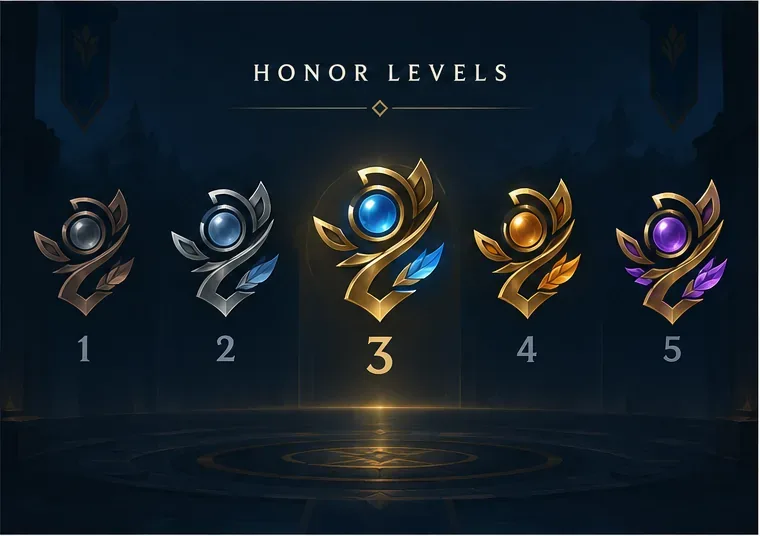
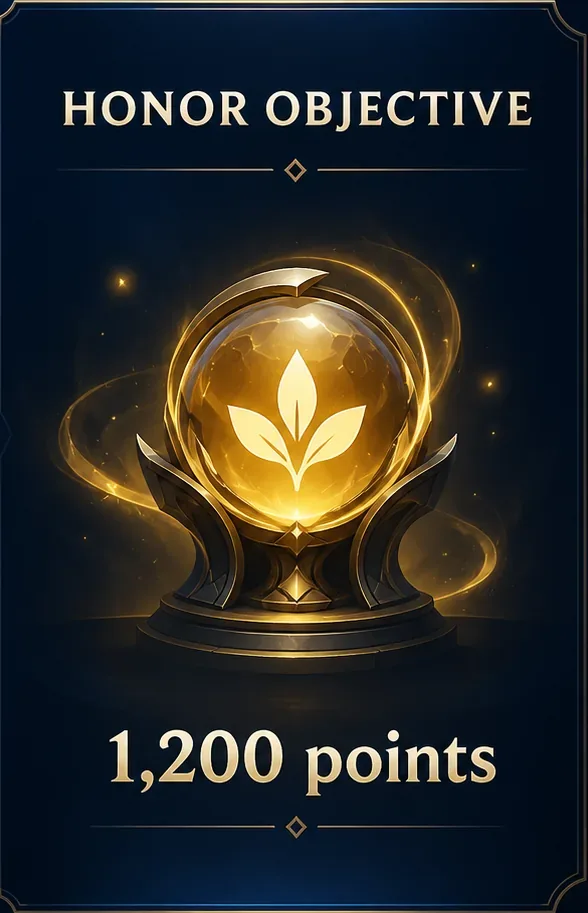
Riot’s Honor Guide also shows how Honor Objective points are earned. This table is for reward progress, not level-ups:
| Current Honor level | Honor Objective points per minute played |
|---|---|
| Levels 1–2 | No points |
| Level 3 | 1 point |
| Level 4 | 2 points |
| Level 5 | 10 points |
If an objective moves while your level stays the same, that is expected: it is measuring a separate reward track. Conversely, a Level 1 or 2 account does not earn these objective points until its Honor status improves.
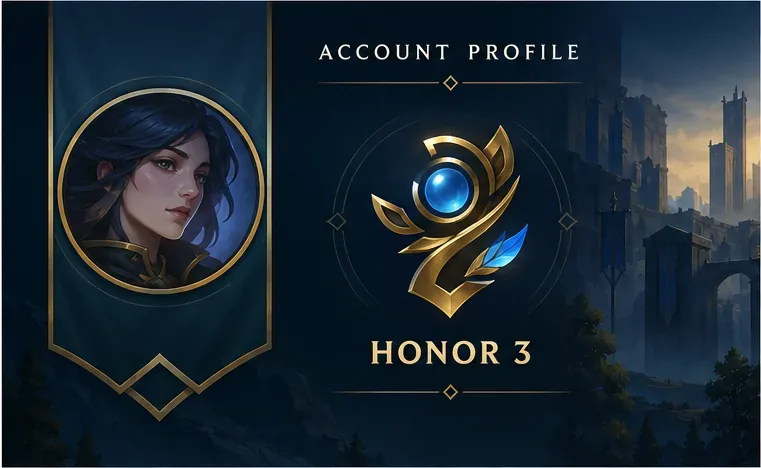
Open your League profile and record the level shown. Look for a penalty, Honor Restriction, or demotion warning before assuming that the value is stale. Take note of the exact notice and any match count the client displays.
If the number you are watching is an Honor Objective total, treat it as reward progress. The current target is 1,200 points per objective, and Riot calculates points from play time and current Honor level. It is not an Honor XP bar and cannot be used to calculate when your level will rise.
Riot’s current guide says Honor is lost when an active penalty is placed on an account, and that the client notifies you. A report from another player by itself is not the same thing as a confirmed penalty. Review the account notice and restriction details shown in-client; do not rely on guesses about hidden reports.
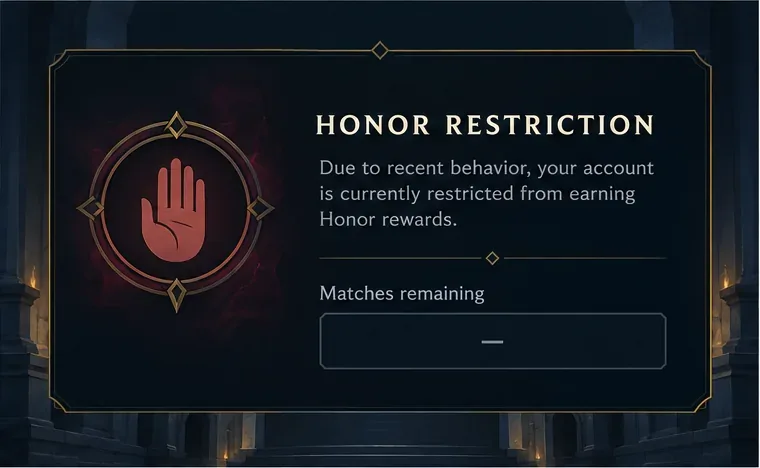
If Honor Restrictions are active, use the match requirement displayed on your profile as the source of truth. Riot says those instructions specify how many matches you must play without being reported to regain standing. Completing that requirement should restore at least Honor 3, though a return to Level 4 or 5 depends on behavior during those games. A new penalty while a restriction is active can erase recovery progress and increase the next requirement. There is no universal “play 10 games” fix.
Do not try to rush the counter with custom games or by trading votes unless the client identifies the mode as eligible. Riot’s Honor and Hextech Crafting Restrictions page explains the current reward structure; the personal recovery instructions are shown in your account.
Focus on behavior you control: communicate usefully, coordinate with teammates, avoid insults or harassment, do not leave or go AFK, and do not deliberately disrupt the match. One rough game or low score is not the same as bad conduct. Riot’s Player Reporting Guide says playing poorly while still trying to win is not reportable by itself, while harassment, leaving, and deliberate griefing can be acted on.
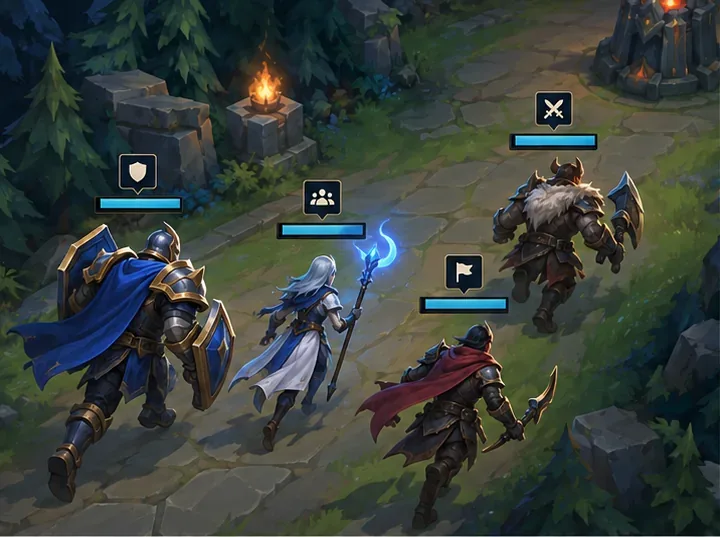
You do not need to switch to a special queue to “farm” Honor. Riot’s Patch 25.17 notes say progression was adjusted to feel a little easier for players who mainly play with friends or in non-Summoner’s Rift modes, but that is not a fixed per-game guarantee.
Riot’s current guide says you receive at least one Honor vote per match, unused votes carry over up to four, and votes can recognize players on either team. You can earn another vote after receiving Honor in the previous match; Level 5 also grants an extra vote. Giving Honor to a premade teammate gives that teammate a boost, but reciprocal votes are not a guaranteed shortcut to your own level-up. Vote for sportsmanship and teamwork rather than only the best K/D/A.
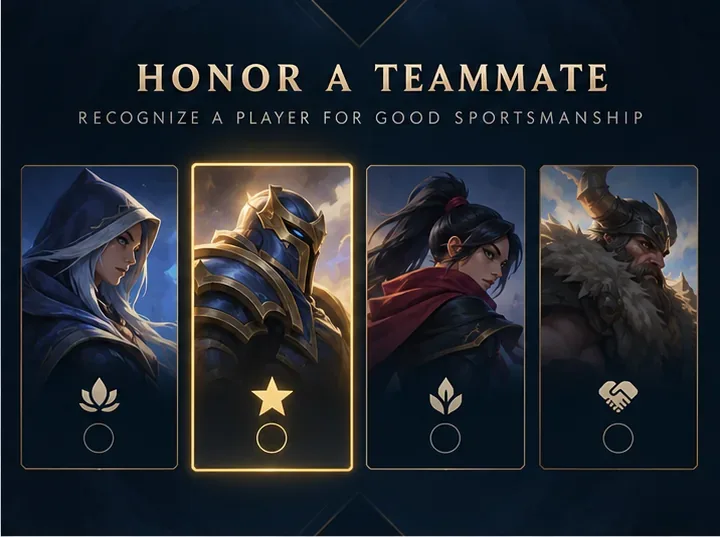
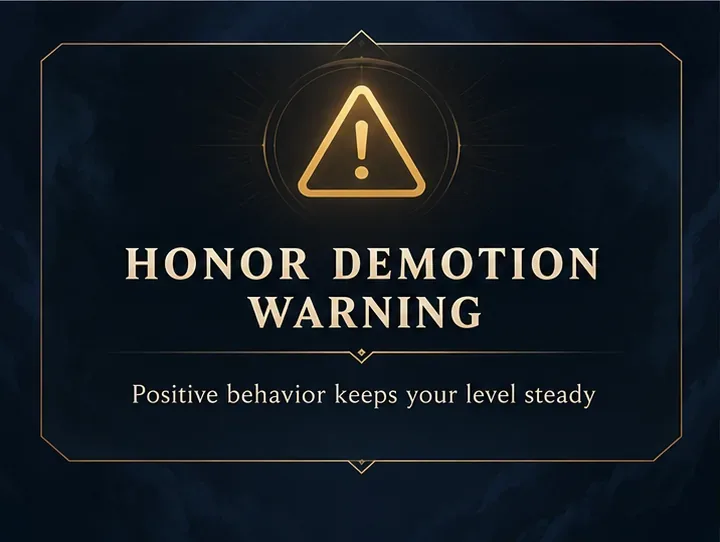
Keep an eye on any in-client warning if your level is at risk of dropping. If no restriction is active, continue playing respectfully and check your profile again after more games; Riot does not publish a level-up schedule that makes a specific number of matches a reliable test.
If you completed the exact recovery requirement shown in-client but the restriction or level still appears inconsistent, sign out of the Riot Client, reopen it, and check your profile once more. This only refreshes what the client displays; it does not grant Honor or bypass a penalty.
If the account still shows conflicting information, submit a request through Riot Support. Include your Riot ID and region, the Honor level displayed, the wording of any notification, and when you completed the required matches. Do not include your password or payment details. Describe the mismatch between your visible Honor status and the recovery requirement you completed.
Riot does not publish a fixed match count or point threshold for Honor levels. The system evaluates recent behavior dynamically, so claims like “50 games” or “one level per week” are not guaranteed.
No. Riot’s current Honor Guide says taking a break does not make your Honor level decay. You do need to play again to earn play-time-based Honor Objective rewards.
No. Post-match voting is a major input, but Riot says positive communication and team coordination also contribute. No single vote, game mode, or premade strategy guarantees a level increase.
The interface images in this guide are conceptual illustrations, not screenshots from a live League client; your current profile and restriction notice are authoritative.
Enable PUBG’s network statistics HUD to monitor ping and packet loss in a match. See where to find it, what the numbers mean, and what they cannot diagnose.
Learn how to import VALORANT crosshair codes, compare presets with manual settings and spectator copy, and fix common import issues.
Choose Dota 2 minimap size, hero icons, team colors, and background settings by readability, fewer misclicks, and clear results on your own display.
Fix Fortnite texture pop-in on PC with official steps for GPU drivers, file verification, DirectX 12, high-resolution textures, VRAM, SSDs, and stutter.
Learn what Heroes of the Storm minimap size and position options are verified, improve readability, and choose camera-click controls that suit you.
Set Super Smash Bros. Ultimate Quickplay to prefer hazards-off stages. Follow the Preferred Rules menu steps and learn why matchmaking may not always honor them.
Enable Server Latency and Packet Loss in Warzone to monitor connection quality, read the overlay, and use recurring spikes to guide troubleshooting.
Learn how to carry from mid lane in League of Legends by setting up waves, choosing safe roam windows, reading side lanes, and converting pressure into objectives.
Fix Minecraft Evoker spell problems with a safe vanilla test, version checks, log review, and a step-by-step way to isolate mod or datapack conflicts.
Fix PUBG stuck on Initializing on Steam with a focused checklist for PC service notices, launch options, game files, downloads, and connection issues.








