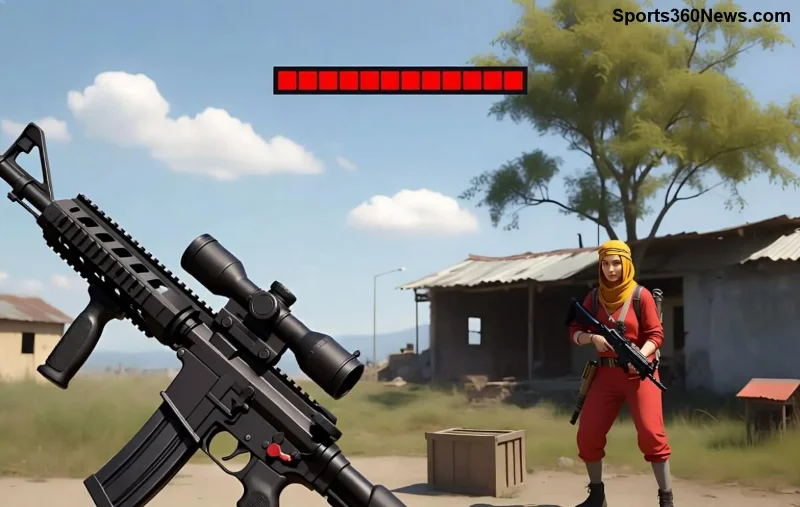
Hey, Free Fire squad! If you're still grinding on the regular version, you're missing out big time. Free Fire Max isn't just an update—it's a total revolution that keeps you hooked with jaw-dropping visuals and pro-level thrills. Whether you're a casual player or a ranked beast, here's why Free Fire Max crushes the normal Free Fire. Ready to level up? Let's dive in! 👍
1. 🚀 Ultra HD Graphics That Blow Your Mind
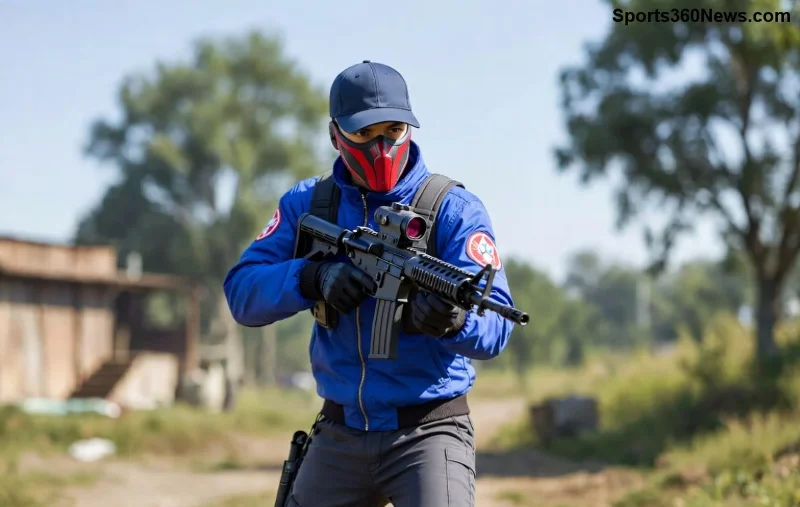
The standout feature? Free Fire Max's Ultra HD graphics. Forget the pixelated edges of regular Free Fire—Max delivers crystal-clear textures, dynamic lighting, and realistic shadows. Islands look alive with lush foliage and detailed buildings that make every drop epic.
Powered by advanced rendering tech, Free Fire Max supports higher resolutions without lag on mid-range devices. Imagine spotting enemies from afar with pinpoint accuracy. Pro tip: Crank up those settings for immersion that'll make your heart race! ❤️
2. 🎮 Smoother 60 FPS Gameplay for Flawless Wins
Regular Free Fire caps at lower frame rates, leading to choppy moments in clutch fights. Free Fire Max hits a buttery 60 FPS consistently, ensuring precise aiming and zero stutter. It's like upgrading from a scooter to a sports car—faster reactions mean more Booyahs! 🏆
3. 🔊 Immersive 3D Audio That Gives You the Edge
Hear footsteps creeping up or grenades whizzing by with Free Fire Max's enhanced 3D positional audio. Regular version's sound is flat; Max surrounds you in the battlefield chaos, turning audio cues into kill confirms. Your squad will thank you for those clutch revives.
| Feature |
Regular Free Fire |
Free Fire Max |
| Graphics Quality |
Standard HD |
Ultra HD with shadows & effects |
| Frame Rate |
Up to 30-45 FPS |
60 FPS smooth |
| Audio |
Basic stereo |
3D Surround Sound |
| File Size |
~1 GB |
~2 GB (worth every MB!) |
| Customization |
Limited |
Advanced HUD & Controls |
This quick comparison shows why Free Fire Max is the clear winner. Data pulled from official Garena specs—see for yourself!
![Epic <strong>Free Fire Max</strong> battle royale showdown]()
4. 💥 Enhanced Effects and Explosions
Grenades boom with fiery realism, and gunplay feels visceral thanks to upgraded particle effects in Free Fire Max. Regular Free Fire looks dated by comparison—Max's explosions light up the screen, making every frag cinematic. 😎
5. 🛠️ Training Mode on Steroids
Practice makes perfect, and Free Fire Max's revamped Training Island lets you test weapons, vehicles, and skills in Ultra HD glory. No more guessing recoil patterns—hone your aim like a pro before ranked queues.
6. 🎨 Deeper Customization Options
From HUD layouts to button sensitivity, Free Fire Max offers pro-grade tweaks. Tailor your setup for claw grip or thumb mastery. Regular version? Basic at best. Personalize and dominate! 1️⃣
7. 🌐 Same Servers, Cross-Play Magic
Best part: Free Fire Max players join the same lobbies as regular Free Fire users. No segregation—your progress, friends, and ranks carry over seamlessly. Switch without losing a thing!
8. 📱 Optimized for All Devices
Despite beefier visuals, Free Fire Max runs silky on low-end phones via smart optimization. Battery drain? Minimal. Heat issues? Gone. It's accessible firepower for every gamer.
9. 🏅 Exclusive Events and Rewards
Free Fire Max drops unique events with Max-only cosmetics and boosts. Stay ahead with limited-time skins that flex your upgraded status. Who wouldn't want that edge? 🔥
10. 🌟 Future-Proofed for Next-Level Updates
Garena pours resources into Free Fire Max, promising cutting-edge features like improved anti-cheat and new modes. Regular Free Fire feels like the sidekick—Max is the hero leading the charge.
For the latest on patches, check Garena's official Free Fire site. It's your hub for downloads and news.
Ready to Upgrade? Your Booyah Streak Awaits! 🥇
Free Fire Max isn't just better—it's the evolution every battle royale fan craves. Stunning visuals, pro tools, and that unbeatable thrill keep you coming back. Download now, drop hot, and show regular players what they're missing. What's your first Max win story? Drop it in the comments! 👇
Stick around for more guides—next up: Top Free Fire Max loadouts for ranked glory. Don't leave yet! 🚀