How to Import Custom Crosshair Codes in VALORANT: Steps, Options, and Fixes

Learn how to import VALORANT crosshair codes, compare presets with manual settings and spectator copy, and fix common import issues.
If your PS5 controller battery dies so fast, start by checking three things: whether the DualSense reached a full charge, whether high-use controller features are enabled, and whether the battery has aged. Haptics, trigger effects, audio, and bright indicators can add power use, but Sony does not publish a guaranteed number of play hours or a percentage saved by changing each setting. A battery that drains unusually quickly after a verified full charge may need troubleshooting or repair.
Press the PS button, open Control Center > Accessories, and check the battery icon. Sony says the charging icon animates while charging and shows three bars when the controller is full. If the bar never reaches full, troubleshoot charging before judging battery runtime.
Games use the DualSense haptics differently. A title with frequent vibration can demand more from the controller than a menu or a game with little feedback. This does not prove the battery is faulty. To test whether haptics are contributing, go to Settings > Accessories > Controller (General) > Vibration Intensity and lower the setting or turn it off for one session. Compare similar play time and game activity before and after the change; do not expect a fixed number of extra hours.
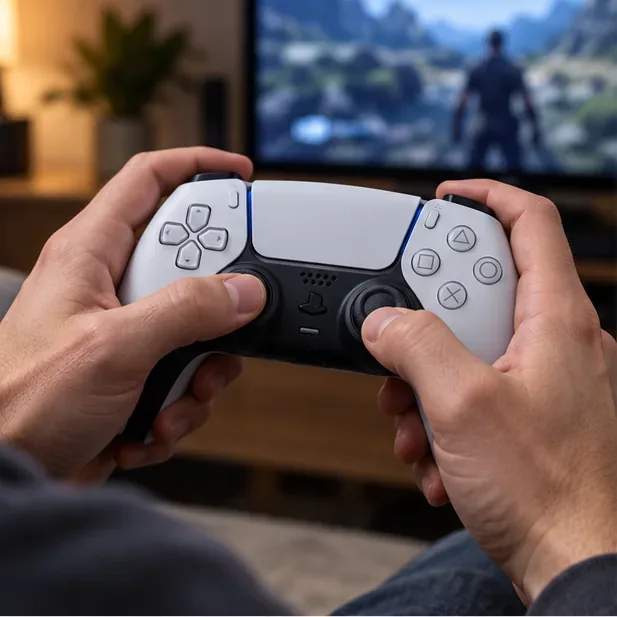
Supported games can make the L2 and R2 triggers resist your fingers. That effect is part of the play experience, but it is another feature you can reduce when battery life matters more. Use Settings > Accessories > Controller (General) > Trigger Effect Intensity, then choose a lower setting or Off. Some games also offer their own controller options. Sony confirms the setting controls trigger effects in supported games; it does not promise a specific battery-life gain.
Voice chat through the built-in microphone, sound from the controller speaker, and a wired headset connected to the controller all keep additional functions in use. Turn down Volume (Speaker for Controller) in the general controller settings, mute the microphone when you are not speaking, or disconnect a wired headset for a comparison session. Treat this as a simple test: Sony documents these settings but does not quantify their individual battery impact.
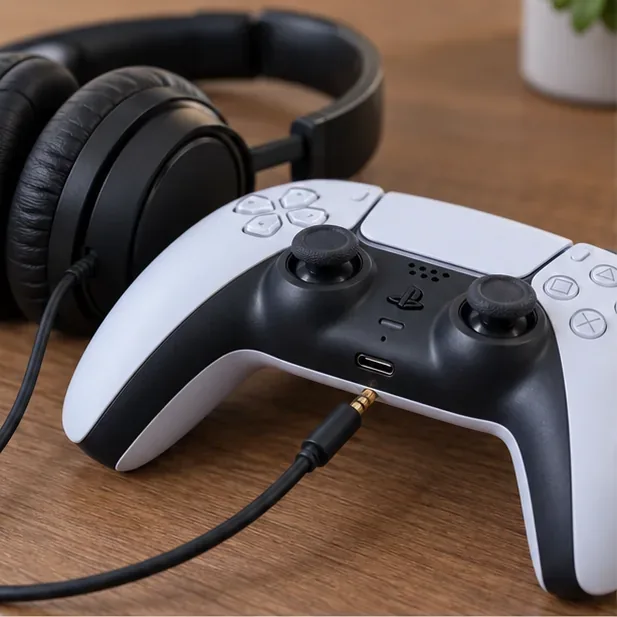
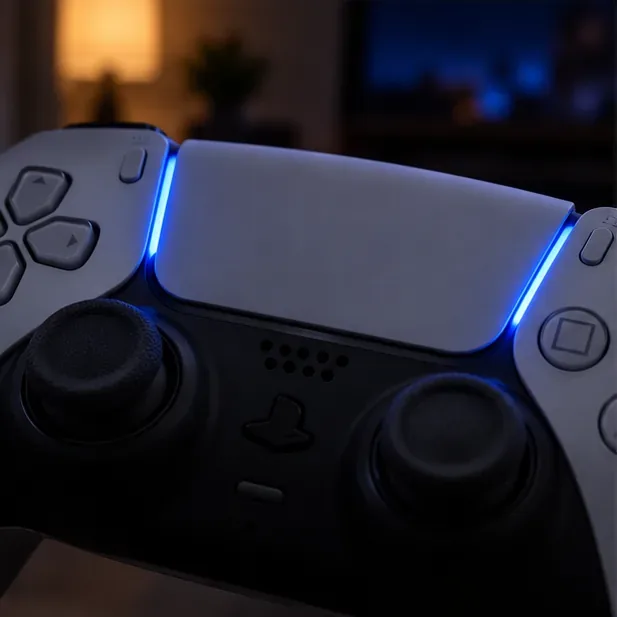
The indicator lights communicate player and controller status. They are not usually the first place to look for a major drain, but you can lower them as a modest power-saving test. In Settings > Accessories > Controller (General) > Brightness of Controller Indicators, select Dim. The menu wording or available options can vary with system software and controller model.
A controller left awake through a long pause continues using its charge even when you are not playing. Set an automatic shutoff at Settings > System > Power Saving > Set Time Until Controllers Turn Off, or switch the controller off when you finish. This is especially useful if you pause a game, watch a show, or walk away from the console for a while.
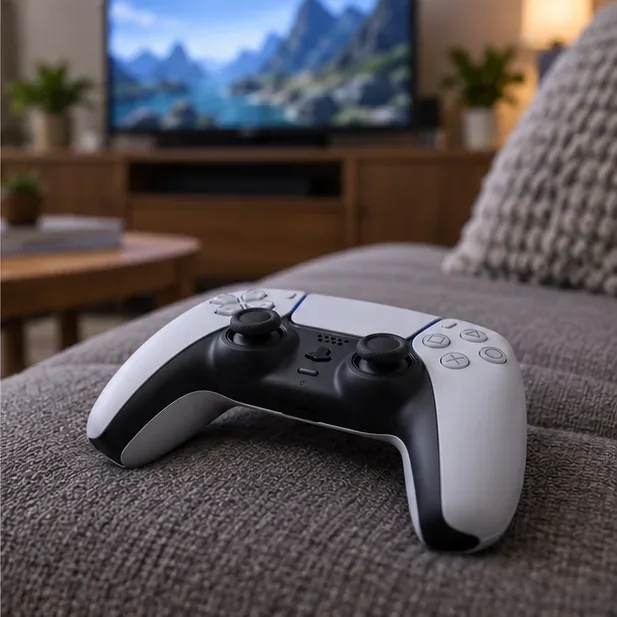
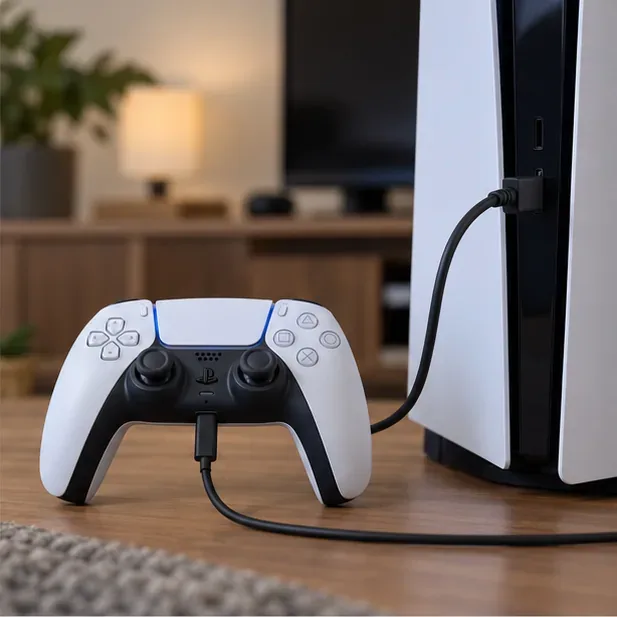
A battery can seem to drain fast simply because it did not start at 100%. Connect the controller to the PS5 with the included USB cable and check that the battery icon animates. If charging does not register, try another console USB port and a known-good charge-and-sync USB cable. Sony notes that charge-only cables cannot be used for this connection and that some USB chargers may not charge a DualSense.
To charge in Rest Mode, open Settings > System > Power Saving > Features Available in Rest Mode > Supply Power to USB Ports and choose an available option. On supported newer console models, Adaptive may appear. Confirm the controller shows charging before leaving it connected.
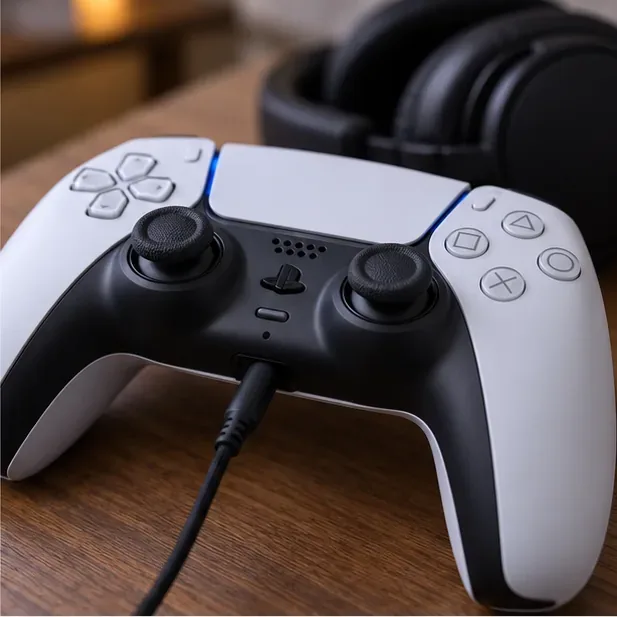
The DualSense uses a built-in rechargeable lithium-ion battery. Sony’s instruction manual says battery duration gradually decreases with repeated use and age, and also varies with storage, use, and environmental conditions. The manual does not give a universal charge-cycle count or replacement threshold, so claims such as “replace it after 300 cycles” are not a reliable diagnosis.
Charge in a moderate environment: Sony advises charging between 50°F and 86°F (10°C and 30°C), and says charging may be less effective outside that range. Keep the controller away from direct sun and heat sources. If it has been stored unused for a long time, charge it before testing and compare performance over normal play sessions.
Update the PS5 system software, then check for controller software updates at Settings > Accessories > Controller (General) > DualSense Wireless Controller Device Software. Sony says controller updates are added when PS5 system software is updated and can also be started manually from this menu. Updating is sensible troubleshooting, but it is not a guaranteed battery-life boost.
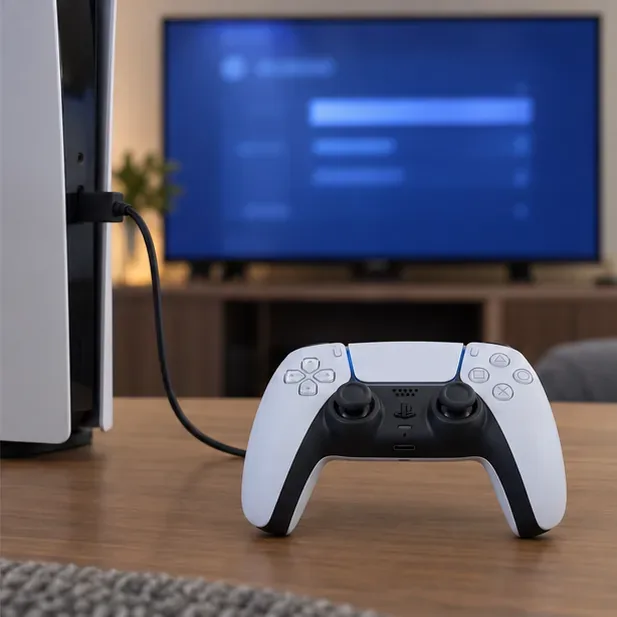
If the controller repeatedly drops from full to low charge in a short session after the checks above, compare it with another controller under similar settings and gameplay. Also try a different cable and USB port. If only one controller has the problem, or it will not charge consistently, the battery, USB-C port, or another internal component may need service. The battery is built in; do not open the controller or attempt an improvised battery replacement. Use PlayStation’s repair or support route for your country.
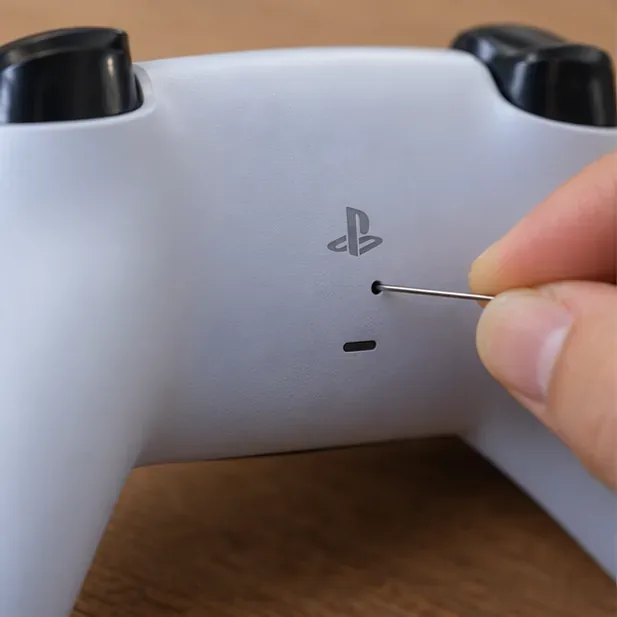
For a persistent controller issue, turn off the PS5 and disconnect the controller. Find the small reset hole on the back, beside the center logo. Use a pin or similar fine-tipped tool to press the reset button for at least five seconds. Then reconnect the controller to the PS5 with a USB cable and press the PS button to pair it again.
Do not assume that ordinary Bluetooth use or nearby Wi-Fi is the reason the battery empties quickly. Sony’s controller-settings guide says to connect by USB and select Use USB Cable if the wireless signal is weak; it does not identify Wi-Fi interference as a battery-drain cause. You can use a cable to test for disconnections, but treat that as a connection fix rather than a guaranteed way to extend runtime.
First rule out an incomplete charge, settings that activate more often in one game, and a controller left awake. If the same controller still loses charge much faster than another one under comparable conditions, fails to charge, or behaves unpredictably after an update and reset, arrange a service diagnosis. Battery capacity normally fades with age, but there is no single playtime cutoff that proves a controller needs replacing.
In most cases, the best first fix for PS5 controller battery drain is to verify a full charge, reduce features you do not need, and prevent the controller from staying on between sessions. If those checks make no difference, an aging or faulty battery deserves a proper service check.
Learn how to import VALORANT crosshair codes, compare presets with manual settings and spectator copy, and fix common import issues.
Choose Dota 2 minimap size, hero icons, team colors, and background settings by readability, fewer misclicks, and clear results on your own display.
Fix Fortnite texture pop-in on PC with official steps for GPU drivers, file verification, DirectX 12, high-resolution textures, VRAM, SSDs, and stutter.
Learn what Heroes of the Storm minimap size and position options are verified, improve readability, and choose camera-click controls that suit you.
Set Super Smash Bros. Ultimate Quickplay to prefer hazards-off stages. Follow the Preferred Rules menu steps and learn why matchmaking may not always honor them.
Enable Server Latency and Packet Loss in Warzone to monitor connection quality, read the overlay, and use recurring spikes to guide troubleshooting.
Learn how to carry from mid lane in League of Legends by setting up waves, choosing safe roam windows, reading side lanes, and converting pressure into objectives.
Fix Minecraft Evoker spell problems with a safe vanilla test, version checks, log review, and a step-by-step way to isolate mod or datapack conflicts.
Fix PUBG stuck on Initializing on Steam with a focused checklist for PC service notices, launch options, game files, downloads, and connection issues.
Fix Brawl Stars stuck at 92% loading with an ordered checklist for service notices, network tests, safe updates, Android cache, and account-safe reinstalling.








