How to Check Real-Time Server Latency in the PUBG HUD

Enable PUBG’s network statistics HUD to monitor ping and packet loss in a match. See where to find it, what the numbers mean, and what they cannot diagnose.
If you can't join friends in GTA Online, first check whether both of you are on a compatible platform and game edition. Then rule out a Rockstar service issue, mismatched session or privacy settings, and restrictive NAT or router settings. Work through the fixes below in order; changing router settings before checking compatibility can waste time.
GTA Online does not have universal cross-platform play. A friend on PC cannot join a console player, and the two PC editions, Enhanced and Legacy, maintain separate Online profiles. Once you have confirmed the same playable version, the most useful checks are a fresh invite, PC Presence Visibility, platform multiplayer permissions, and your connection path.
| What you see | Check first |
|---|---|
| Your friend appears offline in GTA Online on PC | Fix 6: Presence Visibility and Crew join |
| You play on different hardware or editions | Fix 2: Platform and version compatibility |
| Only one friend or one lobby fails | Fixes 4 and 5: Return to Freemode and create a fresh private session |
| Several friends fail to join anyone | Fixes 1 and 9–11: Service status, NAT, and network path |
Menu wording can vary by platform and game edition. The interface pictures below explain the checks; they are not screenshots of Rockstar's menus.
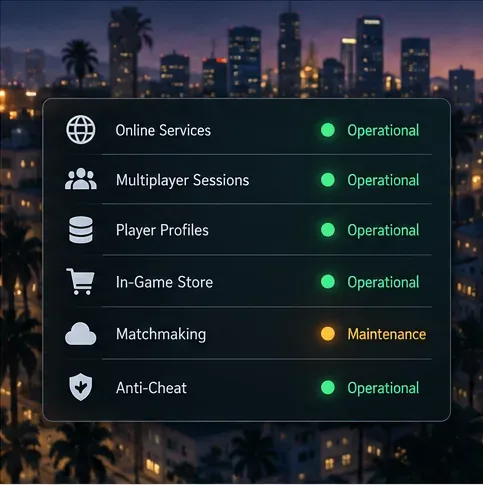
Before changing settings, check the Rockstar Games Service Status page for GTA Online on your platform. If the service is down or under maintenance, local router changes will not restore matchmaking. Wait until the affected service is operational, restart the game, and send a new invite.
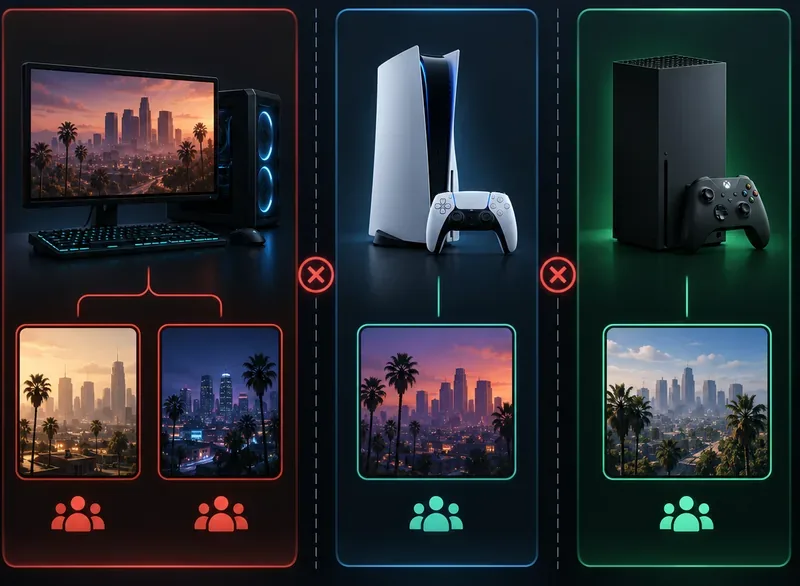
Check the exact platform and game edition each person launched. Rockstar says PC cross-network play covers PC storefronts such as Steam, Epic, and the Rockstar Games Launcher, but PC players cannot play with console players. On PC, Enhanced and Legacy keep separate Online profiles and progress is not synced between them, so have everyone launch the same edition for the session. On consoles, compare the installed GTA V edition as well; a Rockstar account link does not make different platform versions share a lobby.
If you are trying to join across platform families or different PC editions, this is a compatibility issue, not a NAT problem. See Rockstar's notes on PC cross-network play and GTA Online profile migration between PC editions.
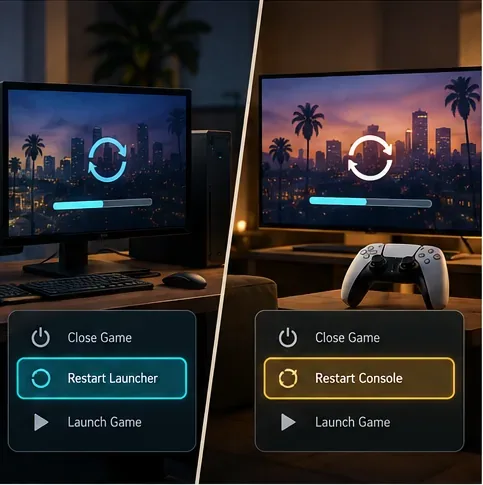
Ask both players to close GTA V completely, then reopen it from the official launcher or console home screen. On consoles, avoid resuming a suspended game for this test. Load into GTA Online again and send a fresh invite only after both players are in the game. This clears a stale invite or client state without changing saved data.
Make sure the host is in GTA Online Freemode and not still loading, in a cutscene, or inside a Job. If the current activity or lobby is hard to join, return to Freemode and try again. If the host's session is full or unstable, ask them to start a new one rather than repeatedly sending the same failed invite.
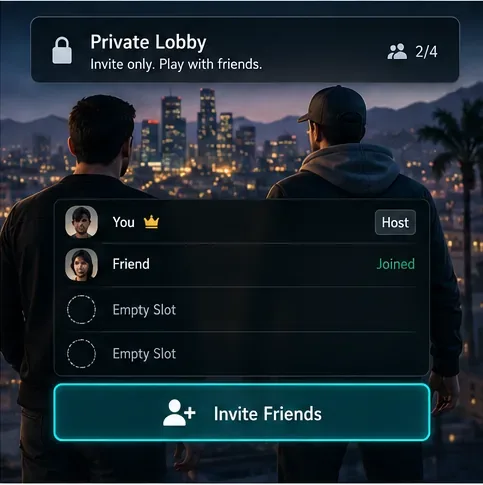
A fresh private session can avoid a broken or crowded lobby. Rockstar's current instructions say to start from Story Mode, open the Pause Menu, choose Online, select Find New Session, then choose Invite Only Session. The host can invite the friend once the session loads. Follow Rockstar's Invite Only Session instructions if your menu differs.
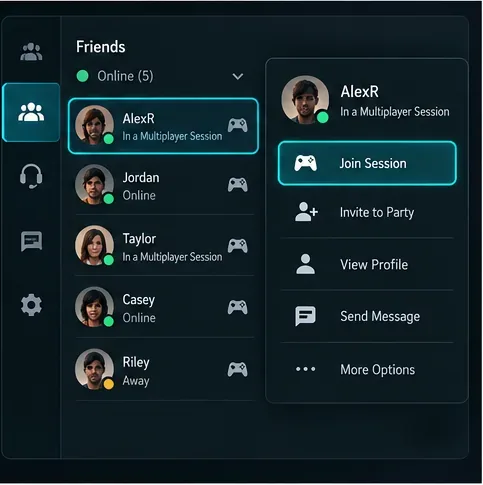
If you or your friend appears offline in the in-game Rockstar Games menu, check Presence Visibility on both accounts. Open the Rockstar Games menu, choose the Settings gear, select Game Settings, and set Presence Visibility to Everyone. Then retry the invite or use the Pause Menu route in the next fix. Rockstar documents this setting for players who cannot see or invite one another.
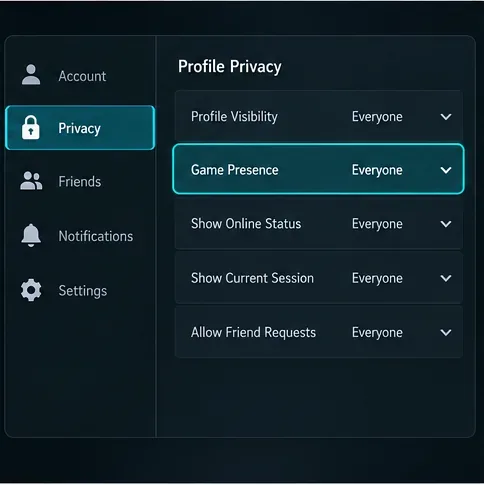
Use the platform's friend or party interface to join, rather than relying on one in-game invite notification. Rockstar specifically recommends PlayStation's Join Friends or Party features for PS4 players who cannot invite or join. On PC, if both players are in the same Rockstar Crew, open the Pause Menu, go to Online, and choose Join Crew Members; if needed, open Crews, view your members, select the friend, and choose Join Game. See Rockstar's PC friend-join steps and PS4 Join Friends guidance.
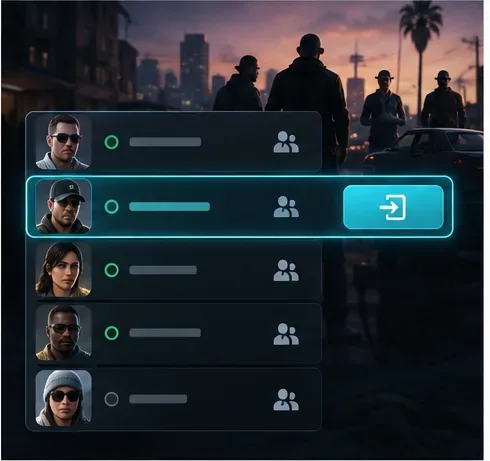
Confirm you are friends on the platform and in the Rockstar Games network where applicable. Check that neither account has blocked the other, and review account, console, and family settings that control invitations, multiplayer, or online visibility. For the Xbox app on PC, Rockstar says privacy settings must allow cross-network play and online communication; that setting covers play across PC storefronts, not PC-to-console play. Use Rockstar's Xbox app on PC privacy checklist if you play there.
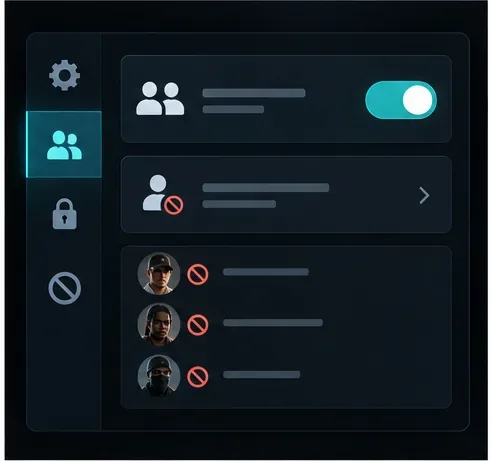
On Xbox, open Settings > General > Network Settings and check the NAT type; run Test NAT Type if it is unknown. PlayStation also provides a network connection test in its settings. Rockstar notes that a more open NAT has fewer conflicts when connecting to other players. A Strict NAT can limit which connections work, so compare results on both ends. NAT labels and menu paths differ by platform, and Open NAT is not a guarantee that every session will connect. Rockstar's Xbox Series connection guide explains the categories.
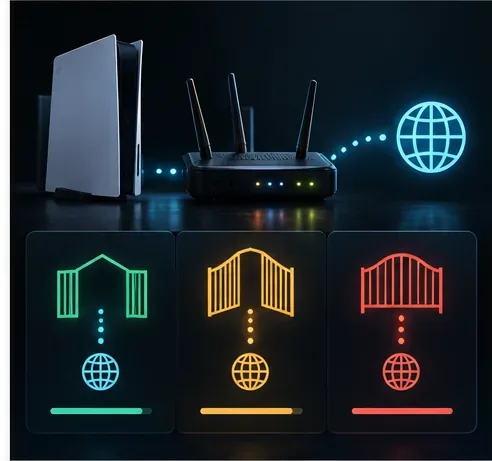
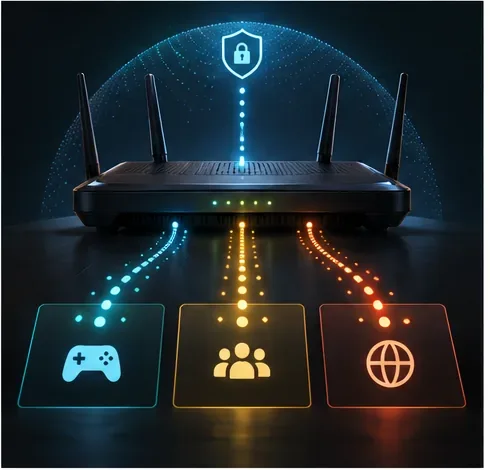
If NAT is Strict or the problem continues across several friends, inspect your router and firewall. Rockstar's PC connection guide lists these GTA Online UDP ports: 6672 and 61455–61458. Configure only the rules required for your network and platform; do not disable your firewall or forward unrelated ports. If you are unsure how your router handles UPnP or port forwarding, ask the network administrator or internet provider before changing it. Start with Rockstar's PC connection troubleshooting guide.
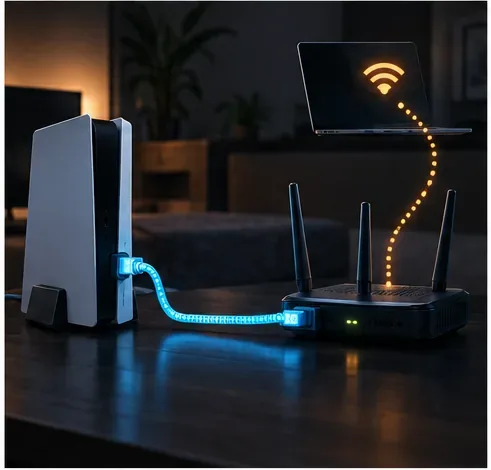
Temporarily test with Ethernet if you normally play over Wi-Fi, pause large downloads, and restart your modem or router. If you use a VPN or proxy, disconnect it for one test, then restore it if it is required for privacy or work. A brief test on another trusted network can help identify whether the home router or ISP is involved. Rockstar's troubleshooting pages recommend checking the internet connection and restarting the router when session timeouts or unknown network errors persist.
Install any available GTA V, system, and launcher updates. On PC, verify the game files through the launcher you use and make sure the official BattlEye component is enabled for GTA Online; Rockstar says custom launch arguments that disable it will not connect to official servers. On consoles, fully power down and follow the platform-specific cache steps in Rockstar's connection guide. If none of the fixes works, contact Rockstar Support with your platform, game edition, exact error text, and whether you can join other sessions. Start from the GTA Online Support hub.
The fastest way to solve a GTA Online can't join friends error is to separate compatibility and invite problems from network problems. Check the version first, then use a fresh private session and the correct friend-join route. Only move on to NAT, ports, or file verification if those simple checks do not work.
Enable PUBG’s network statistics HUD to monitor ping and packet loss in a match. See where to find it, what the numbers mean, and what they cannot diagnose.
Learn how to import VALORANT crosshair codes, compare presets with manual settings and spectator copy, and fix common import issues.
Choose Dota 2 minimap size, hero icons, team colors, and background settings by readability, fewer misclicks, and clear results on your own display.
Fix Fortnite texture pop-in on PC with official steps for GPU drivers, file verification, DirectX 12, high-resolution textures, VRAM, SSDs, and stutter.
Learn what Heroes of the Storm minimap size and position options are verified, improve readability, and choose camera-click controls that suit you.
Set Super Smash Bros. Ultimate Quickplay to prefer hazards-off stages. Follow the Preferred Rules menu steps and learn why matchmaking may not always honor them.
Enable Server Latency and Packet Loss in Warzone to monitor connection quality, read the overlay, and use recurring spikes to guide troubleshooting.
Learn how to carry from mid lane in League of Legends by setting up waves, choosing safe roam windows, reading side lanes, and converting pressure into objectives.
Fix Minecraft Evoker spell problems with a safe vanilla test, version checks, log review, and a step-by-step way to isolate mod or datapack conflicts.
Fix PUBG stuck on Initializing on Steam with a focused checklist for PC service notices, launch options, game files, downloads, and connection issues.








