Where to Play Overwatch 2 in 2026: Every Platform
You can play Overwatch 2 on Windows PC, PlayStation 4 and 5, Xbox One and Xbox Series X|S, Nintendo Switch, and Nintendo Switch 2. PC players can install it through Battle.net or Steam; console players can download it from their platform’s digital store. The base game is free-to-play, and cross-play lets friends team up across supported systems in eligible modes.
One naming detail can make the game harder to find: in February 2026, Blizzard announced that it was dropping the “2” from the title. The live game may therefore appear as Overwatch in the store even if you search for Overwatch 2. The platform options below cover the current game and its supported versions.
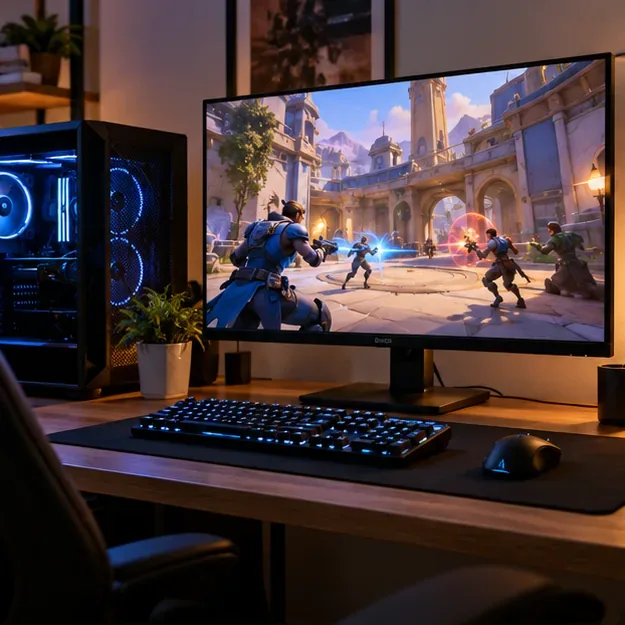
Every platform where you can play Overwatch 2
| Platform | Where to get it | What to know |
|---|---|---|
| Windows PC | Battle.net or Steam | Both downloads are free; Steam requires a Battle.net account. |
| PlayStation 4 and PlayStation 5 | PlayStation Store | Choose the version for your console. |
| Xbox One and Xbox Series X|S | Xbox Store | Available on both Xbox generations. |
| Nintendo Switch | Nintendo eShop | Portable, tabletop, and docked play. |
| Nintendo Switch 2 | Nintendo eShop | A separate Switch 2 version launched April 14, 2026. |
Store names and availability can vary by region. If a listing does not appear, search for “Overwatch” as well as “Overwatch 2” and check the official store for your country.
PC: Battle.net or Steam
On a Windows computer, install the game from Blizzard’s official Overwatch site to use Battle.net, or find it on Steam. Both routes lead to the free-to-play game. Steam’s listing states that a third-party Battle.net account is required, so you will need to sign in or create one when connecting your game.
PC is the option for players who prefer a mouse and keyboard or want to choose between Blizzard’s launcher and Steam. The official listings cover Windows PC; they do not offer a native macOS or mobile version.
PlayStation: PS4 and PS5
Open the PlayStation game page or search the PlayStation Store on your console. The listing provides separate PS4 and PS5 versions, both free to add to your library. The game requires an internet connection for online play. Sony says some games do not require PlayStation Plus and directs players to check each title’s store page, so check the Overwatch listing for your region before subscribing solely to play this game. See PlayStation Plus support for the current rule.
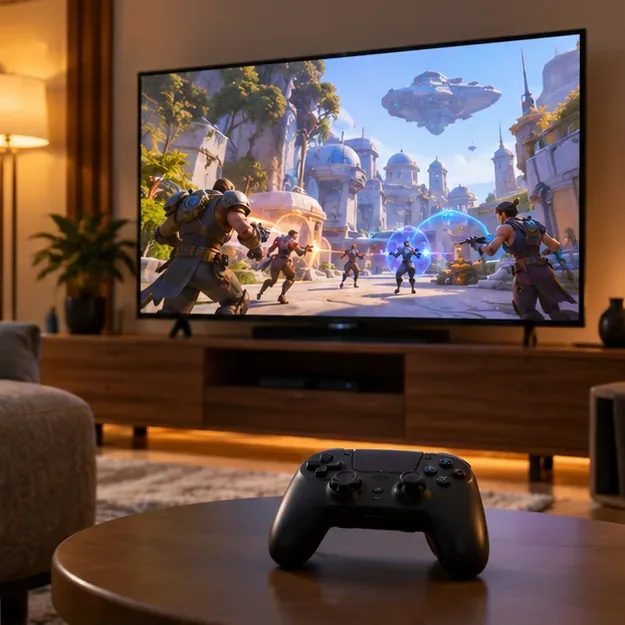
Xbox: Xbox One and Xbox Series X|S
On Xbox, search for Overwatch in the console’s Microsoft Store and choose the free game listing. Microsoft lists the game for both Xbox One and Xbox Series X|S. Optional in-game purchases are separate from the base download. Microsoft says online multiplayer in free-to-play Xbox games does not require a paid multiplayer subscription; a subscription may still provide separate catalog or in-game benefits. Read the Xbox free-to-play multiplayer policy for details.
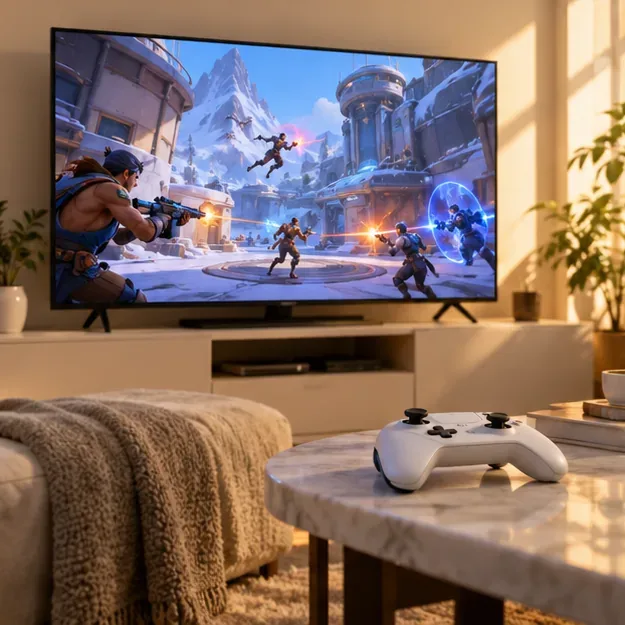
Nintendo Switch and Nintendo Switch 2
The original Nintendo Switch version is available through the eShop and supports handheld, tabletop, and TV play. Nintendo also has a separate Switch 2 listing. Blizzard’s April 14, 2026 patch notes confirm that the Switch 2 version launched on that date and tell players to download the version made for their system. Check the console name on the eShop page before installing; the Switch and Switch 2 downloads are separate listings.
When browsing the eShop, check the console name shown on the product page before downloading. The game is free on both versions, while optional in-game purchases may be offered.
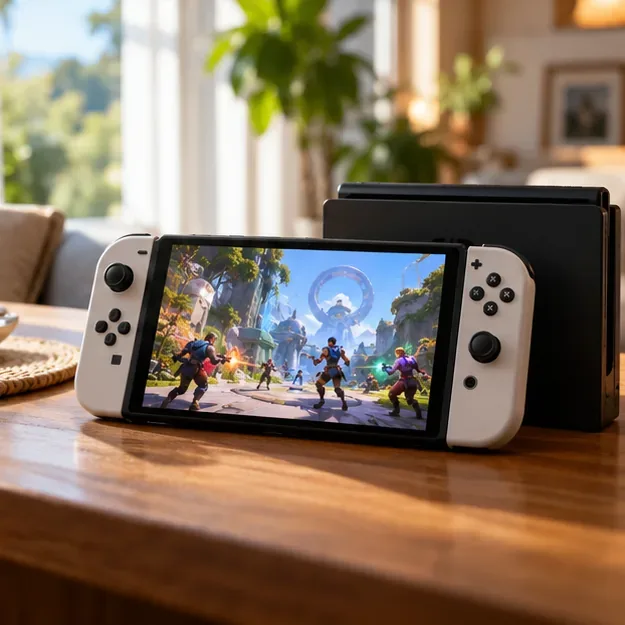
Cross-play and cross-progression: what carries between systems?
Cross-play means players on supported platforms can group up in modes that allow cross-platform matchmaking. Blizzard’s current competitive guidance includes input-based matchmaking pools, including a mouse-and-keyboard option for console players. That makes ranked rules more specific than “PC versus console”; check the latest competitive-play guidance if you are forming a Competitive group across devices.
Cross-progression is account-based. Link the relevant console profile to the same Battle.net account to carry supported progression and collection content between linked systems. Before confirming a link or account merge, make sure you have the correct Battle.net account: Blizzard’s cross-progression FAQ notes restrictions on replacing a linked console account with another account from the same platform.
Is Overwatch 2 free, and what do you need?
The base game is free to download on the platforms listed above. Optional cosmetics, bundles, and other in-game purchases can cost money, but they are not the purchase price of the core game. You need an internet connection, an eligible platform account, and a Battle.net account for linking and cross-platform features. The exact online-service and subscription terms can vary by platform and region, so the game’s local store listing is the best place to confirm them.
Quick fixes if you cannot find or join the game
- It is missing from search: Look for “Overwatch” because the publisher removed “2” from the official title in 2026. Confirm your store region and system software are up to date.
- You are on Switch 2: Select the Switch 2 listing, not the original Switch version.
- Your progress is missing: Check that the new device is linked to the same Battle.net account as your other platform.
- A friend cannot join: Check cross-play settings and invite them through the in-game/Battle.net social list. Competitive matchmaking has additional input-pool rules.
Frequently asked questions
Is Overwatch 2 available on Nintendo Switch 2?
Yes. Nintendo lists a dedicated Switch 2 version, released April 14, 2026. The original Switch version remains a separate download.
Can PC and console players play together?
They can group up in cross-play-enabled modes. Competitive matchmaking follows separate input pools and can limit which groups can queue together.
Why does the store only show Overwatch?
Blizzard dropped the “2” from the official title in 2026. Searching for Overwatch should bring up the current game listing.









