How to Import Custom Crosshair Codes in VALORANT: Steps, Options, and Fixes

Learn how to import VALORANT crosshair codes, compare presets with manual settings and spectator copy, and fix common import issues.
Where can you play Apex Legends online? As of October 2026, you can install it on a Windows PC through the EA app, Steam, or Epic Games Store; on PlayStation 4 or 5; on Xbox One or Xbox Series X|S; and on Nintendo Switch 2. Cloud streaming is another option through NVIDIA GeForce NOW where the game is available in your region. One important update: the original Nintendo Switch version stopped connecting to Apex servers on August 4, 2026.
The game is free to download, but it requires an internet connection and an EA Account. Choose the platform you already own, then use the same EA Account on any supported device where you want your Apex profile and eligible content to appear.
| Platform | How to get it | What to know |
|---|---|---|
| Windows PC | EA app, Steam, or Epic Games Store | All three are official download options; link the platform account to your EA Account. |
| PlayStation | PlayStation Store on PS4 or PS5 | EA says PlayStation Plus is not required for Apex online play. |
| Xbox | Microsoft Store on Xbox One or Series X|S | EA says a paid Xbox online membership is not required for Apex. |
| Nintendo | Nintendo eShop on Nintendo Switch 2 | The original Switch version is no longer playable since August 4, 2026. |
| Cloud streaming | NVIDIA GeForce NOW, where supported | Check the live catalog, device support, and linked game-store options for your region. |
Store listings, platform availability, and cloud catalogs can vary by country. EA’s current Apex Legends download guide has direct store directions for supported platforms.
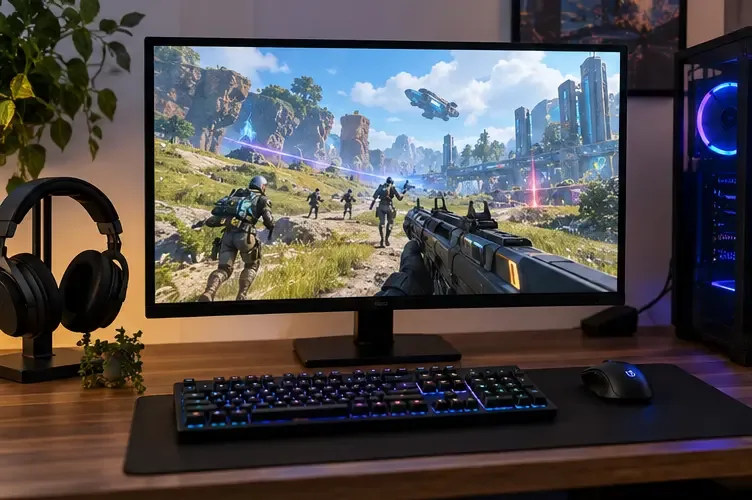
On Windows, you can install Apex Legends on PC through the EA app, Steam, or Epic Games Store. Search for the game in the storefront you prefer, add or claim the free game, and install it. You will still need to sign in with an EA Account to play.
The launchers do not create separate versions of Apex’s online world. EA says your progression and unlocks carry between the EA app and Steam when the accounts are linked. Use the same EA Account if you change launchers, and do not try to run the game through two launchers at the same time with one linked account; EA warns that this can cause progression problems.
For official installation steps, use EA’s download guide linked above. It includes instructions for the EA app, Steam, and Epic rather than relying on third-party download sites.
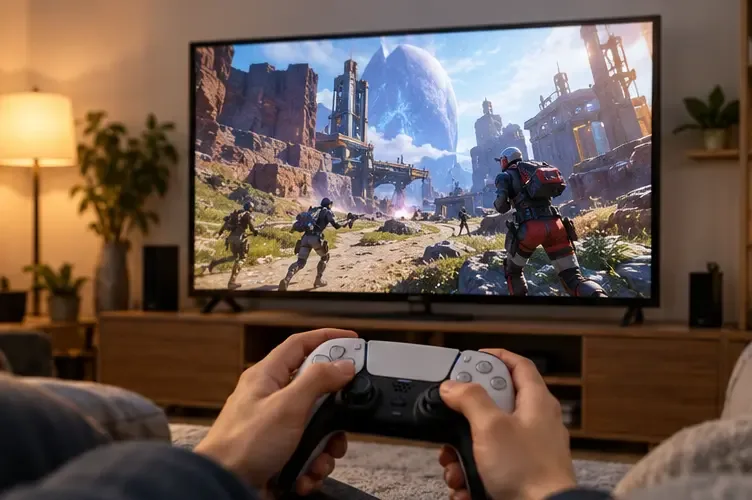
On PlayStation 4 and PlayStation 5, find Apex Legends in the PlayStation Store and download it. On Xbox One, Xbox Series X, or Xbox Series S, open the Microsoft Store, search for the game, and install it. It is free on both console families, although the game offers optional in-game purchases.
EA’s FAQ says Apex Legends does not require PlayStation Plus on PS4 or PS5, or a paid Xbox online membership on Xbox One or Series X|S, to play online. You still need an internet connection, an EA Account, and the relevant console account. Account or service prompts can vary by region, so follow the current on-screen requirements for your platform.
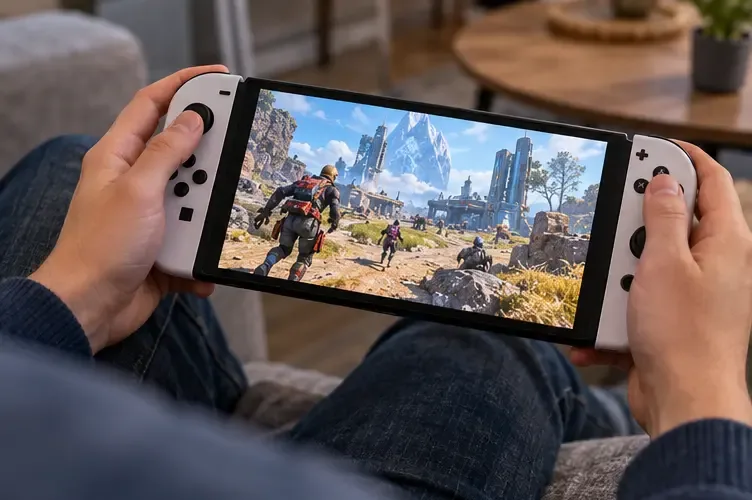
Nintendo Switch 2 is the current Nintendo system for Apex Legends. Download it from the Nintendo eShop and sign in with the EA Account associated with your Apex profile. EA currently lists at least 80 GB of free space for the Switch 2 download and notes that storage requirements can change, so check available storage before installing.
The distinction between Switch models matters in 2026. EA announced that the original Nintendo Switch version would stop connecting to its servers on August 4, 2026; because Apex requires online servers, it cannot be played on that console now. The game continues on Switch 2. EA says Switch progress and purchases remain tied to the EA Account and can be accessed on Switch 2. Its support notice also says Nintendo Switch currency does not transfer to other platforms, though it can be used on Switch 2 subject to local rules. See EA’s Nintendo Switch support update for the full transition details.
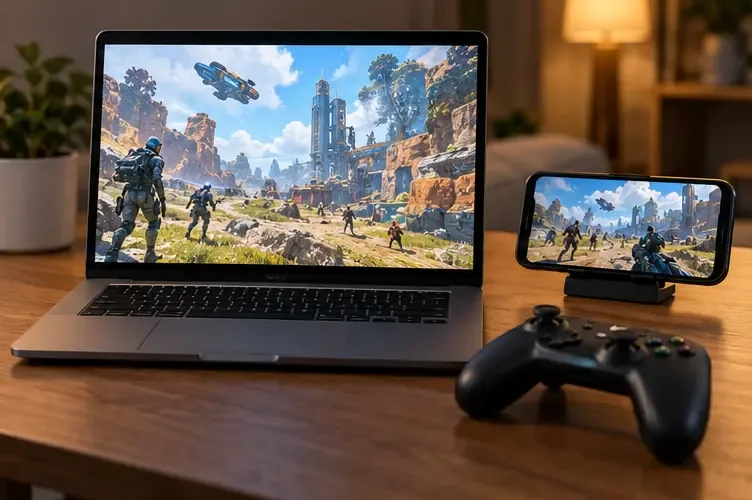
If your computer or device cannot run the game locally, cloud gaming may let you stream the PC version instead. NVIDIA has listed Apex Legends among GeForce NOW titles, and the service connects to supported PC game-store libraries. Check NVIDIA’s current GeForce NOW game catalog before subscribing: supported titles, storefront connections, devices, plans, and regional availability can change.
Streaming sends your controls and game video over the internet, so a stable connection and low latency matter. A connection that works for browsing or video may still feel sluggish in a fast shooter. Cloud play is best treated as a convenient way to access the PC version, not a guarantee of the same responsiveness as a local install.
Cross-play lets you invite friends on other supported platforms. EA says cross-play is on by default. To add a friend, open the in-game Friends menu, choose Find Friend, and search for their EA Public ID. Matchmaking can be affected by platform groups and cross-platform squads, so “cross-play” does not mean every player is placed into one identical queue. Read EA’s cross-play instructions for the current steps.
Cross-progression means your Apex account, progress, and eligible cosmetics can be accessed across PC, PlayStation, Xbox, and Switch 2 when the platform accounts are linked to the same EA Account. Your progress is permanently tied to that EA Account; it cannot simply be moved to another one. Before switching platforms, confirm which EA Account is linked and avoid unlinking accounts casually, since EA warns that doing so can interrupt access to progress or content. See EA’s cross-progression guide for account and content exceptions.
For most players, the simplest choice is the system they already use and where their friends play. Install Apex from its official store, sign in with the EA Account you intend to keep, and check cross-play settings if a friend invite does not appear.
Yes. The game is free to download and play, with optional in-game purchases. You need an EA Account and an internet connection.
No. EA ended the original Switch version’s server access on August 4, 2026. Apex Legends remains available on Nintendo Switch 2.
Cross-progression shares eligible progress and cosmetics across supported platforms linked to the same EA Account. Progress cannot be moved to a different EA Account, and some currency has platform-specific restrictions.
Learn how to import VALORANT crosshair codes, compare presets with manual settings and spectator copy, and fix common import issues.
Choose Dota 2 minimap size, hero icons, team colors, and background settings by readability, fewer misclicks, and clear results on your own display.
Fix Fortnite texture pop-in on PC with official steps for GPU drivers, file verification, DirectX 12, high-resolution textures, VRAM, SSDs, and stutter.
Learn what Heroes of the Storm minimap size and position options are verified, improve readability, and choose camera-click controls that suit you.
Set Super Smash Bros. Ultimate Quickplay to prefer hazards-off stages. Follow the Preferred Rules menu steps and learn why matchmaking may not always honor them.
Enable Server Latency and Packet Loss in Warzone to monitor connection quality, read the overlay, and use recurring spikes to guide troubleshooting.
Learn how to carry from mid lane in League of Legends by setting up waves, choosing safe roam windows, reading side lanes, and converting pressure into objectives.
Fix Minecraft Evoker spell problems with a safe vanilla test, version checks, log review, and a step-by-step way to isolate mod or datapack conflicts.
Fix PUBG stuck on Initializing on Steam with a focused checklist for PC service notices, launch options, game files, downloads, and connection issues.
Fix Brawl Stars stuck at 92% loading with an ordered checklist for service notices, network tests, safe updates, Android cache, and account-safe reinstalling.








