Looking for where to find Prickly Pear in ARC Raiders? This foraged plant grows on cactus in the game's dry, sun-baked terrain, and you will want a steady supply for crafting and consumables. This guide walks you through which biomes to search, how to spot and harvest the plant during a raid, the best farming loops, and how to safely extract your haul.
ARC Raiders is an extraction shooter from Embark Studios where you descend from the underground town of Speranza, scavenge the surface, and try to make it back alive. Plant materials like Prickly Pear are gathered out in the open world, so the loop is simple: find the right area, harvest, and extract. Here is everything you need to know.
What Prickly Pear is and why you need it
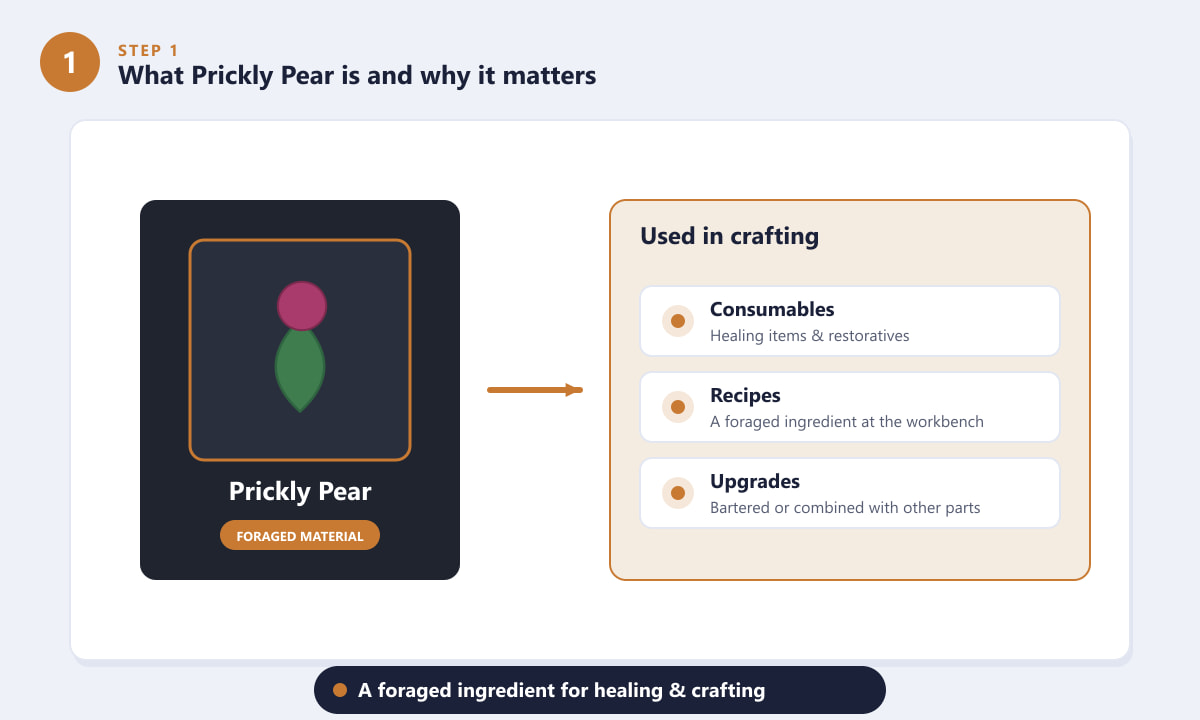
Prickly Pear is a foraged material — a natural ingredient you pick directly from cactus plants rather than loot from containers or enemies. Like other gathered plants and resources, it feeds into ARC Raiders' crafting system. You can use foraged ingredients to make consumables and recipes at the workbench, so keeping a few in your stash is always worthwhile. Because it is harvested by hand in the open, the only "cost" is the time and risk of being out on the surface.
Which biomes and maps to search
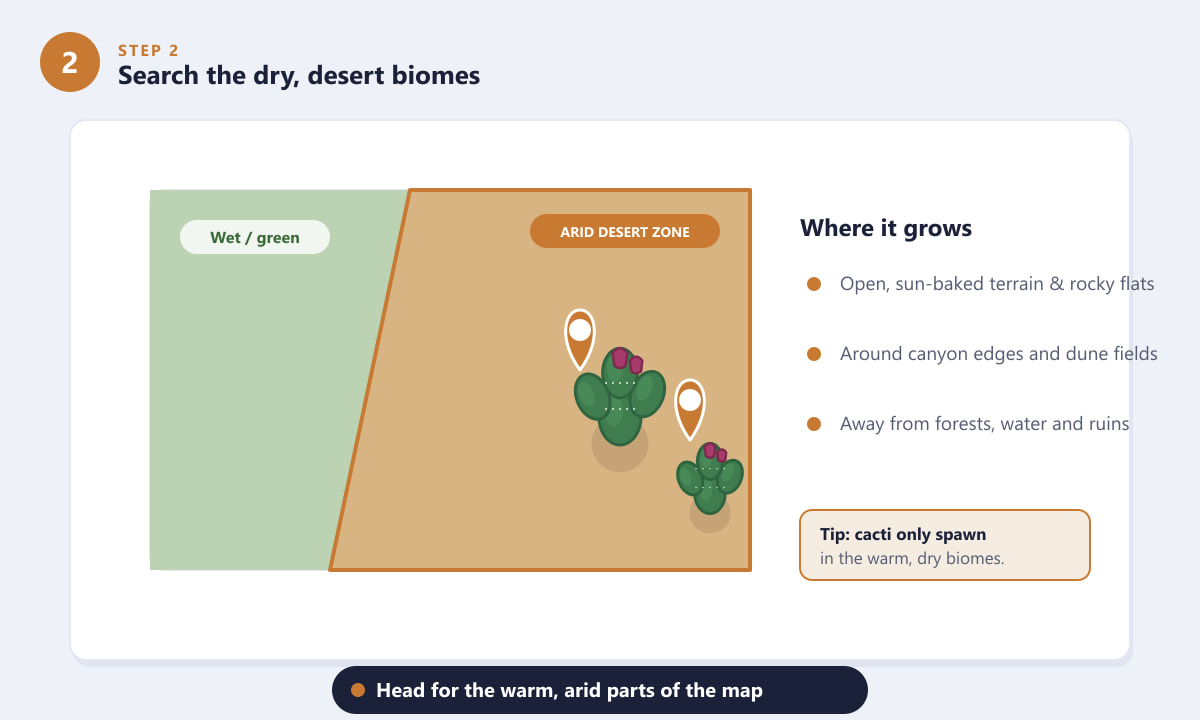
Cactus does not grow everywhere. Prickly Pear is tied to warm, arid terrain — think open, rocky flats, canyon edges, and dune-like stretches rather than green, wet, or built-up areas. When you load into a raid, head toward the dry, exposed parts of the map and away from forests, water, and dense ruins. If an area looks lush or shaded, you are in the wrong spot for cactus.
How to spot and harvest the cactus
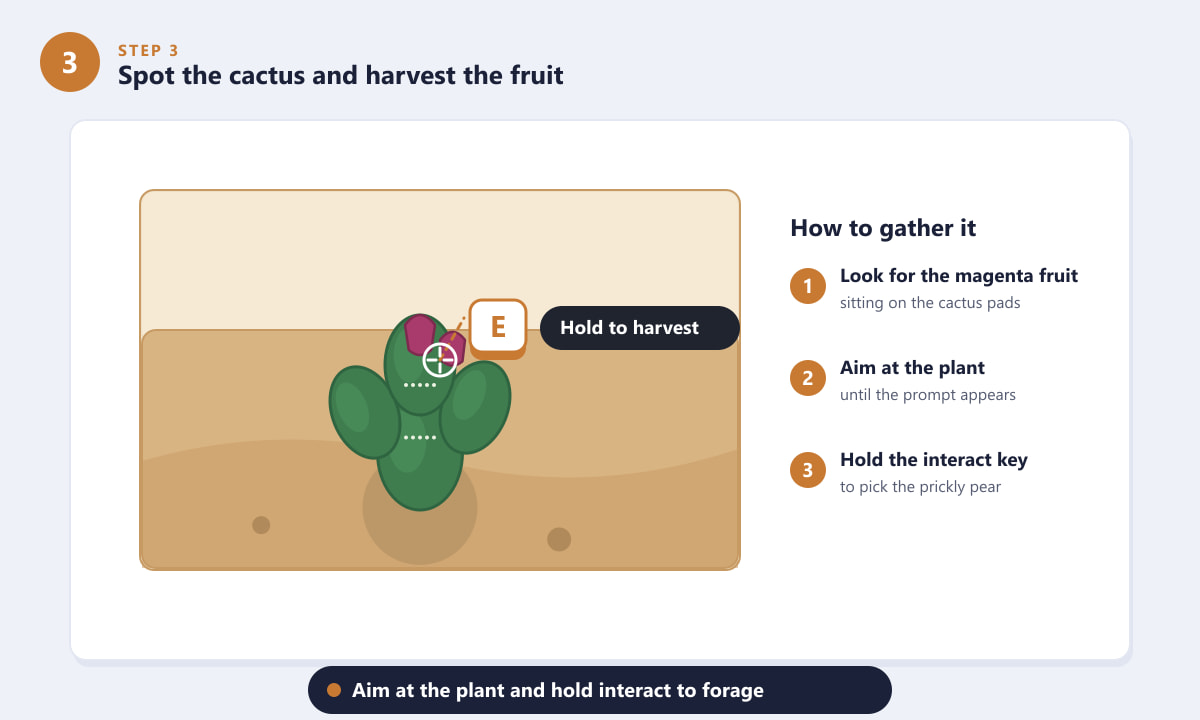
Once you are in the right biome, scan for cactus clusters. Prickly Pear plants are easy to identify by the bright magenta fruit sitting on top of their flat green pads. Walk up to a plant, put your crosshair on it, and an interact prompt will appear. Hold the interact key (the on-screen prompt shows the exact button on your platform) to forage the fruit. Each plant gives you a small amount, so it pays to clear several in one area.
Best farming routes and spots
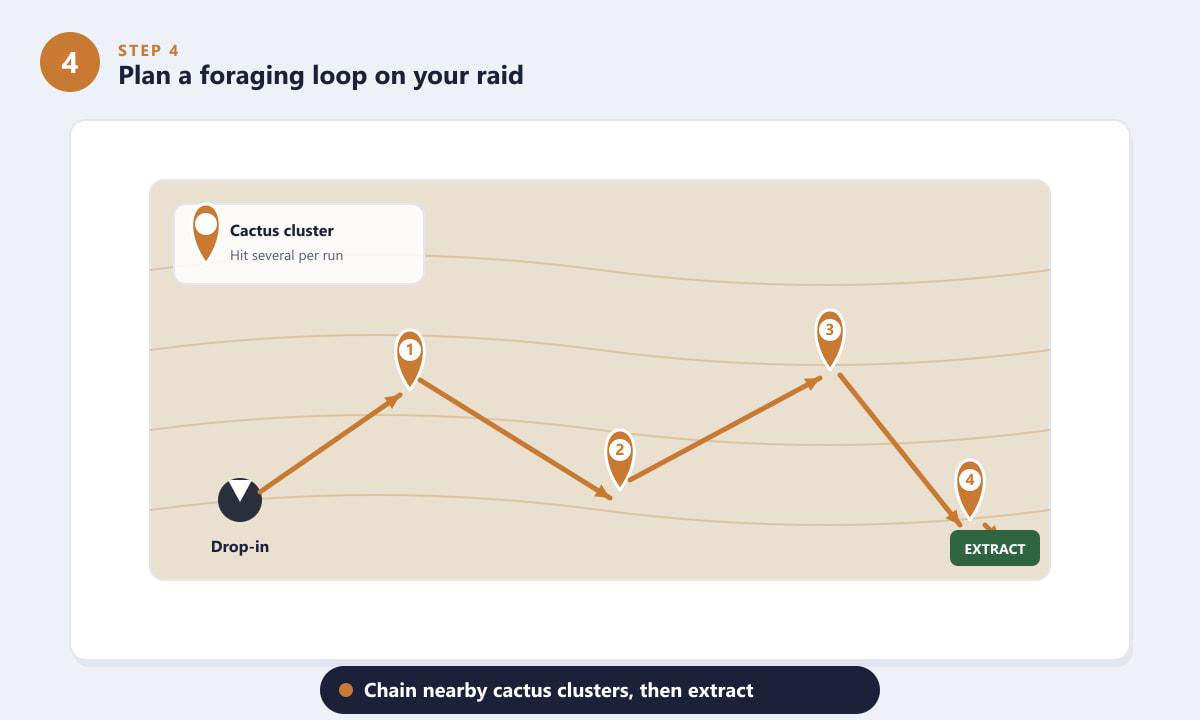
Because Prickly Pear appears in clusters, the most efficient approach is to plan a foraging loop. After you drop in, move through the arid zone hitting several cactus clusters in sequence rather than backtracking. Keep an eye on the map and your position relative to an extraction point, and try to end your loop near one. That way you bank everything you gathered instead of risking it on a long run back.
Extract safely and use your harvest
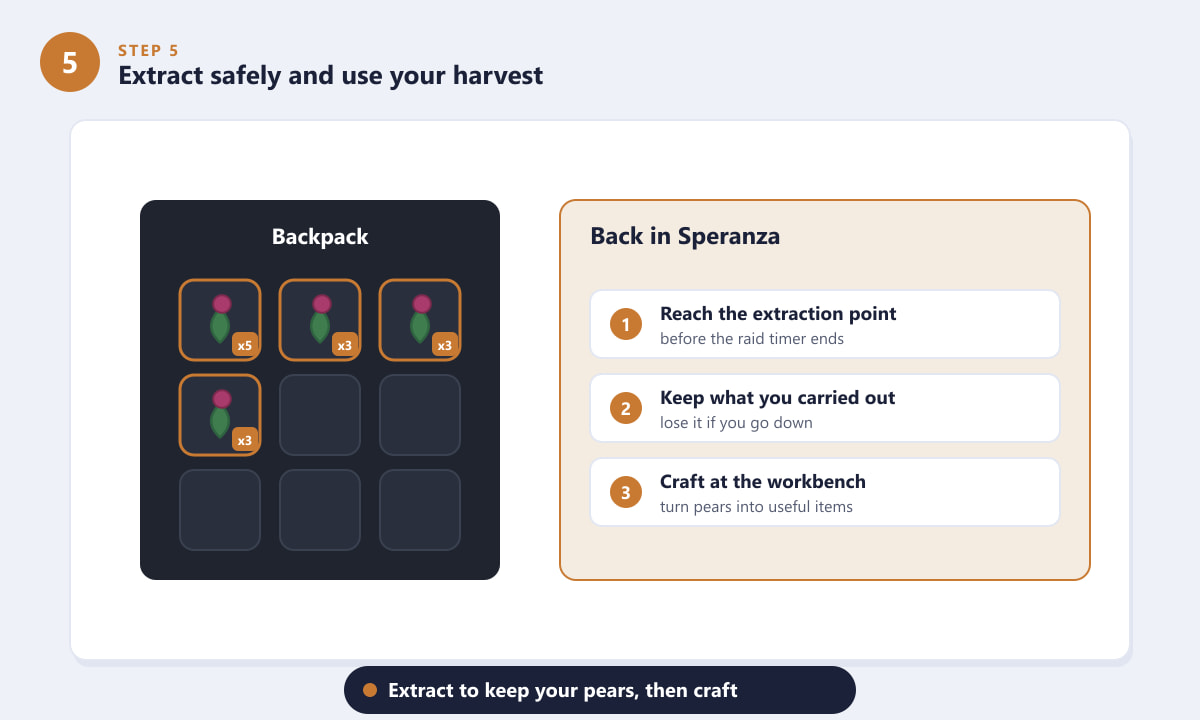
ARC Raiders is an extraction game, which means nothing you collect is yours until you get out. If you are downed and killed before reaching an extraction point, you can lose what you were carrying. Once you successfully extract back to Speranza, your Prickly Pear is added to your stash, ready to be used in crafting at the workbench. Build a habit of extracting with a reasonable load rather than over-staying for one more cluster.
Tips for farming Prickly Pear faster
- Learn the dry zones. Once you know which corners of each map are arid, you can drop in close to the cactus and skip the wandering.
- Grab everything in a cluster. Cactus often spawns in small groups, so harvest all the nearby plants before moving on.
- Watch your surroundings. Foraging locks you in place for a moment and you cannot shoot while harvesting, so check for ARC machines and other players first.
- Plan the exit early. Pick your extraction before you start your loop so you are always heading toward safety.
- Stack runs. Pick up other foraged materials and loot along the same route — the trip out is more valuable when you carry a mixed haul.
Troubleshooting
I can't find any cactus
You are probably searching green or built-up areas. Move toward the open, rocky, sun-baked terrain. Cactus is tied to the dry biomes, so reposition before you give up.
The harvest prompt won't appear
Get closer and aim your crosshair directly at the plant. If a prompt still does not show, you may not be looking at a harvestable cactus — keep scanning the cluster for plants with visible fruit.
I keep losing my Prickly Pear
You are likely dying before you extract. Carry less, take fewer fights, and route your loop so it ends near an extraction point to bank your materials sooner.
Frequently asked questions
Where do you find Prickly Pear in ARC Raiders?
Out on the surface in the warm, arid parts of the map. Look for cactus clusters on open, rocky flats and around canyon and dune areas, away from green and wet terrain.
How do you harvest Prickly Pear?
Walk up to a cactus with fruit, aim at it until the interact prompt appears, then hold the interact button shown on screen to forage it.
What is Prickly Pear used for?
It is a foraged crafting ingredient used to make consumables and recipes at the workbench in Speranza.
Do I lose Prickly Pear if I die?
You can. ARC Raiders is an extraction shooter, so you only keep what you carried out. Reach an extraction point to secure your harvest.
Is there a fast way to farm it?
Yes. Drop into a known arid zone, plan a loop that chains several cactus clusters, harvest everything in each one, and finish near an extraction point.
Final thoughts
Finding Prickly Pear in ARC Raiders comes down to knowing the terrain: stick to the dry desert biomes, look for the magenta fruit on cactus pads, hold interact to harvest, and plan a tight loop that ends at an extraction point. Do that consistently and you will keep a healthy supply on hand for crafting. For official news and updates, check the official ARC Raiders website.









