If you're wondering where to find humidifiers in ARC Raiders, the short answer is inside furnished homes and indoor rooms on the surface. Humidifiers are a common household appliance you scavenge during raids, and they're worth grabbing because they feed into crafting and pop up as turn-ins for certain workshop and vendor tasks. This guide explains exactly what the item is, the kinds of rooms and maps where it spawns most often, and how to make sure it actually reaches your stash.
ARC Raiders is an extraction shooter from Embark Studios. You play as a Raider living in the underground hub of Speranza, dropping onto a hostile surface to scavenge loot before extracting with whatever you can carry. Appliances like the humidifier sit on the same loot tables as the household clutter you sweep up on every run, so once you know where to look they become easy to stock.
What you need before you go
- A reason to grab them. Humidifiers are used for crafting and as a turn-in for some tasks, so check your active quests and recipes before you commit space to them.
- Free inventory room. Appliances take up backpack space, so leave slots open if you plan to collect several in one raid.
- A survival kit. Bring healing and a weapon with enough ammo to handle a machine or a rival Raider if you're spotted indoors.
- A map with buildings. Pick a deployment with plenty of homes and interiors rather than open terrain, since that's where appliances live.
Where to find humidifiers in ARC Raiders
-
Step 1: Know what a humidifier is
A humidifier is a household appliance and a recyclable salvage item, not a weapon or a piece of gear. It looks like a small tabletop water tank with a misting nozzle, and it sits on the surface waiting to be picked up. Because it's classed as common scavenge loot, you'll see it alongside other domestic items, and you can use it for crafting or hand it in for tasks that ask for appliances or specific recycled parts.
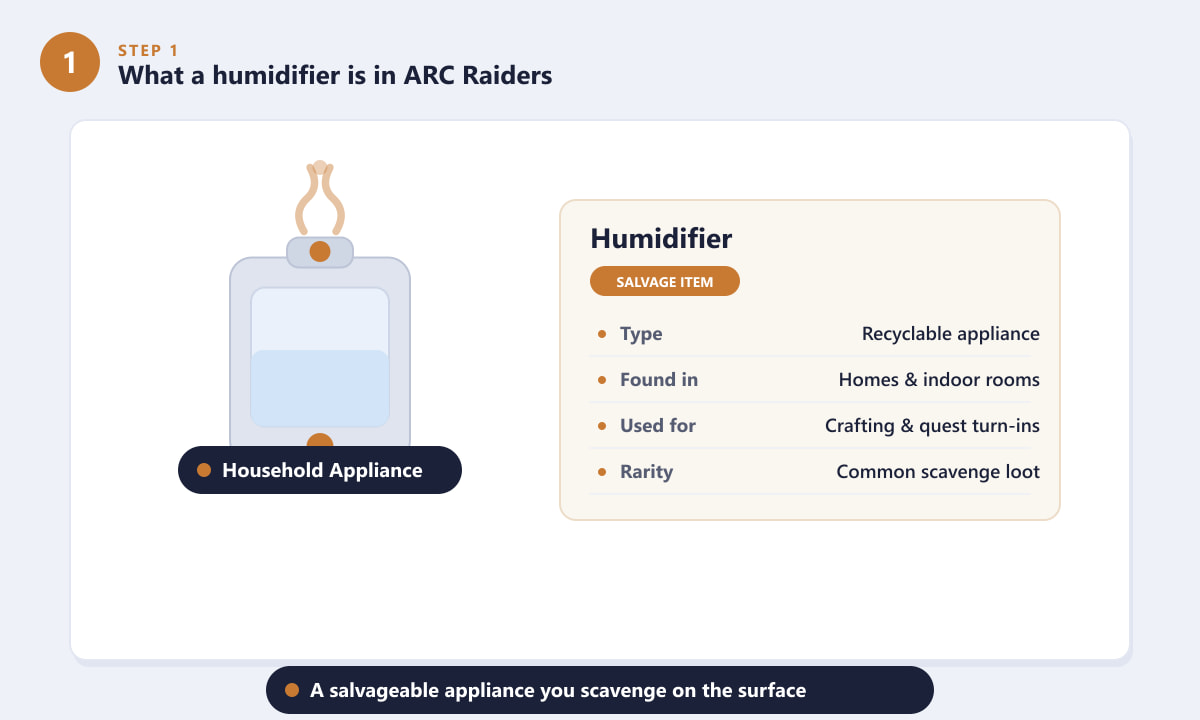
The humidifier is a common, recyclable household appliance used for crafting and turn-ins. -
Step 2: Search homes and indoor rooms
The most reliable place to find humidifiers is inside furnished buildings. Sweep living rooms, bedrooms, kitchens and bathrooms, and pay attention to surfaces where you'd expect a real appliance to sit. Check shelves and countertops, bedside tables and bathroom cabinets. Humidifiers usually rest out in the open rather than being locked in containers, so a quick visual scan of each room is often all it takes.
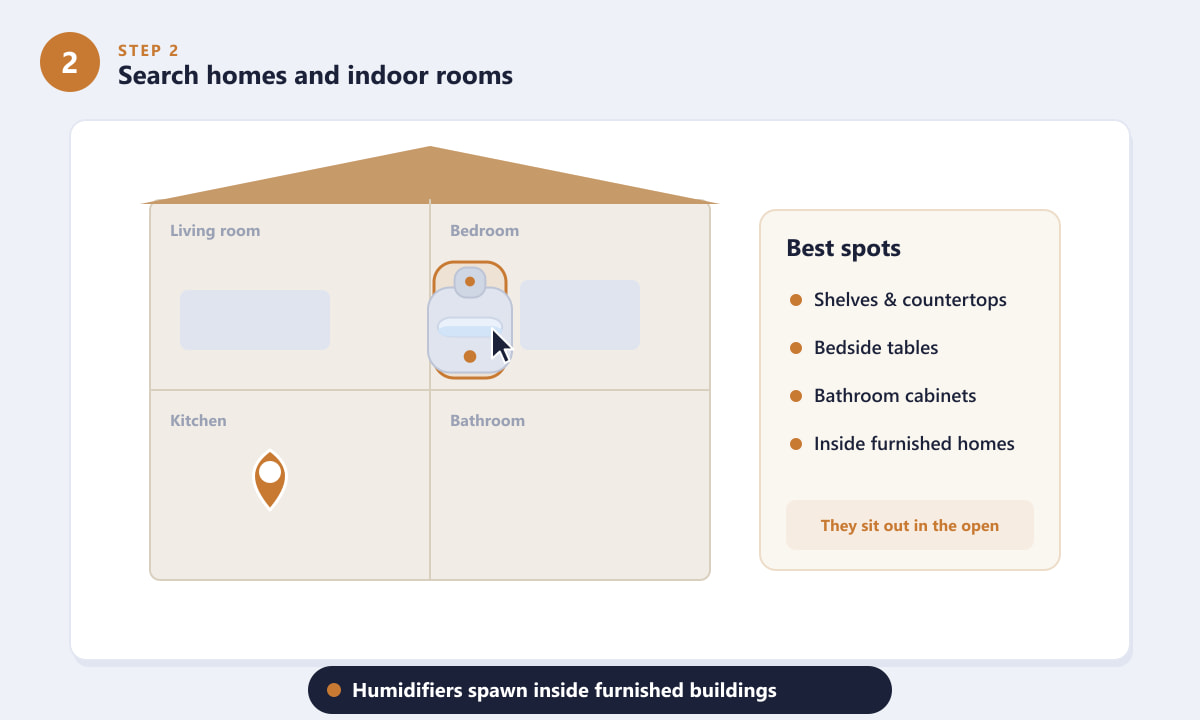
Scan shelves, counters and cabinets inside furnished homes for humidifiers. -
Step 3: Hit maps with dense buildings
Since humidifiers spawn in living spaces, your odds rise sharply on deployments packed with residential structures. Prioritise built-up zones: clusters of houses, apartment and office ruins, and outlying sheds or small dwellings all carry appliance loot. As a rule of thumb, the more interiors a location has, the more appliance spawns you can sweep, so route your raid through the densest housing rather than crossing open ground.
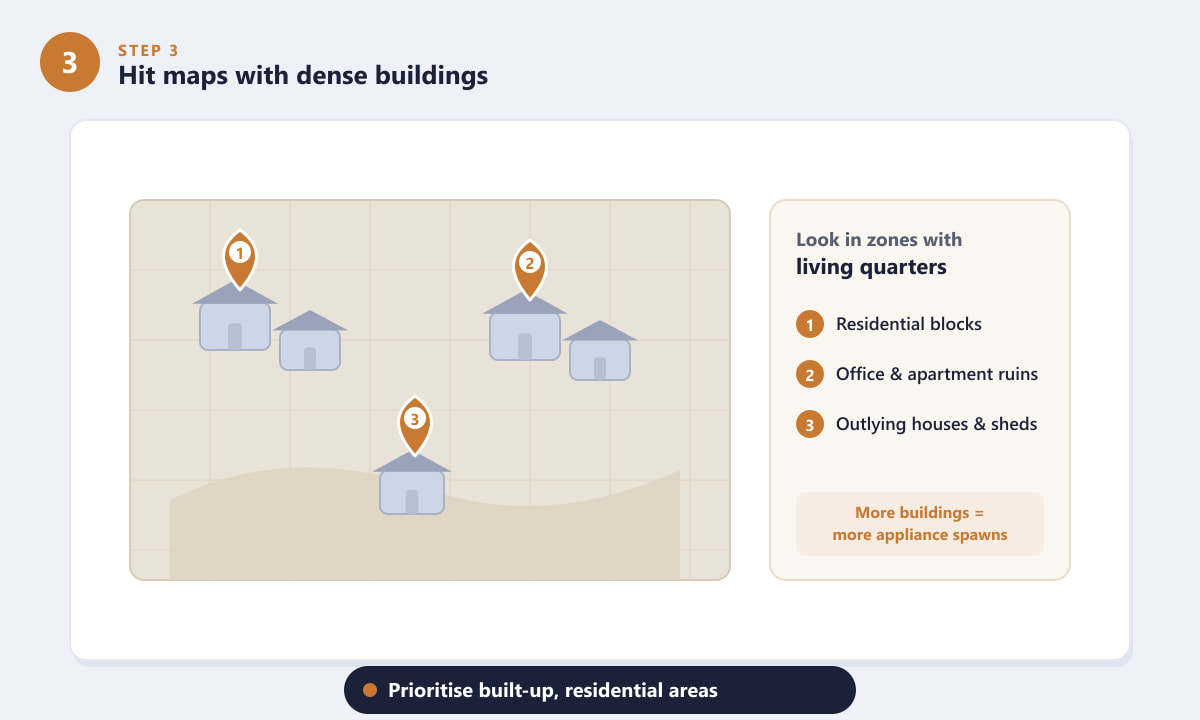
Plan routes through residential blocks and ruins where appliances are densest. -
Step 4: Pick it up, then extract
When you spot a humidifier, get close until the interact prompt appears and pick it up (the prompt key on PC, or the equivalent button on a controller). It goes into your backpack, but remember this is still an extraction shooter: the item only counts once you make it out alive. Head to an extraction point, hold to extract before the timer ends, and your humidifier comes home with you.
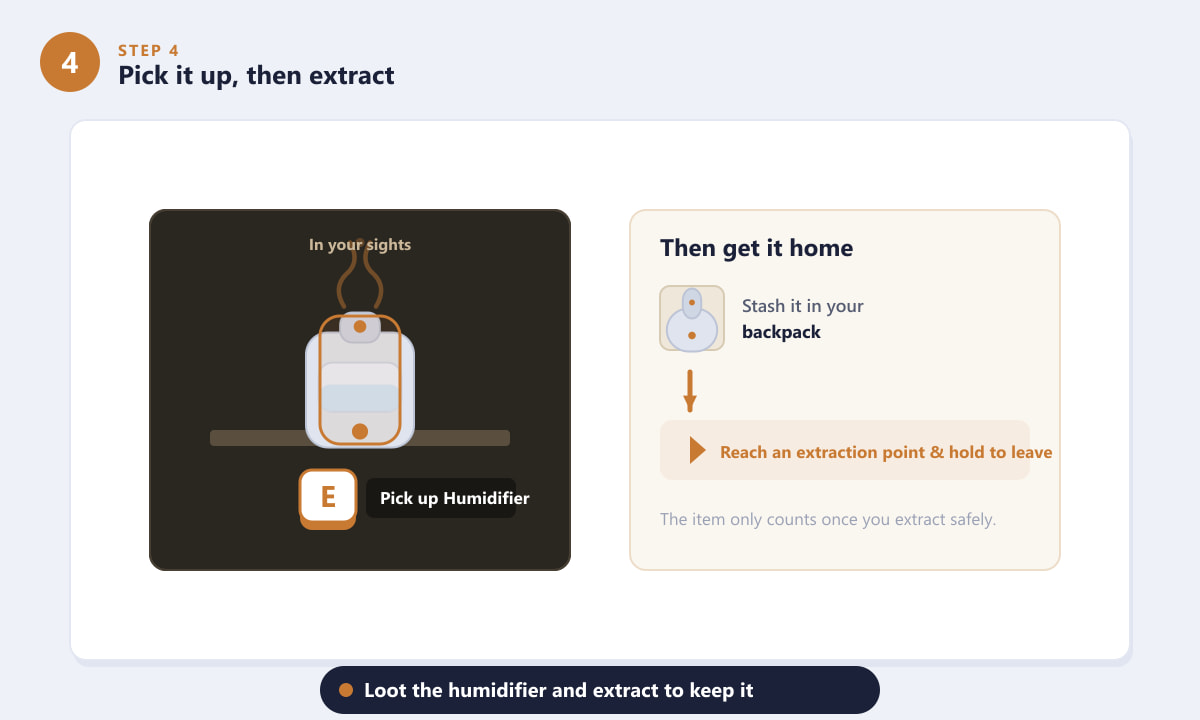
Grab the humidifier, then reach an extraction point to keep it.
Tips for farming humidifiers
- Loot every room. Appliances are easy to miss if you only check the obvious table. Glance at corners, counters and cabinets in each room before moving on.
- Travel light if you're hunting them. Leaving backpack space open lets you collect several appliances in a single run instead of dropping good loot to make room.
- Recycle what you don't need. If a humidifier isn't tied to an active task, it's still useful as recyclable salvage for crafting materials back in Speranza.
- Stay quiet indoors. Searching homes makes you predictable to other Raiders. Keep an eye on doorways and don't get tunnel-vision while looting.
Troubleshooting
I'm searching houses but not finding any humidifiers
Loot is randomised, so empty rooms happen. Spread your search across several buildings rather than fixating on one, and favour maps and zones with the most furnished interiors. Other Raiders may also have cleared a building before you arrived.
I picked one up but it's not in my stash
You almost certainly need to extract first. Anything in your backpack is only secured once you successfully leave the raid. If you went down before reaching an extraction point, the item was lost with the rest of your run.
A task wants a humidifier and mine won't count
Make sure the task is active and that you're carrying the exact item it asks for. Some turn-ins require the appliance to be in your inventory when you hand it in at the relevant vendor or workshop, so don't recycle it beforehand.
Frequently asked questions
Where do humidifiers spawn in ARC Raiders?
They spawn inside furnished homes and indoor rooms on the surface, typically on shelves, countertops, bedside tables and bathroom cabinets. Maps and zones with dense housing give you the best chance.
What are humidifiers used for in ARC Raiders?
They're a household appliance used as recyclable salvage for crafting, and they can be required as a turn-in for certain workshop or vendor tasks. Check your recipes and active quests to see if you need one.
Are humidifiers rare in ARC Raiders?
No. They're common scavenge loot found on the same tables as other domestic clutter, so with regular runs through residential areas they're easy to stock up on.
Do I have to extract to keep a humidifier?
Yes. Like all loot in an extraction shooter, a humidifier only counts once you reach an extraction point and successfully leave the raid. If you die first, you lose it.
Final thoughts
Finding humidifiers in ARC Raiders comes down to one habit: search the homes. Drop onto a map full of residential buildings, sweep shelves, counters and cabinets in every room, grab the appliance when you see it, and extract to lock it in. Treat it like the everyday salvage it is and you'll never be short when a recipe or task calls for one. For the latest details and patch notes, check the official ARC Raiders website.









