What Is the Fortnite Battle Pass?
The Fortnite Battle Pass is a season-long reward track that lets you unlock outfits, emotes, V-Bucks, and other in-game rewards by earning XP. Every season has its own pass. You can play without buying it, but purchasing the premium Battle Pass opens its paid rewards. As of March 19, 2026, the pass costs 800 V-Bucks, and a fully completed pass awards up to 800 V-Bucks. Here is how the system works, how to progress, and when buying it makes sense.
How the Fortnite Battle Pass works
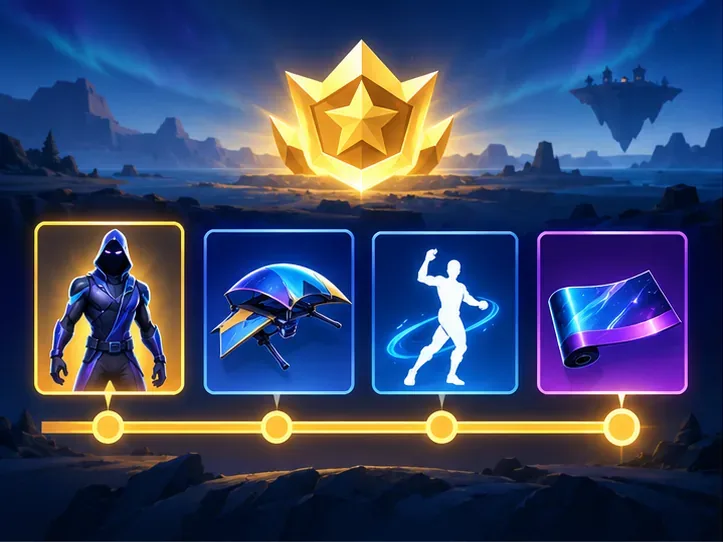
Think of the Fortnite Battle Pass as a seasonal checklist that fills as you earn XP. It contains pages of rewards. Leveling up makes more rewards available, and some rewards also require you to claim earlier items first. Once eligible, you can choose which unlocked reward to claim; you do not have to follow one fixed reward order.
The Battle Pass usually features outfits and other customization items, such as back blings, emotes, wraps, pickaxes, gliders, loading screens, and V-Bucks. The exact lineup changes with the season. These rewards are mainly for customizing your character and experience; buying the pass does not give you a general combat advantage.
Fortnite has other passes, including the OG, LEGO, and Music passes. They are separate reward tracks with their own premium rewards and prices. XP from an eligible Fortnite experience can advance every active pass at the same time, but buying one pass does not unlock the paid rewards on the others.
Free rewards vs. the paid Battle Pass
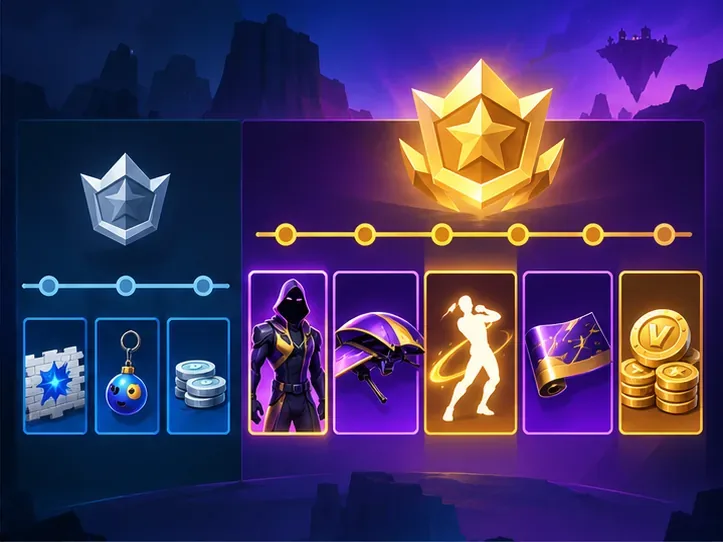
Players can make progress and claim free rewards without purchasing the premium pass. Buying the Battle Pass unlocks its premium reward track for that season. The free and premium rewards share the same progression, so XP you earn before buying still counts toward your season progress.
There is no need to buy the pass to enter Battle Royale, Zero Build, Creative, or other Fortnite experiences. Consider what you want from the current reward lineup and how much time you expect to play before the season ends.
Battle Pass price and V-Bucks rewards in 2026
Epic’s current listed price for the Battle Royale Battle Pass is 800 V-Bucks. Epic announced the change on March 10, 2026, with the new price taking effect March 19. The current pass awards up to 800 V-Bucks when completed, enough to buy another Battle Pass at today’s listed price if you save the full amount. That is a potential way to fund a later pass, not a cash refund: V-Bucks are in-game currency, and you must earn and claim the rewards before the season expires. Regional cash prices for V-Bucks can differ, so check the price shown on your platform.
Free and premium rewards use the same progression. V-Bucks earned from the free rewards count toward the season’s 800-V-Buck total; purchasing the premium pass does not reset your progress or create a second V-Bucks total.
How to earn Battle Pass XP
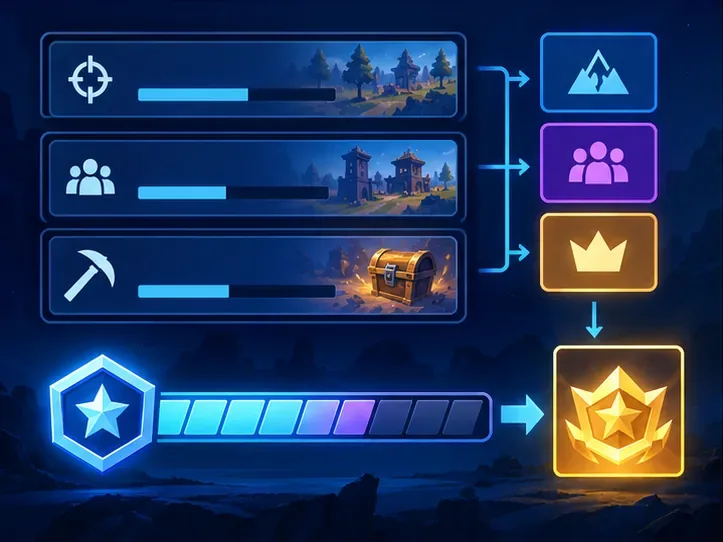
Battle Pass XP comes from playing Fortnite experiences that award XP. Quests are a reliable way to make progress: check the Quests tab for daily, weekly, seasonal, and other available objectives. Match play also grants XP, and eligible creator-made Creative maps can count subject to their XP limits. You can make progress in modes beyond Battle Royale, including experiences such as LEGO Fortnite and Fortnite Festival, when they award XP.
- Prioritize quests that are already convenient to complete during your normal play.
- Check which experiences award XP before spending a long session in a mode that may have limits.
- Open the pass page periodically and claim rewards you have unlocked, especially if a reward requires earlier items to be claimed.
- Use the season end date shown in Fortnite to decide how much time you have left. Pass progress is tied to that season.
How to buy the Fortnite Battle Pass
- Launch Fortnite and open the PASSES tab from the lobby.
- Select Battle Pass, then choose GET BATTLE PASS.
- Choose the standard pass or the Battle Bundle and confirm the purchase in game.
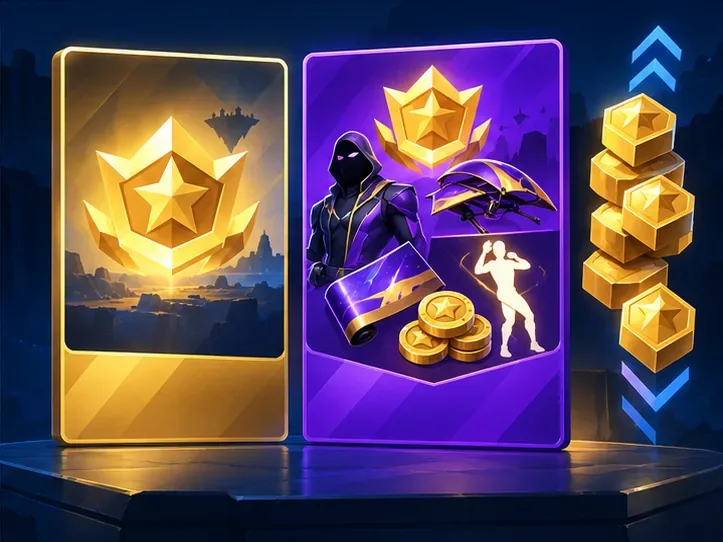
Epic says the Battle Pass is purchased in-game, not through the web Item Shop. The optional Battle Bundle costs 2,600 V-Bucks as of the March 2026 price update. It includes the Battle Pass and unlocks the first 25 levels immediately. That is 1,800 V-Bucks more than the standard pass, so it is mainly useful if you value the instant progress and do not want to earn those levels through play.
Does the Battle Pass expire?
Yes. Each Fortnite pass lasts for one season, and the season’s pass stops progressing when that season ends. You cannot carry unfinished progress into the next season or start earning on an old pass later. Check the in-game pass screen or the official Fortnite Battle Pass page for the current season’s rewards and end date.
One older claim needs a qualification: Battle Pass items are not necessarily exclusive forever. Epic says some pass items may be offered in the Fortnite Shop at least 18 months after the pass expires, but there is no guarantee that any particular item will return. If you want a reward, unlock it during the season rather than relying on a later shop appearance.
Is the Fortnite Battle Pass worth buying?
The pass is most worthwhile if you play regularly, like several of the current rewards, and expect to earn enough XP to unlock them before the season ends. If you complete it and claim all 800 V-Bucks, you can cover the current listed price of another Battle Pass. That makes it a recurring option for engaged players who save their V-Bucks.
It may not be a good fit if you only want one item, rarely play during the season, or do not want to track time-limited progress. You can preview the current rewards first, play for a while, and buy the pass later in the season; your earlier XP still counts. Just leave enough time to unlock and claim the rewards you care about.
Fortnite Battle Pass FAQ
Is the Fortnite Battle Pass free?
There are free rewards available through the pass, but the premium Battle Pass costs 800 V-Bucks as of March 19, 2026. Fortnite Crew also includes the Battle Pass while the subscription provides access to the active passes.
Do you have to win matches to level up?
No. You can earn XP through quests, match play, and other Fortnite experiences that grant XP. Winning is not required to make progress.
Can I buy the Battle Pass after the season starts?
Yes, while that season’s pass is active. XP you earned earlier in the season still counts, but the remaining time to unlock and claim rewards gets shorter.
Can Battle Pass skins return?
Some Battle Pass items may appear in the Item Shop 18 months or more after their pass ends. Epic does not promise that a specific item will return.









