What Is PUBG Mobile? A Beginner’s Guide (2026)
PUBG Mobile is a free-to-download online battle royale shooter for phones and tablets. In its Classic mode, as many as 100 players land on a map, search for weapons and survival gear, and try to outlast the other players as the safe area gets smaller. You can play alone or team up, and the game also offers quicker and themed modes. This guide explains the basic match, the controls, what to expect from maps and modes, and how to get started safely.
It is a mobile edition of the PUBG battle-royale experience, built for touch controls and mobile play. PUBG MOBILE is officially licensed by PUBG: BATTLEGROUNDS and is co-developed by LIGHTSPEED STUDIOS and KRAFTON, according to the official PUBG MOBILE site. It is a separate game app from the PC and console version, so do not assume the same client, features, or account progression.
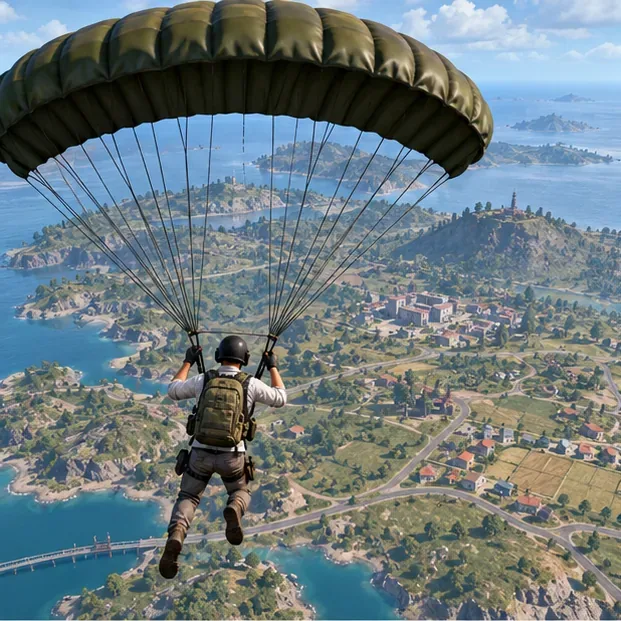
The images in this guide illustrate common battle-royale situations; they are not screenshots of the current game interface.
How a PUBG Mobile match works
A Classic round follows a simple loop: land, gear up, stay inside the playable area, and survive. The details change from match to match because the flight path, landing spots, loot, opponents, and final safe area are different.
- Choose a landing spot. Players begin in the air and choose when and where to land. A busy town can offer more loot but may put you in an early fight. A quieter edge location gives you more time to learn the map and controls.
- Find equipment. You start without a full loadout, so search buildings and nearby supply areas for a weapon, ammunition, a helmet, body armor, a backpack, and healing items. Pick up practical gear first instead of spending too long trying to assemble a perfect setup.
- Watch the safe area. A marked play zone contracts during the match. The blue zone outside it damages players, so use the map and countdown to plan your route before the circle forces a rushed crossing.
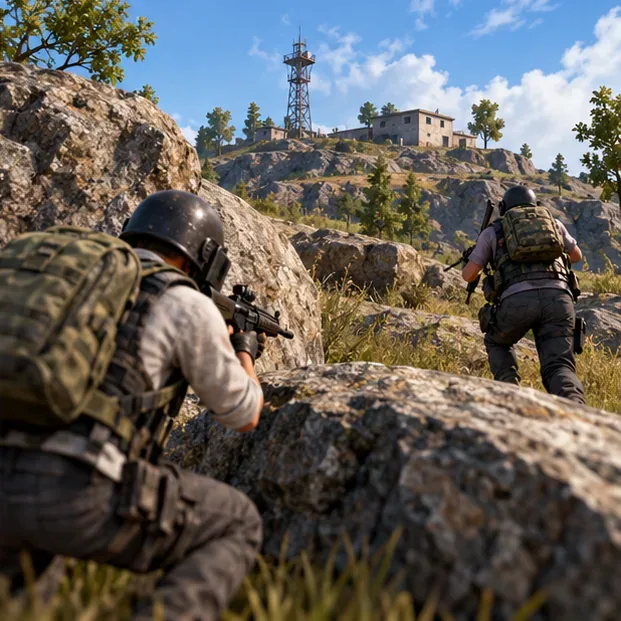
- Adapt as the match gets smaller. Move between cover, listen for nearby activity, and choose when to avoid or take a fight. In a solo match, the last player alive wins; in a team match, your goal is to help your squad survive to the end.
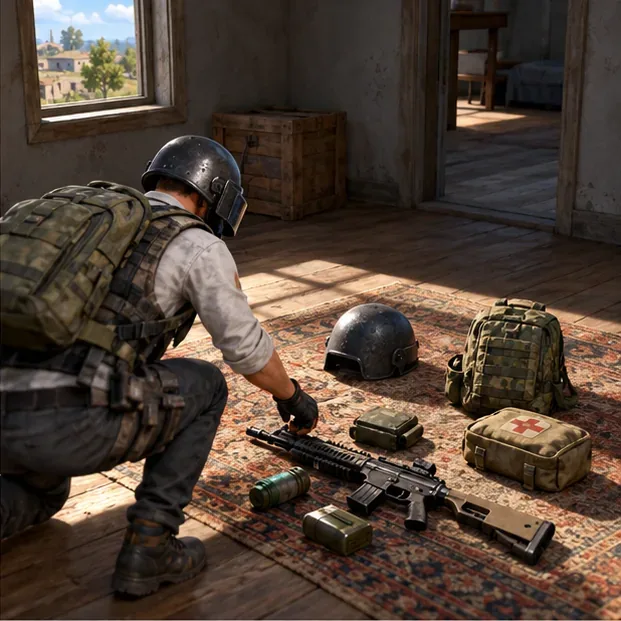
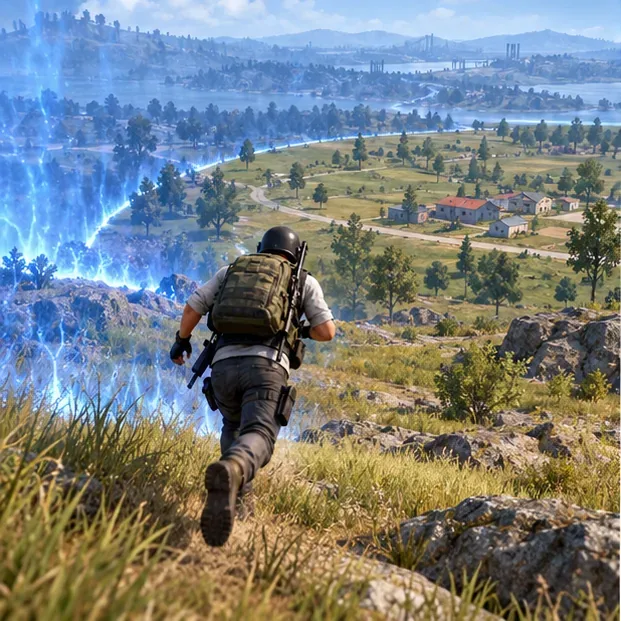
Winning is not only about getting the most eliminations. Positioning, timing, and avoiding unnecessary exposure can matter just as much. When a player or team wins, the game displays its familiar “Winner Winner Chicken Dinner” victory message.
What the mobile controls are like
PUBG Mobile uses on-screen controls rather than a keyboard and mouse. A typical layout puts movement on the left side and camera, aiming, firing, and action buttons on the right. You tap to pick up items, reload, crouch, jump, or interact. The exact layout depends on your settings and device, and the HUD can be customized.
New players should try the training area or practice options listed in the game before jumping into a competitive match. Adjust the button layout and sensitivity a little at a time, and practice moving while aiming. If you play with a team, voice chat can help with callouts, but you can also use in-game pings or text options when available.
Maps and modes: what can you play?
Classic is the main large-map survival mode. PUBG MOBILE has featured maps such as Erangel, Miramar, Sanhok, and Livik, among others. The available map pool and playlists can change with updates, regions, and events, so check the current in-game mode selector rather than relying on an old map list.
There are also faster team-focused and event experiences. The official store listing describes Classic battles alongside formats such as Payload and Arena, while other modes may rotate in or out. These alternatives can be useful when you want shorter fights or a different pace, but Classic is the clearest place to learn the full drop-and-survive loop. For the current official overview, see the PUBG MOBILE Google Play listing or the game’s official website.
Is PUBG Mobile free to play?
The app is free to download, but the major app stores identify it as offering in-app purchases. The Apple App Store listing also flags random items, so avoid assuming that every purchase is a fixed cosmetic or that spending is necessary to start playing. Offers, ratings, and storefront notices may differ by region and version. Check the listing shown in your own country before installing or buying anything.
Use the official PUBG MOBILE download page to find the store links, then install the edition offered through the official store for your location. In some markets, a regional publisher distributes a separate version. Avoid unofficial APKs or download mirrors, which may be outdated or unsafe.
How to get started
- Check compatibility and storage. Game requirements and download size can change by update and device. Review the current App Store or Google Play listing and leave enough space for additional in-game downloads.
- Install the official regional edition. Start from PUBG MOBILE’s official download page or search the official store in your region. Confirm the developer or publisher shown on the store page.
- Complete the initial setup. Open the game, accept any required update or resource download, and review the available sign-in and account-linking options. Keep recovery details for the account you choose.
- Practice the basics. Use the training or practice options to test movement, aiming, firing, and item pickup. Set graphics to a level your device handles smoothly.
- Play a low-pressure match. Try a quiet landing spot, follow the safe-zone timer, and focus on learning rather than chasing a win. Once the controls feel familiar, experiment with other maps and modes.
Beginner tips that make early matches easier
- Choose a calm landing area. Avoid the busiest named locations until you know how quickly you can loot and react.
- Take useful protection and healing. A helmet, armor, and healing supplies can keep you in a fight longer than an extra attachment you may not need.
- Move before the circle becomes urgent. Check the map between looting stops and plan a route that uses buildings, hills, or other cover.
- Use sound thoughtfully. Headphones can make nearby movement and gunfire easier to notice. Keep the volume comfortable and pay attention to direction, not just loudness.
- Communicate one plan at a time. In a squad, call out where you are moving or what you see. Staying near teammates is usually more useful than splitting up to chase every supply drop.
- Expect to learn through losses. A short match can end quickly, especially while you are learning. Notice what exposed your position, change one habit, and try again.
Frequently asked questions
Is PUBG Mobile the same as PUBG: Battlegrounds?
No. They share the battle royale premise and official PUBG connection, but PUBG Mobile is a separate mobile app with touch controls and its own features, schedules, and regional editions.
How many players are in a PUBG Mobile match?
The official listings describe Classic as a battle royale with up to 100 players. Other modes use different team sizes and rules.
Can you play PUBG Mobile offline?
Classic and the other multiplayer matches require an internet connection. PUBG Mobile is designed around online play, matchmaking, and live game services.
What does “Chicken Dinner” mean?
It is the victory message associated with winning a battle royale match by being the last player or team standing.
What to expect as a new player
PUBG Mobile combines touchscreen shooting with the tension of a shrinking battle royale map. The first few rounds are mainly about learning how to land, collect a workable loadout, read the safe-zone timer, and move with purpose. Start with the official mobile edition for your region, practice the controls, and explore the rotating modes once the Classic match flow makes sense.









