What Is Fortnite Crew? The Monthly Subscription Explained (2026)
Fortnite Crew is Epic Games’ recurring monthly subscription. As of October 2026, it costs $11.99 per month in the United States and includes 800 V-Bucks, the current premium tracks for Fortnite’s Battle Pass, OG Pass, LEGO Pass, and Music Pass, plus a new Crew Pack of cosmetics. It also currently includes Rocket Pass Premium in Rocket League. The exact monthly contents and local price can vary, so check the offer shown at checkout before subscribing.
The important detail: Crew gives you access to premium Pass rewards while your subscription is active. It is not the same as permanently owning every Pass. Cosmetic items you have claimed and Crew Pack items you have received stay on your account after cancellation.
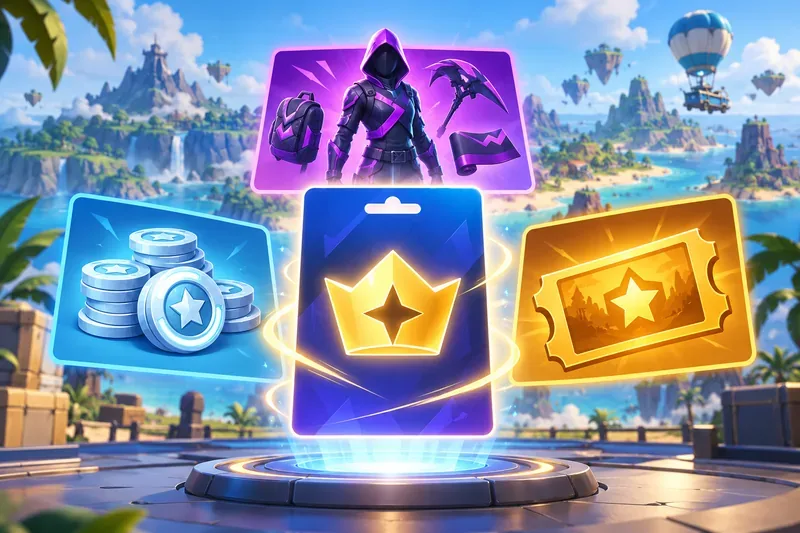
What does Fortnite Crew include?
Epic’s current U.S. offer lists a monthly fee of $11.99 and these core benefits:
- 800 V-Bucks each month. Epic reduced the Crew grant from 1,000 to 800 V-Bucks starting March 19, 2026. The grant is scheduled around your billing date; Epic says it can take up to 72 hours to appear.
- A new Crew Pack. Each monthly bundle features an exclusive outfit and at least one matching accessory, such as a back bling, pickaxe, glider, or emote. Epic says the pack is yours to keep once received.
- Premium access to four Fortnite Passes: the current Battle Pass, OG Pass, LEGO Pass, and Music Pass. You can earn XP and claim premium rewards as you progress, while your Crew subscription is active.
- Rocket Pass Premium in Rocket League. Epic currently lists this as a bonus benefit. Bonus benefits may vary by platform or change, so confirm that it is included with the offer you are buying.
For a current example, Epic’s October 2026 Crew Pack page lists the Osric the Uninvited Outfit, Revenant’s Coffin Back Bling, and Soulspark Lantern Pickaxe. The next month’s cosmetics will be different. The official Fortnite Crew page shows the latest pack and included benefits.
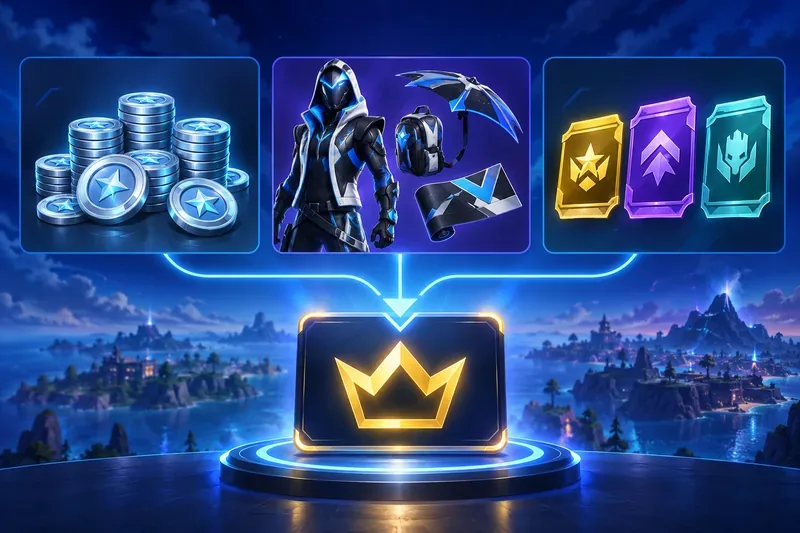
What changed in 2026?
Older Fortnite Crew guides may say subscribers get 1,000 V-Bucks, or that the Battle Pass refunds 950 V-Bucks when a subscriber already owns it. Those figures are out of date. Epic’s March 2026 update changed the Crew grant to 800 V-Bucks and set the Battle Pass price at 800 V-Bucks. Epic also changed the prices of the OG, Music, and LEGO Passes for their next editions. Check Epic’s V-Bucks and Pass price update for the effective dates and regional details.
If you bought a qualifying Pass and then subscribe to Crew within 14 days, Epic’s current support guidance says you may receive an 800 V-Bucks refund. In that case, premium rewards from that Pass will require an active Crew subscription. If you subscribe more than 14 days after buying it, Epic says you do not get the V-Bucks back, and that separately purchased Pass does not become dependent on Crew. Check the exact Pass status before subscribing; the old blanket 950-V-Bucks refund rule no longer applies.
What happens when you cancel?
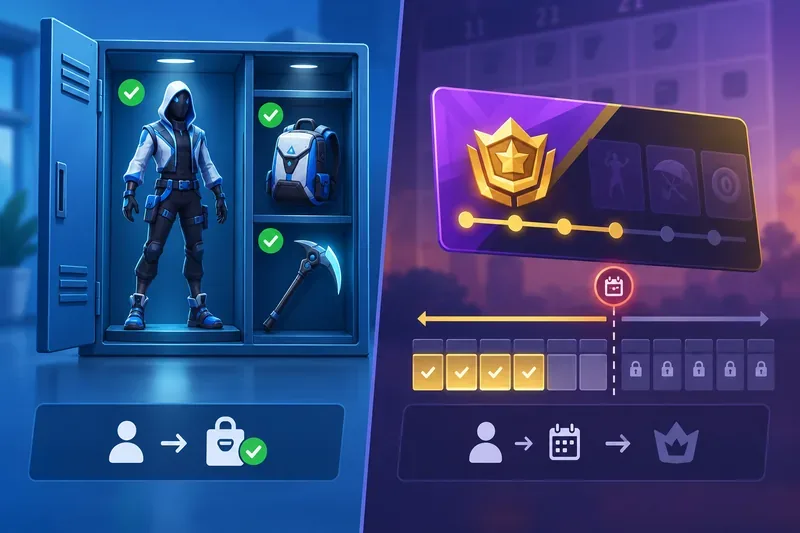
Fortnite Crew renews automatically until you turn off renewal. Canceling stops the next charge, but it does not end the benefits you already paid for: Epic says access continues through the end of the current billing period. Cancellation does not provide a prorated refund for that period.
- Items already received or claimed: Crew Pack cosmetics and claimed rewards stay in your locker/account.
- Premium Pass access: if your Pass access came through Crew, you can claim premium rewards only while the subscription is active. After the paid period ends, you cannot continue unlocking or claiming Crew-provided premium rewards for the rest of that Pass, unless a separate purchase or an older eligibility rule applies.
- Where to cancel: cancel through the store or account where you started the subscription—such as Epic, PlayStation, Xbox, Nintendo, Apple, or another supported mobile store. If you are unsure which one bills you, check the Epic account’s Subscriptions page or your payment statement.
Epic has a legacy exception for some players who subscribed before December 1, 2024; its rules for new subscribers are different. For the current steps and exceptions, see Epic’s Crew cancellation instructions and Pass access rules.
Is Fortnite Crew worth $11.99 a month?
It is most useful if you play often enough to progress through several Passes, want the month’s Crew Pack, and would otherwise pay for some of those benefits. With the current U.S. offer, the 800-V-Bucks grant equals the current 800-V-Bucks Battle Pass price, but Crew’s bigger difference is that it also grants premium access to the other listed Passes and the cosmetic pack. That comparison only matters if you want those items and have time to claim the rewards.
Crew may be poor value if you play occasionally, do not care about the monthly cosmetics, or want to buy and finish a Pass on your own schedule. Because access to Crew-provided premium tracks ends with the paid period, do not subscribe on the assumption that you can keep unlocking rewards for the rest of the season after canceling. Compare the current price in your region with the Passes and cosmetics you actually plan to use.
If you already subscribe to Xbox Game Pass Ultimate, check its current benefits before paying separately: Xbox and Epic list Fortnite Crew as an Ultimate benefit. Use the same Epic account in Fortnite and Rocket League if you want the Rocket League bonus.
Does Fortnite Crew work across platforms?
Your Fortnite cosmetics and Pass progress are tied to your Epic Games account, so sign in with the same account on each device. V-Bucks balances have an exception: Nintendo Switch does not share certain V-Bucks with other platforms, and Epic lists a separate PC-wallet exception for players in Korea. The account’s displayed balance may therefore differ by device. Epic explains the current rules in its V-Bucks sharing guide.
Quick answers
How much is Fortnite Crew?
The official U.S. subscription page lists $11.99 per month, with recurring billing until canceled. Local prices, taxes, and purchase-platform terms can differ.
Do I keep Crew skins if I cancel?
Yes. Epic says subscription content you received or earned during your subscription remains yours. The monthly Crew Pack cosmetics you received stay in your locker.
Can I get Fortnite Crew through Game Pass?
Yes. Fortnite’s current page lists Crew as part of Xbox Game Pass Ultimate. Availability and management follow the Game Pass benefit terms for your account and region.
In short: Fortnite Crew is a recurring bundle of 800 V-Bucks, a monthly cosmetic pack, and active-subscription access to Fortnite’s premium Pass tracks, with Rocket Pass Premium currently listed as a bonus. It can fit regular players who use several benefits, but the current access and cancellation rules matter as much as the headline rewards.









