What Is Apex Legends? A Beginner's Guide
Apex Legends is a free-to-play, squad-based battle royale shooter from Respawn Entertainment and EA. Players choose characters called Legends, land on a large map, collect weapons and supplies, and work with their squad to outlast rival teams as the safe area gets smaller. Each Legend has special abilities, so success depends on both gunplay and teamwork. If you are new, start with Training or the Firing Range, then try an unranked or beginner-friendly mode before jumping into Ranked. EA has a current beginner guide with additional tips.

What kind of game is Apex Legends?
Apex combines the survival format of a battle royale with the character abilities of a hero shooter. The classic Battle Royale playlist is designed for up to 60 players; playlist rules and squad sizes can vary. Your team competes to be the last squad alive while the Ring gradually closes around the map. Staying outside the safe area for too long damages your character, so teams must balance looting, fighting, and moving to the next position.
Every match begins with a drop onto a map. You start without your usual loadout, so you search buildings and supply containers for weapons, matching ammunition, attachments, shields, healing items, and other gear. Loot is found during the match, which means a preferred weapon is not guaranteed. You may need to make quick choices with whatever you find.
After landing, the basic loop is simple: gear up, watch for nearby squads, move toward safety, take fights that make sense, and keep adapting as the playable area shrinks. A strong team does not have to chase every fight. Reaching a good position with enough health and supplies can matter more than collecting eliminations early.
Who are the Legends?
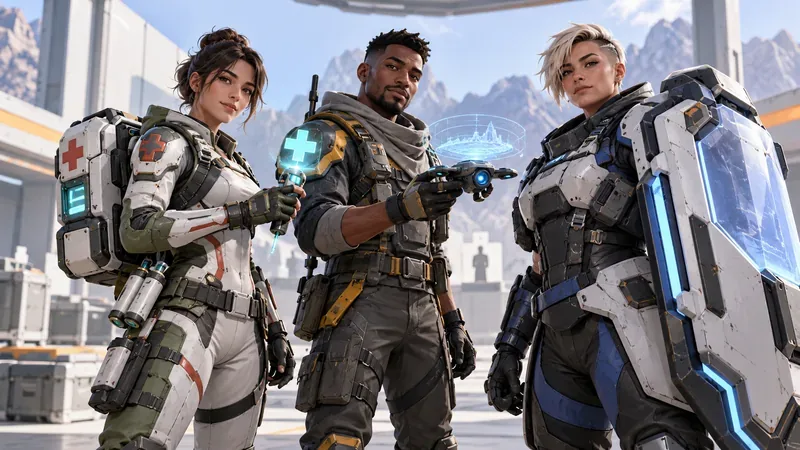
Legends are the playable characters. Each has a Tactical ability, a Passive ability, and an Ultimate ability. A Tactical is generally available more often, a Passive provides a standing or situational benefit, and an Ultimate is a stronger ability that charges over time. Exact abilities differ by character and can be adjusted in game updates, so check the current in-game description when trying someone new.
EA currently groups Legends into five classes in Core modes. These are useful as broad playstyle hints, not rigid instructions for how every player must behave:
| Class | Typical focus |
|---|---|
| Assault | Direct combat and carrying extra combat supplies |
| Controller | Holding or preparing an area |
| Recon | Gathering information and tracking enemies |
| Skirmisher | Mobility and fast repositioning |
| Support | Helping the squad recover and stay supplied |
No single Legend is best for everyone. A new player can choose a character whose abilities sound useful, then learn two or three options in case a teammate picks the first choice. EA's current beginner guide highlights Bangalore, Conduit, Fuse, Lifeline, and Pathfinder as approachable options. For full class and ability details, see EA's Legends and abilities guide.
Why teamwork matters
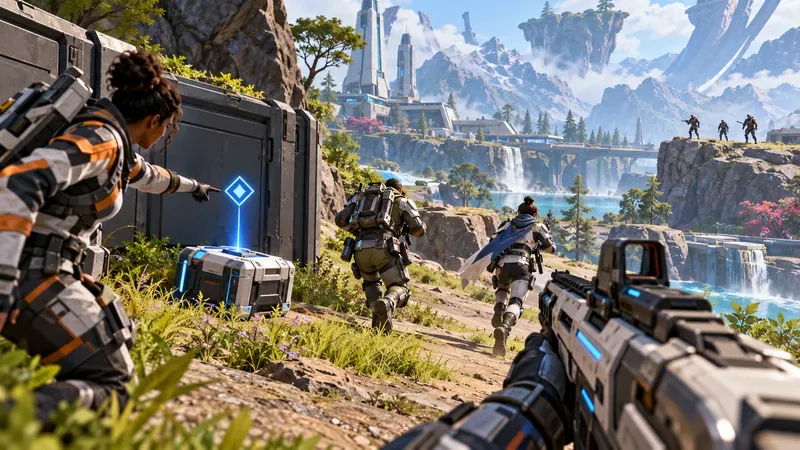
Apex rewards players who share information and stay close enough to help. Its ping system lets you mark a location, point out loot, or warn teammates about an enemy without using voice chat. Pings make it easier to coordinate with friends and with people you have just been matched with. Voice chat can add detail, but it is not required for basic callouts.
Keep an eye on where your teammates are going, share useful supplies when someone needs them, and avoid starting a fight while separated from the squad. If a teammate is knocked down, a safe revive can bring them back into the fight. In many Core Battle Royale situations, a player who has been eliminated can also return if a teammate survives long enough to use the available respawn system. The exact rules depend on the mode and match state.
Which modes should beginners try?
Apex has more than one way to play. Core includes Unranked and Ranked playlists; Unranked is the better place to learn the map, weapons, and Ring without the Ranked scoring system. Freestyle includes options such as Wildcard, Bot Royale Evolved, and Mixtape. These playlists can use different rules or rotate over time, so check the mode selector in the lobby for what is currently available.
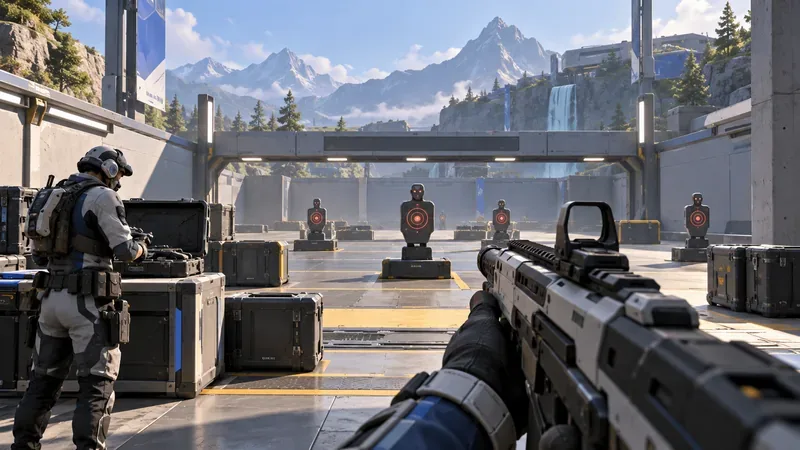
For a low-pressure start, complete Training and spend a few minutes in the Firing Range. Test a couple of weapons, practice aiming at targets, and try a Legend's abilities before a live match. Bot Royale Evolved offers a Battle Royale-style match with a mix of human players and bot squads, which can help you learn the flow. EA's current game modes guide explains the active playlists.
Is Apex Legends free to play?
The game is free to download and play, but it requires an EA Account and a persistent internet connection; see EA’s download and account requirements. Some console online services may also require a separate platform subscription. Optional purchases include cosmetic items and passes. Legends can be unlocked through progression with Legend Tokens, and EA also offers paid unlock routes. That can expand your character choices sooner, but EA says Apex Packs do not contain gameplay advantages such as stronger weapons or stat boosts. Check the store and pass details in-game because offers can change by season.
Where can you play Apex Legends in 2026?
EA lists Apex Legends for PC through the EA app, Steam, and Epic Games Store; PlayStation 4 and PlayStation 5; Xbox One and Xbox Series X|S; and Nintendo Switch 2. The original Nintendo Switch version stopped connecting to game servers on August 4, 2026. Cross-play is supported across the current platforms and is turned on automatically, so you can add friends through the in-game Friends menu and play together across systems. See EA's download instructions, cross-play guide, and Nintendo Switch support update for current details.
Quick beginner tips
- Stay near your squad. Three players moving together can share information and help each other in a fight.
- Ping what you notice. Mark useful gear, enemy positions, and routes even if you are not using voice chat.
- Pick up matching ammo and basic healing. A weapon without the right ammunition and a shield that is not recharged can leave you unprepared.
- Move before the Ring forces you. Check the map and rotate toward safety early instead of racing the closing edge.
- Leave a bad fight. Breaking line of sight and regrouping is often smarter than chasing an opponent into another squad.
- Learn a small group of Legends first. Familiarity with a few kits is more useful than switching characters every match.
In short, Apex Legends is a fast, team-focused battle royale built around smart movement, loot decisions, distinct Legend abilities, and clear communication. Practice the basics in Training or the Firing Range, choose a mode that suits your comfort level, and let your squad know what you see. For official updates and download links, visit the Apex Legends website.









