What Devices Can You Play Fortnite On? Supported Platforms in 2026
Fortnite is available as a native download on Windows PCs, PlayStation 4 and 5, Xbox One and Xbox Series consoles, Nintendo Switch systems, compatible Android devices, and supported iPhones and iPads in eligible regions. Macs and many Chromebooks can play through cloud streaming, but Fortnite does not currently have a native Mac version. The key distinction is whether your device installs the game or streams it from a service.
Fortnite supported devices at a glance
| Device | How you play | What to check |
|---|---|---|
| Windows desktop or laptop | Native PC install | Windows version and hardware requirements |
| PlayStation 4/5 and Xbox One/Series | Native console download | Use the console's game store |
| Nintendo Switch, Switch Lite, or Switch 2 | Native console download | Choose the version for your console |
| Android phone or tablet | Native mobile install | Android version, processor, memory, and graphics chip |
| iPhone or iPad | Native install in supported regions, or cloud streaming | App-store availability, device requirements, and region |
| Mac, Chromebook, and some other devices | Cloud streaming where supported | Compatible browser or app, service region, and connection |
Epic's current Fortnite compatibility list names PC, PlayStation, Xbox, Nintendo Switch, Android, and iOS/iPadOS. Cloud streaming extends play to some devices that are not on that native-install list.
Devices that run Fortnite natively
Windows PCs and laptops
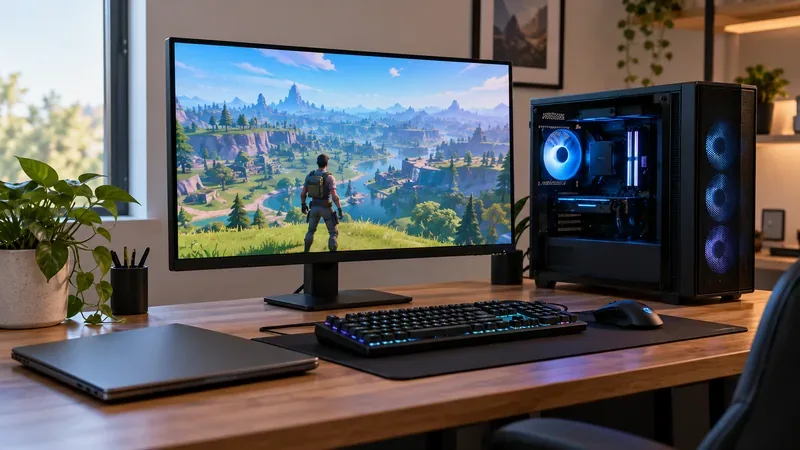
Fortnite on PC runs natively on Windows 10 or Windows 11 (64-bit). A gaming desktop is not required, but a laptop still needs compatible graphics hardware and enough memory; performance depends on the particular model and settings. Epic's listed minimum includes 8 GB of RAM, a Core i3-3225 processor, and Intel HD 4000 or AMD Radeon Vega 8 graphics. That minimum is for launching the game, not a promise of high graphics settings. See Epic's PC system requirements before installing, since the recommended specifications are higher.
Install the Epic Games Launcher on Windows, sign in, and download Fortnite from your library or the game listing. The old claim that Fortnite has a current native macOS download is incorrect: the current Epic support page says Mac play is through cloud gaming.
PlayStation and Xbox consoles
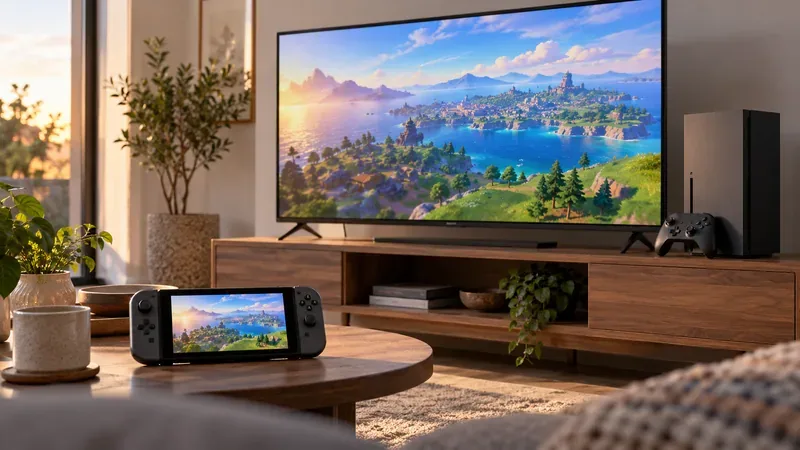
You can install Fortnite on PlayStation 4, PS4 Slim, PS4 Pro, PlayStation 5, and PlayStation 5 Pro, as well as Xbox One, Xbox One S, Xbox One X, Xbox Series S, and Xbox Series X. Open the PlayStation Store or Microsoft Store on the console and find Fortnite. Console hardware differs, so do not assume every model has the same resolution or frame rate.
Nintendo Switch systems
Fortnite is supported on the original Nintendo Switch, Switch Lite, and Nintendo Switch 2. The Switch line supports handheld play, and compatible systems can also connect to a TV. Switch 2 is included in Epic's current compatibility list; check the console's own store and install the edition intended for your system. Epic's current mobile and platform information is collected on its supported-devices page.
Android phones and tablets
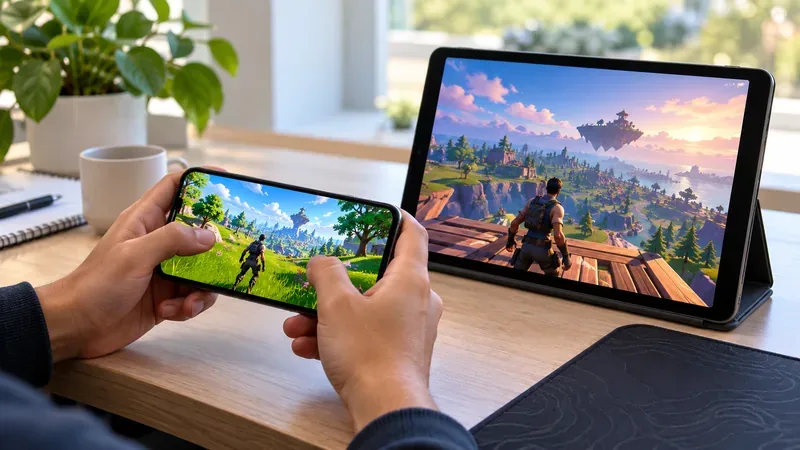
Fortnite on Android can be installed from Google Play or the Epic Games Store app, both of which Epic lists as available worldwide. A compatible Android device needs a 64-bit ARM64 processor, Android 10 or later, at least 4 GB of RAM, and a supported graphics chip: Adreno 530 or newer, Mali-G71 MP20, or Mali-G72 MP12 or newer. A phone that only meets the minimum may need lower graphics settings. Review the current Android requirements before downloading.
iPhone and iPad
Fortnite on iPhone and iPad is subject to regional storefront rules. Epic's current mobile page lists the App Store for iPhone and iPad except in Australia. It also lists the Epic Games Store for iOS in the European Union, Brazil, and Japan; the Epic Games Store is available on iPhone in Brazil and Japan, and on iPad in the EU. Cloud streaming is another option in regions where the service is supported.
For iPhone, Epic lists iOS 17.6.1 or later, 4 GB of RAM, and iPhone 11 or newer as minimum requirements; the second-generation iPhone SE is not supported. iPad compatibility has its own device requirements, so check Epic's iOS requirements and the Fortnite mobile page for the latest device and country details.
Can you play Fortnite on a Mac, Chromebook, or other device?
Macs do not have a current native Fortnite version. Epic says Mac users can play through Xbox Cloud Gaming, NVIDIA GeForce NOW, or Amazon Luna. That means the game runs on a remote server and streams to the Mac; you do not install the full PC game locally.
A Chromebook can also work through a supported cloud service and browser. NVIDIA lists Chromebook support for GeForce NOW, including Chrome OS devices with at least 4 GB of RAM and a supported Chrome browser. Cloud streaming can also work on some phones, tablets, TVs, and handheld devices, but support depends on the exact model, browser or app, service, and country. Check the provider's current device list before relying on a particular screen.
Cloud play does not need a Fortnite download, but it does need a stable, low-latency internet connection. Weak Wi-Fi or a distant streaming server can add delay or reduce image quality. Epic lists Xbox Cloud Gaming, GeForce NOW, and Amazon Luna as options; each service sets its own device and regional availability.
For more detail, see Epic's answer to whether Fortnite is available on Mac and NVIDIA's GeForce NOW system requirements.
What carries over when you switch devices?
Link each platform account to the same Epic Games account to access your Fortnite progress and items on supported platforms. Cross-play lets you play with friends on other supported platforms; console players may need to enable cross-platform play in settings. Read Epic's cross-platform progress guide and cross-platform friends guide for account setup.
One exception matters if you buy currency: purchased V-Bucks do not always share across platforms. Epic says V-Bucks bought on Nintendo Switch stay on Switch, while items purchased with V-Bucks remain available on the platforms where you play. Check the V-Bucks sharing rules before making a purchase on a different device.
Frequently asked questions
Is Fortnite free on every supported device?
Fortnite is free to download and play on supported native platforms. Optional purchases are available in-game. A cloud provider may have its own account, service, or membership terms, so check that provider separately.
Can you play Fortnite on a Chromebook?
Not as a native Chromebook game. You may be able to stream Fortnite through a supported cloud service, such as GeForce NOW, if your Chromebook model, browser, region, and connection are compatible.
Can you play Fortnite on a MacBook?
Yes through cloud streaming, but not as a current native macOS install. Epic lists Xbox Cloud Gaming, GeForce NOW, and Amazon Luna as Mac options where available.
What is the best device to play Fortnite on?
Choose based on where and how you want to play: a Windows PC offers adjustable graphics and keyboard-and-mouse controls; a console is a straightforward TV setup; Switch and mobile devices are portable; cloud streaming can use a Mac or Chromebook without installing the full game.









