What Are Eternals in League of Legends? How Stats and Milestones Work
Eternals in League of Legends are champion-specific stat trackers that record selected achievements across eligible matches. They can count broad accomplishments such as takedowns or objectives, as well as moments tied to one champion’s abilities. Each tracker builds its own lifetime total and milestone progress, while a Personal Best records your strongest single-game result for that stat.
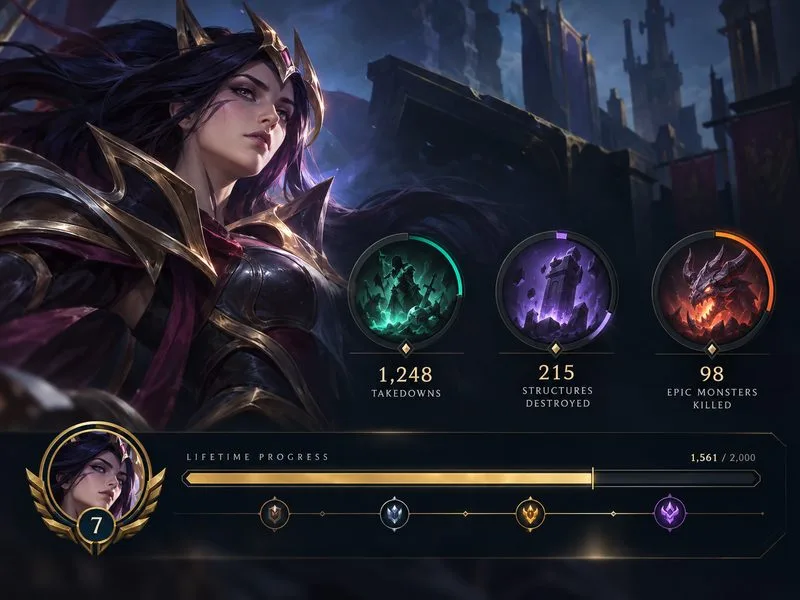
Eternals are optional tracking and cosmetic features. They do not change a champion’s abilities, damage, stats, or matchmaking. Their purpose is to help you see what you have accomplished on a champion and display selected stats to other players.
What do Eternals track?
An Eternal measures one defined action or achievement for a particular champion. Some stats are broadly applicable, such as takedowns, structures destroyed, and epic monsters killed. Other stats are designed around a champion’s kit—for example, a skillshot hit, a multi-champion ability, or another distinctive play. Riot may adjust a tracker if a champion changes or the stat no longer fits the game.
This makes Eternals different from a single overall champion score. A set can show several separate counters, each with its own conditions and progress. A Jinx tracker and a Thresh tracker do not share totals, and progress on one champion does not add to another champion’s counters. Once an Eternal is unlocked, its stat continues tracking even when you choose to feature a different Eternal.
How Eternals milestones and Personal Best work
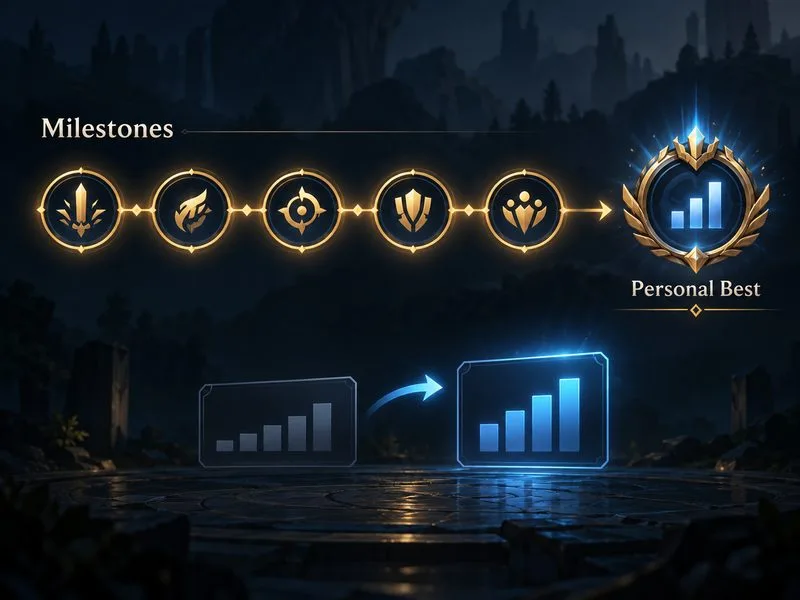
Each Eternal has milestones: stat checkpoints that advance as you meet the tracker’s requirements in supported queues. Reaching a checkpoint can trigger an in-game callout. The thresholds depend on the Eternal, so there is no universal number that applies to every champion or stat.
After you reach five milestones on an Eternal, it unlocks Personal Best tracking for that stat. Personal Best records your highest result in one match. If a later match beats that record, the game can show a special milestone callout to everyone in the match. This is separate from the lifetime counter: one tells you how much you have accumulated overall, and the other records your strongest single-game performance.
Eternals milestones are not a ranked-split currency track. Reaching 15 milestones across the Eternals in a set upgrades that champion’s Mastery emote flair. Starter Series progress can count toward that set milestone total too.
Starter Series and champion-specific Eternals
Eternals are organized into sets. The Starter Series focuses on general stats that can apply to many champions, while other sets include more champion-specific achievements. The examples below explain the distinction; the client’s current Eternals page is the place to confirm which sets are available for a champion.
| Set type | What it emphasizes | What to expect |
|---|---|---|
| Starter Series | Broad gameplay counters such as takedowns, structures destroyed, and epic monsters killed. | A useful overview of activity on a champion, with milestone progress and cosmetic set completion. |
| Other Eternals series | More specific champion actions and moments, such as landing a distinctive ability or completing a champion-specific play. | Separate trackers for each champion and each stat; progress is not shared across champions. |
| Unlock options | Sets can be unlocked individually for a champion or through a Series Pass when offered. | Riot also lists Eternals Capsules as free event rewards earned through missions or ranked play; capsules can contain set shards that use Orange Essence to unlock. |
Having a champion does not automatically mean every Eternal set for that champion is unlocked. Check the Store or champion’s Progression page for current access options and regional pricing. Offers and event rewards can change, so this guide does not quote a price that may be out of date.
Where to view and feature Eternals in the client
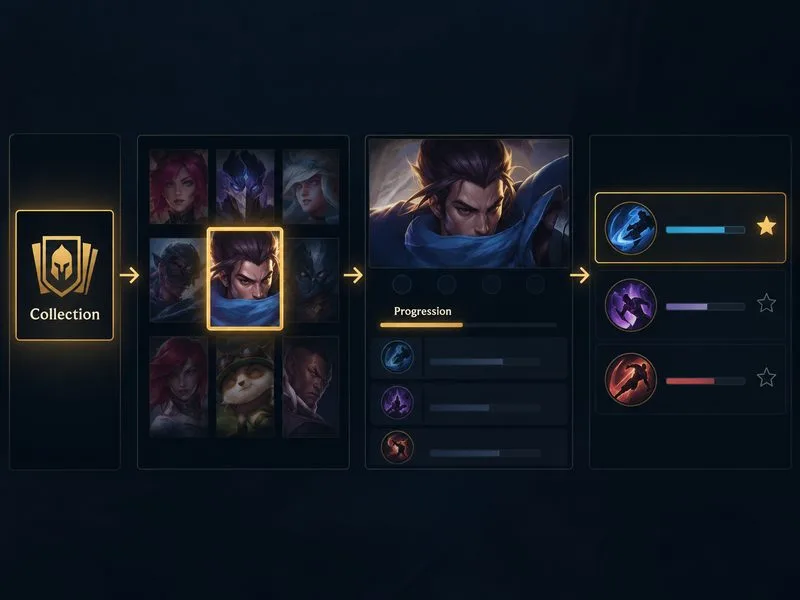
- Open the League of Legends client and go to Collection.
- Select a champion to open that champion’s details.
- Choose the Progression tab to review unlocked and locked Eternals, milestone progress, and Personal Bests.
- Select the star beside an Eternal to feature it. You can mix Eternals from different sets, and you can change the featured selection later without resetting any tracked stats.
Featured Eternals appear in the Player Showcase on the back of your champion card during the loading screen and on an opponent’s death screen after you take them down. You can also choose how milestone callouts display: Riot lists All On, Self, Team Only, and None. Choosing None does not hide the featured display on the loading card or death screen; the death-screen Player Showcase can also be toggled with the N key.
Do Eternals count in every game mode?
No. Eternals can be shown in different modes, but stat tracking is disabled in some queues. Riot’s current support FAQ gives ARURF as an example and says to check the Points Eligibility information beside a queue name in the pre-game lobby. If the Eternals icon appears there, tracking is supported for that queue. Check this indicator rather than assuming that every rotating mode records progress.
Frequently asked questions
Are Eternals free?
Not every set is automatically included with a champion. Riot describes individual set unlocks and Series Passes, and also says Eternals Capsules can be earned through missions or ranked play during events. Capsule contents and Store options can vary, so check the client for what is currently available.
Does changing my featured Eternal reset progress?
No. Unlocked Eternals keep tracking their respective stats and milestones even when they are not featured. You can change the star selection without losing the totals you have already earned.
Do Eternals give gameplay advantages?
No. They are stat-tracking and cosmetic features. They do not provide combat bonuses, improve a champion’s abilities, or affect match outcomes.
Official Eternals details
Riot’s Eternals FAQ explains current milestone displays, Personal Best, Progression navigation, queue eligibility, and set unlock options. Riot’s Eternals design update provides background on the Starter Series and the kinds of stats the system tracks.









