Valorant Online: Can You Play in Your Browser? (2026)
No—you cannot play VALORANT in a browser tab. Riot does not offer a browser version, and its support page says the game does not support cloud gaming or virtual machines. The official platform selector lists PC, Xbox Series X|S, and PlayStation 5. On PC, matches run through the installed Windows client. You can use a browser to visit Riot's site, manage your account, and download the installer, but gameplay starts in the game client.
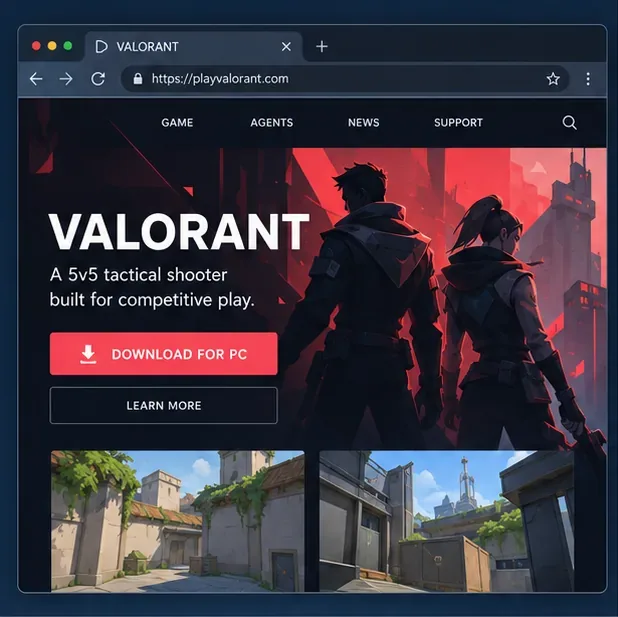
Can you play VALORANT online in a browser?
No. The browser can open the official VALORANT website, but the game itself is not a web app. Riot's platform selector offers PC and console downloads, and Riot's current PC requirements page explicitly says VALORANT does not support cloud gaming or virtual machines.
That means GeForce NOW, Boosteroid, and similar browser-streaming services are not supported ways to play VALORANT. A service might let you stream other games, but Riot does not list VALORANT as compatible with cloud gaming. Do not pay for a subscription expecting it to make VALORANT playable in Chrome or Edge. Be cautious with websites claiming to offer “instant browser VALORANT,” too: use Riot's official pages and never enter your Riot password on a third-party game page.
Supported ways to play VALORANT online
| Route | Can you play? | What you need |
|---|---|---|
| Browser tab | No | A browser can access account and download pages, not a match. |
| Windows PC | Yes | The Riot Client and VALORANT installed on a supported Windows PC. |
| Xbox Series X|S or PlayStation 5 | Yes, where console access is available | The console version and a Riot Account. Check Riot's current console guide for regional availability and setup. |
| Cloud gaming or a virtual machine | Not supported by Riot | Use a supported PC or console instead. |
If your goal is to play without a download, there is no supported browser shortcut. The practical options are to install the Windows client on a compatible PC or use the native console version in a supported region.
Check the VALORANT PC requirements
Before downloading, make sure the PC meets Riot's current minimum requirements. The official table is the best source if you need a specific CPU or graphics card comparison; the main requirements are summarized here.
| Component | Riot's listed minimum |
|---|---|
| Operating system | Windows 10 (64-bit, build 19041 or later) or Windows 11 (64-bit) |
| Processor | SSE 4.2 or AVX support; examples include Intel Core i3-540 or AMD Athlon 200GE |
| Memory | 4 GB RAM |
| Graphics | DirectX 11 support; examples include Intel HD 4000 or AMD Radeon R5 220. A discrete GPU needs at least 1 GB of VRAM. |
| Windows 11 security | TPM 2.0 and UEFI Secure Boot |
Riot labels its minimum tier as a 30 FPS target and lists separate recommended hardware for 60 FPS. A system that only meets the minimum may not deliver the smoothest experience. Check the full VALORANT PC specifications before troubleshooting a launch problem or upgrading hardware.
How to play VALORANT online on a Windows PC
Step 1: Choose a supported device
Use a Windows PC that meets the requirements above, or choose a supported console. If you only have a Mac, Chromebook, or Linux device, there is no official browser client to switch to, and Riot does not support cloud gaming as a workaround. A borrowed compatible Windows PC is a better route than an unofficial streaming offer.
Step 2: Sign in or create a Riot Account
Open the official platform page and choose the account option. If you already have a Riot Account, use it; otherwise follow Riot's sign-up prompts. A Riot Account is required to log in on PC and console, so make sure you can access the email and sign-in method associated with it.
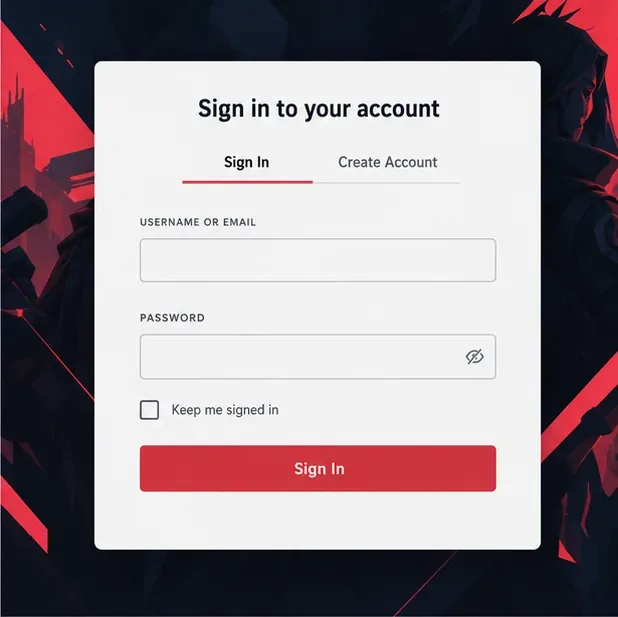
A Riot Account is needed before you can sign in to VALORANT on a supported platform. Step 3: Download and install the official client
Use Riot's VALORANT download page to get the installer. Run that file and follow the Riot Client setup prompts to install the game. Avoid third-party download mirrors. The initial installer is only the start of the process, so leave enough free storage for the game and later updates; the required space can change as the game is patched.
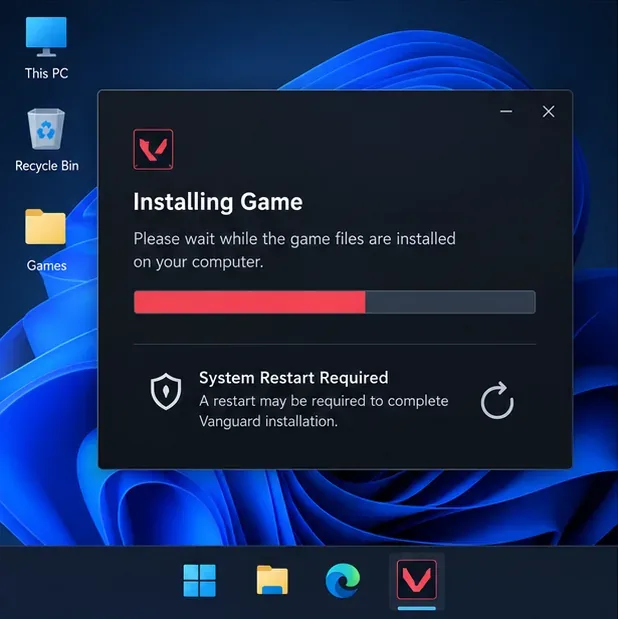
Conceptual Windows install view: Vanguard may require a full PC restart before VALORANT can launch. Step 4: Restart if prompted, then launch a match
Riot Vanguard is part of the PC installation. Riot says a restart is required when its first-install message appears; the Play button can remain locked until you reboot. After restarting, open the Riot Client, sign in, launch VALORANT, and follow the in-game setup. Choose a practice option or an unranked mode while you learn the controls. You need an active internet connection to reach online matches.
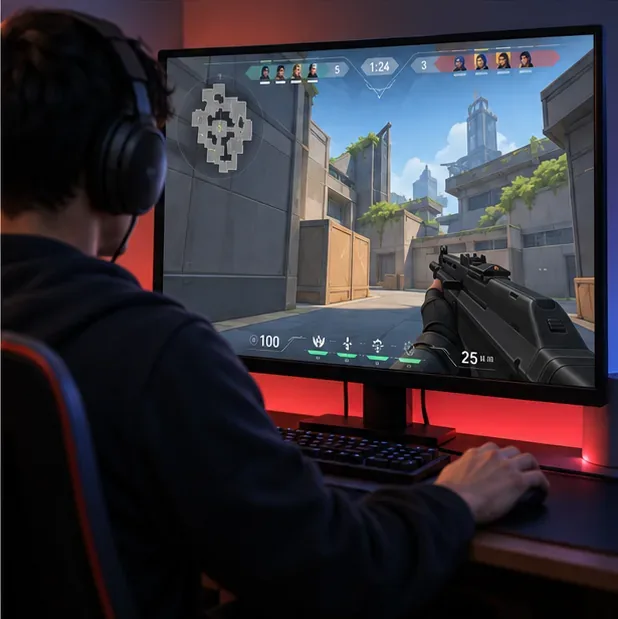
Conceptual gameplay view: VALORANT opens as a separate PC client, not inside the browser window.
For the exact restart message and Riot's current troubleshooting steps, see Riot's system-restart support guide. On Windows 11, the game also requires TPM 2.0 and UEFI Secure Boot. If either setting is off, follow Riot's documentation and your PC or motherboard manufacturer's instructions before changing firmware settings.
Quick answers
Is VALORANT free to play?
Yes. Riot's official site presents VALORANT as free to play; you still need a Riot Account and a supported device. Optional in-game purchases are separate from the browser question.
Can I use GeForce NOW or Boosteroid to play in a browser?
Riot currently says VALORANT does not support cloud gaming. Treat these services as unsupported for VALORANT, even if they run other PC games in a browser.
Can I play VALORANT on a Mac or Chromebook?
Riot's listed PC requirements are for Windows, and its official platform page does not offer a browser client. A compatible console is the official alternative if it is available in your region; cloud gaming and virtual machines are not supported.
Bottom line
You can play VALORANT online, but not directly in your browser. Use Riot's official download for a supported Windows PC, or install the console edition on an Xbox Series X|S or PlayStation 5 where available. The browser is for account access and downloads; the match runs in the installed game client.









