Using the Wormhole Potion in Terraria is the fastest way to teleport straight to a teammate no matter how far apart you are. It is a multiplayer-only item that instantly warps you to another player on your team, saving you a long walk, a risky cave dive, or a frantic dash back to base when a boss appears. This guide explains how to craft the potion, set up your team correctly, and trigger the teleport on PC, console, and mobile.
The Wormhole Potion only works between players who share a team in a multiplayer world, so two things matter: having the potion in your inventory, and making sure you and your friend are on the same colored team. Once both are sorted, teleporting is a single click.
What you need before you start
- A multiplayer world with at least one other player.
- At least one Wormhole Potion in your inventory (crafted or received).
- You and your target on the same team (matching team color).
- An Alchemy Table or a Placed Bottle if you plan to brew the potion yourself.
How to use the Wormhole Potion in Terraria
-
Step 1: Craft a Wormhole Potion
Combine 1 Bottled Water, 1 Specular Fish, and 1 Blinkroot at a Placed Bottle or Alchemy Table. Specular Fish are caught while fishing, and Blinkroot grows naturally underground or can be farmed. You may also receive Wormhole Potions as gifts or pick them up during certain events, so check your inventory before brewing a batch.
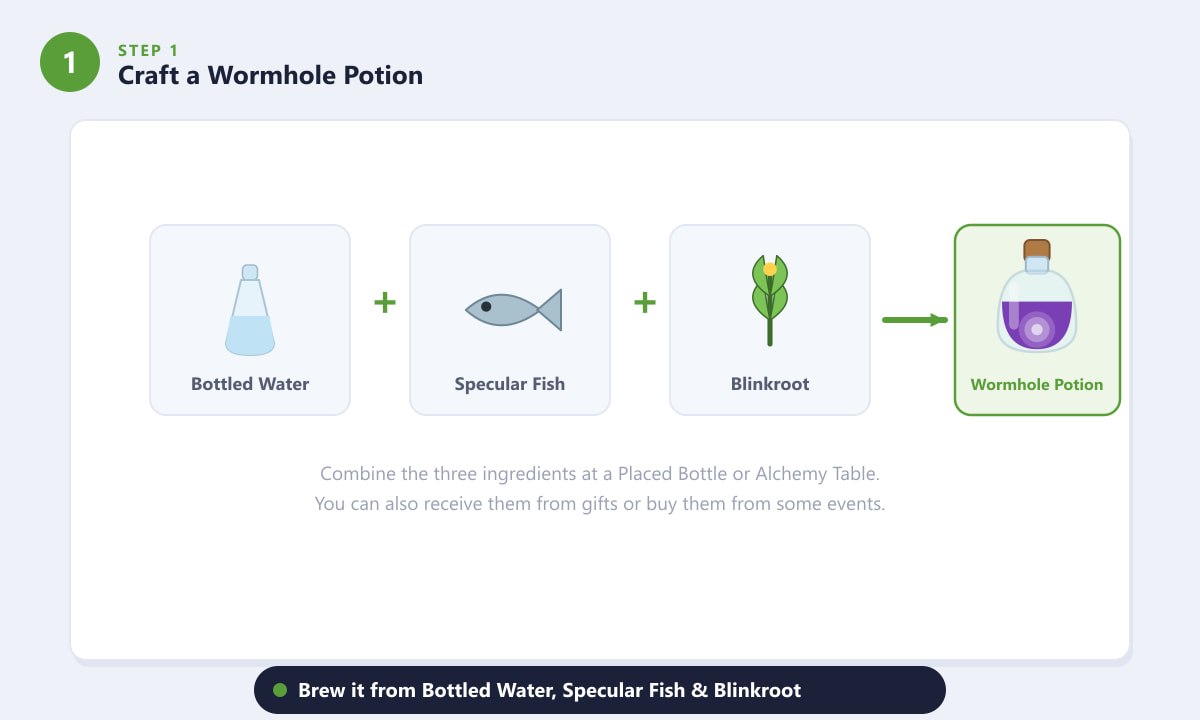
The recipe: Bottled Water plus Specular Fish plus Blinkroot. -
Step 2: Join the same team in multiplayer
Open the in-game player list and click the colored gem next to your name to pick a team. Have your friend select the same color. The Wormhole Potion can only teleport you to players on your own team, so this step is essential. If you teleport and nothing happens, a mismatched team is almost always the reason.
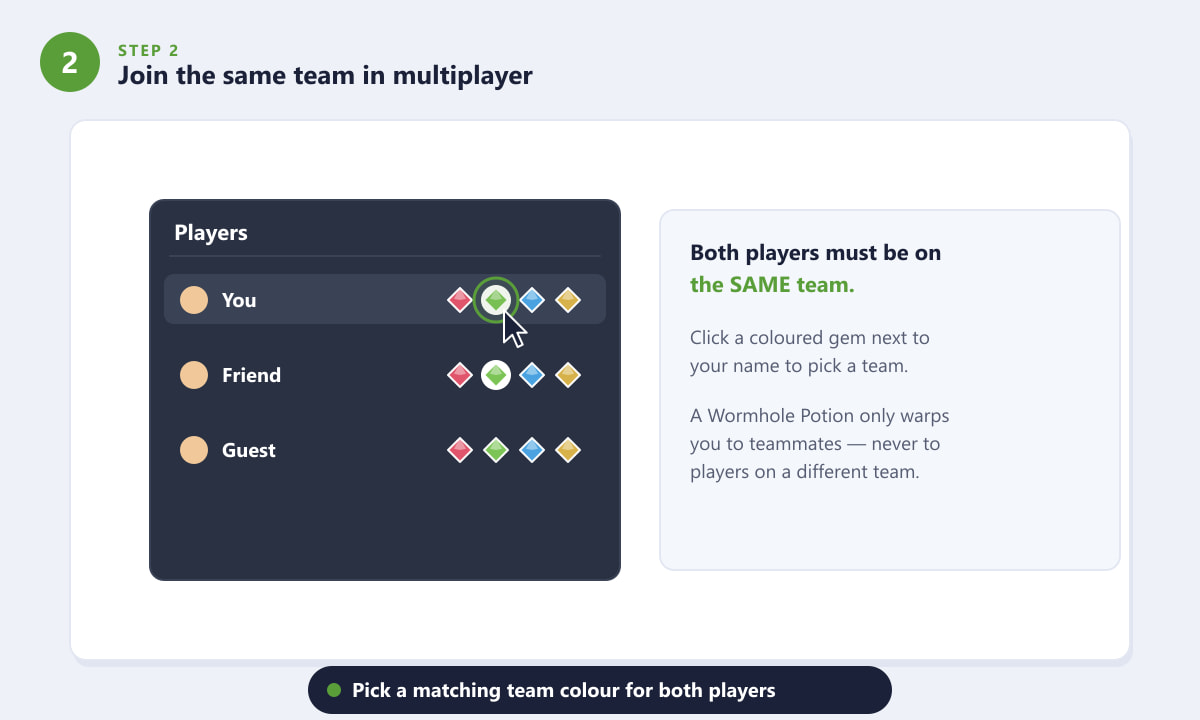
Both players must share a team color for the potion to work. -
Step 3: Open the full-screen world map
Press M on PC to open the full-screen map, or tap the map button on mobile and console. Your teammates appear as small head icons at their current locations. This view lets you pick exactly which teammate to warp to when you have more than one friend in the world.
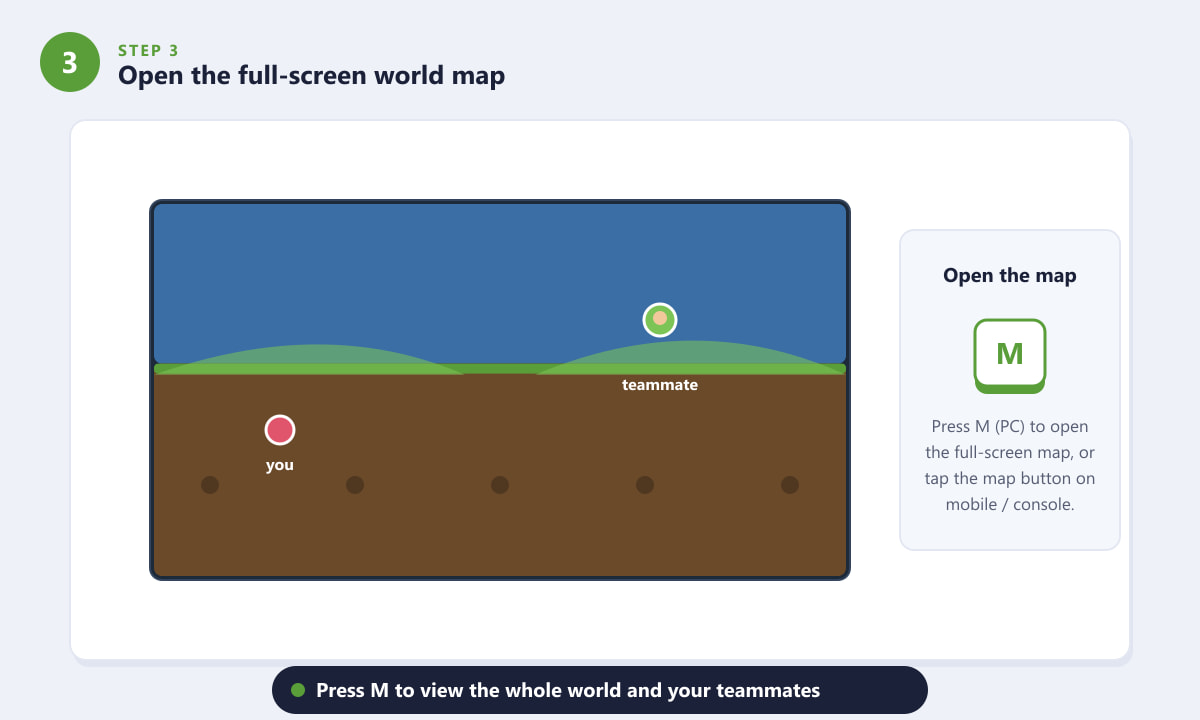
Press M to see the whole world and your teammates' positions. -
Step 4: Click a teammate to teleport
With the map open and a Wormhole Potion in your inventory, click your teammate's head icon on the map. You will instantly warp to their exact position, and one potion is consumed. This is the core action of the whole process, and it works from anywhere in the world, including deep caves, the Underworld, or the far ocean edges.
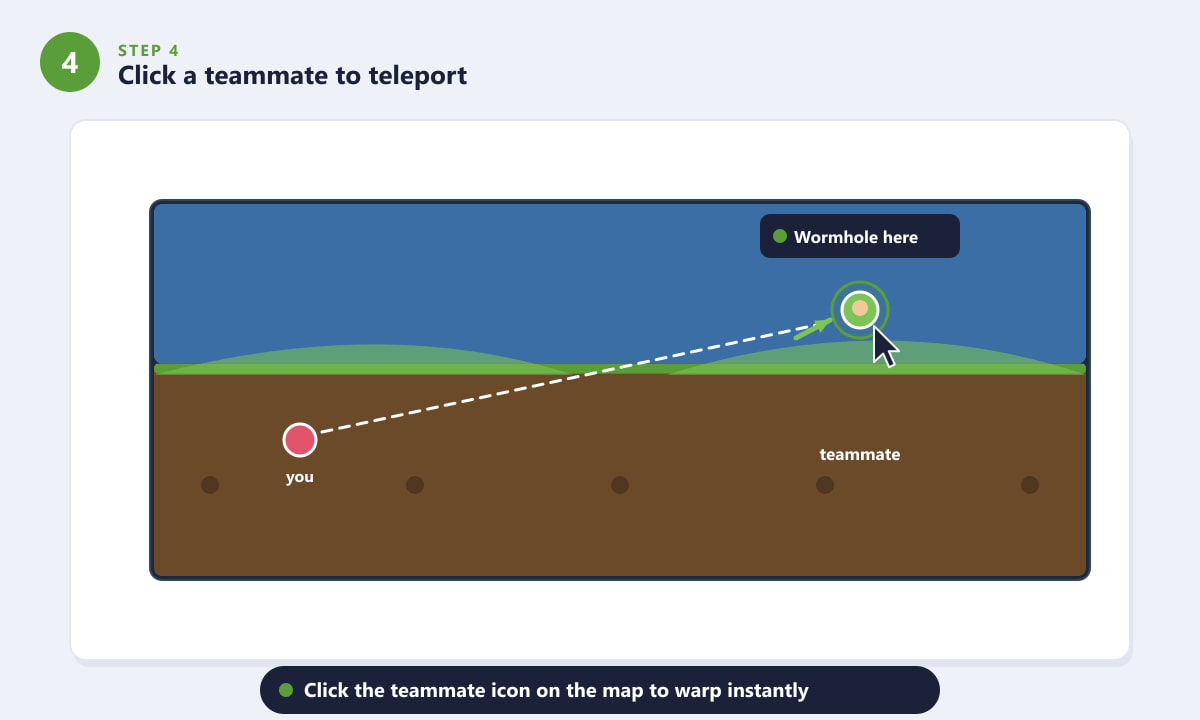
Click the teammate's icon on the map to warp to them instantly. -
Step 5: Or use it straight from your hotbar
If you prefer, place the potion in your hotbar and use it like any other item. Selecting and using the potion opens the teammate-selection screen so you can choose where to warp without manually opening the map first. Remember that each potion is consumed on a single teleport, so carry a few if you plan to bounce around a lot.
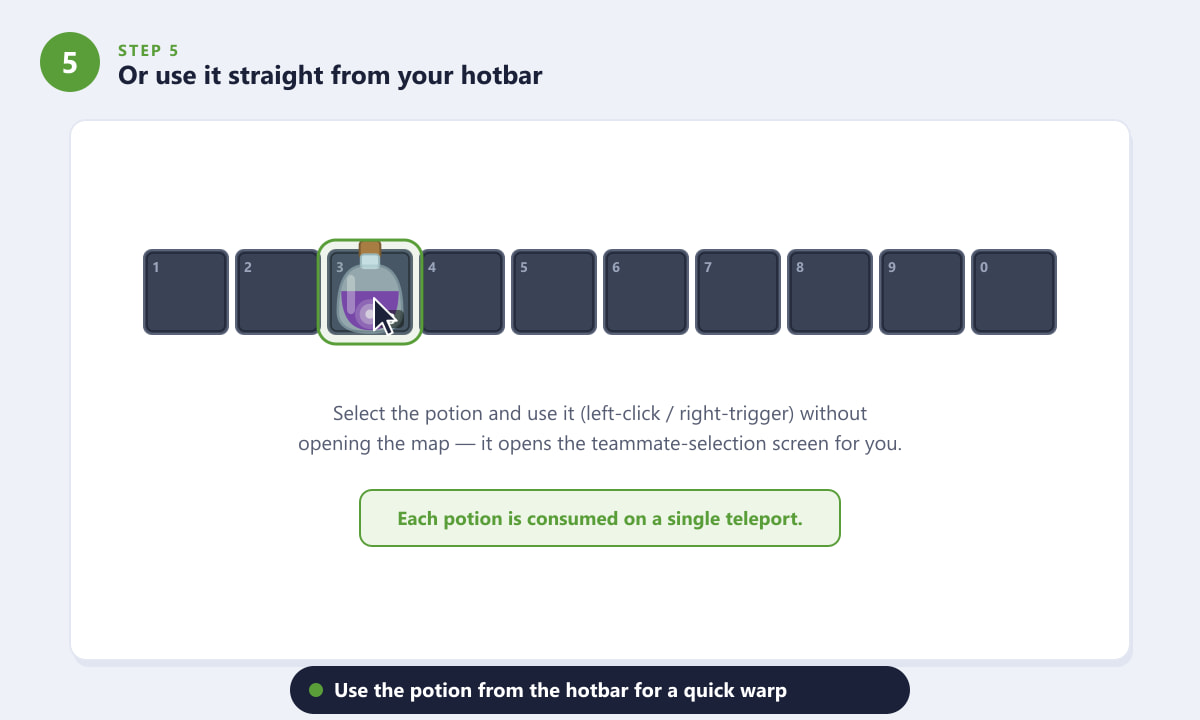
Keep a Wormhole Potion on your hotbar for a fast, one-tap warp.
Handy tips
- Stock up before bosses. Carry several potions so you can rejoin the fight quickly if you die and respawn far away.
- Farm the ingredients. A Blinkroot planter box plus regular fishing keeps you in a steady supply of potions with almost no effort.
- It only goes one way. The potion teleports the user to a teammate, not the teammate to you, so the player who wants to move is the one who drinks it.
- Pair it with a Recall Potion. Use a Wormhole Potion to reach a friend, then a Recall Potion to snap back to your own spawn point when you are done.
Troubleshooting
Nothing happens when I click my teammate
Confirm you actually have a Wormhole Potion in your inventory and that both players are on the same team color. Players with no team (the white default gem) cannot be teleported to.
I can't see my friend on the map
Teammate icons only show for players sharing your team. Double-check the team gem next to each name, and make sure they are connected to the same world.
The potion vanished after one use
That is normal. Wormhole Potions are single-use, so each teleport consumes one potion. Craft or carry extras for repeated hops.
Frequently asked questions
Does the Wormhole Potion work in single-player?
No. It is a multiplayer-only item that teleports you to a teammate, so it has no effect in a solo world where there is no one to warp to.
What is the Wormhole Potion recipe in Terraria?
One Bottled Water, one Specular Fish, and one Blinkroot, combined at a Placed Bottle or Alchemy Table to make a single potion.
Can I teleport to any player on the server?
Only to players on your own team. Set a matching team color first, otherwise the potion has no valid target.
How many Wormhole Potions can I carry?
They stack like other potions, so you can hold a large stack in one inventory slot and use them as often as you like, one teleport per potion.
Does using the potion have a cooldown?
There is no separate cooldown beyond the time it takes to select a teammate. The only limit is how many potions you are carrying.
Final thoughts
Using the Wormhole Potion in Terraria turns a long, dangerous trek into an instant hop to your friend's side. Craft a stack from Bottled Water, Specular Fish, and Blinkroot, make sure everyone shares a team color, then open the map and click the teammate you want to reach. It is one of the most convenient quality-of-life items in co-op play. For the latest patch details and item changes, see the official Terraria website.









