How to Check Real-Time Server Latency in the PUBG HUD

Enable PUBG’s network statistics HUD to monitor ping and packet loss in a match. See where to find it, what the numbers mean, and what they cannot diagnose.
Yes, you can sometimes earn PUBG MOBILE UC without paying out of pocket, but there is no verified unlimited UC generator or guaranteed monthly payout. Real opportunities come from time-limited official codes, in-game rewards, contests, or eligible platform credits. The reward, deadline, and eligibility can change by season, country, and platform, so treat the seven routes below as places to check—not promises of a specific UC amount.
UC is PUBG MOBILE’s premium in-game currency for items such as cosmetics and pass upgrades. The game’s official support page explains what UC is; the current event or promotion rules determine whether any particular reward is actually UC. This guide was checked on October 16, 2026. The images are illustrative and do not show actual PUBG MOBILE screens.
A PUBG Mobile redeem code is useful only when PUBG MOBILE or an authorized partner publishes it and the listed reward includes UC. Many codes give a cosmetic item, crate, or another reward instead. Follow announcements from the game’s official events page and the social channels linked from PUBG MOBILE’s website; ignore copied code lists that do not point back to an official announcement.
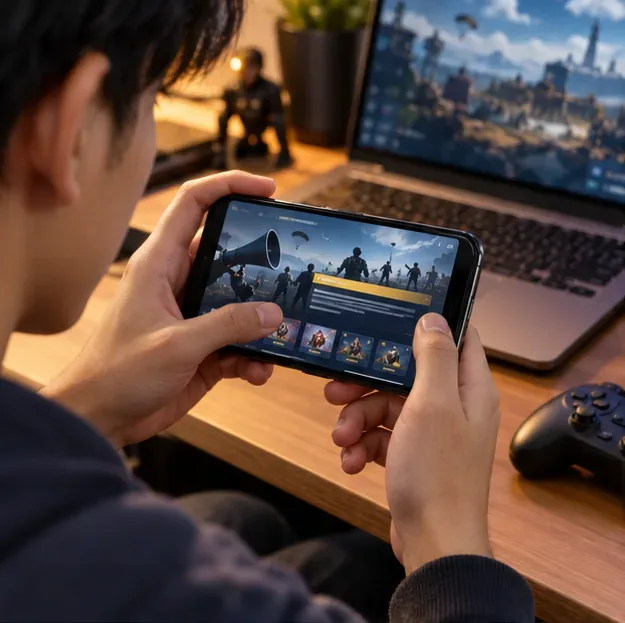
When you have a valid code, open the official PUBG MOBILE Redemption Center. It asks for your character ID, redemption code, and verification code; confirmed rewards are sent to in-game mail. Check expiration, region, and account eligibility before submitting. The redemption center distributes the reward attached to a code—it does not create UC or make an expired code valid.
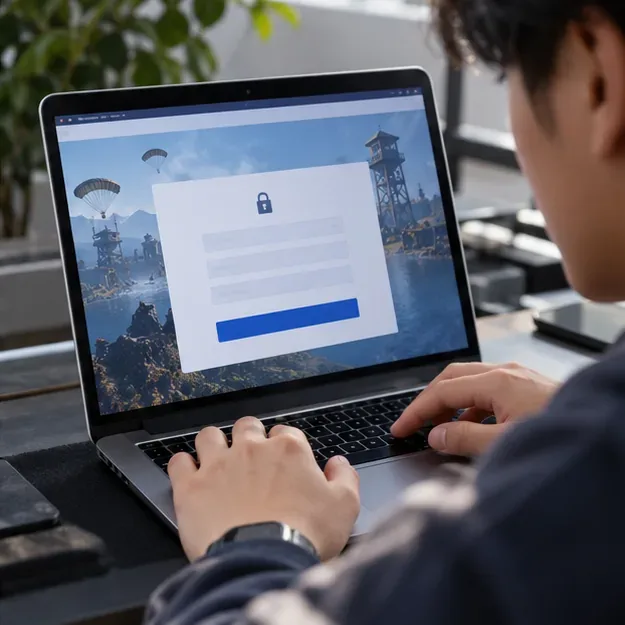
Never enter your account password, one-time verification code, or payment details on a third-party “redeem” page.
Open the current Events area in the game and read each reward panel and its rules. Some activities award free items or event currency rather than UC. Count a task as a free UC opportunity only if its reward list names UC and explains how to claim it. Note the end date, required mode, region limits, and whether the reward is available to your account.
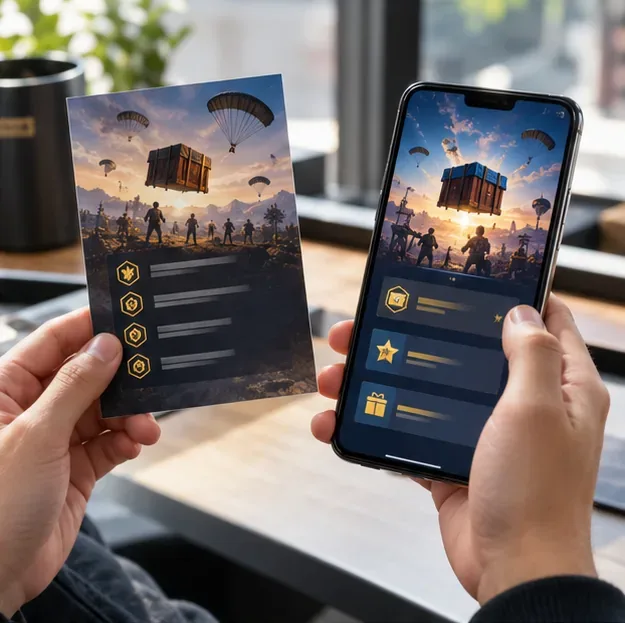
Event schedules rotate, so an old post about a collaboration or challenge is not evidence that it is still active. The official PUBG MOBILE events listing is a safer starting point than an unofficial “UC calendar.”
Before grinding pass missions, compare the free reward track with the paid track. Seasons and pass formats change, and a free tier may offer items without offering any UC. If a current free tier explicitly lists UC, check its rank requirement, season deadline, and any claim steps; if it does not, playing more matches will not turn another item into UC.
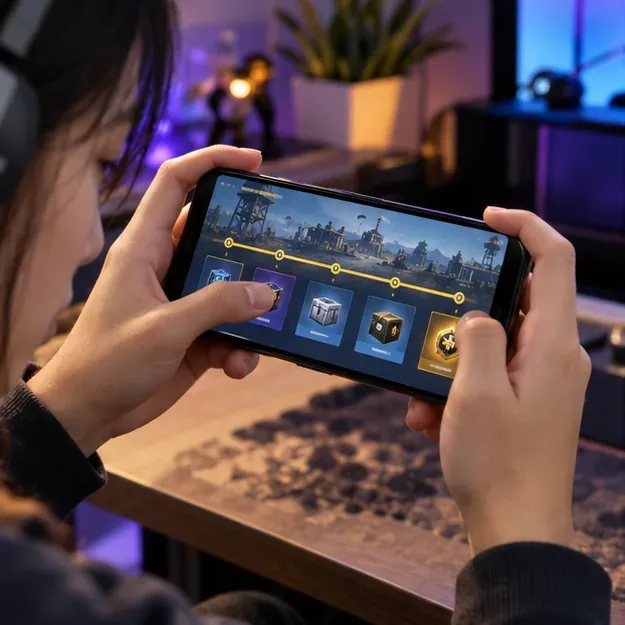
Be skeptical of fixed claims such as “600 UC every season” unless the live, official reward screen for your version shows that amount. Do not buy an upgrade based on a promise that free rewards will repay it.
Follow the official accounts linked from the PUBG MOBILE website and watch for a clearly announced giveaway, livestream drop, or partner promotion. A legitimate offer should identify the organizer, entry period, eligible locations, winner-selection method, and exact prize. If the prize is a skin or gift card rather than UC, it is not a UC payout.
Do not assume every stream has drops or that a code posted by a viewer is official. Follow the announcement’s own instructions and verify that the account or partner is linked from PUBG MOBILE’s official channels.
PUBG MOBILE sometimes runs creative, community, or creator competitions. These can be a legitimate no-cost opportunity when the live official rules say entry is free and the prize terms actually include UC or a prize you value. Rules may require original work, a particular submission format, a minimum age, or residence in listed countries. Some competitions award devices, cash, or in-game items instead of UC, and some are already closed.
Use the official event page linked above to find current announcements, then open the full rules before submitting. Check whether your entry gives the organizer permission to use your work, and never pay an “activation” or “winner verification” fee to claim a prize.
Official esports events and community cups can offer prizes, but competitive tournaments are not a steady UC-farming method. Some require a team, rank, regional eligibility, or an entry fee; official esports prize pools may be cash rather than UC. Only enter a competition whose organizer and rules you can verify, and confirm the prize, payment conditions, and deadline in writing.
If a tournament awards cash, that is not UC. You could choose to use a legitimate cash prize for an in-game UC purchase, but UC would then come through the normal purchase flow. PUBG MOBILE’s official esports site publishes competition information and rules; for any purchase, follow the authorized route linked by the game.
Google Opinion Rewards is a legitimate way to earn rewards for surveys where the app is available. It does not deposit UC into PUBG MOBILE. Google says survey availability and reward currency depend on the country associated with your Google Account; supported devices and payout methods vary. On a compatible Android setup, Google Play credit may help cover an in-app UC purchase only if the official checkout offers that balance for your account and region.
Google Play promotional credits expire one year after they are earned, so check the balance and expiry date. Survey frequency and credit amounts vary; do not plan around a promised monthly total. Check Google’s current availability and eligibility guidance and reward redemption rules before relying on this route.
A free UC generator that asks you to log in, install an APK, complete a “human verification” payment, or share an email code is a warning sign. PUBG MOBILE’s Security Center warns about fake staff, suspicious tournament links, and account scams. Keep your password and one-time codes private, do not download modified clients, and use the official redemption center for codes.
There is no official monthly UC allowance or reliable fixed total to count on. Your result depends on active offers, eligibility, and prizes; some months may have no suitable UC reward.
No. A code provides the reward named in its official announcement, which may be a cosmetic or another item. Confirm the prize before spending time entering a code.
Best approach: check the live event list, read the exact reward terms, and protect your account. These are the legitimate places to look for free UC in PUBG Mobile; none guarantees a payout or a specific amount.
Enable PUBG’s network statistics HUD to monitor ping and packet loss in a match. See where to find it, what the numbers mean, and what they cannot diagnose.
Learn how to import VALORANT crosshair codes, compare presets with manual settings and spectator copy, and fix common import issues.
Choose Dota 2 minimap size, hero icons, team colors, and background settings by readability, fewer misclicks, and clear results on your own display.
Fix Fortnite texture pop-in on PC with official steps for GPU drivers, file verification, DirectX 12, high-resolution textures, VRAM, SSDs, and stutter.
Learn what Heroes of the Storm minimap size and position options are verified, improve readability, and choose camera-click controls that suit you.
Set Super Smash Bros. Ultimate Quickplay to prefer hazards-off stages. Follow the Preferred Rules menu steps and learn why matchmaking may not always honor them.
Enable Server Latency and Packet Loss in Warzone to monitor connection quality, read the overlay, and use recurring spikes to guide troubleshooting.
Learn how to carry from mid lane in League of Legends by setting up waves, choosing safe roam windows, reading side lanes, and converting pressure into objectives.
Fix Minecraft Evoker spell problems with a safe vanilla test, version checks, log review, and a step-by-step way to isolate mod or datapack conflicts.
Fix PUBG stuck on Initializing on Steam with a focused checklist for PC service notices, launch options, game files, downloads, and connection issues.








