How to Check Real-Time Server Latency in the PUBG HUD

Enable PUBG’s network statistics HUD to monitor ping and packet loss in a match. See where to find it, what the numbers mean, and what they cannot diagnose.
Short answer: 120 FPS is available only when your PUBG MOBILE client offers the setting for your device. Update the official game, open Settings and its graphics or graphics-and-audio page, then choose the highest frame-rate option explicitly marked 120 FPS. If the option is missing, a 120 Hz screen or flagship chipset by itself cannot enable it; use the highest rate the game lists for your device.
A 120 Hz display can refresh up to 120 times per second, while FPS is the number of frames the game actually renders. The display and the game both need to support the higher rate. The result can feel smoother when it is available and sustained, but it does not guarantee a higher win rate, lower network ping, or perfectly steady performance.
Checked against official PUBG MOBILE announcements and device-support information on October 16, 2026. Menus and eligible devices can vary by client build and model.
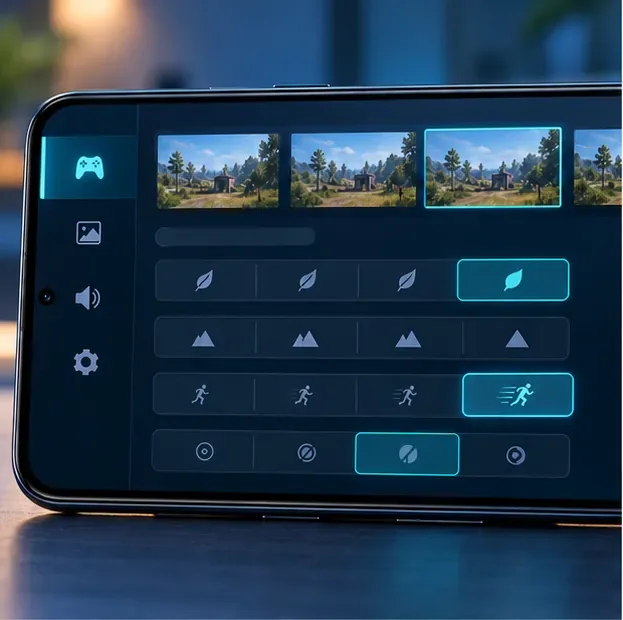
PUBG MOBILE enables high frame rates on selected devices and expands compatibility over time. Its July 2026 V4.5 announcement says 90/120 FPS became available on more devices. Earlier official notes also described 90/120 FPS under Smooth graphics for select devices. These updates show why older device lists can become stale: support depends on the game version and the specific model, not only the screen refresh rate.
Use the game’s own settings as your practical compatibility check. A phone can have a 120 Hz panel and still lack the 120 FPS choice in PUBG MOBILE. A high-end processor, gaming branding, or a 144 Hz screen is not a guarantee either. The available option may also differ between regional clients or after an update.
There is no useful universal model list to substitute for checking your current build. If your device is not listed by the game, avoid third-party “FPS unlocker” apps, modified APKs, configuration-file edits, and region-switching workarounds. They cannot guarantee stable 120 FPS and may create account or security risks.
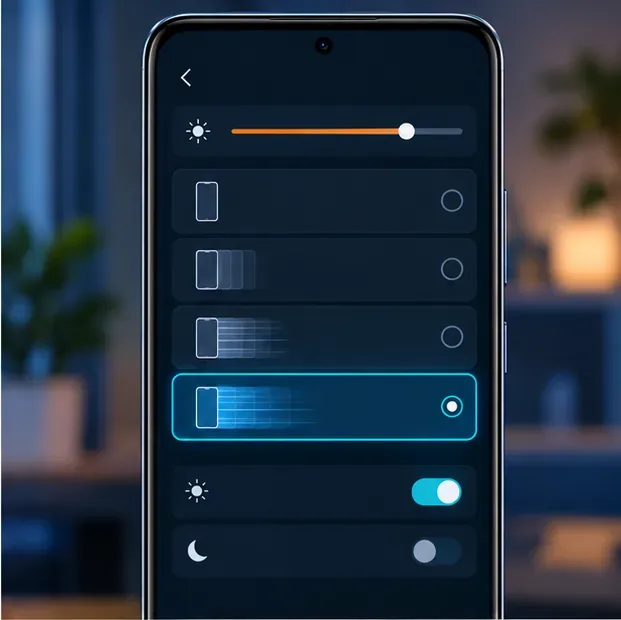
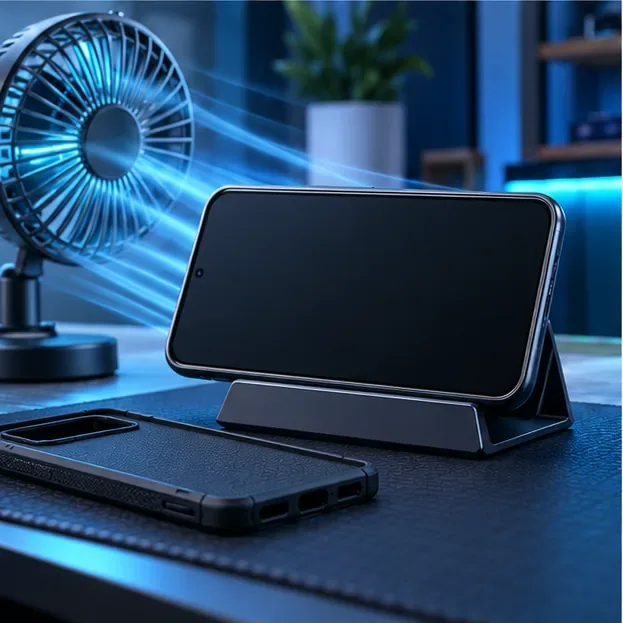
Unlocking the option and sustaining it are different things. A phone may start at a high rate and slow down as it warms up, especially during long sessions or while charging. Try these adjustments one at a time so you can see which one helps:
| What you see | What to check |
|---|---|
| No 120 FPS choice | Update the official app, restart it, and check the graphics page again. Try the preset combinations offered by the game. If 120 FPS still is not listed, that client build has not enabled it for your device; select the highest available rate and contact in-game support if you think the setting disappeared after an update. |
| The game stays near 60 FPS | Confirm that 120 FPS is selected inside PUBG MOBILE, then check the phone’s high-refresh mode and power-saving controls. On a ProMotion iPhone, check Low Power Mode. A 120 Hz display setting alone does not prove that the game is rendering at 120 FPS. |
| Frames dip after several minutes | Let the device cool, stop charging during the test if it is adding heat, close resource-heavy apps, and lower visual quality while keeping the highest frame-rate option the game permits. If performance recovers after cooling, heat was likely contributing. |
| Movement is smooth but shots still feel delayed | Check network stability and control sensitivity separately. FPS affects how often the game draws frames; it does not change server response time or automatically tune your aim. |
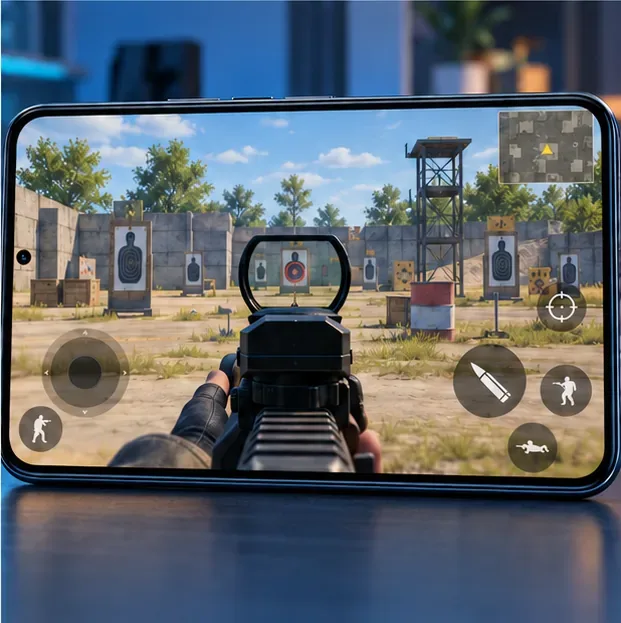
Refresh rate is a display capability; PUBG MOBILE must separately enable the frame-rate option for the installed game build and device. Check the in-game list first. If 120 FPS is absent, a display setting or developer option cannot add the missing game support.
No. Higher frame rates can make motion appear smoother, but ping is network latency and aim still depends on controls, practice, and connection quality. Choose the highest rate your device can sustain comfortably; a stable lower setting is preferable to repeated drops.
Enable PUBG’s network statistics HUD to monitor ping and packet loss in a match. See where to find it, what the numbers mean, and what they cannot diagnose.
Learn how to import VALORANT crosshair codes, compare presets with manual settings and spectator copy, and fix common import issues.
Choose Dota 2 minimap size, hero icons, team colors, and background settings by readability, fewer misclicks, and clear results on your own display.
Fix Fortnite texture pop-in on PC with official steps for GPU drivers, file verification, DirectX 12, high-resolution textures, VRAM, SSDs, and stutter.
Learn what Heroes of the Storm minimap size and position options are verified, improve readability, and choose camera-click controls that suit you.
Set Super Smash Bros. Ultimate Quickplay to prefer hazards-off stages. Follow the Preferred Rules menu steps and learn why matchmaking may not always honor them.
Enable Server Latency and Packet Loss in Warzone to monitor connection quality, read the overlay, and use recurring spikes to guide troubleshooting.
Learn how to carry from mid lane in League of Legends by setting up waves, choosing safe roam windows, reading side lanes, and converting pressure into objectives.
Fix Minecraft Evoker spell problems with a safe vanilla test, version checks, log review, and a step-by-step way to isolate mod or datapack conflicts.
Fix PUBG stuck on Initializing on Steam with a focused checklist for PC service notices, launch options, game files, downloads, and connection issues.








