How to Import Custom Crosshair Codes in VALORANT: Steps, Options, and Fixes

Learn how to import VALORANT crosshair codes, compare presets with manual settings and spectator copy, and fix common import issues.
For most PS5 players, the DualSense Edge is the safest all-around pick: it combines two remappable back buttons and replaceable stick modules with the familiar PS5 feature set. If you want more rear inputs or a different layout, the best pro controller for competitive PlayStation gaming depends on your game, grip, and tournament rules. This shortlist compares verified product features; it does not claim lab-tested latency or guaranteed tournament results.
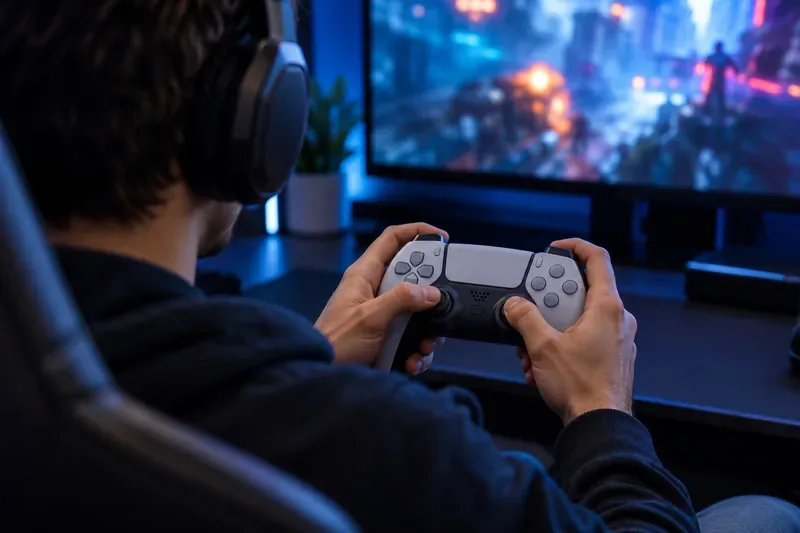
A performance controller can make frequent commands easier to reach, but it cannot aim or make decisions for you. Pick features that support repeatable inputs and comfort over long practice sessions.
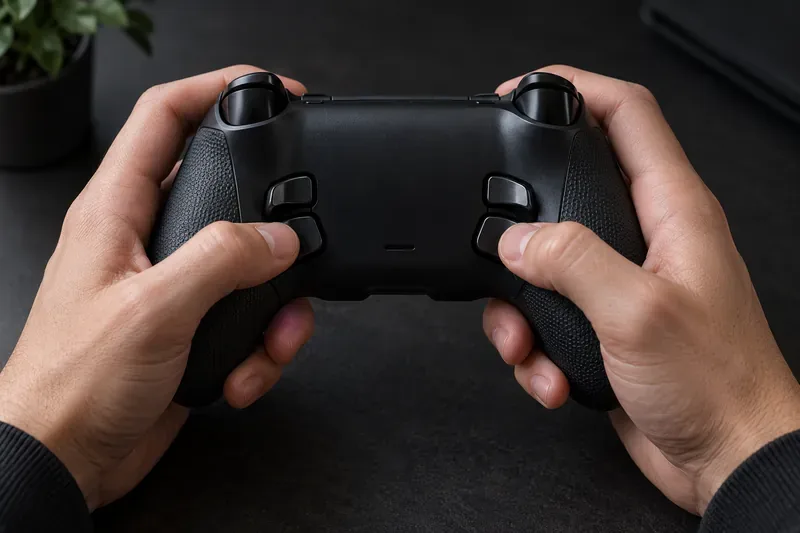
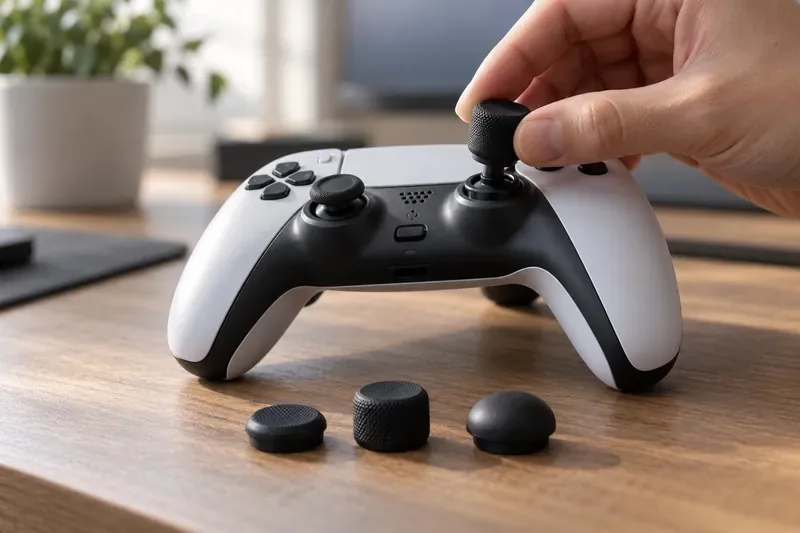
The DualSense Edge is the most straightforward upgrade if you want custom controls without leaving Sony’s first-party design. It has two interchangeable back buttons, three styles of stick caps, adjustable trigger travel, remappable buttons, stick sensitivity and dead-zone controls, and profiles you can switch from the controller. It also retains DualSense features, including supported games’ haptic feedback and adaptive triggers.
Choose it for: native PS5 integration, a familiar symmetrical layout, and the ability to replace a worn stick module. Trade-off: it has two rear buttons rather than four, and replacement stick modules are sold separately. See Sony’s DualSense Edge specifications.
The Pro BFG Reloaded is built around interchangeable modules. Its kit includes alternate stick and D-pad layouts plus a six-button Fightpad module with Kailh microswitches, making it a flexible choice for players who want to change the front controls for a fighting game. The controller also has four mappable quick-action buttons, three customizable stick modules with Hall-effect technology, five-stop clutch triggers, and a mode switch for PS5, PS4, and PC.
Choose it for: modular layouts and a dedicated fight-pad configuration. Trade-off: changing parts and learning the layout takes more setup than using a standard DualSense shape. The manufacturer’s Pro BFG Reloaded page lists the included components and compatibility.
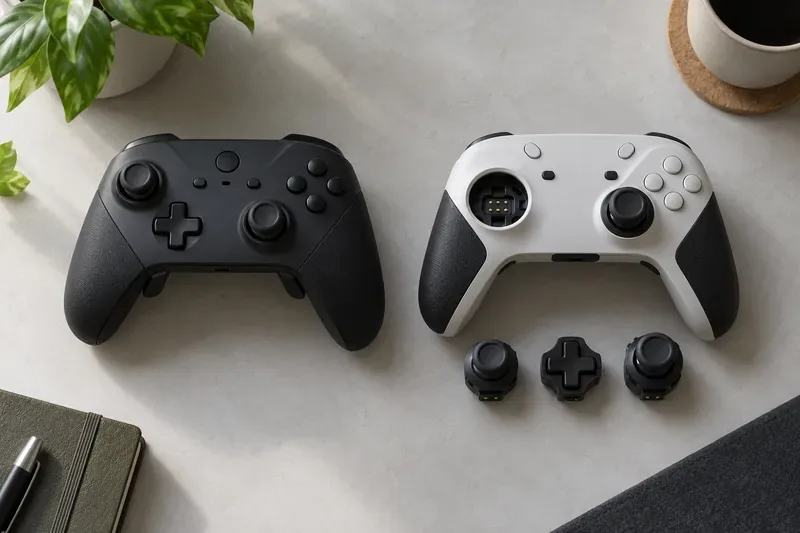
SCUF’s current PS5 line is the Omega; the company says it replaces the Reflex family, including the Reflex Pro. Omega offers four remappable rear paddles, two side-action buttons, and five G-keys, along with replaceable TMR thumbsticks, mechanical buttons, and adjustable instant triggers. Those extra inputs can suit a player who wants more commands within reach, but they add controls to learn.
Choose it for: a large set of configurable inputs and a familiar symmetrical-stick shape. Trade-off: SCUF’s comparison guide says Omega omits vibration, haptic feedback, and adaptive triggers, so it is aimed more at performance-focused play than preserving the full DualSense feel. The SCUF Omega lineup and SCUF controller comparison guide describe the current models.
This is the Razer model to consider for PS5: it is officially licensed for PlayStation and has Razer HyperSpeed wireless, mecha-tactile buttons, and six remappable extra controls—four back triggers and two top bumpers. Its companion app can remap inputs and adjust sensitivity. Check the exact product page before buying; Razer’s similarly named controller models do not necessarily share the same console compatibility.
Choose it for: players who prefer Razer’s tactile button feel and want several extra inputs. Trade-off: its shape and button placement will not fit every hand, so try the grip if you can. Details are on Razer’s officially licensed Wolverine V2 Pro page.
The Revolution 5 Pro pairs magnetic Hall-effect sticks and triggers with configurable controls, adjustable weights, and more than 10 hours of battery life according to Nacon’s specifications. It works with PS5, PS4, and PC. One limitation matters for PS5 owners: Nacon says this model has no haptic feedback, and its vibration motors do not operate in dedicated PS5 games; vibration is available in PC and PS4 games.
Choose it for: an asymmetrical stick layout, adjustable balance, and magnetic sensing in both sticks and triggers. Trade-off: it gives up PS5 vibration and haptics. Check the Nacon Revolution 5 Pro product page and Nacon’s support notes before choosing it.
| Controller | Standout controls | Best fit | Main trade-off |
|---|---|---|---|
| DualSense Edge | Two back buttons; profile and trigger tuning; replaceable stick modules | All-around PS5 play with DualSense features | Fewer rear controls than some rivals |
| Victrix Pro BFG Reloaded | Modular face layouts; four quick-action buttons; Fightpad module | Fighting games and players who want to reconfigure hardware | More setup and parts to learn |
| SCUF Omega | Four paddles, two side-action buttons, five G-keys; TMR sticks | Players who want many extra inputs | No vibration, haptics, or adaptive triggers |
| Razer Wolverine V2 Pro | Six remappable extra controls; tactile buttons; 2.4 GHz wireless | Players who favor Razer’s button feel | Shape and placement are personal-fit decisions |
| Nacon Revolution 5 Pro | Hall-effect sticks and triggers; configurable balance | Players who prefer an asymmetrical layout | No haptics or vibration in PS5 games |
Nacon’s Revolution 5 Unlimited is a separate upcoming model, not the Revolution 5 Pro. Nacon lists an October 28, 2026 release date on its U.S. product page. The announced features include an on-controller settings display, magnetic TMR sticks, dual-mode triggers, seven programmable shortcuts, and a charging dock. Nacon’s listed 1,000 Hz polling rate and 1 ms latency apply to PC; do not treat those as measured PS5 figures. Because the release date is still ahead as of October 17, 2026, check the manufacturer for regional availability before planning a purchase. See Nacon’s Revolution 5 Unlimited page.
Do not pick a controller solely because a brand advertises a fast polling rate or a “pro” label. A number measured on PC does not automatically describe PS5 performance, and a larger set of paddles is not an advantage if it slows your decisions. The most useful PS5 tournament controller is one that fits your hands, supports the inputs your game actually uses, and is allowed at the event.
The DualSense Edge is the strongest default for players who want a familiar PS5 layout, adjustable controls, replaceable stick modules, and DualSense features. Players who prioritize more rear inputs or modular parts may prefer SCUF Omega or Victrix Pro BFG Reloaded.
No. Magnetic sensors can reduce wear at the sensing point, but no controller is immune to damage, calibration issues, or other mechanical problems. Choose them as a durability consideration, not as an automatic aim upgrade.
It varies by model. The DualSense Edge retains supported DualSense features. SCUF says Omega omits vibration, haptics, and adaptive triggers; Nacon says the Revolution 5 Pro has no PS5-game vibration or haptics. Read the exact specifications if those features matter to you.
No controller guarantees wins. Back controls and adjustable settings can make inputs more comfortable or consistent, but game knowledge, practice, decision-making, and event rules still determine performance.
Product features and availability can vary by region and model revision. Specifications in this comparison were checked against manufacturer pages on October 17, 2026.
Learn how to import VALORANT crosshair codes, compare presets with manual settings and spectator copy, and fix common import issues.
Choose Dota 2 minimap size, hero icons, team colors, and background settings by readability, fewer misclicks, and clear results on your own display.
Fix Fortnite texture pop-in on PC with official steps for GPU drivers, file verification, DirectX 12, high-resolution textures, VRAM, SSDs, and stutter.
Learn what Heroes of the Storm minimap size and position options are verified, improve readability, and choose camera-click controls that suit you.
Set Super Smash Bros. Ultimate Quickplay to prefer hazards-off stages. Follow the Preferred Rules menu steps and learn why matchmaking may not always honor them.
Enable Server Latency and Packet Loss in Warzone to monitor connection quality, read the overlay, and use recurring spikes to guide troubleshooting.
Learn how to carry from mid lane in League of Legends by setting up waves, choosing safe roam windows, reading side lanes, and converting pressure into objectives.
Fix Minecraft Evoker spell problems with a safe vanilla test, version checks, log review, and a step-by-step way to isolate mod or datapack conflicts.
Fix PUBG stuck on Initializing on Steam with a focused checklist for PC service notices, launch options, game files, downloads, and connection issues.
Fix Brawl Stars stuck at 92% loading with an ordered checklist for service notices, network tests, safe updates, Android cache, and account-safe reinstalling.








