Home
» 🎮 Esports
»
Ultimate Guide to the Best Alternative Devices for PlayStation Remote Play
Ultimate Guide to the Best Alternative Devices for PlayStation Remote Play
Ultimate Guide to the Best Alternative Devices for PlayStation Remote Play
The best alternative devices for PlayStation Remote Play depend on the screen and controls you want: a compatible phone with a clip-on controller is the easiest portable setup, a tablet gives you a larger picture, a Windows handheld can run Sony’s official PC app, and a Steam Deck can connect through the unofficial Chiaki-NG client. You do not need to buy a PlayStation Portal to play away from your TV, but every option still streams from your PS5 over a network.
Remote Play is not cloud gaming. Your PS5 runs the game and sends its video and audio to your second device. Sony lists 5 Mbps upload and download as a minimum connection speed and recommends at least 15 Mbps for a better experience. Stability and signal quality matter too, so a premium screen or a powerful processor cannot compensate for a weak connection.
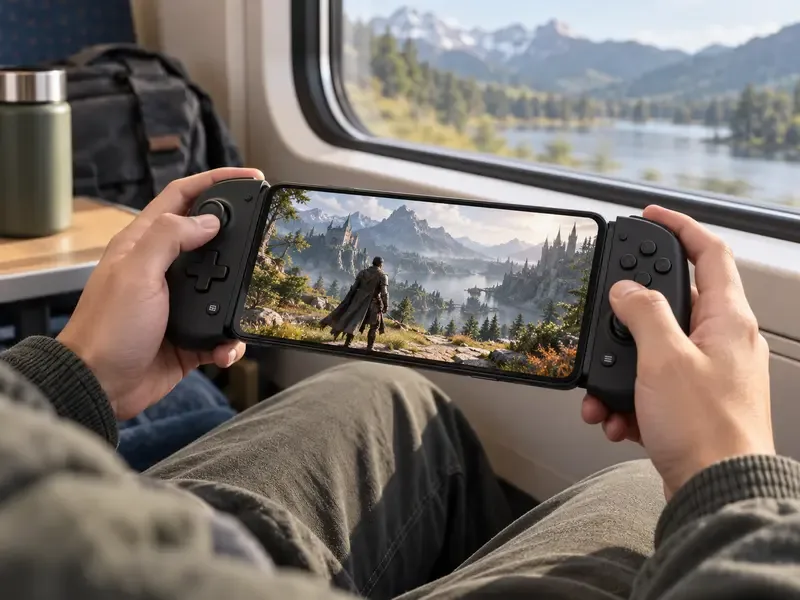
A phone and compact controller make a familiar, pocketable Remote Play setup.
What to check before choosing a device
Sony’s official PS Remote Play compatibility guide covers iPhone and iPad, Android phones and tablets, Windows PCs, Macs, and selected Android TV devices. The PS Remote Play app is free, but you need a PS5 or PS4, a PlayStation account, a compatible game, and an internet connection at both ends when playing away from home.
On mobile, Sony lists Android 9 or later for touch controls; Android 12 or later for a DualSense controller; iOS 14 or later for a DUALSHOCK 4 or touch controls; and iOS 14.5 or later for DualSense over Bluetooth. Check the app store and device maker for current compatibility before buying an accessory.
On a PS5, turn on Settings > System > Remote Play > Enable Remote Play. To wake the console remotely from Rest Mode, enable Stay Connected to the Internet and Enable Turning on PS5 from Network under Features Available in Rest Mode.
Remote Play uses more data than many video services. If you play over cellular data, check your plan’s allowance. Some games that need a VR headset or another specialty peripheral are not compatible.
Best alternative devices for PS5 Remote Play
1. A compatible phone plus a controller
For most people, the best-value choice is the phone already in their pocket. Install PS Remote Play from the App Store or Google Play, then use touch controls, pair a DualSense, or attach a compatible mobile controller. Sony lists the Backbone One-PlayStation Edition as compatible with supported iPhones and Android phones; a standard DualSense is another option when the phone’s operating system supports it.
A current phone such as the Samsung Galaxy S26 Ultra gives you a large, bright display in a device you already carry. The tradeoff is screen size: small text and long sessions can feel cramped, and holding a phone with a separate controller may be less comfortable than using an integrated handheld. Controller features also vary by platform. Sony says DualSense adaptive triggers are not compatible with Android devices, and mobile devices do not support DualSense haptic feedback.
2. An iPad or Android tablet with a DualSense
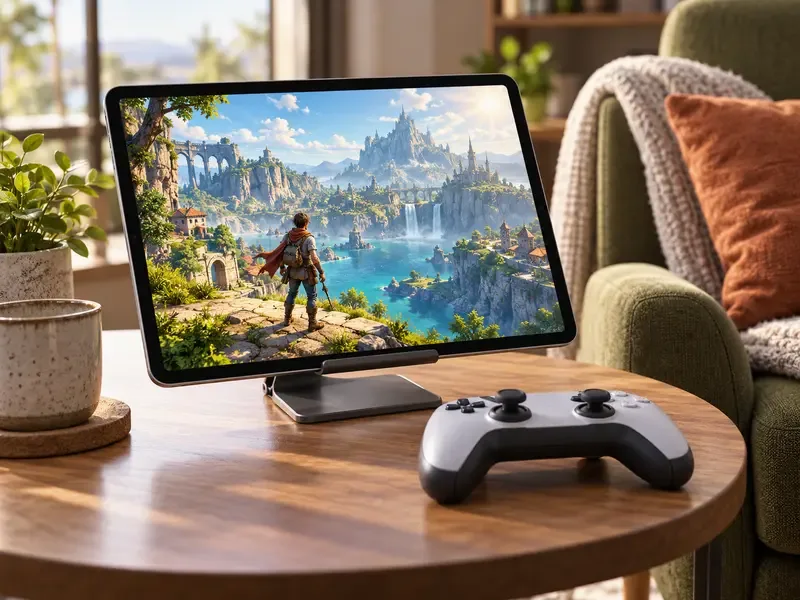
A tablet is a strong alternative if you want a larger view without purchasing a gaming handheld. Download the official app, pair a supported controller, and use a stand or case to keep the tablet at a comfortable angle. The current iPad Pro with M5 is one example, but an older supported iPad or Android tablet you already own can be the smarter buy for Remote Play alone.
The larger display helps with menus and detailed scenes, while the separate controller keeps your hands away from the screen. The tradeoffs are bulk and an extra item to prop up or carry. A tablet’s 120Hz display does not guarantee that the remote stream runs at 120 frames per second; the stream is governed by the console, app, and network.
A stand-supported tablet pairs a larger screen with familiar controller input.
3. A Windows handheld such as ROG Xbox Ally X or Lenovo Legion Go 2
Windows handhelds combine a screen and built-in controls in one unit. Current examples include the ROG Xbox Ally X (2025), which has a 7-inch 1080p 120Hz screen, and Lenovo’s Legion Go 2, which has an 8.8-inch OLED display with a variable refresh rate up to 144Hz. Both run Windows 11, so you can install Sony’s official PS Remote Play app.
There is one controller detail to check: Sony’s PC app lists DualSense, DualSense Edge, and DUALSHOCK 4 controllers. Do not assume a handheld’s built-in controls will work automatically with the app; verify its input mapping or plan to connect a supported PlayStation controller. These devices make more sense if you also want a portable Windows gaming PC. Their high-refresh panels are useful for compatible PC games, but they do not remove Remote Play’s network delay.
4. Steam Deck OLED with Chiaki-NG
The Steam Deck OLED remains an appealing handheld because it has built-in controls, a 7.4-inch HDR OLED display, and Wi-Fi 6E. It does not run Sony’s official Remote Play app on SteamOS. Instead, Steam Deck owners commonly use Chiaki-NG, an open-source client for PS4 and PS5 Remote Play with setup instructions for the Deck.
This route can feel closer to a self-contained handheld once configured, but it takes more setup than installing Sony’s app on a phone or Windows device. Chiaki-NG is a community project and states that it is not endorsed or certified by Sony. If official support and the simplest setup matter most, keep that distinction in mind before choosing a Steam Deck specifically for PS5 streaming.
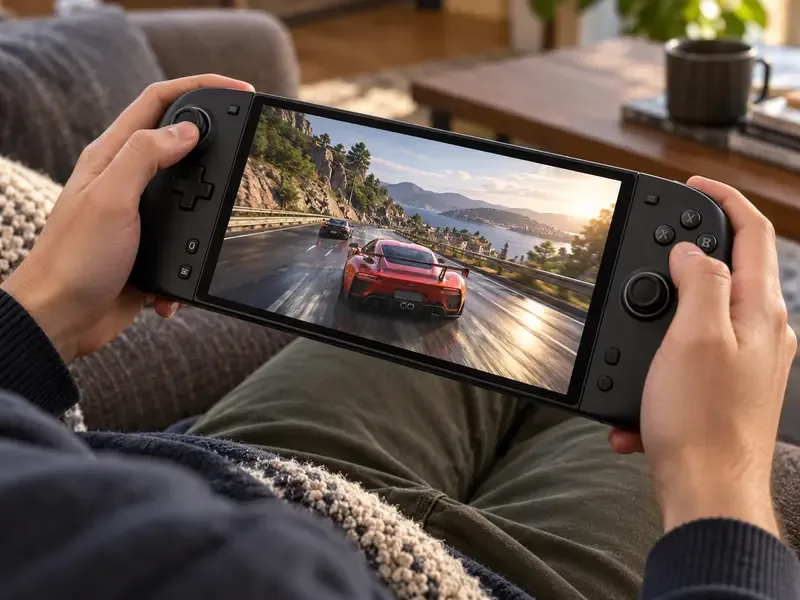
An all-in-one handheld keeps the screen and game controls together for play around the home.
Quick comparison
Setup
Best for
Remote Play route
Main tradeoff
Phone and controller
Travel and quick sessions
Official iOS or Android app
Small screen; check OS and controller compatibility
Tablet and controller
A larger picture at home or away
Official iOS or Android app
More to carry and prop up
Windows handheld
One device for PC games and streaming
Official Windows app; confirm controller input
Higher cost and possible controller setup
Steam Deck OLED
Integrated controls with a flexible handheld
Unofficial Chiaki-NG client on SteamOS
Extra configuration and third-party support
How to get a steadier PS5 stream
Start by wiring the PS5 to the router with Ethernet if possible. Put your phone, tablet, or handheld on a strong Wi-Fi connection, preferably close to the access point, and avoid competing downloads or congested networks during play. Sony recommends at least 15 Mbps upload and download for a better experience; that is a recommendation, not a guarantee of low latency. If the image stutters, lower the app’s video quality or resolution before blaming the device’s display.
For a controller, follow Sony’s DualSense pairing and compatibility guide. Feature support differs across Windows, Apple devices, and Android, so do not expect every PS5 controller feature to work over Bluetooth on every platform. Also note that Remote Play streams games installed or running on your console; it is separate from PlayStation Plus cloud streaming.
Which alternative should you choose?
If you already have a compatible phone, begin with it and a physical controller. Choose a tablet if the larger screen is worth the extra size. Pick a Windows handheld if you want a general-purpose gaming PC and are comfortable checking controller support. Choose Steam Deck OLED when you want integrated controls and are willing to configure Chiaki-NG. The PlayStation Portal remains Sony’s dedicated handheld for Remote Play, while these alternatives make more sense when you want a device that also serves other purposes.
Device prices and availability vary by country, so compare local options rather than treating older price estimates as current. The most useful upgrade for smoother play is often a more reliable network path to the PS5, not a more powerful portable processor.