How to Check Real-Time Server Latency in the PUBG HUD

Enable PUBG’s network statistics HUD to monitor ping and packet loss in a match. See where to find it, what the numbers mean, and what they cannot diagnose.
To master bolt-action snipers in PUBG Mobile, build a repeatable shot routine: choose a rifle you can control, pair it with a close-range weapon, use a scope that lets you track the target, judge distance before firing, and change position after you shoot. Bolt-action rifles reward deliberate aim and punish rushed follow-ups. A clean headshot can swing a fight, but no rifle guarantees a one-shot knock against every helmet or at every distance.
This guide focuses on transferable skills instead of a fixed damage chart. Weapon balance, map loot, and available attachments can change by mode and update, so verify the current match’s item details in-game. The PUBG MOBILE Help Center’s weapon overview describes sniper rifles as long-range weapons and notes how much their use depends on the scope.
Kar98K, M24, Mosin-Nagant, Win94, and AWM are familiar names in PUBG MOBILE’s bolt-action lineup across its content and rotations. Their availability can depend on the map, mode, and current build, so old lists of exact spawn locations or “best range” values can become misleading. Pick the rifle you actually find and check its current in-game profile rather than planning a route around a static loot table.
For a reliable practice weapon, use a rifle you can find consistently in your usual mode and stick with it for several matches. That lets you learn its sight picture, bolt cycle, and bullet travel. Treat the AWM as an opportunity when it appears, not a requirement for learning. A rare rifle will not compensate for poor target selection or an exposed firing position.
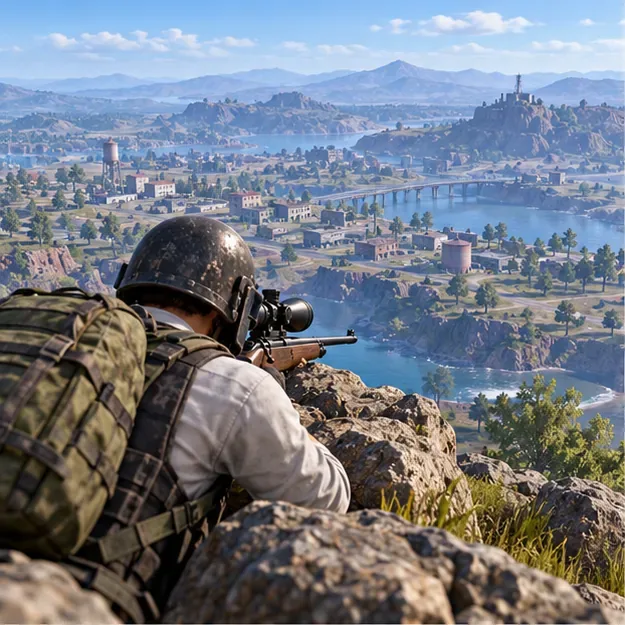
A bolt-action rifle has a slow follow-up shot, so carry a dependable assault rifle or SMG for close and mid-range fights. Choose the backup you can control under pressure; there is little value in landing a long-range hit if you cannot handle the opponent who pushes your cover.
Keep enough ammunition for deliberate attempts, but leave room for healing, throwables, and the supplies your squad needs. Before taking a shot, check whether your teammate can cover your approach or retreat. A sniper loadout works best when the rest of the kit keeps you alive between shots.
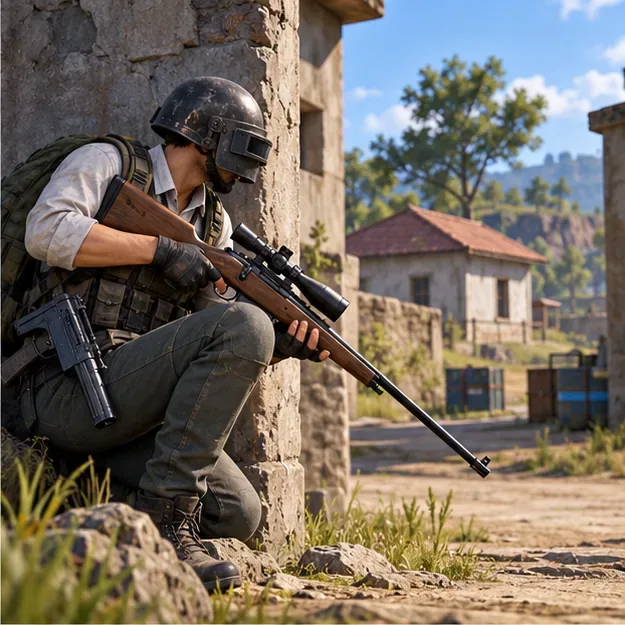
Use the highest magnification that still lets you acquire and follow a target comfortably. A high-power scope can help with a steady target at distance, while a lower-power optic can be easier to use when opponents move quickly or appear closer than expected. If the image shakes or you lose the target while scoped, lower the magnification and practice reacquiring the target.
Attachment slots differ by rifle. Use only parts the weapon accepts: a compatible cheek pad or magazine can improve handling, and a muzzle attachment may suit your need for concealment or a clearer shot. Do not chase a universal “god roll” or assume every rifle takes the same stock or magazine. In Training Grounds, test one change at a time so you know whether it helps your aim and follow-up rhythm.
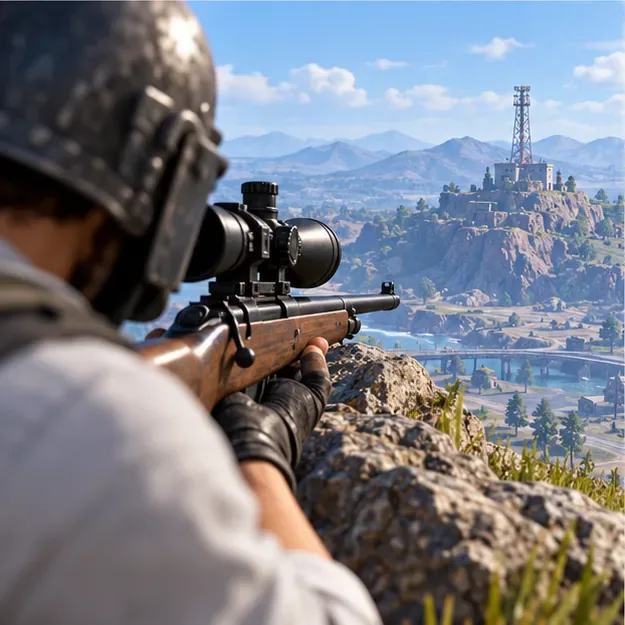
At long range, the crosshair is only the start of the shot. Use map features, buildings, ridgelines, and other familiar landmarks to estimate distance. If your client and current weapon provide a zeroing control, confirm the setting in the live interface and treat it as a starting point; otherwise, learn how much to hold above the target by observing impacts at known distances. Scope layouts and controls can vary, so avoid relying on an old button-by-button instruction.
For a moving opponent, account for both travel time and direction. Track their path briefly, then place the reticle ahead of them rather than directly on their current position. The faster or farther they are, the more lead may be needed. Start with a small adjustment, watch where the round lands, and correct the next attempt. Do not keep firing at the same miss point.
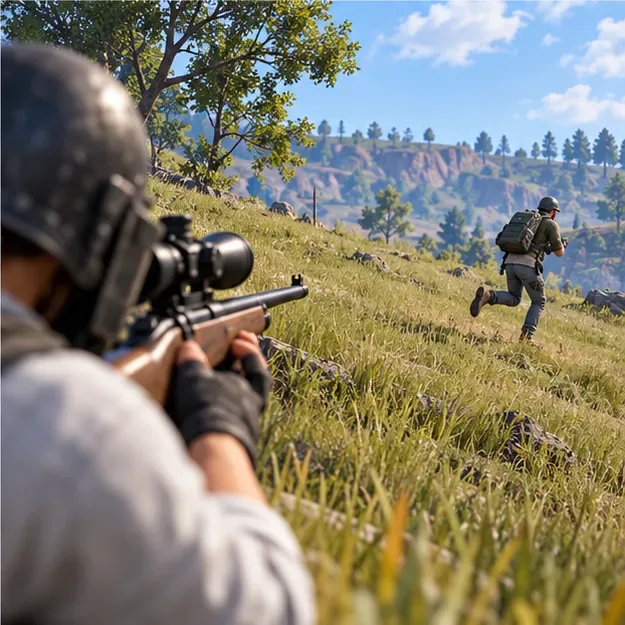
High ground improves visibility, but the best sniper position also has hard cover and a rotation route. Rocks, terrain folds, and sturdy walls let you break line of sight while you reload or reset your aim. Avoid standing on a skyline or holding the same window for too long; a missed shot can tell nearby players where to look.
Favor targets who are exposed, moving predictably, healing, or crossing open ground. Skip low-value shots that reveal your position without helping your team. If the safe zone is moving, leave early enough to keep cover between you and likely approaches. A bolt-action rifle is strongest when it supports a good rotation, not when it anchors you outside the next zone.
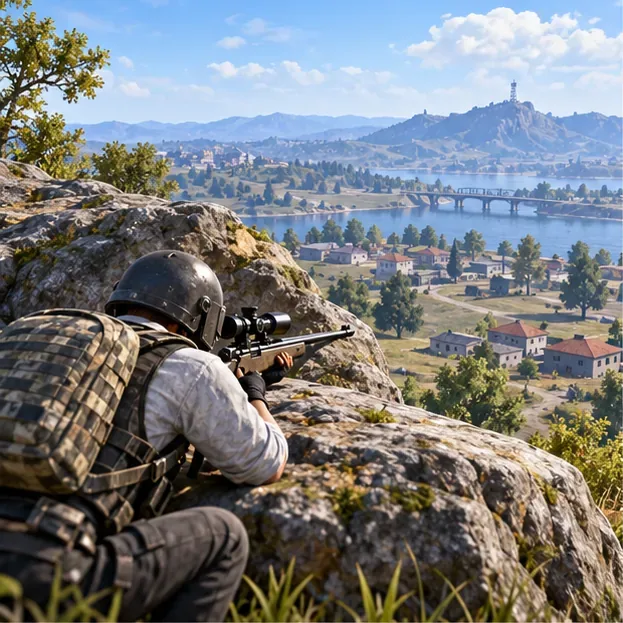
Before firing, confirm that the target is worth the risk and that you have a route back to cover. After the shot, observe the result, cycle the rifle, and unscope to check your surroundings. If the enemy is still up, decide whether a second shot is safe; do not tunnel on the target while another team closes in.
Once opponents can identify your firing lane, shift to another rock, window, or section of ridge. Even a short move can make it harder for a counter-sniper to pre-aim your last position. In a squad, tell teammates which angle you are covering and when you are moving. A useful sniper keeps pressure on the enemy without separating from the team.
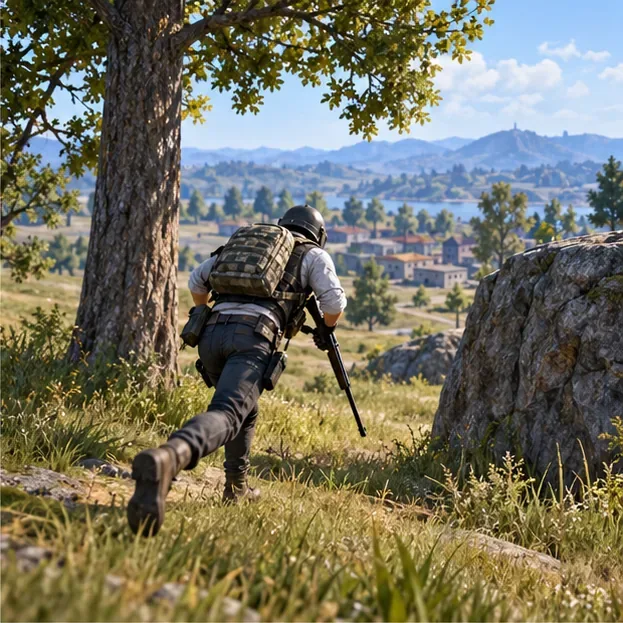
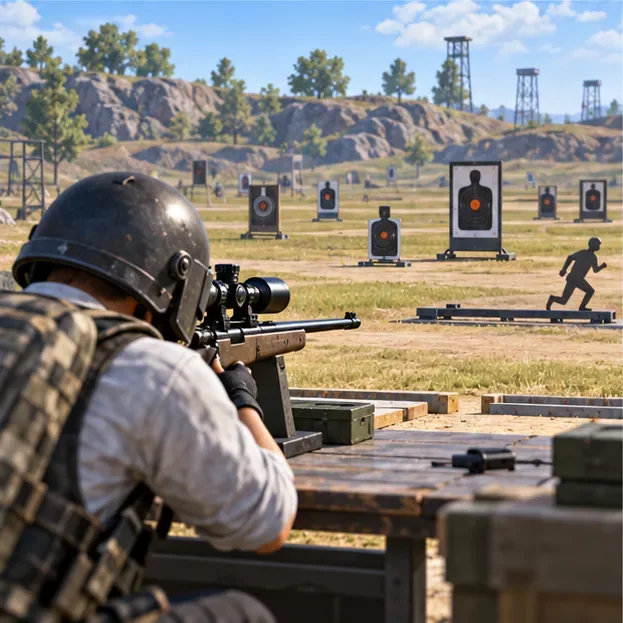
Use Training Grounds or the available practice range to build consistency before judging yourself by match results. PUBG MOBILE’s official Dev Talk describes training options with simple and complex moving targets. Availability and layout can vary by version, but the same practice principles apply wherever targets are offered.
In duos or squads, agree on a crossing or compound entry before your teammates move. Hold the angle that threatens the enemy most, call out targets clearly, and avoid taking a shot that gives away the plan too early. When teammates reach cover, move with them rather than staying behind to chase a distant knock.
For solo play, keep the same rule: every shot should leave you with a next action. Know where you will move if you miss, if the target pushes, or if the zone shifts. That habit turns PUBG Mobile bolt-action sniper tips into a practical game plan instead of a collection of isolated tricks.
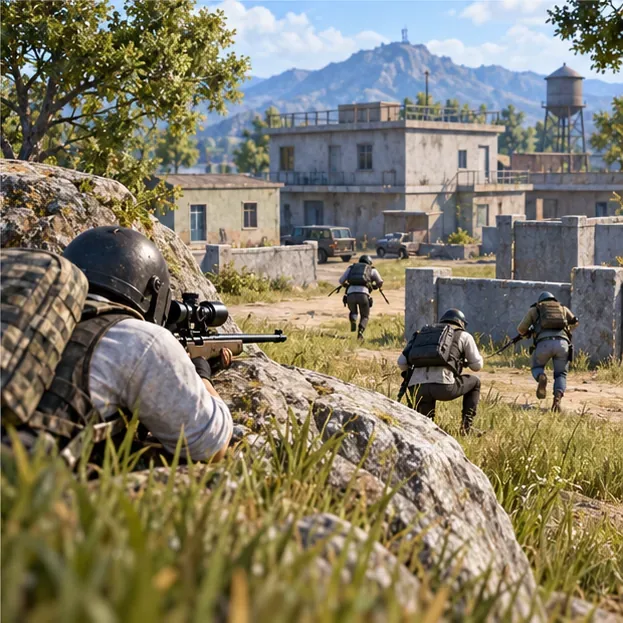
The core skill is patience: choose a useful target, make one controlled shot, learn from the impact, and move before the enemy can punish your angle. Repeat that loop and your bolt-action sniper aim in PUBG Mobile will become more reliable across maps and modes.
Enable PUBG’s network statistics HUD to monitor ping and packet loss in a match. See where to find it, what the numbers mean, and what they cannot diagnose.
Learn how to import VALORANT crosshair codes, compare presets with manual settings and spectator copy, and fix common import issues.
Choose Dota 2 minimap size, hero icons, team colors, and background settings by readability, fewer misclicks, and clear results on your own display.
Fix Fortnite texture pop-in on PC with official steps for GPU drivers, file verification, DirectX 12, high-resolution textures, VRAM, SSDs, and stutter.
Learn what Heroes of the Storm minimap size and position options are verified, improve readability, and choose camera-click controls that suit you.
Set Super Smash Bros. Ultimate Quickplay to prefer hazards-off stages. Follow the Preferred Rules menu steps and learn why matchmaking may not always honor them.
Enable Server Latency and Packet Loss in Warzone to monitor connection quality, read the overlay, and use recurring spikes to guide troubleshooting.
Learn how to carry from mid lane in League of Legends by setting up waves, choosing safe roam windows, reading side lanes, and converting pressure into objectives.
Fix Minecraft Evoker spell problems with a safe vanilla test, version checks, log review, and a step-by-step way to isolate mod or datapack conflicts.
Fix PUBG stuck on Initializing on Steam with a focused checklist for PC service notices, launch options, game files, downloads, and connection issues.








