How to Check Real-Time Server Latency in the PUBG HUD

Enable PUBG’s network statistics HUD to monitor ping and packet loss in a match. See where to find it, what the numbers mean, and what they cannot diagnose.
You can connect an Xbox controller to a smart TV when the controller and TV (or streaming device) support gamepad input. Bluetooth is the simplest option; a wired USB connection works only on setups that recognize controllers over USB. Pairing alone does not make every TV menu or game compatible, so check the exact TV model and the app you plan to use before troubleshooting.
Most Xbox Series X|S controllers and Bluetooth-capable Xbox One controllers can pair wirelessly. Apple’s current compatibility list includes the Xbox Wireless Controller with Bluetooth (Model 1708), Xbox Series S and Series X controllers, and Xbox Elite Wireless Controller Series 2. Older Xbox One revisions may not have Bluetooth, so confirm your controller model in its manual or manufacturer documentation. Keep the controller firmware current if it has trouble connecting.
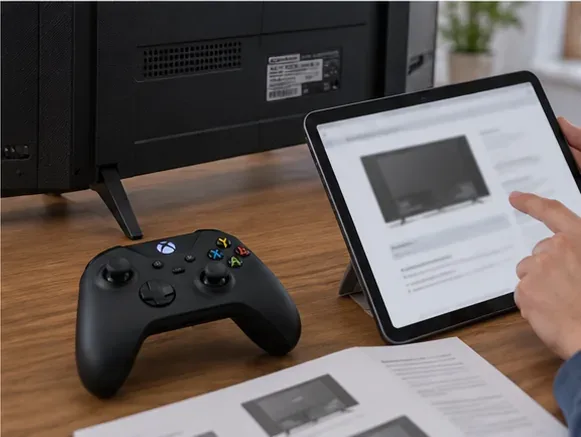
There are two separate compatibility questions: can the TV pair with the controller, and does the game or streaming app accept a controller? For example, Xbox Cloud Gaming is available through the Xbox app on select Samsung TVs, select LG TVs with webOS 24 or newer (including some updated 2022 and 2023 models), certain Fire TV devices, and select VIDAA devices. The list and supported markets can change. Most cloud games in the Xbox app require an active Game Pass subscription; some exceptions apply. Check the current Xbox TV device and region information before buying anything.
| TV or device | Where to look for controller pairing | Important limit |
|---|---|---|
| Samsung Smart TV | Settings > External Device Manager > Input Device Manager > Bluetooth Device List | Menus vary by year and model. Xbox app is limited to select devices. |
| LG webOS TV | Settings > All Settings > General > External Devices > Connect Bluetooth Controller | LG lists Xbox One S and Xbox Series X controllers on supported models; verify your TV manual. |
| Google TV | Settings > Remotes & Accessories > Pair remote or accessory | A paired controller works only in apps and games that support gamepads. |
| Amazon Fire TV | Settings > Controllers & Bluetooth Devices > Game Controllers > Add New | Both the Fire TV device and the game or app must support the controller. |
| Apple TV 4K or Apple TV HD | Settings > Remotes and Devices > Bluetooth | Apple TV is a streaming box, not a TV operating system; use a compatible Bluetooth controller. |
| Other brands or operating systems | Search the TV’s manual for “Bluetooth controller,” “gamepad,” or “USB controller” | Bluetooth audio support does not prove Bluetooth gamepad support. |
These paths come from the current support pages for Samsung TVs, LG webOS gaming, Google TV, Amazon Fire TV, and Apple TV. Your menu labels may differ slightly by software version.
Use the TV’s remote for the first setup. Keep the controller close to the TV, install fresh batteries or charge it, and temporarily turn off Bluetooth on a phone or computer that may reconnect to it.
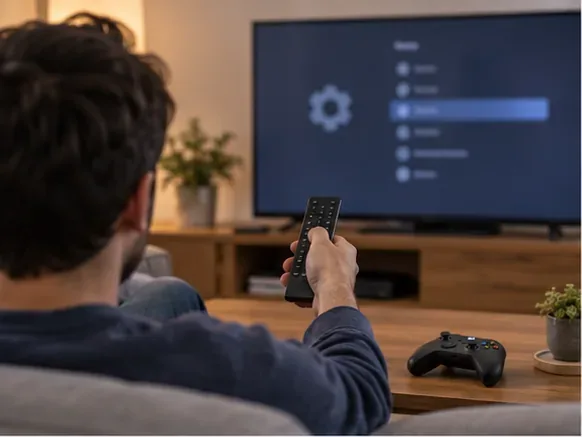
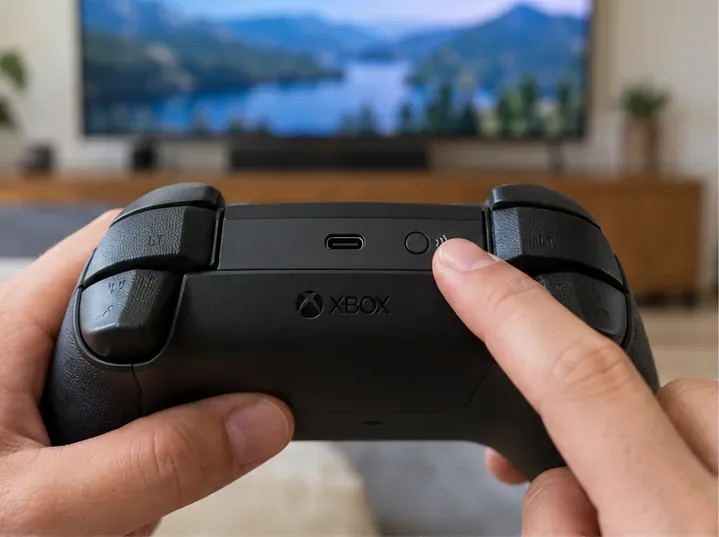
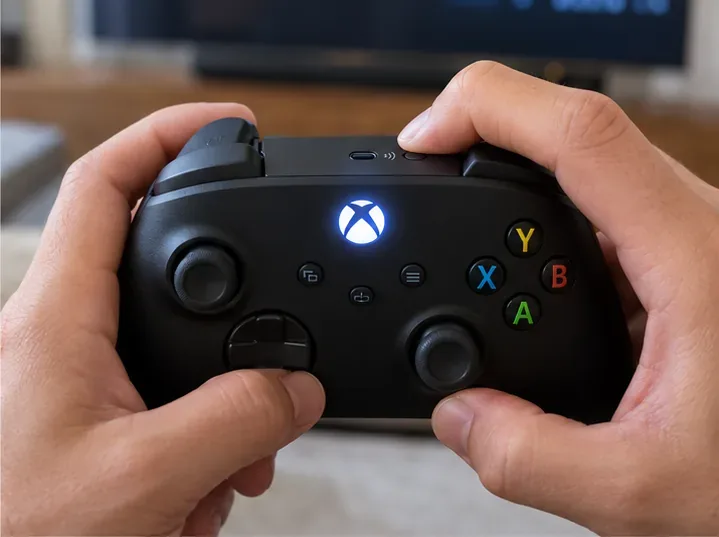
On Google TV, the controller is paired through Settings > Remotes & Accessories, then Pair remote or accessory. If you use a separate streaming box, pair the controller with that box rather than the television unless the app specifically asks you to pair from its own screen.
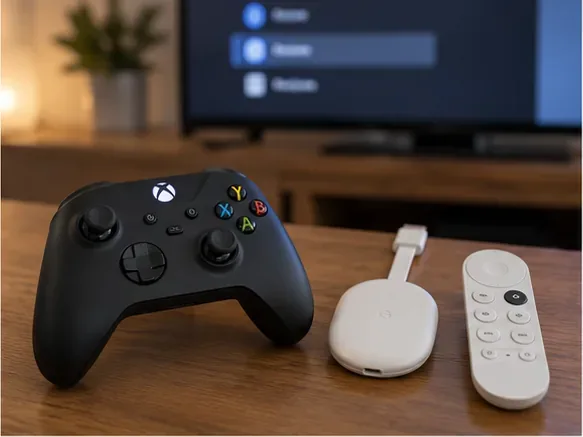
A Bluetooth connection is only the controller link; cloud gaming also requires a supported device, app, account, and network connection. If the Xbox app is available on your TV or Fire TV device, open it and sign in. In the app, use the TV remote to choose the controller icon, select Pair a controller, then choose the Xbox controller. Xbox says a high-speed connection is needed and recommends a wired or 5 GHz Wi-Fi connection; streaming performance still depends on the network, location, device, and game. Game availability and subscription requirements vary by region and plan. See Xbox’s smart-TV controller instructions and tested cloud-gaming controllers.
Do not assume that plugging in an Xbox Wireless Adapter for Windows will add Bluetooth to a TV. That adapter is designed for Windows devices; use the TV or streaming box’s supported Bluetooth pairing option instead.
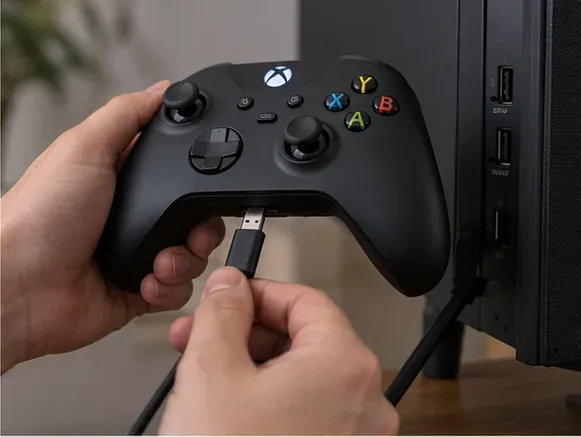
Connect the controller to the TV with a data-capable cable, then launch a supported game or app. Xbox Series X|S controllers use USB-C; many Xbox One controllers use Micro-USB. A charge-only cable will not carry controller input. A TV’s USB port may supply power without recognizing gamepads, so wired play is not guaranteed. If the TV does not list or respond to the controller, consult its manual or pair the controller with a supported streaming device.
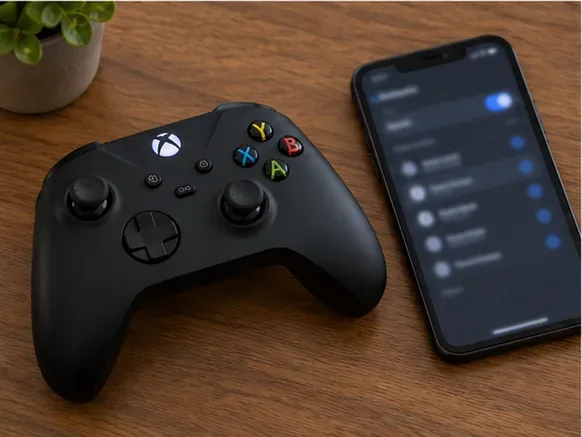
If pairing still fails, update the controller firmware using an Xbox console or the Xbox Accessories app on a supported Windows PC, then retry. For device-specific directions, start with the TV maker’s manual and the official Xbox Bluetooth troubleshooting guide.
Once those four checks are clear, connecting an Xbox controller to a smart TV is usually a short Bluetooth setup. If pairing succeeds but a game ignores the controller, the remaining issue is app or model compatibility—not a failed Bluetooth connection.
Enable PUBG’s network statistics HUD to monitor ping and packet loss in a match. See where to find it, what the numbers mean, and what they cannot diagnose.
Learn how to import VALORANT crosshair codes, compare presets with manual settings and spectator copy, and fix common import issues.
Choose Dota 2 minimap size, hero icons, team colors, and background settings by readability, fewer misclicks, and clear results on your own display.
Fix Fortnite texture pop-in on PC with official steps for GPU drivers, file verification, DirectX 12, high-resolution textures, VRAM, SSDs, and stutter.
Learn what Heroes of the Storm minimap size and position options are verified, improve readability, and choose camera-click controls that suit you.
Set Super Smash Bros. Ultimate Quickplay to prefer hazards-off stages. Follow the Preferred Rules menu steps and learn why matchmaking may not always honor them.
Enable Server Latency and Packet Loss in Warzone to monitor connection quality, read the overlay, and use recurring spikes to guide troubleshooting.
Learn how to carry from mid lane in League of Legends by setting up waves, choosing safe roam windows, reading side lanes, and converting pressure into objectives.
Fix Minecraft Evoker spell problems with a safe vanilla test, version checks, log review, and a step-by-step way to isolate mod or datapack conflicts.
Fix PUBG stuck on Initializing on Steam with a focused checklist for PC service notices, launch options, game files, downloads, and connection issues.








