How to Check Real-Time Server Latency in the PUBG HUD

Enable PUBG’s network statistics HUD to monitor ping and packet loss in a match. See where to find it, what the numbers mean, and what they cannot diagnose.
If you want to browse the web on an Xbox Series X or Series S, Microsoft Edge is the best—and officially documented—browser choice. It comes preinstalled on both consoles, works with an Xbox controller, and supports a USB keyboard and mouse. Microsoft’s Xbox guidance describes Edge as the console browser; it does not present Chrome or Firefox as standard Xbox browser apps. For most players, the useful question is how to make Edge comfortable to use and when a regular Xbox app is a better fit.
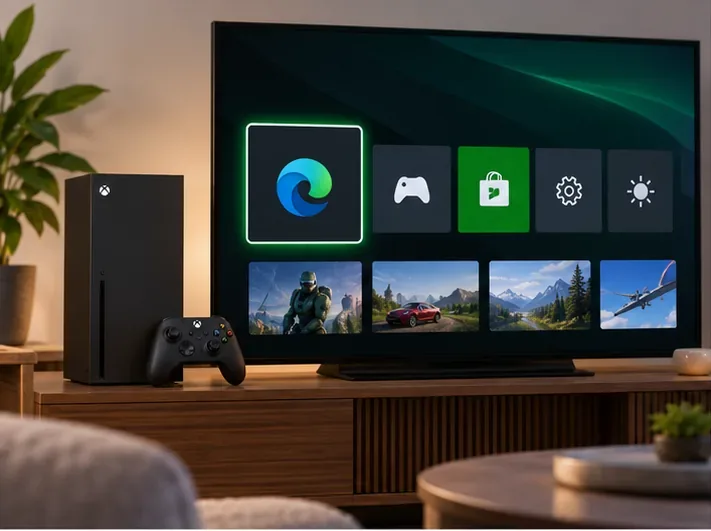
For everyday web access, start with Edge. It is the browser Microsoft includes on Series X|S, and the company documents how to open it and use its controller shortcuts. That makes Edge the straightforward choice for checking a game wiki, reading patch notes, searching a support page, or signing in to a web service on the TV.
| Option | What to expect on Xbox Series X|S | Best for |
|---|---|---|
| Microsoft Edge | Preinstalled console browser with controller and keyboard/mouse guidance from Microsoft. | Web browsing, game guides, and account pages. |
| Chrome or Firefox | Not listed as standard browser apps in Microsoft’s Xbox console instructions. Do not assume a PC download or a desktop installation tutorial will work on a retail Xbox. | Use on a PC, phone, or tablet when you specifically need that browser. |
| Web apps and PWAs | Open the website in Edge. Xbox-specific Microsoft instructions do not promise an “install this site as an app” flow. | Use Edge bookmarks or a service’s official Xbox app where available. |
Older guides sometimes treat desktop Edge features as if they also exist on Xbox. Microsoft’s console-specific instructions do not promise extensions, PWA installation, Picture-in-Picture, vertical tabs, or Sleep Tabs, so don’t choose a browser on the assumption that those features are available on the console. Likewise, a console’s 4K video output does not guarantee that every website will stream video in 4K; playback quality depends on the site and its support for the browser.
Edge on Xbox is based on Chromium, according to Microsoft. More importantly for couch use, Microsoft documents dedicated gamepad shortcuts instead of requiring a keyboard for every action. Use the controller for quick lookups and keep a keyboard nearby for long searches, password entry, or forms.
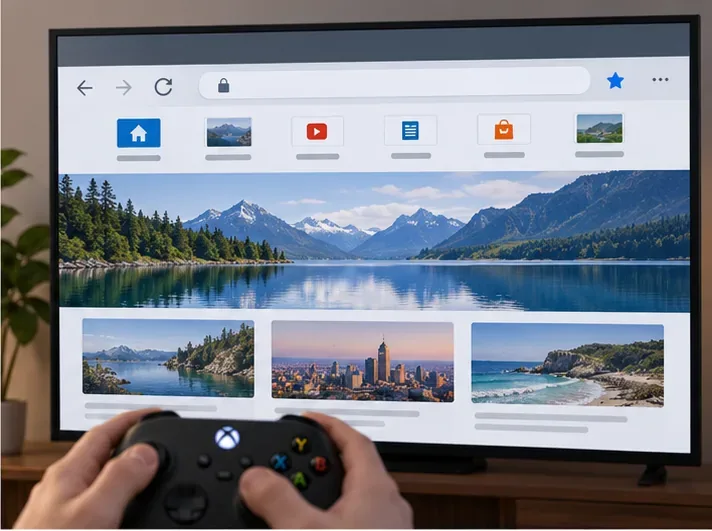
| Controller input | Browser action |
|---|---|
| B | Go back to the previous page. |
| X | Open a new tab. |
| Y | Open browsing history. |
| View | Open the address bar. |
| Left stick / right stick | Scroll / zoom. |
| Left and right bumpers | Move between tabs. |
Button behavior can change with software updates, and websites may have controls that are awkward with a gamepad. If a page has tiny links, complex menus, or a long form, a mouse and keyboard are usually easier than repeatedly moving a pointer with the controller.
These steps follow Microsoft’s published Xbox Edge guidance. If Edge is missing from the Apps list, check that the console is online and up to date, then look in the Microsoft Store or Xbox support pages for current availability in your region.
If you already use Edge on a PC, Microsoft says you can turn on sync from the profile control beside the address bar on Xbox. Sign in with your Microsoft account, choose Turn on Sync, and then select which data to sync in Edge on your other devices. Microsoft lists browsing history, bookmarks, and passwords among the data that can sync.
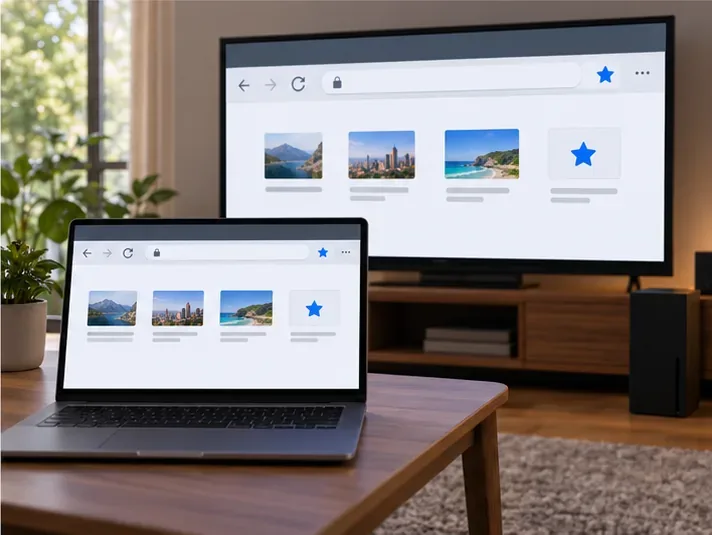
Sync is optional. On a shared console, review the selected data before enabling it and consider whether you want browser passwords or history available on that Xbox profile. You can also keep browsing local to the console and skip cross-device sync.
Edge is convenient for websites, but it is not a replacement for every console app. If you mainly want to watch a streaming service, listen to music, or use a platform feature, check whether that service has an Xbox app. A native app may have a better TV interface, controller navigation, and supported playback options. For research, FAQs, game databases, and web-only tools, Edge is the more flexible choice.
Do not expect browser tabs to behave like a PC multitasking setup while a game runs. Use Edge when you are actively browsing, and return to the game when you are ready to play. Website sign-in flows and media playback can vary, so a page that works well on a computer may still be inconvenient on a console.
Yes. Microsoft says Edge is preinstalled on both Series X and Series S. Open it from My Games & Apps > Apps.
Microsoft’s standard Xbox browsing instructions point to Edge, and do not document Chrome or Firefox as console browser apps. If you need one of those browsers, use a PC or mobile device rather than relying on unofficial installation workarounds.
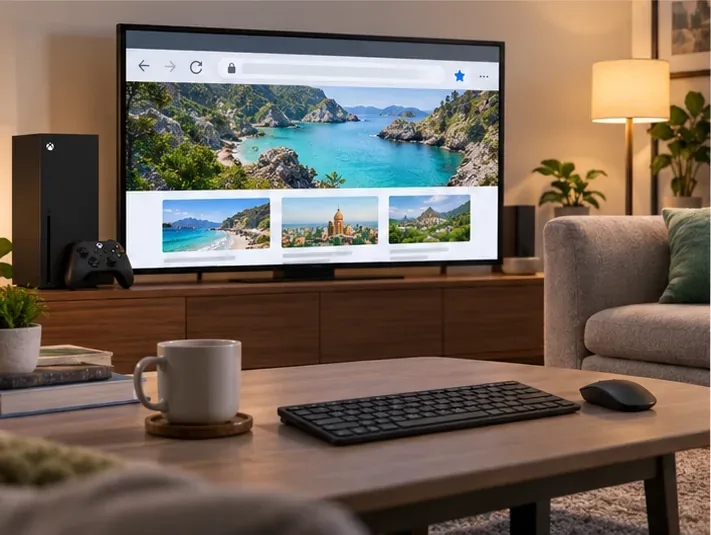
Yes. Microsoft’s Edge-on-Xbox instructions say you can plug a keyboard and mouse into the console’s USB port. The controller remains useful for quick navigation, while a keyboard is more comfortable for typing.
Microsoft’s Xbox-specific Edge guide does not document PWA installation or a site-to-app install menu. Open the site in Edge, and use the service’s official Xbox app if you need an app-style experience.
Verdict: Microsoft Edge is the best web browser for Xbox Series X and Series S because it is built in and designed for controller-based browsing. Use its documented shortcuts for quick searches, connect a keyboard and mouse for longer typing, and choose an Xbox app when a service offers one.
Enable PUBG’s network statistics HUD to monitor ping and packet loss in a match. See where to find it, what the numbers mean, and what they cannot diagnose.
Learn how to import VALORANT crosshair codes, compare presets with manual settings and spectator copy, and fix common import issues.
Choose Dota 2 minimap size, hero icons, team colors, and background settings by readability, fewer misclicks, and clear results on your own display.
Fix Fortnite texture pop-in on PC with official steps for GPU drivers, file verification, DirectX 12, high-resolution textures, VRAM, SSDs, and stutter.
Learn what Heroes of the Storm minimap size and position options are verified, improve readability, and choose camera-click controls that suit you.
Set Super Smash Bros. Ultimate Quickplay to prefer hazards-off stages. Follow the Preferred Rules menu steps and learn why matchmaking may not always honor them.
Enable Server Latency and Packet Loss in Warzone to monitor connection quality, read the overlay, and use recurring spikes to guide troubleshooting.
Learn how to carry from mid lane in League of Legends by setting up waves, choosing safe roam windows, reading side lanes, and converting pressure into objectives.
Fix Minecraft Evoker spell problems with a safe vanilla test, version checks, log review, and a step-by-step way to isolate mod or datapack conflicts.
Fix PUBG stuck on Initializing on Steam with a focused checklist for PC service notices, launch options, game files, downloads, and connection issues.








