How to Check Real-Time Server Latency in the PUBG HUD

Enable PUBG’s network statistics HUD to monitor ping and packet loss in a match. See where to find it, what the numbers mean, and what they cannot diagnose.
To use an Xbox controller on Steam, connect it to your PC by USB, Bluetooth, or the Xbox Wireless Adapter, then confirm that Steam detects it under Steam > Settings > Controller. Most games with gamepad support work with the default setup. Use Steam Input when you need to remap controls or a particular game does not recognize the controller.
This guide focuses on Steam on Windows. The exact labels and layout can vary slightly by Steam client version. The software screens below are illustrative, not captured screenshots.
Steam Input lists Xbox 360 and Xbox One controllers among its supported devices, and Steam supports a wide range of gamepads. The cable and wireless options depend on your controller model:
| Connection | What you need | Useful note |
|---|---|---|
| USB | A data-capable cable that fits the controller | Usually the simplest way to confirm that the controller and game work. |
| Bluetooth | A Bluetooth-capable Xbox controller and Bluetooth on the PC | Some older Xbox One controllers do not have Bluetooth. If yours is not discoverable, try USB or an Xbox Wireless Adapter. |
| Xbox Wireless Adapter | The official adapter for Windows and a compatible controller | A separate wireless option when Bluetooth is unavailable or unsuitable. |
USB connectors vary: newer Xbox Wireless Controllers use USB-C, while older models may use Micro-USB. A wireless Xbox 360 controller does not pair over Bluetooth; use its compatible Xbox 360 Wireless Receiver. Steam's supported controller list and Xbox's PC connection guide explain the supported paths.
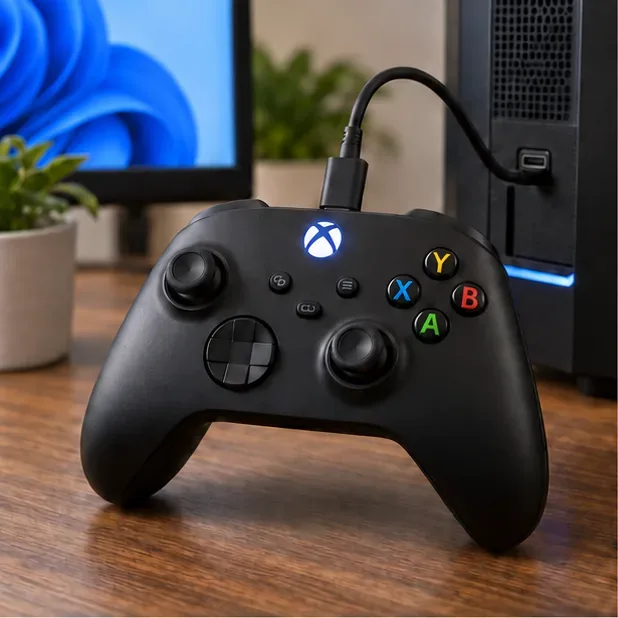
Windows 10 uses a different Settings path, and its support ended on October 14, 2025. Microsoft documents the current pairing flow in its Bluetooth pairing instructions; Xbox has a separate Bluetooth troubleshooting guide.
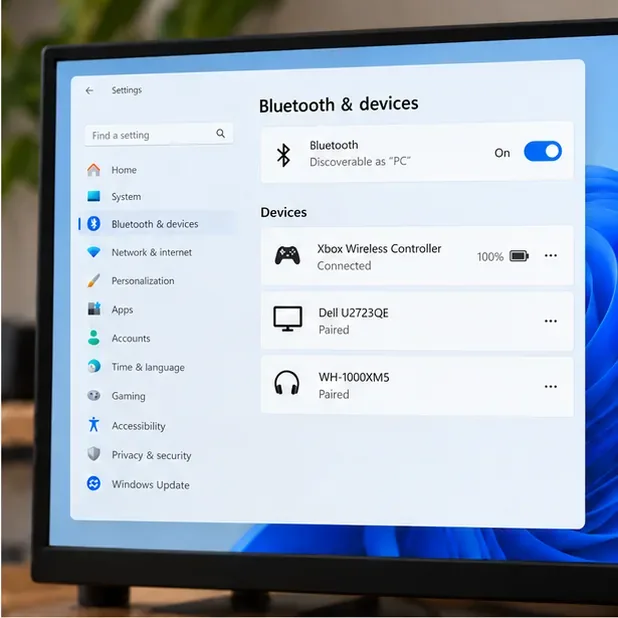
If Windows lists the controller but Steam does not, disconnect and reconnect it, then restart Steam. For a wired setup, try a different data-capable cable. You can also review Valve's Steam Input getting-started guide for the controller settings and per-game configuration flow.
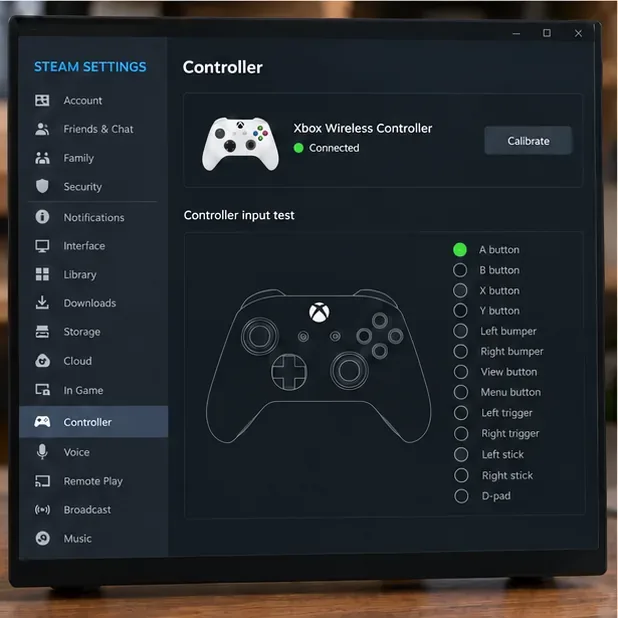
First launch a game that supports a standard controller. If the buttons work, you can keep the default settings. Steam Input is useful when you want a different button layout, need a community configuration, or the game does not recognize the controller correctly.
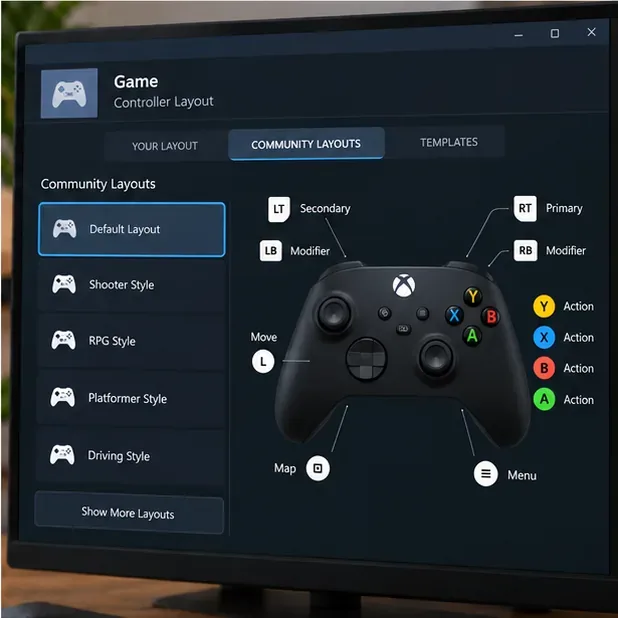
For a clean setup, change one option at a time and test again. A community layout can be helpful, but it may have been made for a different game version or play style. Standard Xbox controllers also do not have a gyro sensor, so Steam Input cannot provide built-in gyro aiming on these models.
Microsoft's Xbox Accessories app guide describes its controller features, and its firmware troubleshooting page explains how to check for an update.
Once these checks pass, your Xbox controller on Steam is ready for the game. Keep Steam Input at the default for titles that already work, and use per-game overrides when a specific title needs remapping or troubleshooting.
Enable PUBG’s network statistics HUD to monitor ping and packet loss in a match. See where to find it, what the numbers mean, and what they cannot diagnose.
Learn how to import VALORANT crosshair codes, compare presets with manual settings and spectator copy, and fix common import issues.
Choose Dota 2 minimap size, hero icons, team colors, and background settings by readability, fewer misclicks, and clear results on your own display.
Fix Fortnite texture pop-in on PC with official steps for GPU drivers, file verification, DirectX 12, high-resolution textures, VRAM, SSDs, and stutter.
Learn what Heroes of the Storm minimap size and position options are verified, improve readability, and choose camera-click controls that suit you.
Set Super Smash Bros. Ultimate Quickplay to prefer hazards-off stages. Follow the Preferred Rules menu steps and learn why matchmaking may not always honor them.
Enable Server Latency and Packet Loss in Warzone to monitor connection quality, read the overlay, and use recurring spikes to guide troubleshooting.
Learn how to carry from mid lane in League of Legends by setting up waves, choosing safe roam windows, reading side lanes, and converting pressure into objectives.
Fix Minecraft Evoker spell problems with a safe vanilla test, version checks, log review, and a step-by-step way to isolate mod or datapack conflicts.
Fix PUBG stuck on Initializing on Steam with a focused checklist for PC service notices, launch options, game files, downloads, and connection issues.








