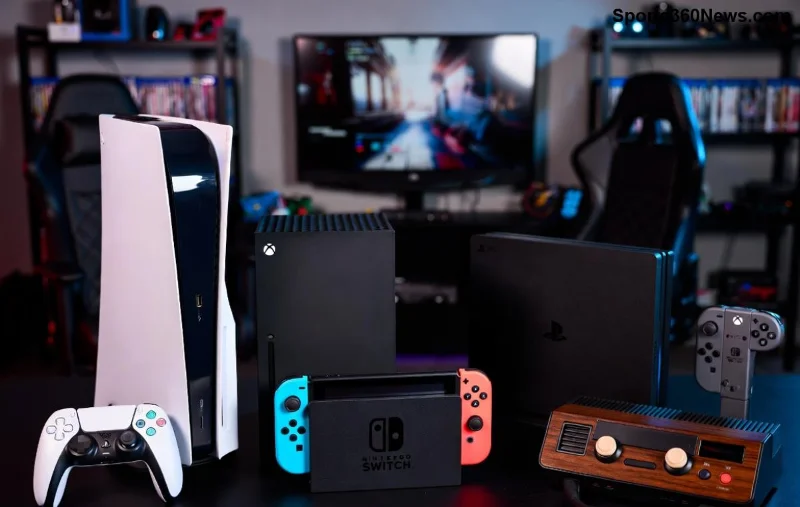
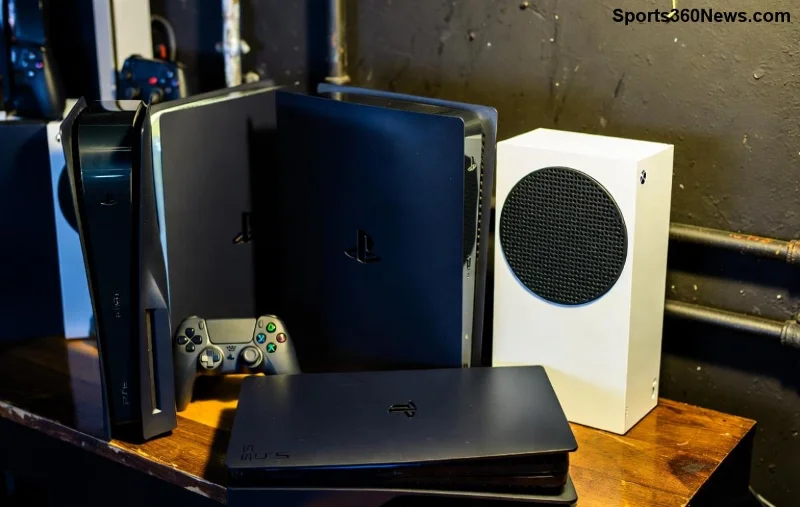
Are you gearing up for your next gaming adventure? In the fierce world of consoles, PlayStation stands tall as the undisputed champion. Whether you're a hardcore gamer chasing heart-pounding exclusives or a casual player seeking seamless fun, the PS5 lineup delivers unmatched thrills. 🎮 This guide dives straight into the top reasons to choose PlayStation for your next console, packed with the latest features that make it a no-brainer. Let's level up!
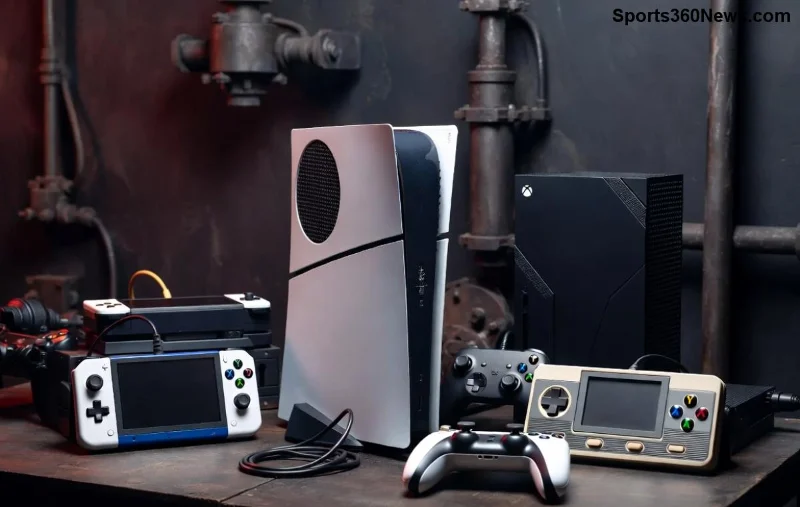
⭐ 1. Unrivaled PlayStation Exclusives That Define Gaming
Nothing screams "must-have console" like games you can't play anywhere else. PlayStation boasts a library of blockbusters like God of War Ragnarök, Marvel's Spider-Man 2, and the epic The Last of Us series. These titles aren't just games—they're cinematic masterpieces with storytelling that grips your soul. Imagine swinging through New York as Spider-Man with jaw-dropping visuals. Recent hits like Astro Bot prove Sony's commitment to pure joy. No other console matches this exclusive firepower.
⭐ 2. Blazing-Fast Performance with Latest SSD Tech
The PS5's custom SSD is a game-changer, slashing load times to seconds. Say goodbye to endless waiting—dive into worlds instantly. Paired with ray-tracing for hyper-realistic lighting and shadows, it supports 4K at 120fps on compatible TVs. The latest PS5 Pro amps this up with AI-enhanced upscaling, making every frame buttery smooth. For gamers craving immersion, this raw power is addictive. 🚀
⭐ 3. Revolutionary DualSense Controller
Hold the DualSense and feel every raindrop, footstep, or explosion. Haptic feedback and adaptive triggers create sensory magic that pulls you deeper into the game. It's not just a controller; it's an extension of your hands. Titles like Returnal and Gran Turismo 7 showcase its genius. Competitors can't touch this level of immersion—your palms will thank you!
![DualSense controller highlighting haptic feedback features]()
⭐ 4. Seamless Backward Compatibility
Own a treasure trove of PS4 games? They're all playable on PS5 with boosts like higher framerates. Thousands of titles from past gens work flawlessly, preserving your legacy library. This future-proofs your investment—no need to ditch favorites like Bloodborne or Persona 5. It's gamer-friendly continuity at its best.
⭐ 5. PS Plus – The Ultimate Gaming Subscription
PlayStation Plus elevates online play with free monthly games, exclusive discounts, and cloud saves. The Premium tier unlocks classics via streaming. Compare it side-by-side:
| Feature |
PS Plus Premium |
Competitors |
| Monthly Free Games |
✅ Up to 3 + Classics |
Limited |
| Cloud Streaming |
✅ PS3/PS2/PS1 |
Partial |
| Online Multiplayer |
✅ Essential |
Extra Cost |
It's value that keeps gamers subscribed year after year. Check PS Plus details for the full perks.
⭐ 6. Superior Hardware and Build Quality
The PS5 Slim and Pro models are sleek powerhouses with whisper-quiet fans and efficient cooling. CPU/GPU specs crush demanding titles effortlessly. Tempest 3D Audio delivers soundscapes that surround you—perfect for headphones or speakers. Built to last, it's the console that grows with you.
⭐ 7. Thrilling VR Experiences
With PSVR2, step into virtual realms like never before. Eye-tracking, foveated rendering, and haptic feedback make games like Horizon Call of the Mountain mind-blowing. Sony leads in accessible, high-fidelity VR—no PC required. Future titles promise even more wow moments. 😎
![PS5 Pro showcasing advanced graphics and performance]()
⭐ 8. Massive Online Community and Events
Join millions in PlayStation Network for parties, share clips via Share button, and dive into live State of Play showcases. Tournaments and betas keep the hype alive. It's a vibrant ecosystem where friendships form over epic raids.
⭐ 9. Incredible Value for Money
Priced competitively, PS5 bundles offer consoles, games, and subs at steals. Frequent sales on PS Store mean more bang for your buck. Long-term, exclusives and services make it the smartest buy. Why settle for less?
⭐ 10. Future-Proof Innovation
Sony's roadmap teases cloud gaming expansions and next-gen teases. The PS5 Pro already handles 8K previews and enhanced AI. PlayStation evolves, ensuring your console stays cutting-edge. Ready for tomorrow's hits today!
From heart-racing exclusives to tech that redefines play, these are the top reasons to choose PlayStation for your next console. Don't just game—dominate. Grab your PS5 now and join the elite. What's your first exclusive? Drop thoughts below! 👇