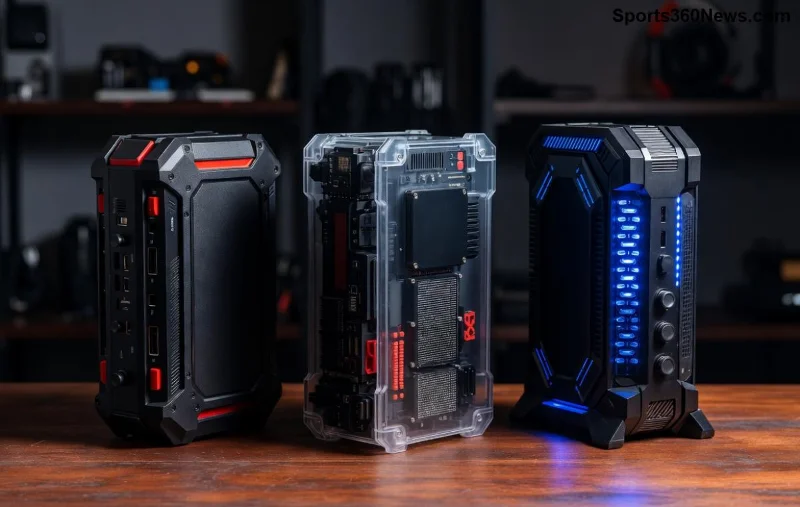
🚀 Gamers, your PS5 deserves the best upgrades in 2026. These top 10 must-have PlayStation 5 accessories aren't just add-ons—they're game-changers that amp up immersion, comfort, and performance. Whether you're battling in God of War or racing in Gran Turismo, this curated list delivers PS5 accessories to make every session legendary. Let's dive in and supercharge your setup!
⭐ 1. DualSense Edge Wireless Controller
The king of PS5 controllers, the DualSense Edge is a pro-grade powerhouse. Customizable back paddles, swappable stick modules, and adjustable triggers let you tailor it to your playstyle. No more stick drift woes—it's built to last through marathons. Priced around $200, it's essential for competitive edges in FIFA or Call of Duty. Why must-have? Precision that feels like cheating. 👆
2. Pulse Elite Wireless Headset
Immerse in 3D audio with the Pulse Elite, Sony's latest PS5 headset. Planar magnetic drivers deliver crystal-clear sound, while the retractable mic ensures squad comms are flawless. Up to 30 hours battery life means non-stop sessions. Comfortable for hours, it's perfect for horror thrills in Resident Evil. Gamers rave about its noise-canceling magic—your ears will thank you! 🎧
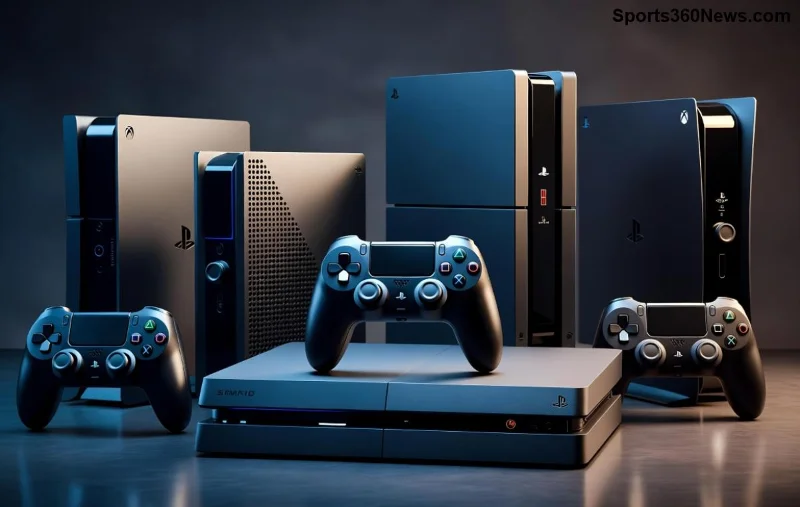
3. PS5 Vertical Stand with Cooling
Keep your console cool and organized with this official PS5 stand. It supports vertical orientation, built-in fan vents airflow, and holds discs/games securely. In 2026's high-demand titles, overheating is the enemy—this accessory prevents throttling. Sleek design matches your setup. Affordable at $30, it's a no-brainer for space-saving warriors. 🆙
4. Seagate Storage Expansion Card (2TB)
Running out of space? The PS5 SSD expansion like Seagate's 2TB card slots right in, adding lightning-fast storage for 50+ AAA games. Seamless integration with PS5's M.2 tech—no slowdowns. Install in minutes for PS5 accessories that future-proof your library. Check compatibility on PlayStation's official site. Storage stress? Gone forever! 💾
5. DualSense Charging Station
Never game without a charged controller. This compact dock charges two DualSense pads simultaneously via USB-C. Magnetic alignment and LED indicators make it effortless. In multiplayer nights, it's a lifesaver. At $30, it's one of the smartest must-have PS5 accessories. Charge while you play—pure convenience! 🔋
6. PlayStation VR2 Sense Controllers
VR enthusiasts, rejoice! PlayStation VR2 accessories bring haptic feedback and eye-tracking to life in Horizon Call of the Mountain. Adaptive triggers mimic real-world actions. Full-body immersion elevates PS5 to new dimensions. Bundle deals make it accessible—step into virtual worlds that feel real. 😎
7. Media Remote for PS5
Stream Netflix or Disney+ effortlessly with this slim PS5 media remote. IR blaster controls your TV, voice search via mic, and dedicated buttons for quick access. Perfect for couch potatoes who game and binge. Under $30, it bridges console and entertainment seamlessly. Media mastery unlocked! 📺
![Premium PS5 accessories like SSDs, stands, and VR gear on display]()
8. Hori Apex Flight Stick
Flight sim fans, the Hori Apex delivers authentic HOTAS controls for Star Wars Squadrons. Hall-effect sensors ensure precision, with customizable buttons. PS5-native compatibility shines in 2026 sims. Durable build for long hauls—pilot like a pro! ✈️
9. PDP Victrix Pro BFG Controller
Modular mayhem! The Victrix Pro BFG lets you swap fight pad, D-pad, or sticks for fighting games like Street Fighter 6. Six remappable buttons and tournament-ready. Ergonomic for endless combos. A PS5 accessories gem for genre masters. 🥊
✅ 10. Elgato HD60 X Capture Card
Stream or record in 4K with this PS5 capture card. Zero-lag passthrough, OBS integration, and compact design. Share your godlike plays on Twitch. Essential for content creators in 2026's streaming boom. Clap for your highlights! 👏
Quick Comparison: Top PS5 Accessories Specs
| Accessory |
Price (USD) |
Key Feature |
Best For |
| DualSense Edge | ~200 | Customizable modules | Competitive play |
| Pulse Elite Headset | ~150 | 3D Audio | Immersion |
| PS5 Stand | ~30 | Cooling vents | Organization |
| Seagate 2TB SSD | ~200 | M.2 Expansion | Storage |
| Charging Station | ~30 | Dual charge | Convenience |
These top 10 must-have PlayStation 5 accessories in 2026 turn your console into a beast. Prioritize based on your genre—controllers for fighters, VR for explorers. Ready to upgrade? Your next victory awaits. Which one's going in your cart first? Drop a comment and share! 🎮
Sources: Official PlayStation specs and reviews from IGN & Polygon (2026 updates).