How to Import Custom Crosshair Codes in VALORANT: Steps, Options, and Fixes

Learn how to import VALORANT crosshair codes, compare presets with manual settings and spectator copy, and fix common import issues.
If you want a new console from a dependable U.S. seller, start with PlayStation Direct, then compare pickup, delivery, bundles, and seller details at major retailers. The best places to buy a PlayStation 5 in 2026 are the stores below, but there is no reliable nationwide “instant stock” guarantee: inventory and checkout prices can change by ZIP code, model, and seller. This guide was checked October 17, 2026. Use the official price list as a reference, then confirm the live listing before paying.
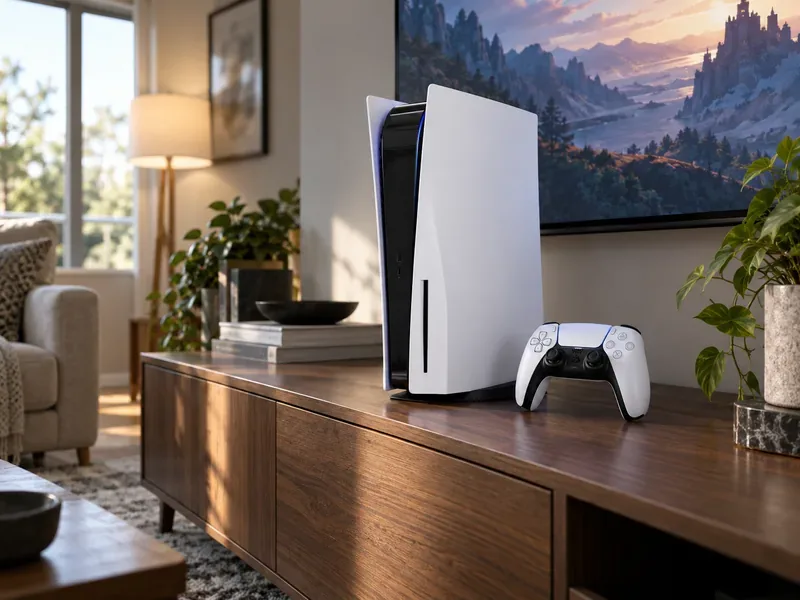
Sony's U.S. recommended retail prices, effective April 2, 2026, are $649.99 for PS5, $599.99 for PS5 Digital Edition, and $899.99 for PS5 Pro. These are reference prices before tax, not a promise that every retailer has that model in stock or sells it at MSRP. See Sony's 2026 U.S. PS5 price update and PlayStation Direct's current console listings.
| Model | 2026 U.S. reference price | Best fit |
|---|---|---|
| PS5 with disc drive | $649.99 | Physical games, used discs, and 4K Blu-ray movies |
| PS5 Digital Edition | $599.99 | Players who buy and download games digitally |
| PS5 Pro | $899.99 | Players prioritizing enhanced visuals in supported games |
The Pro is an all-digital console and does not include a disc drive. If you want to use physical games, check the cost and compatibility of the separately sold drive before comparing it with a standard disc model. The official PS5 Pro listing describes its drive setup. For a bundle, add up the console, included game or controller, delivery, tax, and any membership fee; a large crossed-out “bundle value” is not automatically a saving.
| Retailer | Best for | Check before checkout |
|---|---|---|
| 1. PlayStation Direct | Buying from Sony | Model, bundle, and trade-in terms |
| 2. Amazon | Comparing multiple listings | Who sells and ships the console |
| 3. Best Buy | Local pickup and condition filters | Store-level pickup and open-box terms |
| 4. Walmart | Broad online selection | Marketplace seller and item condition |
| 5. GameStop | Trade-ins and pre-owned options | Condition, trade value, and return terms |
| 6. Target | Pickup or same-day options where offered | ZIP-code availability and Circle offer terms |
| 7. Newegg | Tech-focused listings and bundles | Seller, shipping, and return policy |
| 8. Costco | Member bundles | Membership cost and bundle contents |
| 9. Sam's Club | Member pricing and pickup/delivery | Local availability and member terms |
| 10. Micro Center | Checking nearby-store inventory | Confirm stock before driving |
Sony's official store is the cleanest first stop for current console models, bundles, and certified-refurbished listings when offered. It makes it easier to confirm which model you are buying. Compare its checkout total and terms with other stores; buying direct does not mean every item is discounted or immediately available.
Amazon's PlayStation 5 category can show several models and bundle configurations together. Read the full listing and confirm the seller and shipper, whether the console is new or renewed, and who handles returns. Prime shipping or a low headline price should not replace those checks.
Best Buy's PS5 listings offer filters for pickup, shipping, new, open-box, and refurbished products. It is a useful choice if you want to collect locally or compare condition options. Pickup depends on the selected store, so verify the item is reserved and ready before making a special trip.
Walmart's PS5 category includes different conditions and third-party marketplace offers alongside retailer listings. Check “sold by” and “shipped by,” storage capacity, included accessories, and whether the product is new, restored, or used. Compare the exact model with Sony's reference price to spot inflated bundles.
GameStop is worth checking if you have a console to trade or are considering pre-owned and refurbished stock. Ask how the trade-in value is calculated and verify the condition grade, included controller, warranty, and return window. Treat trade credit as a separate value from the cash price so you can compare offers fairly.
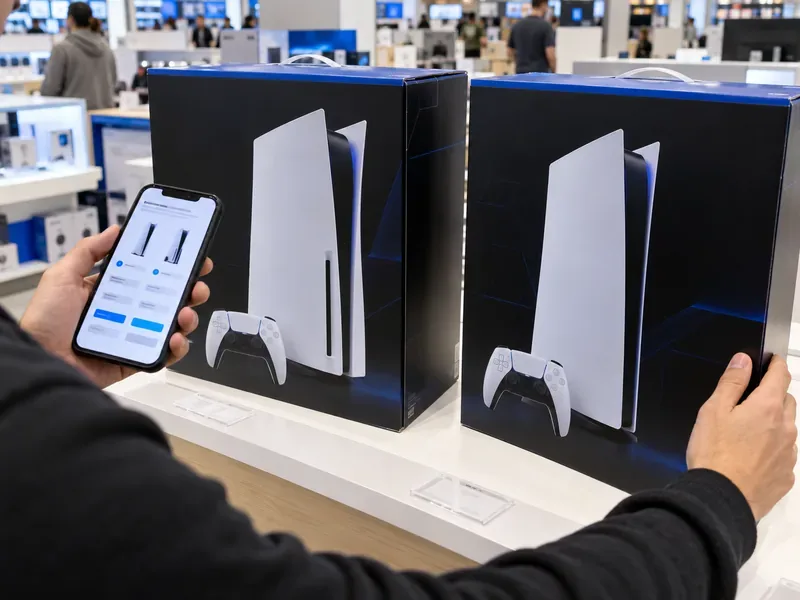
Target's PS5 console page can show shipping, store pickup, or same-day delivery options depending on your location. Check the offer in your local store view and read the terms of any Target Circle promotion; discounts are not universal and may exclude some bundles.
Newegg's PlayStation listings are another place to compare console configurations and related hardware. Listings can have different sellers and shipping terms, so verify who fulfills the order and how returns work. Compare bundle contents item by item instead of assuming an added accessory lowers the total cost.
Costco sometimes lists PS5 console bundles. The value depends on whether you will use every included item and already have a membership. Online and warehouse availability can differ, so check your local options and the bundle's exact contents before heading out.
Sam's Club lists PS5 consoles and may offer shipping or pickup for eligible products. Confirm whether the price is member-only, whether the item is available in your area, and whether a bundle adds accessories you actually want. Membership savings only make sense if they outweigh the annual cost for your shopping habits.
Micro Center's PlayStation inventory search is most useful if you live near one of its stores. Stock can be store-specific, and an old product page may remain visible after an item is no longer carried. Check the selected location's live status or call the store before making the drive.
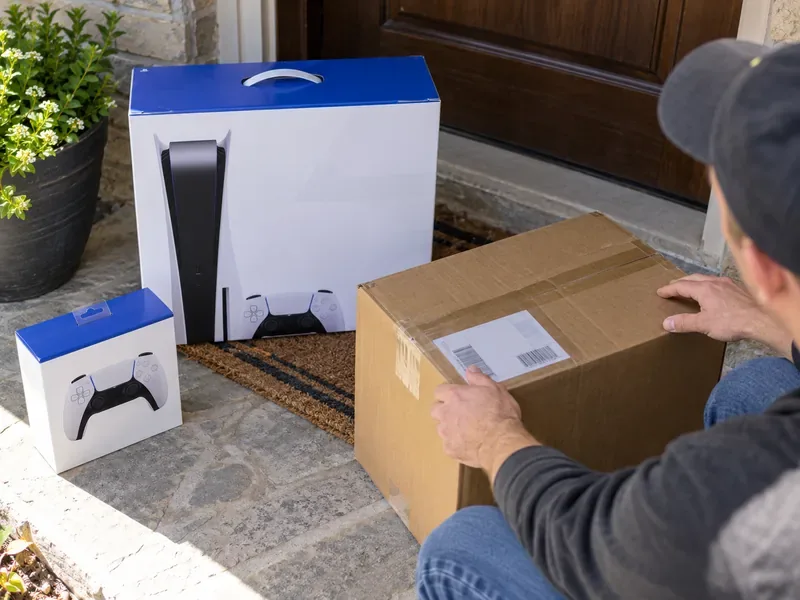
They can have used consoles, but the lower price may come with more risk than buying from a retailer. Before paying, read the marketplace's protection and refund rules for that exact seller and listing, request clear photos of the actual console, and use a payment method with buyer protections. The U.S. Federal Trade Commission advises shoppers to check seller terms and ratings, be wary of prices that are far below normal, and avoid payment methods that are hard to reverse. See the FTC's online marketplace buying guidance. Do not pay outside the platform to “secure” a deal.
Start with PlayStation Direct to check the current official lineup and reference price. Then compare Best Buy or Target if local pickup matters, and check Amazon, Walmart, GameStop, Newegg, Costco, Sam's Club, or Micro Center for the exact model and a better total. Skip a listing if the seller, condition, warranty coverage, or return terms are unclear. That approach is more dependable than chasing a supposed PS5 deal or stock alert without checking what is actually in the cart.
Learn how to import VALORANT crosshair codes, compare presets with manual settings and spectator copy, and fix common import issues.
Choose Dota 2 minimap size, hero icons, team colors, and background settings by readability, fewer misclicks, and clear results on your own display.
Fix Fortnite texture pop-in on PC with official steps for GPU drivers, file verification, DirectX 12, high-resolution textures, VRAM, SSDs, and stutter.
Learn what Heroes of the Storm minimap size and position options are verified, improve readability, and choose camera-click controls that suit you.
Set Super Smash Bros. Ultimate Quickplay to prefer hazards-off stages. Follow the Preferred Rules menu steps and learn why matchmaking may not always honor them.
Enable Server Latency and Packet Loss in Warzone to monitor connection quality, read the overlay, and use recurring spikes to guide troubleshooting.
Learn how to carry from mid lane in League of Legends by setting up waves, choosing safe roam windows, reading side lanes, and converting pressure into objectives.
Fix Minecraft Evoker spell problems with a safe vanilla test, version checks, log review, and a step-by-step way to isolate mod or datapack conflicts.
Fix PUBG stuck on Initializing on Steam with a focused checklist for PC service notices, launch options, game files, downloads, and connection issues.
Fix Brawl Stars stuck at 92% loading with an ordered checklist for service notices, network tests, safe updates, Android cache, and account-safe reinstalling.








