The easiest raid to farm in Blox Fruits is the Ice raid at Snow Mountain, and once you know the requirements and the route it becomes one of the most reliable ways to earn Fragments and fruit XP. This guide walks you through why the Ice raid wins, what you need to bring, where to start it, how to clear the waves, and how to repeat the loop efficiently.
Raids in Blox Fruits are short, wave-based challenges that reward you with Fragments and a big chunk of fruit XP for the Blox Fruit you have equipped. That XP is what powers fruit awakenings, so raids are the standard endgame loop for upgrading your moveset. The Ice raid stands out because its enemies are weak, the course is quick, and you can rerun it back to back.
What you need before you start
- A character around level 850+ so the raid enemies go down quickly and you survive comfortably.
- Decent gear — a strong Blox Fruit, sword, or gun to clear each wave fast.
- A Microphone, the reusable item that lets you start a raid. You buy it once from the in-game NPC.
- Some Fragments to pay the small starting cost each time you queue a raid.
How to farm the easiest raid in Blox Fruits
-
Step 1: Pick the Ice raid
When you are deciding which raid to grind, the Ice raid is the clear winner for ease. Its enemies are low level, the layout is short, and it pays out steady Fragments. Other raids such as the Flame raid are doable but tougher, and later-sea raids ramp up the difficulty. For pure farming efficiency, stick with Ice.
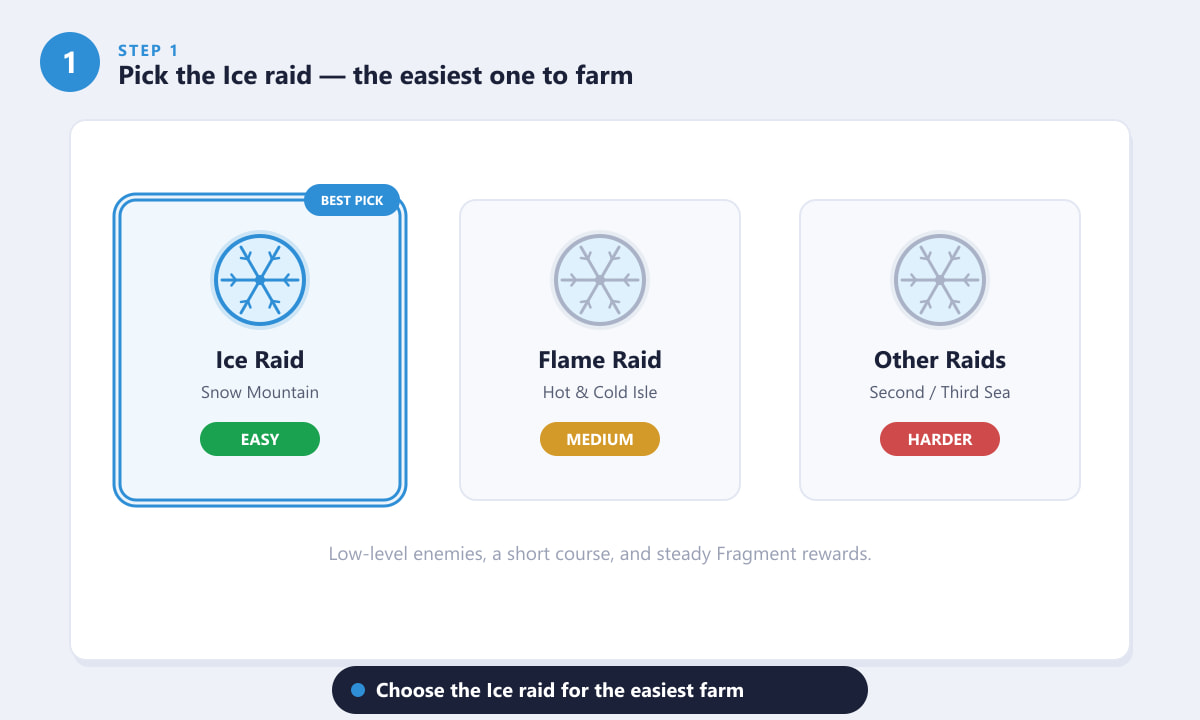
The Ice raid beats the alternatives on difficulty, speed, and reward consistency. -
Step 2: Meet the requirements and grab a Microphone
Before you queue, make sure you meet the basics: a solid level, capable gear, and enough Fragments for the entry fee. The most important one-time purchase is the Microphone — you cannot start a raid without it. The good news is that it is reusable, so you only ever buy it once.
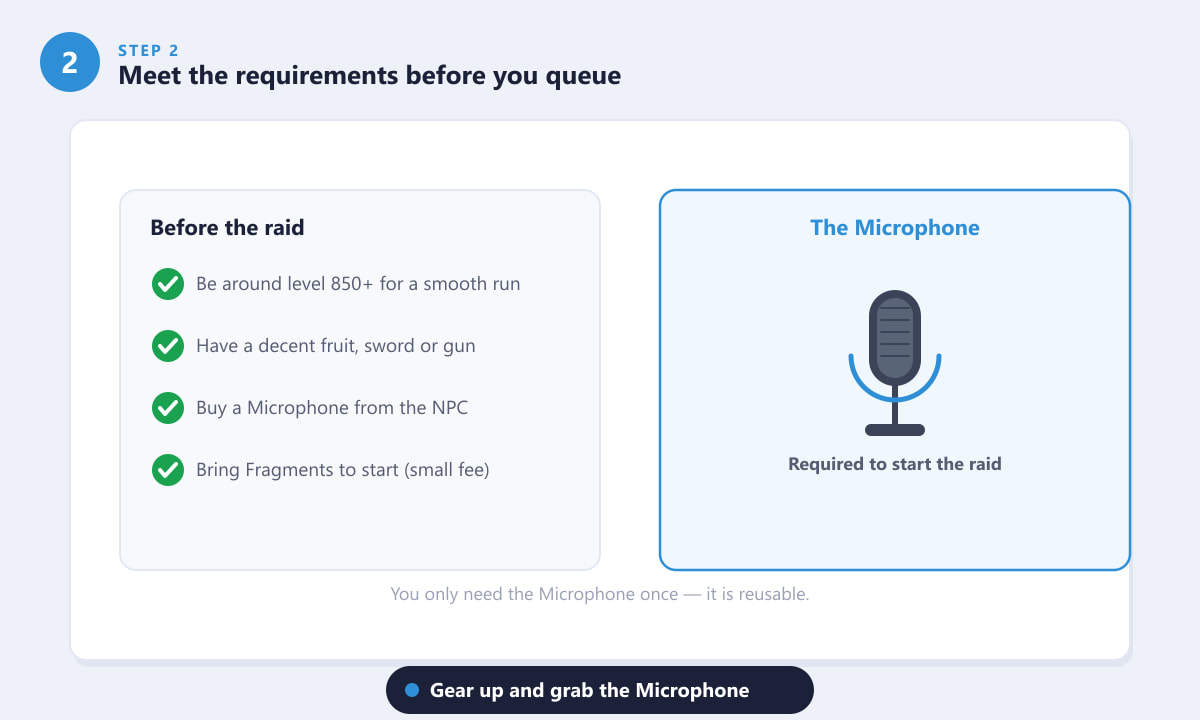
Tick off the checklist and keep the Microphone in your inventory for every run. -
Step 3: Travel to Snow Mountain and start the raid
Head to the Snow Mountain area and find the raid NPC. Interact with it, choose the Ice raid, and confirm to spend a few Fragments to begin. You will be teleported into the raid arena where the first wave spawns. If you are playing in a server with friends, you can run it as a team for even faster clears.
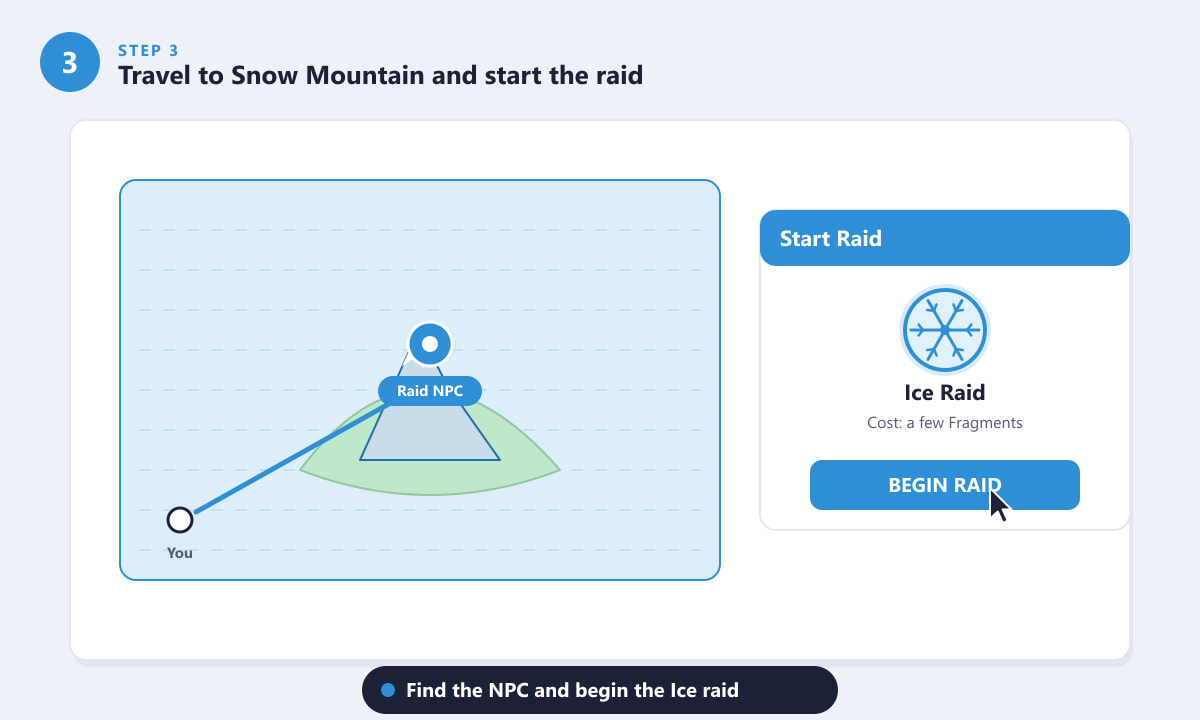
Locate the raid NPC, select the Ice raid, and press Begin Raid. -
Step 4: Clear the waves and beat the boss
The raid plays out as a series of waves of enemies, capped off by a boss at the end. Because the Ice raid enemies are low level, a strong fruit, sword, or gun melts each wave in seconds. Keep moving, use your area-of-effect moves on grouped enemies, and save a burst of damage for the boss. Finish before the timer runs out to count the raid as a success.
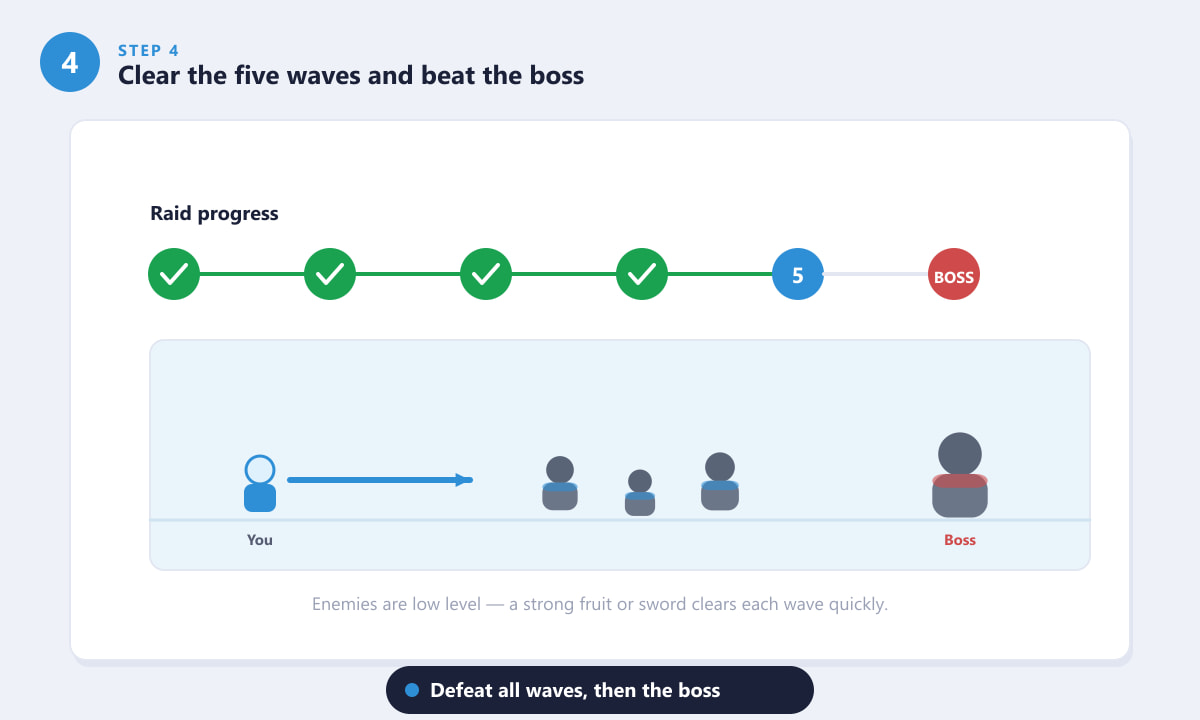
Work through all the waves, then take down the boss to complete the raid. -
Step 5: Collect your rewards and repeat
On completion you receive Fragments to spend on gear and upgrades, plus a generous helping of fruit XP for the fruit you had equipped — exactly what you need to push toward awakenings. From there, just head back to the NPC and re-queue. The short run time is what makes the Ice raid such a strong farm; you can chain it repeatedly without burning out.
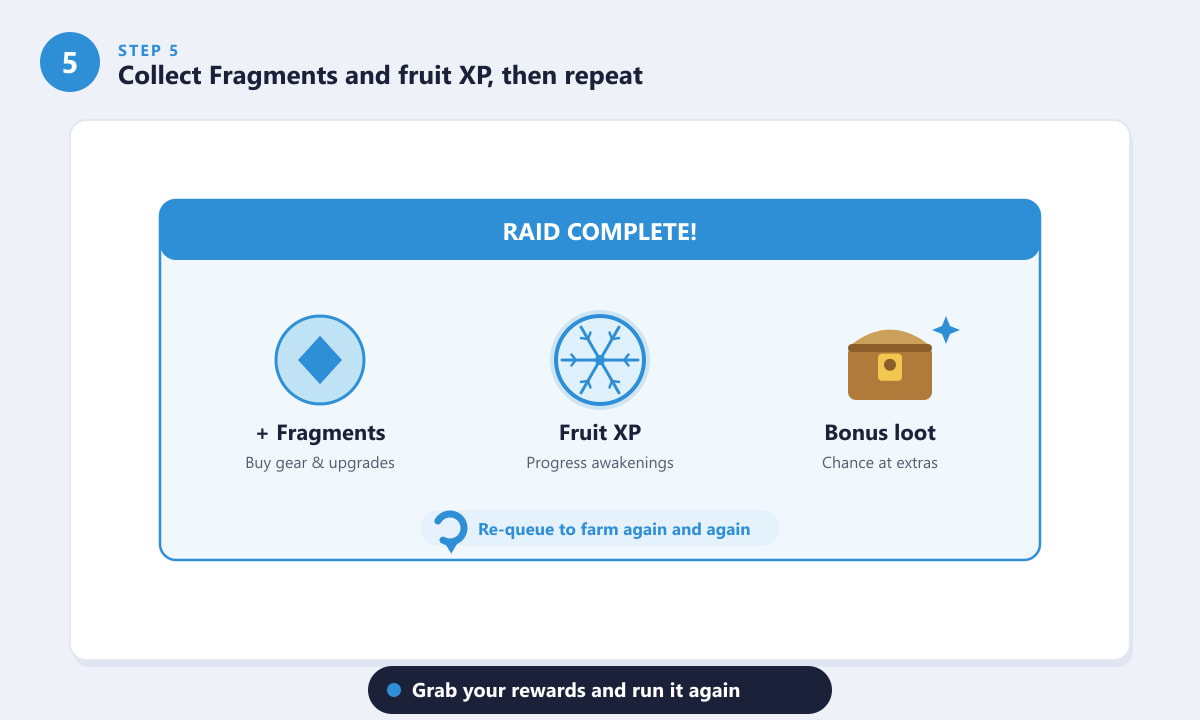
Collect Fragments and fruit XP, then run the raid again to keep farming.
Tips to farm raids faster
- Equip the fruit you want to awaken. Raid XP goes to your currently equipped Blox Fruit, so always have the right fruit on before you start.
- Run with a team. Other players speed up wave clears dramatically, which means more runs per hour.
- Lean on area-of-effect moves. Enemies cluster together, so wide-hitting attacks clear waves the quickest.
- Keep a Microphone safe. Since it is reusable, you never need to rebuy it — losing track of it just costs you time.
Troubleshooting
I can't start the raid
Confirm you have a Microphone in your inventory and enough Fragments for the entry fee. Both are required to begin any raid.
My fruit isn't gaining XP
Raid XP only goes to the Blox Fruit you currently have equipped. Swap to the fruit you want to level before you queue.
I keep failing the raid
You may be under-leveled or under-geared. Push your level higher, improve your weapon or fruit, and consider running the raid with other players to share the load.
Frequently asked questions
What is the easiest raid to farm in Blox Fruits?
The Ice raid at Snow Mountain is widely considered the easiest. It has low-level enemies, a short course, and dependable Fragment and fruit XP rewards.
What level should I be to farm the Ice raid?
Around level 850 or higher makes the Ice raid comfortable, letting you clear waves quickly while staying safe.
What do raids give you in Blox Fruits?
Raids award Fragments and a large amount of fruit XP for your equipped Blox Fruit, which is the main way to progress fruit awakenings.
Do I need a Microphone to start a raid?
Yes. The Microphone is a required, reusable item bought from an in-game NPC. You buy it once and use it for every raid you start.
Can I farm raids with friends?
Absolutely. Running a raid as a team clears the waves and boss much faster, which increases how many runs you can complete.
Final thoughts
If you want the fastest, lowest-stress farm in the game, the Ice raid at Snow Mountain is the easiest raid to farm in Blox Fruits. Equip the fruit you want to awaken, keep your Microphone and a few Fragments handy, clear the waves and boss, then re-queue and repeat. For official updates and announcements, check the game on the official Blox Fruits page on Roblox.









