The Dota 2 Secret Shop Explained: Location, Items and Courier Tips (2026)
The Dota 2 Secret Shop is an in-game shop for components that are not stocked at the Base Shop. There are two locations on the map, and a hero or your team’s courier must be within the shop’s range before you can buy a Secret Shop item. You can shop with your hero or send your courier ahead, then use Quick Buy to complete the purchase once it arrives. This guide shows where to look, what the shop sells, and how to avoid the common mistake of trying to buy a Secret Shop component remotely.
Quick facts about the Dota 2 Secret Shop
| Question | Answer |
|---|---|
| How many Secret Shops are there? | Two, one near the central jungle on each side of the map. |
| Where are they? | The Radiant shop is between the top and middle lanes; the Dire shop is between the bottom and middle lanes. |
| Who can use them? | Either team can use either shop. |
| Can you buy a Secret Shop item from anywhere? | No. Your hero or team courier has to be inside the shop’s purchase radius. |
| What is the easiest method? | Queue the component in Quick Buy, send your courier to the shop, then buy and deliver it when the courier arrives. |
Where to find both Secret Shops
The shops sit in wooded areas near the middle of the map, close to the river and the lanes. The Radiant Secret Shop is in the forest between top and mid. The Dire Secret Shop is between bottom and mid. The map is diagonal, so those lane references are more useful than memorizing a screen corner. Check the shop markers on your minimap or use the courier’s Secret Shop command to identify the route in your current match.
Both locations are neutral: Radiant and Dire players can buy from either one. That can help if the closer shop is contested, but a route through the enemy jungle may put your courier at risk. The terrain has changed over the years, so rely on the current minimap marker instead of old map screenshots. Valve’s map update notes document changes around the Secret Shop areas, while the Dota 2 Secret Shop reference summarizes the two lane-side locations.
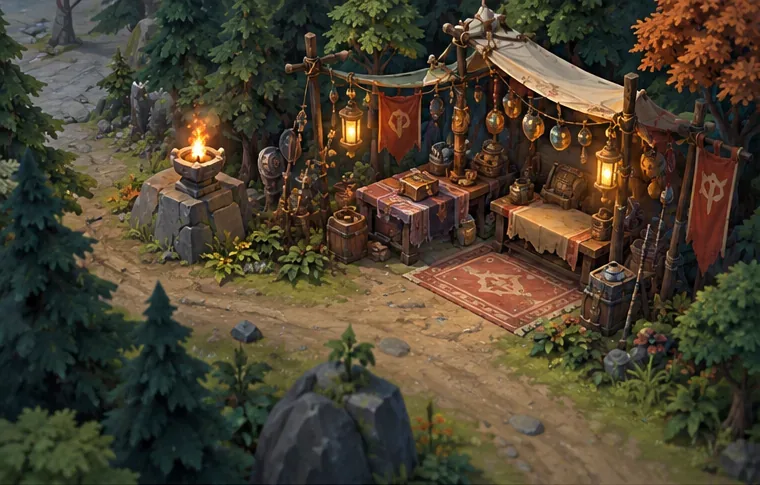
What the Secret Shop sells
The Secret Shop stocks individual components used in larger item builds. Examples include Demon Edge, Eaglesong, Hyperstone, Mystic Staff, Reaver, Sacred Relic, and Ultimate Orb. Smaller components can appear there as well. These are building blocks, not a promise that every part of a finished item comes from the same shop: an upgrade may combine a Secret Shop component with a Base Shop item or a recipe.
The roster, prices, and item recipes can change with gameplay patches. Treat the names above as examples rather than a complete shopping list. Before spending gold, open the current shop panel and check the item’s shop category and availability. The in-game list is the reliable source for the match you are playing; the official Dota 2 patch notes are useful for tracking changes between versions.
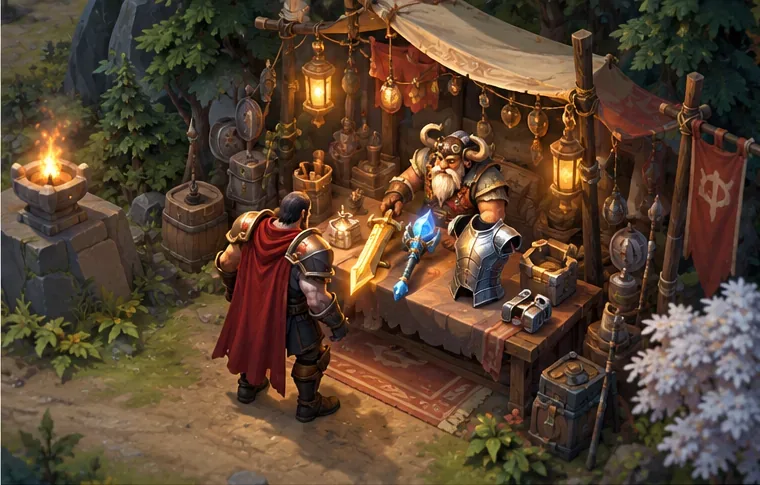
How to buy from the Secret Shop with your courier
If your hero is nearby, walk into the shop’s range and buy the item directly. If you want to stay in lane or keep farming, use your courier instead. The courier does not have to be selected when you make the purchase: Valve’s First Blood update notes state that a Secret Shop purchase can be made when the courier is at the shop. Follow this four-step sequence:
- Queue the component. Add the Secret Shop item or its needed component to Quick Buy so you can see when it is affordable.
- Send your courier to a shop. Use the courier’s “Go to Secret Shop” command or the relevant shop context menu. The courier needs to reach the purchase radius before the item becomes eligible.
- Buy after the courier arrives. Click the item or use your Quick Buy purchase hotkey. Quick Buy skips Secret Shop items while neither your hero nor your team courier is in range, as described in Valve’s Spring Cleaning update.
- Deliver the purchase. Check the courier’s inventory, then send it back to your hero. If you enabled automatic delivery, Dota can be configured to make a stop at the Secret Shop on the route; see Valve’s Spring Forward update.
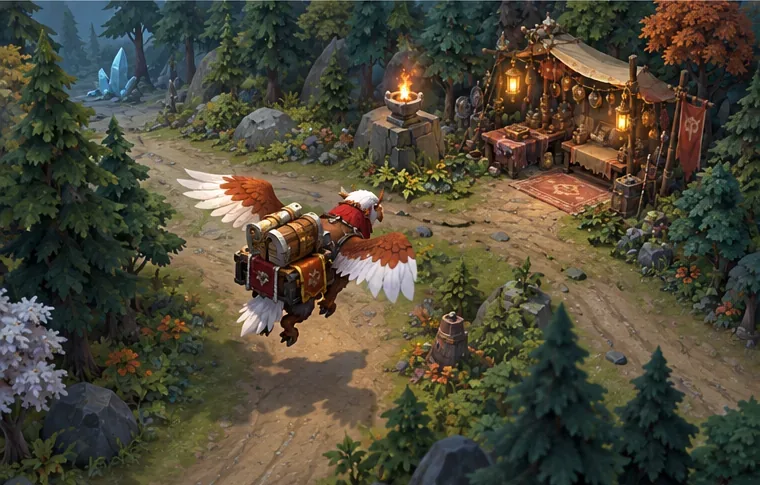
2026 courier note: Valve’s Summer Scrub 2026 notes say that Alt-casting “Go to Secret Shop” or Alt-clicking that context-menu command sends the courier to the enemy Secret Shop. Use the regular command for the usual route; use the alternate command deliberately and check the minimap, since the enemy-side path may be exposed.
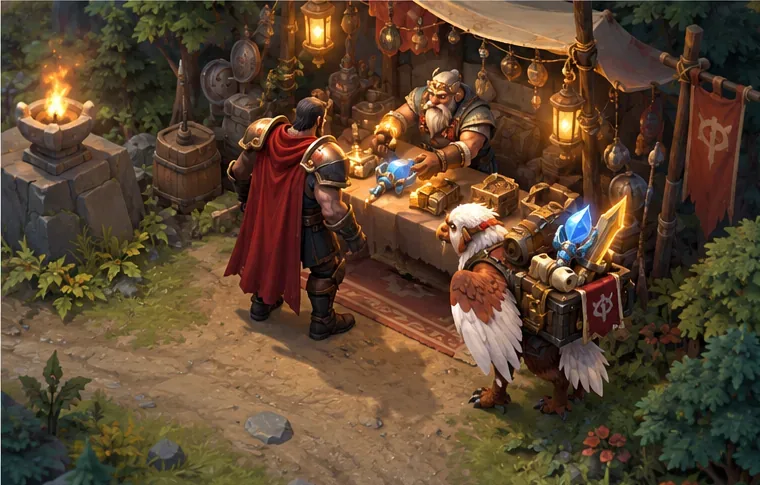
Quick Buy and common purchase problems
Quick Buy is a queue, not a way to bypass shop range. It helps you track a planned component and purchase the first eligible item when you have enough gold. If the Secret Shop part is unavailable, the queue may wait for your hero or courier to reach the shop. A red, dimmed, or otherwise unavailable state can also reflect insufficient gold or another item restriction, so check the item’s status instead of assuming every warning means the same thing.
- The item is visible but will not buy: Check your gold and whether your hero or team courier is inside the Secret Shop radius.
- The Quick Buy key buys a different component: The purchase hotkey selects the first eligible item in the queue. Review the order and put the intended component first.
- The item is missing after purchase: Check the courier’s inventory and your stash, then issue a delivery command. A Secret Shop item is not automatically placed in your hero’s inventory just because the shop was opened.
- The courier heads toward the wrong shop: Check whether you used the alternate command. Valve documents that Alt-cast sends it to the enemy Secret Shop.
- You cannot find the stall: Use the minimap shop marker or courier command. The lane-side location is a better guide than old screenshots because map paths and terrain can change.
Frequently asked questions
Can the enemy team use my Secret Shop?
Yes. Both Secret Shops are usable by players on either team. Choose the location with the safer route, not just the shorter one.
Can I buy Secret Shop items without sending a courier?
Yes, if your hero walks into the shop’s purchase radius. Otherwise, your team courier has to reach a Secret Shop before the purchase can be completed.
Can I buy the item remotely and pick it up later?
No. You can browse and queue the item away from the shop, but the hero or courier must be in range to buy a Secret Shop component.
Is the Dota 2 Secret Shop the same as The International merchandise store?
No. In this guide, “Secret Shop” means the in-game item vendor on the Dota 2 map. Valve also uses the name for event merchandise, which is a separate physical or online store.
Use the shop marker, then let the courier do the trip
Remember the essentials: there are two Secret Shops near the center of the map, either team can use either location, and Secret Shop components require a hero or team courier to be in range before purchase. Queue the part you need, route the courier carefully, confirm the item is aboard, and deliver it. Because item lists and map paths can change, use the live shop panel and minimap for the final check.
Sources: Valve Summer Scrub 2026, Valve First Blood update, Valve Spring Forward 2025, and the Dota 2 Secret Shop reference.









